
How to Use LEd strip: Examples, Pinouts, and Specs
 Design with LEd strip in Cirkit Designer
Introduction
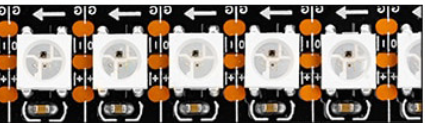
The WS2812B LED strip, manufactured by NeoPixel, is a flexible circuit board populated with individually addressable RGB LEDs. Each LED contains a built-in driver IC, allowing precise control of color and brightness. These strips are widely used for decorative lighting, signage, and functional lighting in various applications, including home automation, art installations, and DIY electronics projects.
Explore Projects Built with LEd strip
 Open Project in Cirkit Designer
 Open Project in Cirkit Designer
 Open Project in Cirkit Designer
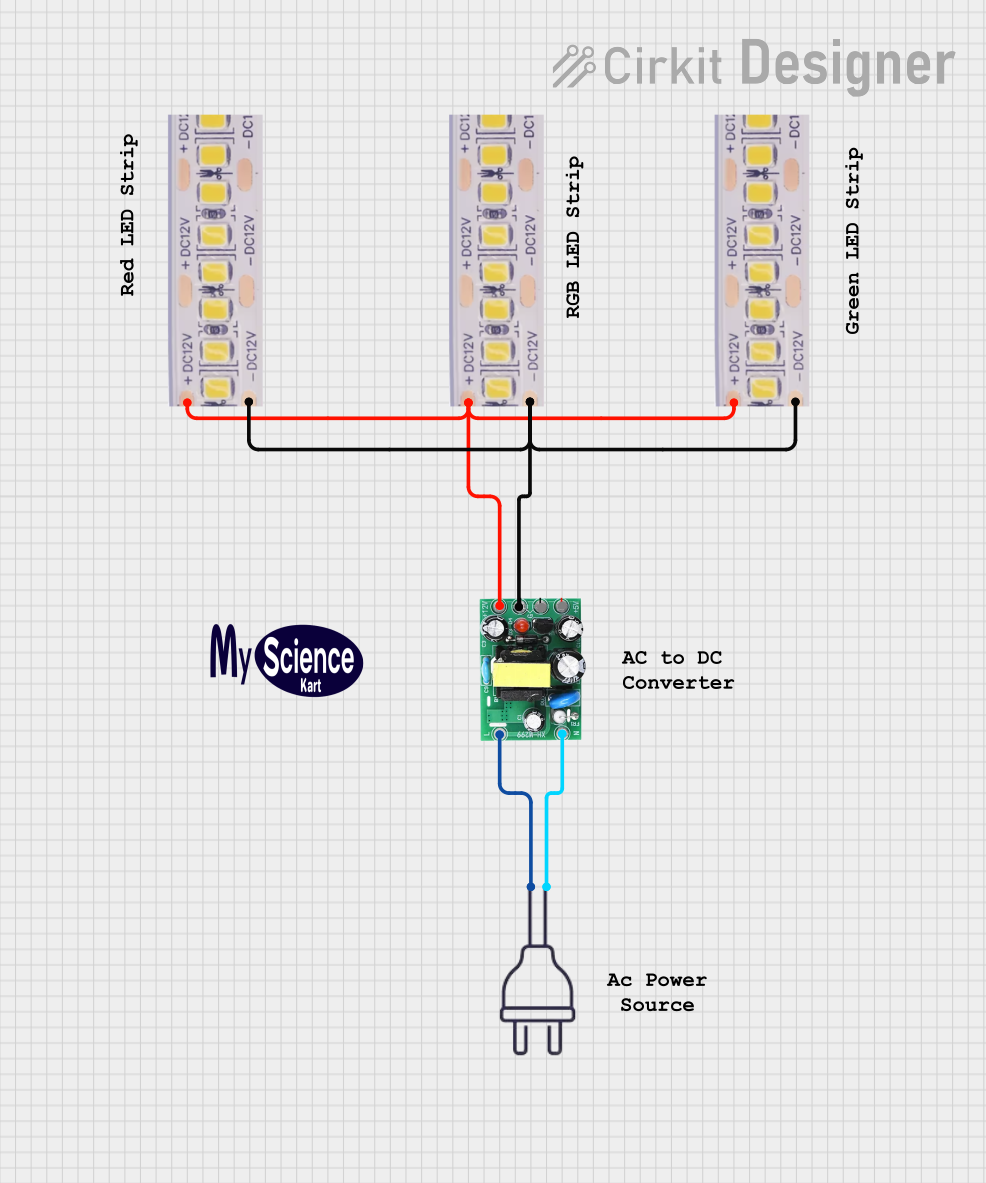 Open Project in Cirkit Designer
Explore Projects Built with LEd strip
Open Project in Cirkit DesignerOpen Project in Cirkit DesignerOpen Project in Cirkit DesignerOpen Project in Cirkit DesignerCommon Applications
- Decorative lighting for homes, offices, and events
- Dynamic lighting effects for gaming setups and PC builds
- Wearable electronics and costumes
- Signage and advertising displays
- Robotics and IoT projects
Technical Specifications
Key Technical Details
- Manufacturer Part ID: WS2812B
- Operating Voltage: 5V DC
- Current Consumption: ~60mA per LED at full brightness (all colors on)
- Communication Protocol: Single-wire serial
- LED Type: RGB (Red, Green, Blue)
- Pixel Density: Typically 30, 60, or 144 LEDs per meter
- Viewing Angle: ~120 degrees
- Operating Temperature: -25°C to +80°C
- Waterproofing: Available in IP20 (non-waterproof), IP65 (silicone coating), and IP67 (silicone tube)
Pin Configuration and Descriptions
The WS2812B LED strip typically has three pins for connection:
| Pin Name | Description | Notes |
|---|---|---|
| VCC | Power supply input (5V DC) | Connect to a stable 5V power source. |
| GND | Ground | Common ground for power and data. |
| DIN | Data input | Receives control signals from a microcontroller. |
For strips with multiple LEDs, the DOUT pin of one LED connects to the DIN pin of the next LED in the chain.
Usage Instructions
How to Use the WS2812B LED Strip in a Circuit
- Power Supply: Ensure you have a 5V DC power supply capable of providing sufficient current for the number of LEDs in your strip. For example, a 1-meter strip with 60 LEDs will require up to 3.6A at full brightness.
- Microcontroller: Use a microcontroller (e.g., Arduino UNO) to send data signals to the LED strip. The WS2812B uses a single-wire communication protocol, so only one data pin is required.
- Connections:
- Connect the VCC pin of the strip to the 5V output of the power supply.
- Connect the GND pin of the strip to the ground of both the power supply and the microcontroller.
- Connect the DIN pin of the strip to a digital output pin on the microcontroller (e.g., pin 6 on an Arduino UNO).
- Data Signal: Use a resistor (330–470 ohms) between the microcontroller's data pin and the strip's DIN pin to reduce noise. Additionally, a capacitor (e.g., 1000µF, 6.3V or higher) across the power supply terminals can help stabilize the voltage.
Example Code for Arduino UNO
Below is an example of how to control a WS2812B LED strip using the Adafruit NeoPixel library:
#include <Adafruit_NeoPixel.h>

// Define the pin connected to the DIN pin of the LED strip
#define LED_PIN 6

// Define the number of LEDs in the strip
#define NUM_LEDS 60

// Create a NeoPixel object
Adafruit_NeoPixel strip = Adafruit_NeoPixel(NUM_LEDS, LED_PIN, NEO_GRB + NEO_KHZ800);

void setup() {
  strip.begin(); // Initialize the LED strip
  strip.show();  // Turn off all LEDs initially
}

void loop() {
  // Example: Set all LEDs to red
  for (int i = 0; i < NUM_LEDS; i++) {
    strip.setPixelColor(i, strip.Color(255, 0, 0)); // Red color
  }
  strip.show(); // Update the strip to display the colors
  delay(1000);  // Wait for 1 second

  // Example: Turn off all LEDs
  for (int i = 0; i < NUM_LEDS; i++) {
    strip.setPixelColor(i, strip.Color(0, 0, 0)); // Turn off
  }
  strip.show(); // Update the strip to turn off the LEDs
  delay(1000);  // Wait for 1 second
}
Important Considerations
- Power Supply: Always use a power supply with sufficient current capacity. Undersized power supplies can cause flickering or dim LEDs.
- Signal Integrity: Keep the data line as short as possible to avoid signal degradation. For longer strips, consider using a level shifter to boost the data signal.
- Heat Management: At full brightness, the strip can generate significant heat. Ensure proper ventilation or heat dissipation if used for extended periods.
Troubleshooting and FAQs
Common Issues and Solutions
| Issue | Possible Cause | Solution |
|---|---|---|
| LEDs are not lighting up | Incorrect wiring or loose connections | Double-check all connections, especially power, ground, and data lines. |
| LEDs flicker or behave erratically | Insufficient power supply or noisy signal | Use a larger power supply and add a capacitor across the power terminals. |
| Only the first LED lights up | Data signal not reaching subsequent LEDs | Check the connection between the DOUT of one LED and the DIN of the next. |
| Colors are incorrect | Incorrect data format or library settings | Ensure the library is configured for the WS2812B (e.g., NEO_GRB + NEO_KHZ800). |
| LEDs overheat | Prolonged use at full brightness | Reduce brightness or ensure proper ventilation. |
FAQs
Can I cut the LED strip to a custom length?
- Yes, the WS2812B strip can be cut at designated points (usually marked with a scissor icon). Ensure you cut only at these points to avoid damaging the circuit.
How many LEDs can I control with one microcontroller?
- Theoretically, you can control hundreds of LEDs, but the refresh rate will decrease as the number of LEDs increases. For large setups, consider using multiple microcontrollers or splitting the strip into smaller sections.
Can I power the strip directly from the Arduino?
- No, the Arduino cannot supply enough current for the LED strip. Always use an external 5V power supply.
Is the WS2812B compatible with 3.3V microcontrollers?
- Yes, but you may need a level shifter to boost the 3.3V data signal to 5V for reliable operation.
By following this documentation, you can effectively integrate the WS2812B LED strip into your projects and create stunning lighting effects!