
How to Use Current Sensor: Examples, Pinouts, and Specs
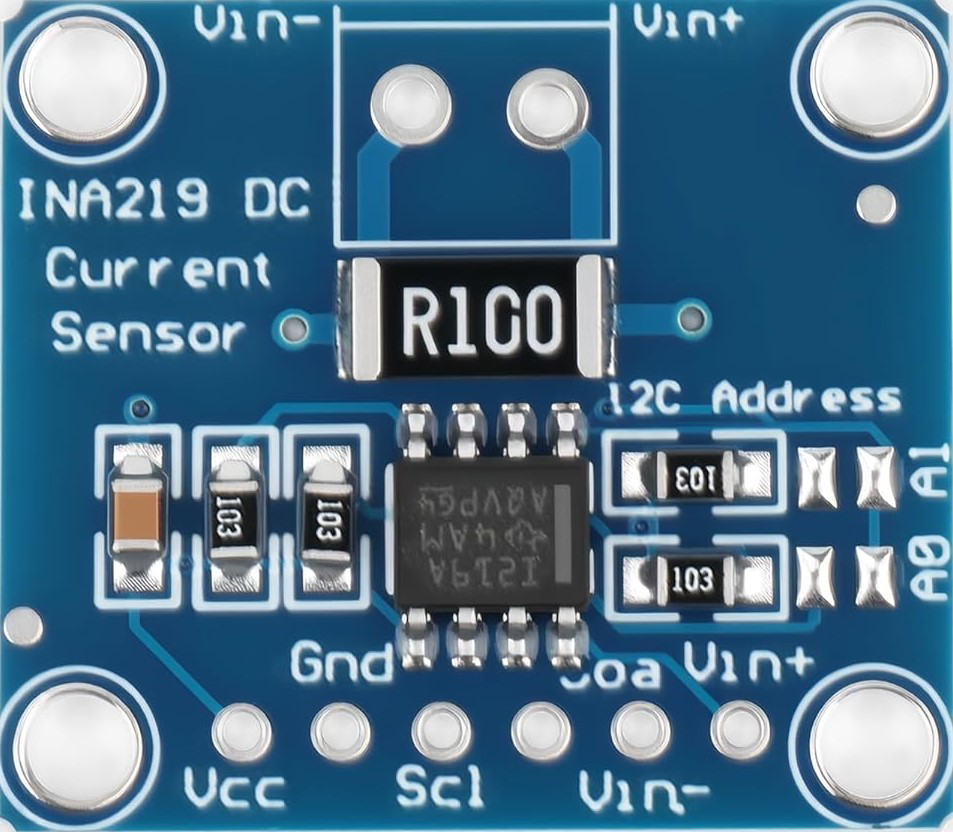
 Design with Current Sensor in Cirkit Designer
Introduction
A current sensor is a device that measures the flow of electric current in a circuit, typically providing an output signal proportional to the current level. These sensors are widely used in various applications, including power monitoring, motor control, battery management systems, and renewable energy systems. Current sensors are essential for ensuring the safe and efficient operation of electrical and electronic systems.
Common applications and use cases:
- Monitoring current in power supply circuits
- Overcurrent protection in electrical systems
- Measuring current in motor drives and inverters
- Battery charge and discharge monitoring
- Energy metering in renewable energy systems (e.g., solar panels)
Explore Projects Built with Current Sensor
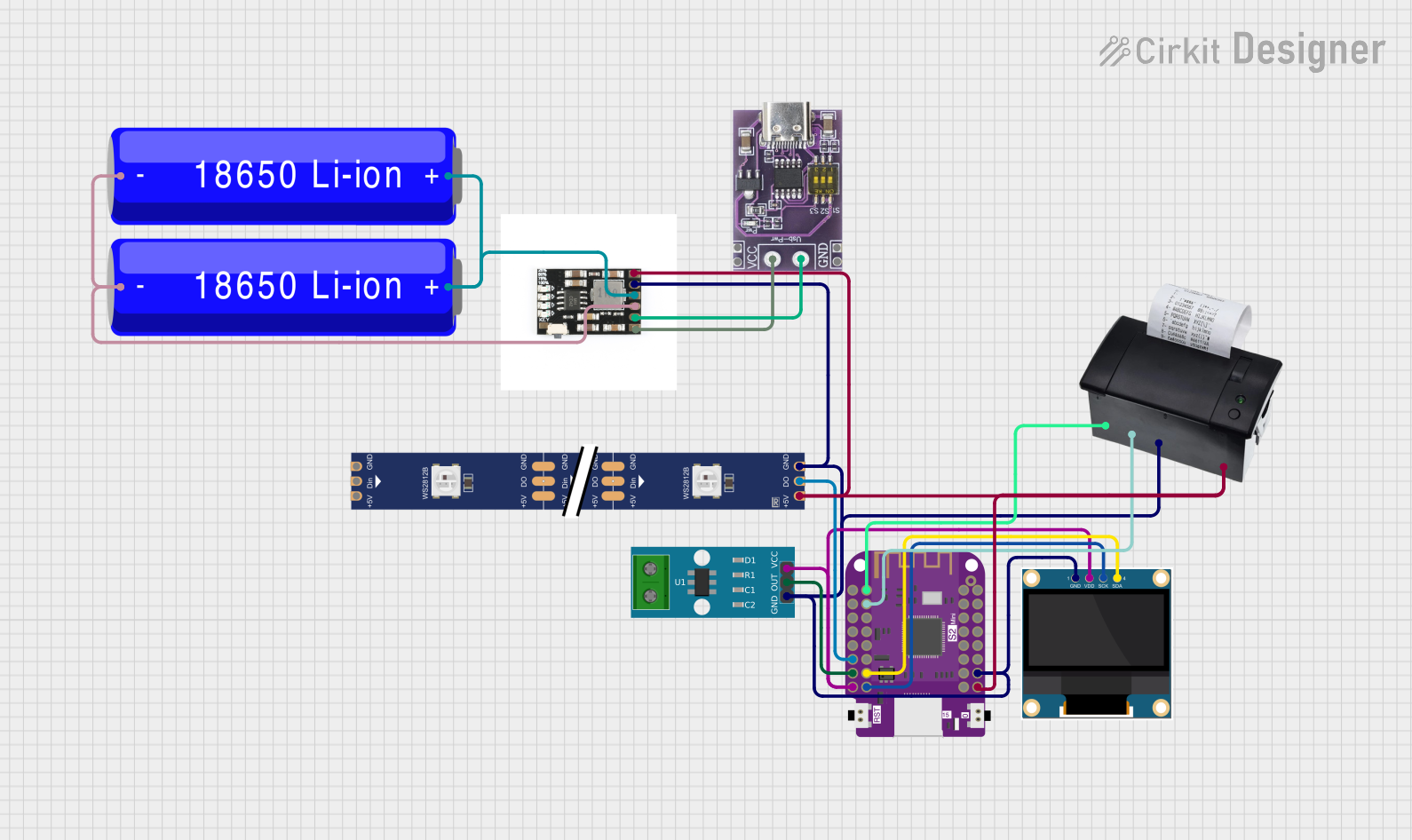 Open Project in Cirkit Designer
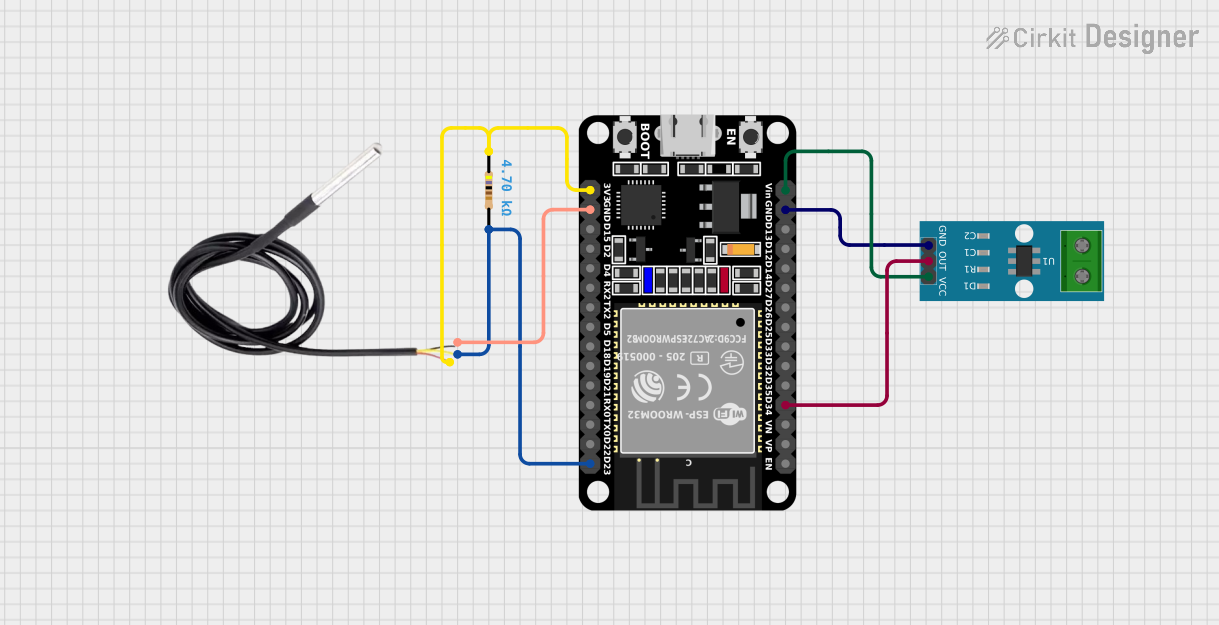 Open Project in Cirkit Designer
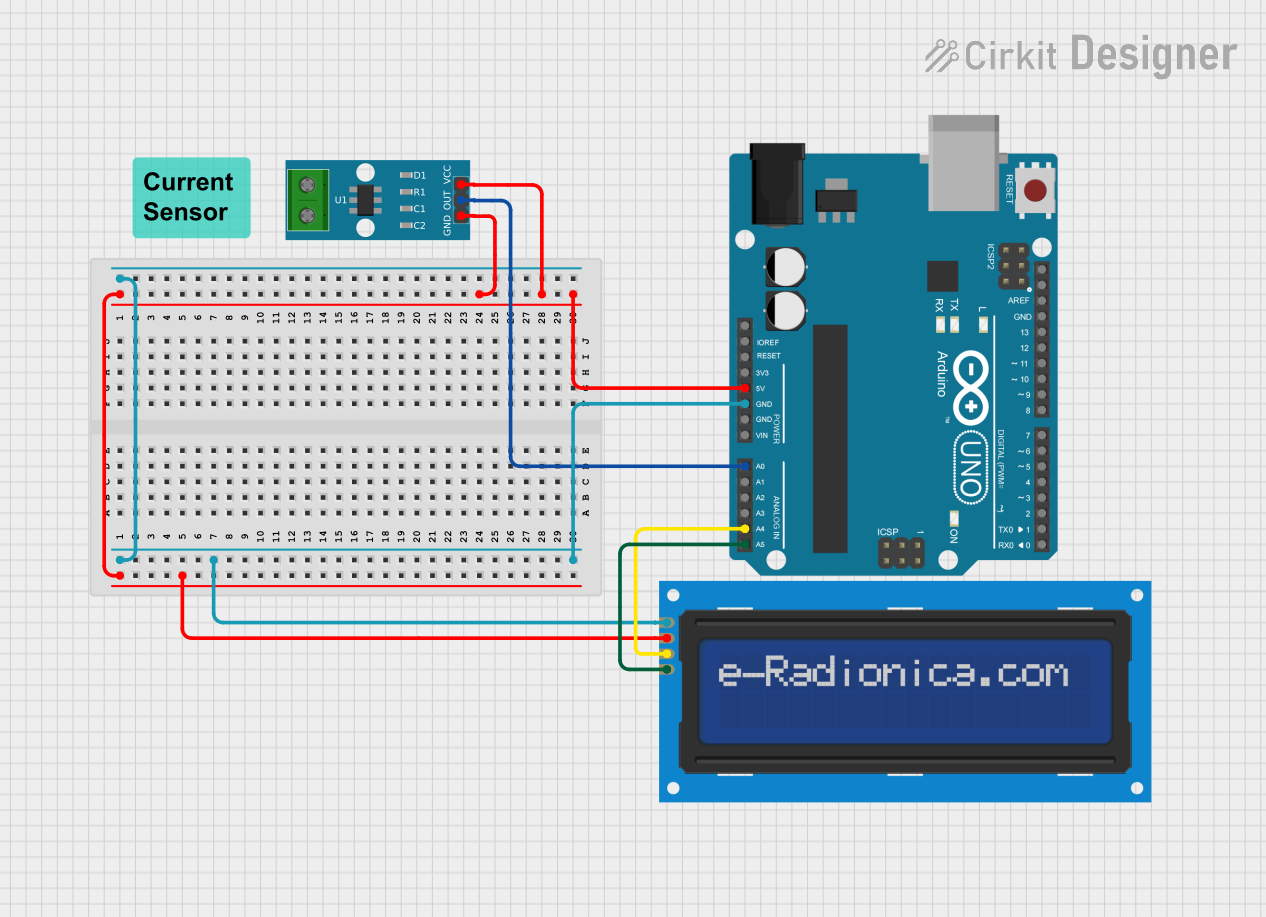 Open Project in Cirkit Designer
 Open Project in Cirkit Designer
Explore Projects Built with Current Sensor
Open Project in Cirkit DesignerOpen Project in Cirkit DesignerOpen Project in Cirkit DesignerOpen Project in Cirkit DesignerTechnical Specifications
The technical specifications of a current sensor can vary depending on the specific model and type. Below is an example of a typical Hall-effect-based current sensor:
| Parameter | Value |
|---|---|
| Measurement Range | ±30 A |
| Supply Voltage (Vcc) | 5 V DC |
| Output Voltage Range | 0.5 V to 4.5 V |
| Sensitivity | 66 mV/A |
| Accuracy | ±1% of full-scale reading |
| Response Time | < 5 µs |
| Operating Temperature | -40°C to +85°C |
| Isolation Voltage | 2.1 kV RMS |
Pin Configuration and Descriptions
Below is the pin configuration for a typical 5-pin current sensor module:
| Pin | Name | Description |
|---|---|---|
| 1 | Vcc | Power supply input (typically 5 V DC) |
| 2 | GND | Ground connection |
| 3 | Vout | Analog output voltage proportional to the current |
| 4 | NC (Not Connected) | No connection (reserved for future use) |
| 5 | Filter | Optional pin for connecting a capacitor to filter noise |
Usage Instructions
How to Use the Component in a Circuit
- Power the Sensor: Connect the
Vccpin to a 5 V DC power supply and theGNDpin to the ground of your circuit. - Connect the Load: Pass the wire carrying the current to be measured through the sensor's sensing region (e.g., a Hall-effect sensor loop or shunt resistor).
- Read the Output: Connect the
Voutpin to an analog input pin of a microcontroller or an ADC (Analog-to-Digital Converter) to read the voltage proportional to the current. - Optional Filtering: If noise is present in the output signal, connect a capacitor (e.g., 0.1 µF) between the
Filterpin andGNDto smooth the signal.
Important Considerations and Best Practices
- Ensure the current being measured does not exceed the sensor's maximum rating to avoid damage.
- Use proper isolation techniques if measuring high currents or working with high-voltage circuits.
- Place the sensor away from strong magnetic fields to prevent interference with the measurement.
- Calibrate the sensor if high accuracy is required for your application.
- Use shielded cables for the output signal to minimize noise in sensitive environments.
Example: Connecting to an Arduino UNO
Below is an example of how to use a current sensor with an Arduino UNO to measure current and display the value on the Serial Monitor.
// Example code for interfacing a current sensor with Arduino UNO
// Assumes a sensor with 66 mV/A sensitivity and 2.5 V zero-current offset

const int sensorPin = A0;  // Analog pin connected to the sensor's Vout
const float sensitivity = 0.066;  // Sensor sensitivity in V/A (66 mV/A)
const float zeroCurrentOffset = 2.5;  // Zero-current output voltage in volts

void setup() {
  Serial.begin(9600);  // Initialize Serial Monitor at 9600 baud
}

void loop() {
  int sensorValue = analogRead(sensorPin);  // Read the analog value (0-1023)
  float voltage = sensorValue * (5.0 / 1023.0);  // Convert to voltage (0-5 V)
  float current = (voltage - zeroCurrentOffset) / sensitivity;
  // Calculate current in amps

  Serial.print("Current: ");
  Serial.print(current, 2);  // Print current with 2 decimal places
  Serial.println(" A");  // Append unit (Amps)

  delay(1000);  // Wait 1 second before next reading
}
Troubleshooting and FAQs
Common Issues Users Might Face
No Output Signal:
- Ensure the sensor is powered correctly (check
VccandGNDconnections). - Verify that the current being measured is within the sensor's range.
- Ensure the sensor is powered correctly (check
Inaccurate Readings:
- Check for noise in the output signal and add a filter capacitor if necessary.
- Ensure the sensor is properly calibrated for your application.
- Verify that the wire carrying the current is correctly positioned in the sensing region.
Output Voltage Stuck at Zero:
- Confirm that the load is drawing current.
- Inspect the connections for loose or broken wires.
Solutions and Tips for Troubleshooting
- Use a multimeter to verify the sensor's output voltage and compare it with expected values.
- If using an Arduino, ensure the analog pin is functioning correctly by testing it with a known voltage source.
- For Hall-effect sensors, avoid placing them near strong magnetic fields or ferromagnetic materials that could distort the measurement.
By following these guidelines and best practices, you can effectively use a current sensor in your projects and ensure accurate and reliable current measurements.