
How to Use USB to RS485 FT232RL: Examples, Pinouts, and Specs
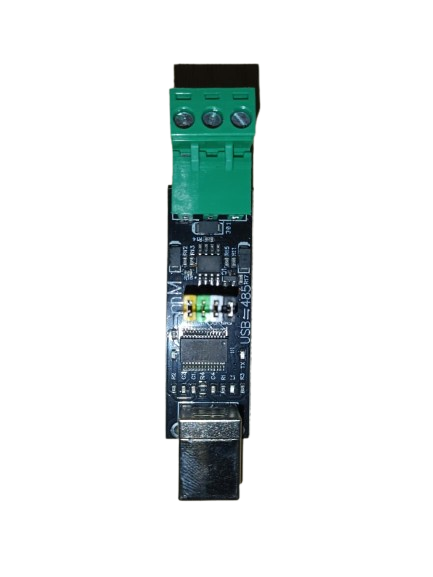
 Design with USB to RS485 FT232RL in Cirkit Designer
Introduction
The USB to RS485 FT232RL is a versatile converter module that bridges USB devices and RS485 networks. It is built around the FT232RL chip, which provides reliable and high-speed serial communication. Supporting data rates of up to 3 Mbps, this module is widely used in industrial automation, control systems, and other applications requiring robust and long-distance serial communication.
Explore Projects Built with USB to RS485 FT232RL
 Open Project in Cirkit Designer
 Open Project in Cirkit Designer
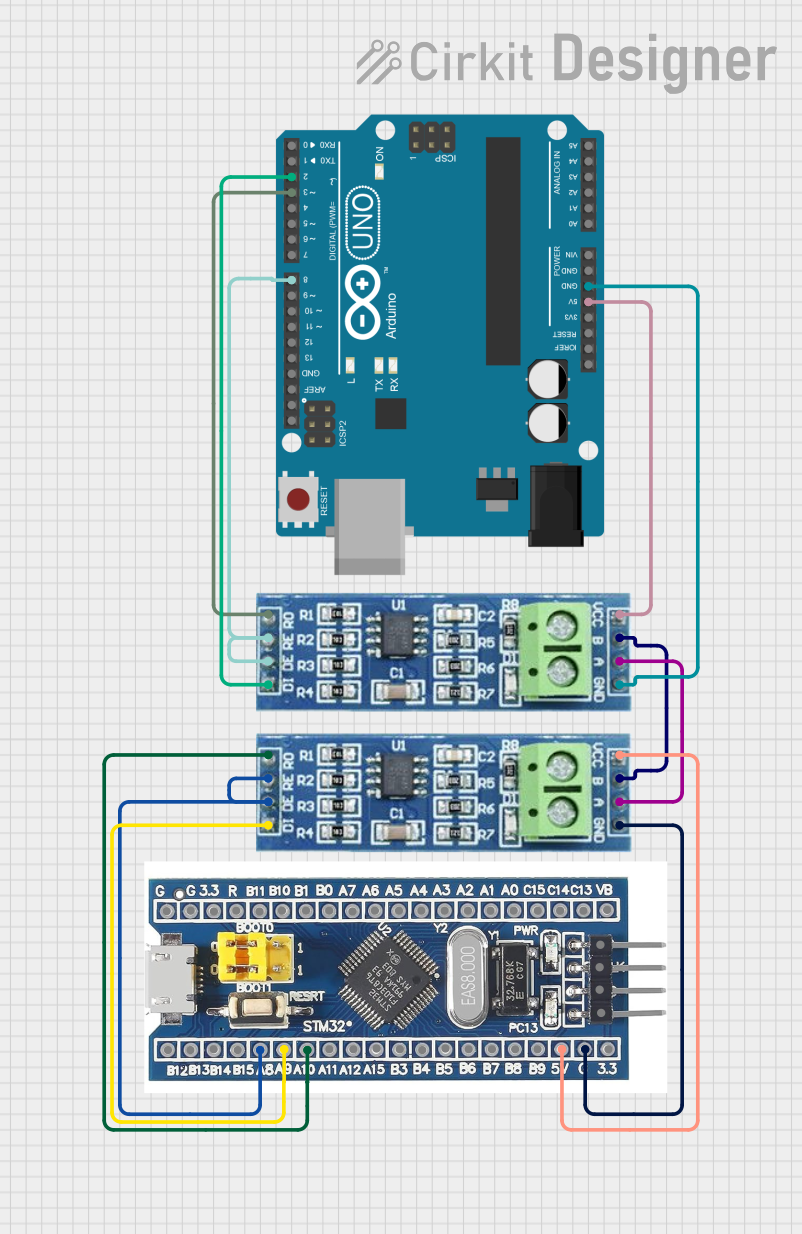 Open Project in Cirkit Designer
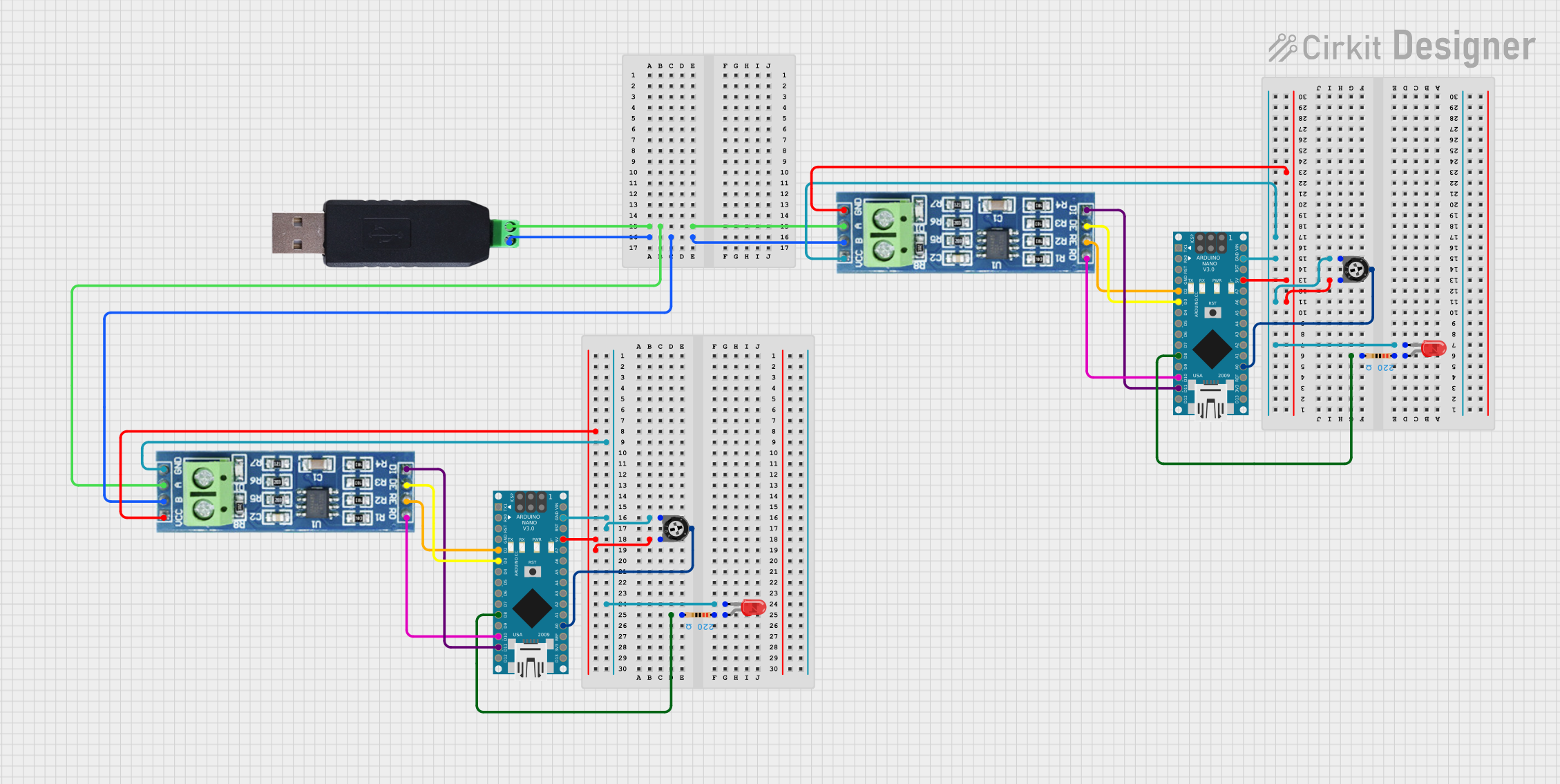 Open Project in Cirkit Designer
Explore Projects Built with USB to RS485 FT232RL
Open Project in Cirkit DesignerOpen Project in Cirkit DesignerOpen Project in Cirkit DesignerOpen Project in Cirkit DesignerCommon Applications
- Industrial automation and control systems
- Building management systems (BMS)
- Serial communication with PLCs, sensors, and actuators
- Data acquisition systems
- Home automation and IoT devices
Technical Specifications
Below are the key technical details of the USB to RS485 FT232RL module:
| Parameter | Specification |
|---|---|
| Chipset | FT232RL |
| Communication Protocol | RS485 |
| USB Interface | USB 2.0 (compatible with USB 1.1/3.0) |
| Data Rate | Up to 3 Mbps |
| Operating Voltage | 5V (via USB) |
| RS485 Signal Voltage | -7V to +12V |
| Operating Temperature | -40°C to +85°C |
| Dimensions | Varies by module (typically compact) |
Pin Configuration and Descriptions
The USB to RS485 FT232RL module typically has the following pinouts:
| Pin Name | Description |
|---|---|
| GND | Ground connection |
| A (D+) | RS485 differential signal (non-inverting) |
| B (D-) | RS485 differential signal (inverting) |
| 5V | Power supply (provided via USB) |
| TXD | Transmit data (handled internally by the FT232RL chip) |
| RXD | Receive data (handled internally by the FT232RL chip) |
| DE/RE | Driver Enable/Receiver Enable (automatically managed by the FT232RL chip) |
Usage Instructions
How to Use the USB to RS485 FT232RL in a Circuit
- Connect the USB Interface: Plug the module into a USB port on your computer or host device. Ensure the necessary FTDI drivers are installed (available from FTDI's official website).
- Connect RS485 Devices:
- Connect the
A (D+)pin of the module to theAterminal of the RS485 device. - Connect the
B (D-)pin of the module to theBterminal of the RS485 device. - Connect the
GNDpin of the module to the ground of the RS485 network.
- Connect the
- Power Supply: The module is powered directly via the USB connection, so no external power supply is required.
- Driver Installation: Install the FT232RL drivers on your computer. These drivers create a virtual COM port for communication.
- Communication: Use a terminal program (e.g., PuTTY, RealTerm) or custom software to send and receive data over the RS485 network.
Important Considerations
- Termination Resistor: For long-distance communication, ensure a 120-ohm termination resistor is placed across the
AandBlines at both ends of the RS485 network. - Grounding: Proper grounding is essential to avoid communication errors or damage to the module.
- Baud Rate: Configure the baud rate in your software to match the RS485 device's settings.
- Automatic Flow Control: The FT232RL chip automatically manages the DE/RE signals, simplifying RS485 communication.
Example: Connecting to an Arduino UNO
The USB to RS485 FT232RL can be used to communicate between an Arduino UNO and an RS485 device. Below is an example Arduino sketch:
#include <SoftwareSerial.h>

// Define RX and TX pins for SoftwareSerial
SoftwareSerial RS485Serial(10, 11); // RX = pin 10, TX = pin 11

void setup() {
  Serial.begin(9600); // Initialize USB serial communication
  RS485Serial.begin(9600); // Initialize RS485 communication

  Serial.println("RS485 Communication Initialized");
}

void loop() {
  // Send data to RS485 device
  RS485Serial.println("Hello RS485 Device!");

  // Check if data is available from RS485 device
  if (RS485Serial.available()) {
    String receivedData = RS485Serial.readString();
    Serial.print("Received: ");
    Serial.println(receivedData);
  }

  delay(1000); // Wait 1 second before sending the next message
}
Notes:
- Replace
10and11with the actual pins used for RX and TX on your Arduino. - Ensure the baud rate (
9600in this example) matches the RS485 device's settings.
Troubleshooting and FAQs
Common Issues and Solutions
No Communication with RS485 Device:
- Verify the
AandBconnections. Swapping these lines may resolve the issue. - Check if the RS485 device is powered and properly configured.
- Verify the
Driver Not Recognized:
- Ensure the FT232RL drivers are installed. Download the latest drivers from FTDI's official website.
- Try a different USB cable or port.
Data Corruption or Noise:
- Use a 120-ohm termination resistor across the
AandBlines. - Ensure proper grounding of all devices in the RS485 network.
- Use a 120-ohm termination resistor across the
Module Overheating:
- Check for short circuits or excessive current draw on the RS485 network.
FAQs
Q: Can I use this module with a Raspberry Pi?
A: Yes, the USB to RS485 FT232RL module is compatible with Raspberry Pi. Simply connect it to a USB port and install the FTDI drivers.
Q: What is the maximum cable length for RS485 communication?
A: RS485 supports cable lengths of up to 1200 meters (4000 feet) at lower baud rates. For higher baud rates, shorter cable lengths are recommended.
Q: Does the module support half-duplex communication?
A: Yes, RS485 is inherently a half-duplex protocol, and the FT232RL chip manages the DE/RE signals automatically.
Q: Can I connect multiple devices to the RS485 network?
A: Yes, RS485 supports multi-drop communication with up to 32 devices on the same network.
By following this documentation, you can effectively use the USB to RS485 FT232RL module in your projects.