
How to Use 2 digit seven segment display: Examples, Pinouts, and Specs
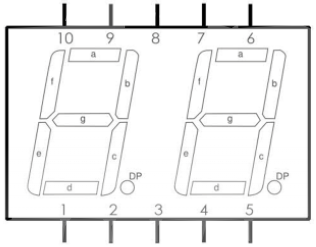
 Design with 2 digit seven segment display in Cirkit Designer
Introduction
The 2-Digit Seven Segment Display (Manufacturer: Youssef Sfeihi, Part ID: 2digit) is a display device designed to visually represent numerical information. It consists of two sets of seven LED segments arranged to form digits, with each segment capable of being individually controlled to display numbers from 0 to 9. This component is widely used in electronic devices for numerical displays, such as clocks, counters, and measurement instruments.
Explore Projects Built with 2 digit seven segment display
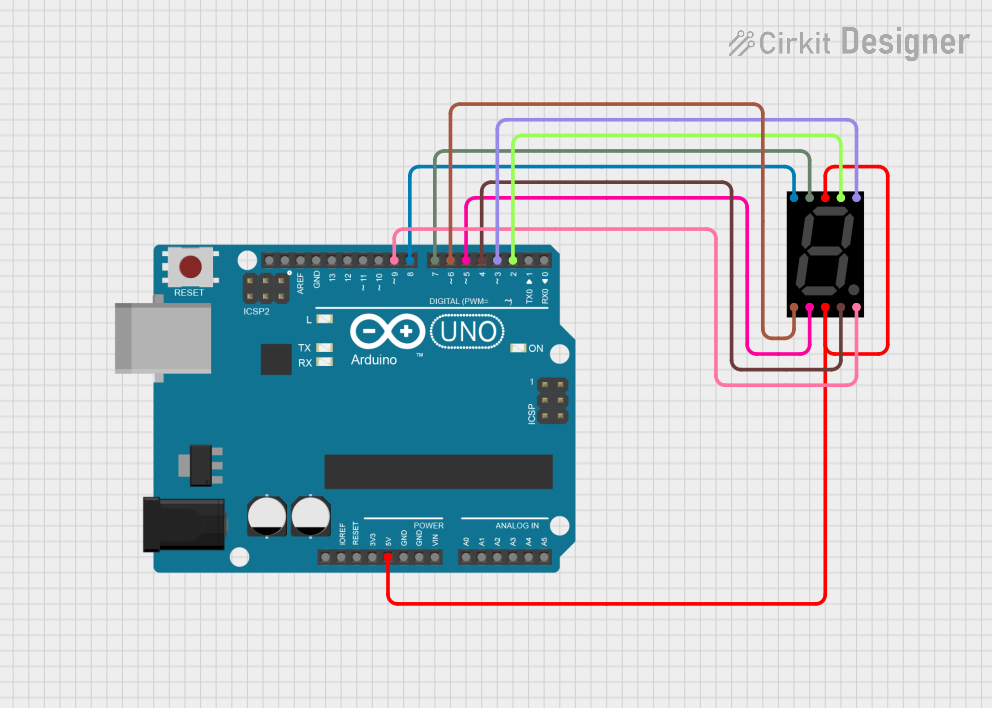 Open Project in Cirkit Designer
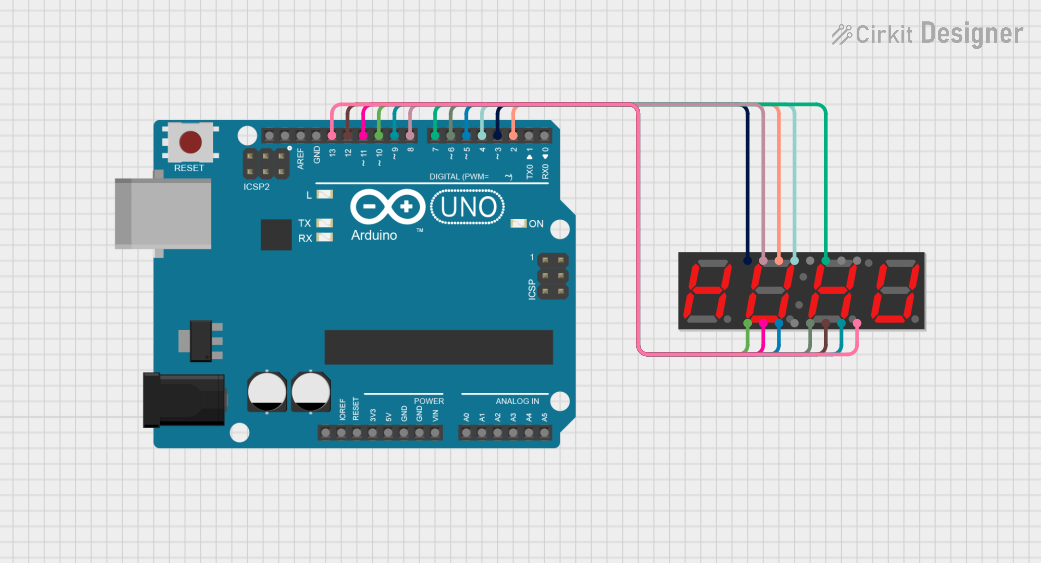 Open Project in Cirkit Designer
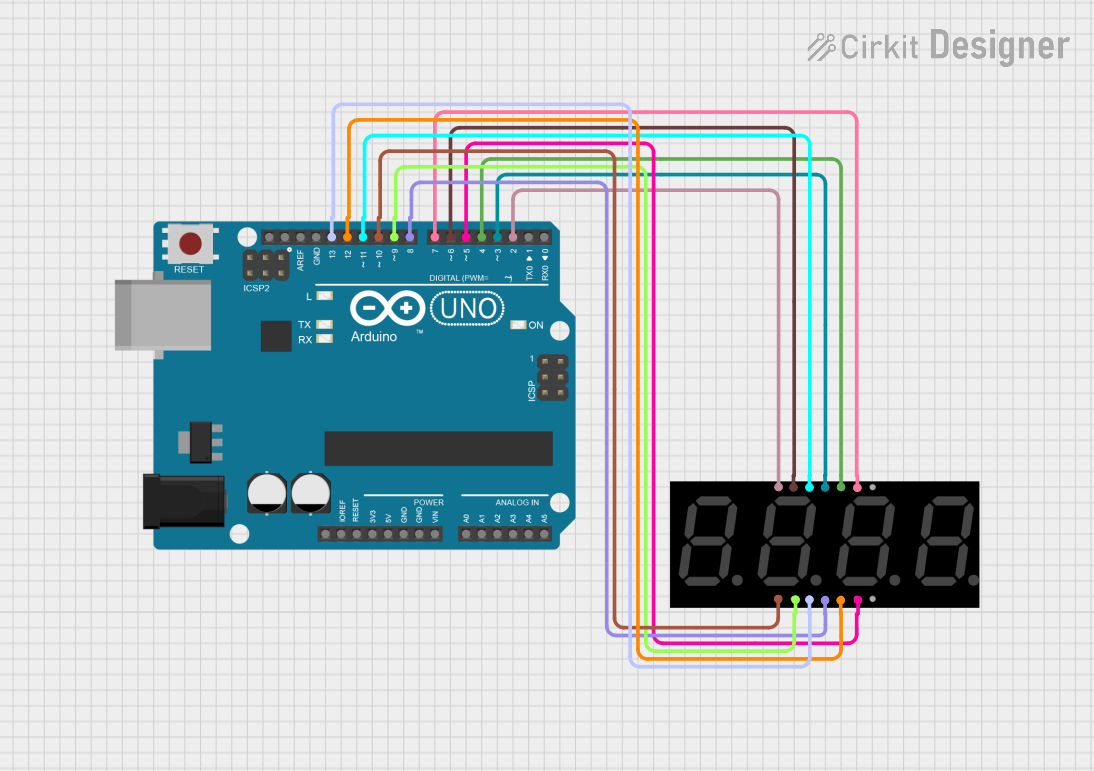 Open Project in Cirkit Designer
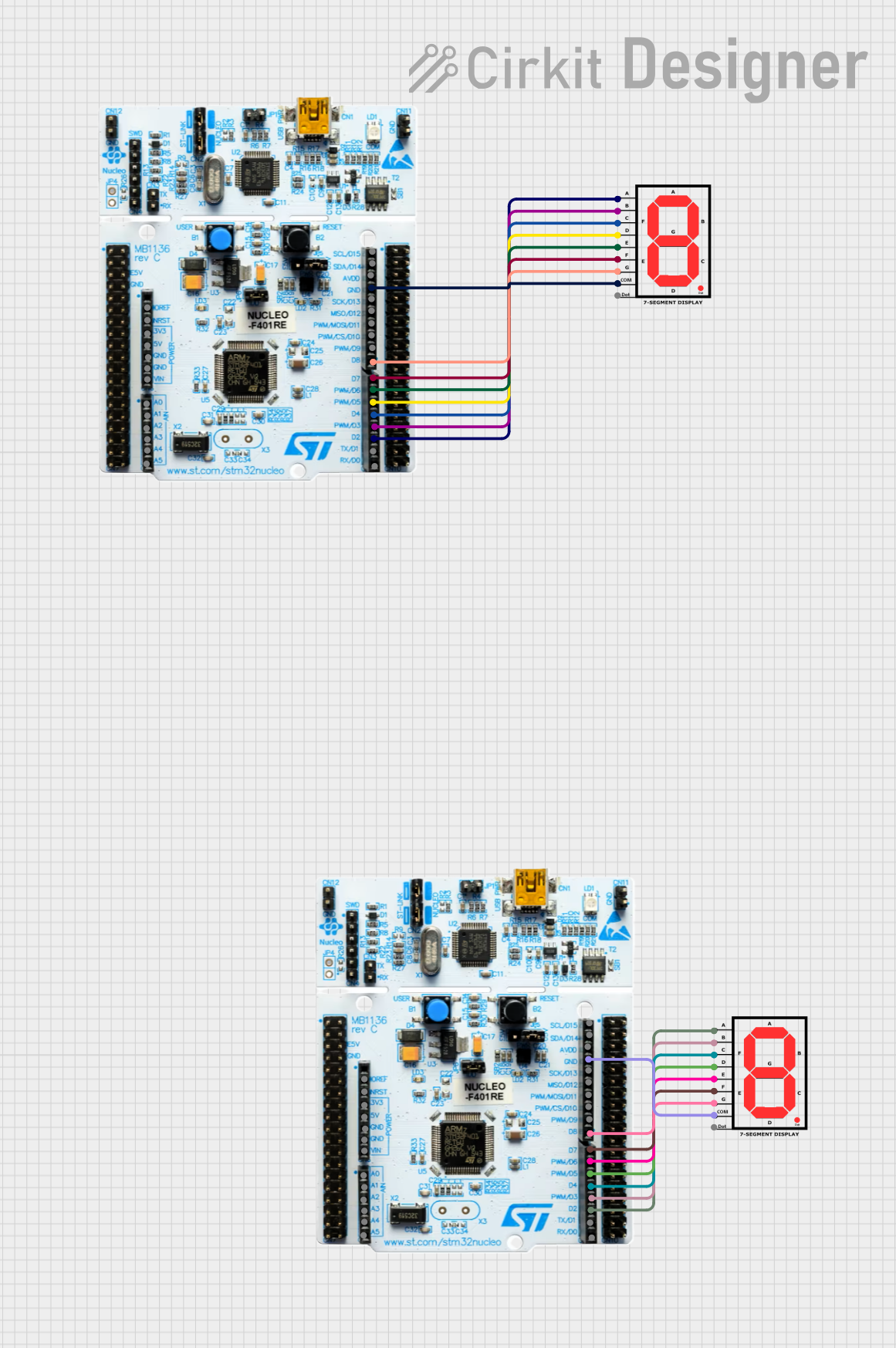 Open Project in Cirkit Designer
Explore Projects Built with 2 digit seven segment display
Open Project in Cirkit DesignerOpen Project in Cirkit DesignerOpen Project in Cirkit DesignerOpen Project in Cirkit DesignerCommon Applications
- Digital clocks and timers
- Electronic counters
- Temperature and voltage displays
- Consumer electronics (e.g., microwave ovens, calculators)
Technical Specifications
Key Technical Details
| Parameter | Value |
|---|---|
| Manufacturer | Youssef Sfeihi |
| Part ID | 2digit |
| Operating Voltage | 3V to 5V |
| Forward Current (per segment) | 10mA to 20mA |
| Power Consumption | ~140mW (at 5V, all segments on) |
| Display Type | Common Cathode or Common Anode |
| Number of Digits | 2 |
| Segment Color | Red (standard) |
| Operating Temperature | -20°C to +70°C |
Pin Configuration and Descriptions
The 2-Digit Seven Segment Display typically has 12 pins. The pin configuration depends on whether the display is a Common Cathode or Common Anode type. Below is the general pinout:
| Pin Number | Description |
|---|---|
| 1 | Segment E (Digit 1) |
| 2 | Segment D (Digit 1) |
| 3 | Common Cathode/Anode (Digit 1) |
| 4 | Segment C (Digit 1) |
| 5 | Segment G (Digit 1) |
| 6 | Segment B (Digit 1) |
| 7 | Segment A (Digit 1) |
| 8 | Segment F (Digit 1) |
| 9 | Segment E (Digit 2) |
| 10 | Segment D (Digit 2) |
| 11 | Common Cathode/Anode (Digit 2) |
| 12 | Segment C (Digit 2) |
Note: The exact pinout may vary slightly depending on the manufacturer. Always refer to the datasheet for precise details.
Usage Instructions
How to Use the Component in a Circuit
- Determine the Type: Identify whether your display is a Common Cathode or Common Anode type. This will affect how you connect the power supply and control signals.
- For Common Cathode, connect the cathode pins (3 and 11) to ground.
- For Common Anode, connect the anode pins (3 and 11) to the positive voltage supply.
- Connect Current-Limiting Resistors: To prevent damage to the LEDs, connect a resistor (typically 220Ω to 1kΩ) in series with each segment pin.
- Control the Segments: Use a microcontroller (e.g., Arduino UNO) or a driver IC (e.g., 74HC595 shift register) to control the segments. Each segment is turned on by applying the appropriate voltage.
Example Circuit with Arduino UNO
Below is an example of how to connect and control a Common Cathode 2-digit seven segment display using an Arduino UNO.
Circuit Connections
- Connect the cathode pins (3 and 11) to GND.
- Connect segment pins (A, B, C, D, E, F, G) to Arduino digital pins via 220Ω resistors.
- Use additional digital pins to control digit selection.
Arduino Code Example
// Arduino code to display numbers on a 2-digit seven segment display
// Common Cathode type

// Define segment pins for Digit 1
const int segA = 2;
const int segB = 3;
const int segC = 4;
const int segD = 5;
const int segE = 6;
const int segF = 7;
const int segG = 8;

// Define digit select pins
const int digit1 = 9;
const int digit2 = 10;

// Segment patterns for digits 0-9 (Common Cathode)
const byte digitPatterns[10] = {
  0b00111111, // 0
  0b00000110, // 1
  0b01011011, // 2
  0b01001111, // 3
  0b01100110, // 4
  0b01101101, // 5
  0b01111101, // 6
  0b00000111, // 7
  0b01111111, // 8
  0b01101111  // 9
};

void setup() {
  // Set segment pins as outputs
  for (int i = segA; i <= segG; i++) {
    pinMode(i, OUTPUT);
  }
  // Set digit select pins as outputs
  pinMode(digit1, OUTPUT);
  pinMode(digit2, OUTPUT);
}

void loop() {
  displayNumber(42); // Example: Display the number 42
  delay(1000);       // Wait for 1 second
}

// Function to display a 2-digit number
void displayNumber(int number) {
  int tens = number / 10;  // Extract tens digit
  int ones = number % 10;  // Extract ones digit

  // Display tens digit
  digitalWrite(digit1, LOW);  // Enable Digit 1
  digitalWrite(digit2, HIGH); // Disable Digit 2
  setSegments(digitPatterns[tens]);
  delay(5); // Small delay for persistence of vision

  // Display ones digit
  digitalWrite(digit1, HIGH); // Disable Digit 1
  digitalWrite(digit2, LOW);  // Enable Digit 2
  setSegments(digitPatterns[ones]);
  delay(5); // Small delay for persistence of vision
}

// Function to set segment states
void setSegments(byte pattern) {
  for (int i = 0; i < 7; i++) {
    digitalWrite(segA + i, (pattern >> i) & 0x01);
  }
}
Important Considerations
- Power Supply: Ensure the power supply voltage matches the display's operating voltage.
- Resistors: Always use current-limiting resistors to protect the LEDs.
- Refresh Rate: For multi-digit displays, use multiplexing with a refresh rate of at least 50Hz to avoid flickering.
Troubleshooting and FAQs
Common Issues
- Segments Not Lighting Up:
- Check the connections and ensure the correct pins are connected.
- Verify that the current-limiting resistors are not too high.
- Flickering Display:
- Increase the refresh rate in your code.
- Ensure proper grounding and stable power supply.
- Incorrect Digits Displayed:
- Verify the segment patterns in your code.
- Double-check the wiring for each segment.
FAQs
Q: Can I use this display with a 3.3V microcontroller?
A: Yes, but ensure the forward voltage of the LEDs is compatible, and adjust the resistors accordingly.
Q: How many digits can I control with an Arduino UNO?
A: Using multiplexing, you can control up to 4 digits directly. For more digits, consider using a driver IC like MAX7219.
Q: Can I use this display for alphanumeric characters?
A: This display is primarily designed for numerical digits, but some simple letters (e.g., "A", "b", "C") can be displayed with creative segment control.