
How to Use AGR12压力传感器(IIC): Examples, Pinouts, and Specs
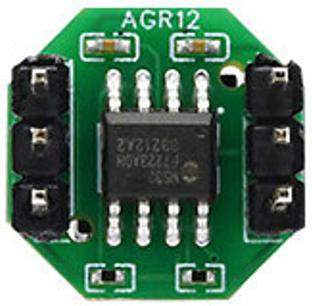
 Design with AGR12压力传感器(IIC) in Cirkit Designer
Introduction
The AGR12压力传感器 (IIC), manufactured by 奥松, is a high-precision digital pressure sensor designed for a wide range of applications. It communicates using the I2C interface, making it easy to integrate into microcontroller-based systems. The sensor is ideal for applications requiring accurate pressure measurements, such as industrial automation, weather monitoring, medical devices, and consumer electronics.
Explore Projects Built with AGR12压力传感器(IIC)
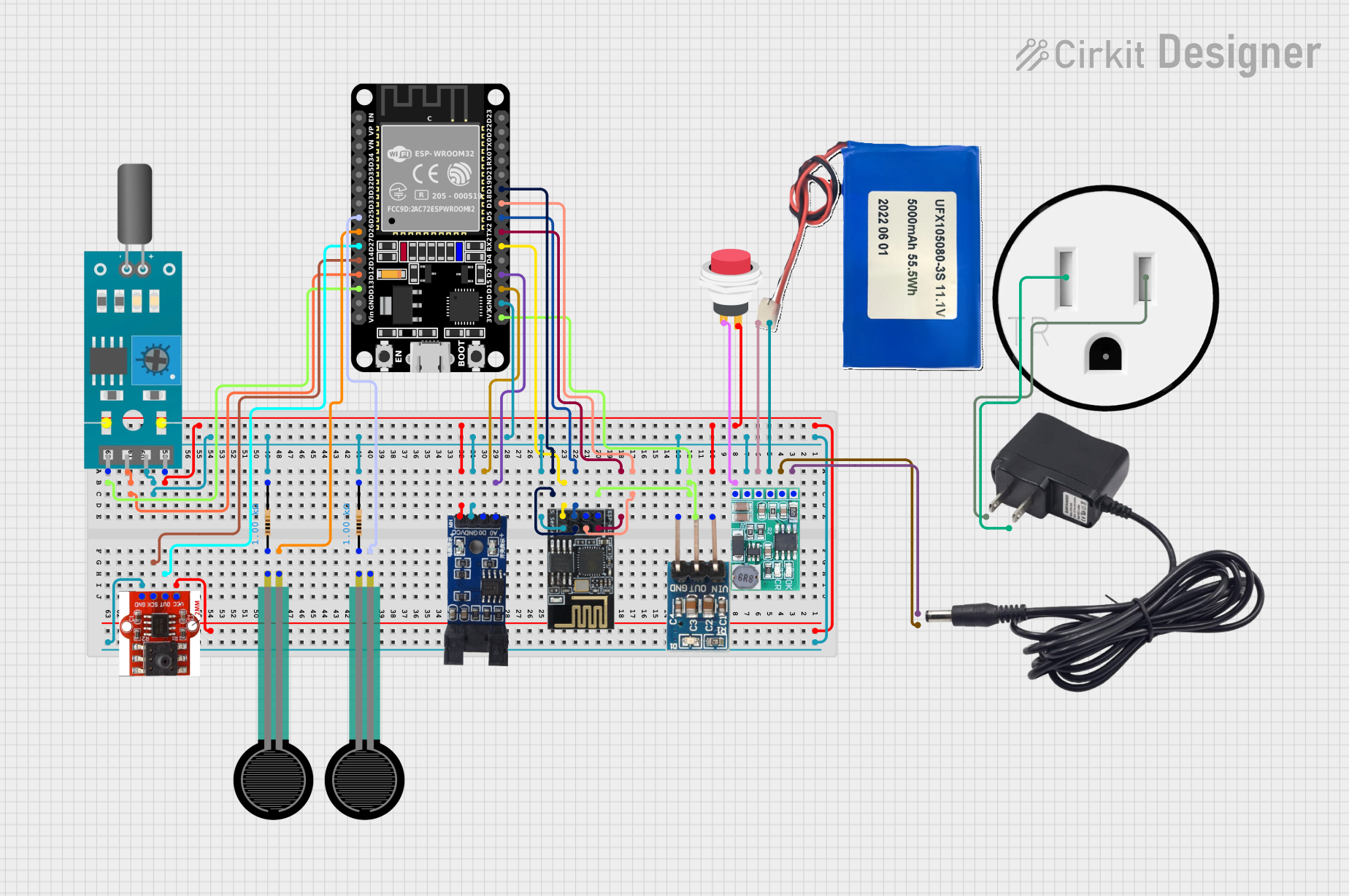 Open Project in Cirkit Designer
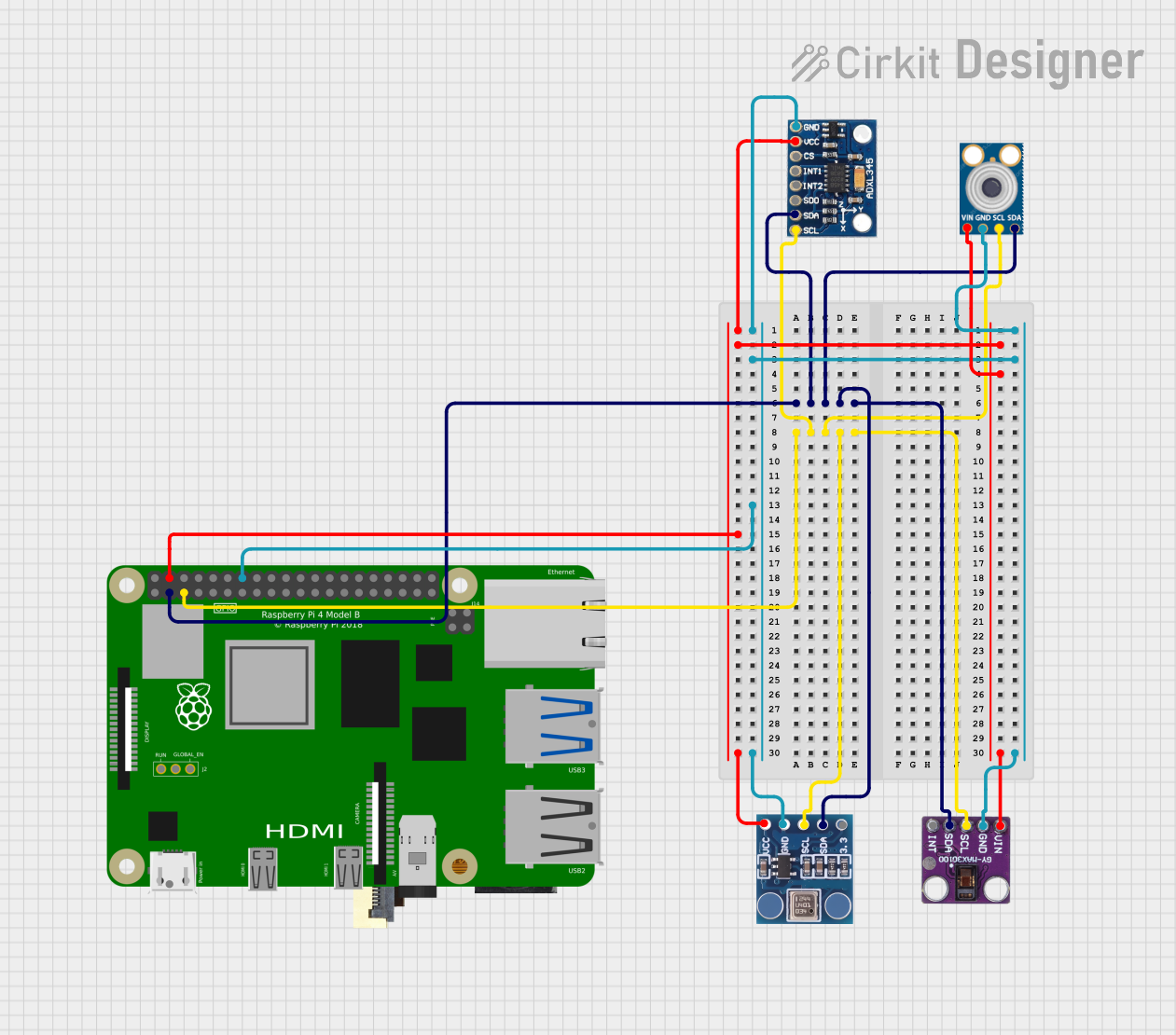 Open Project in Cirkit Designer
 Open Project in Cirkit Designer
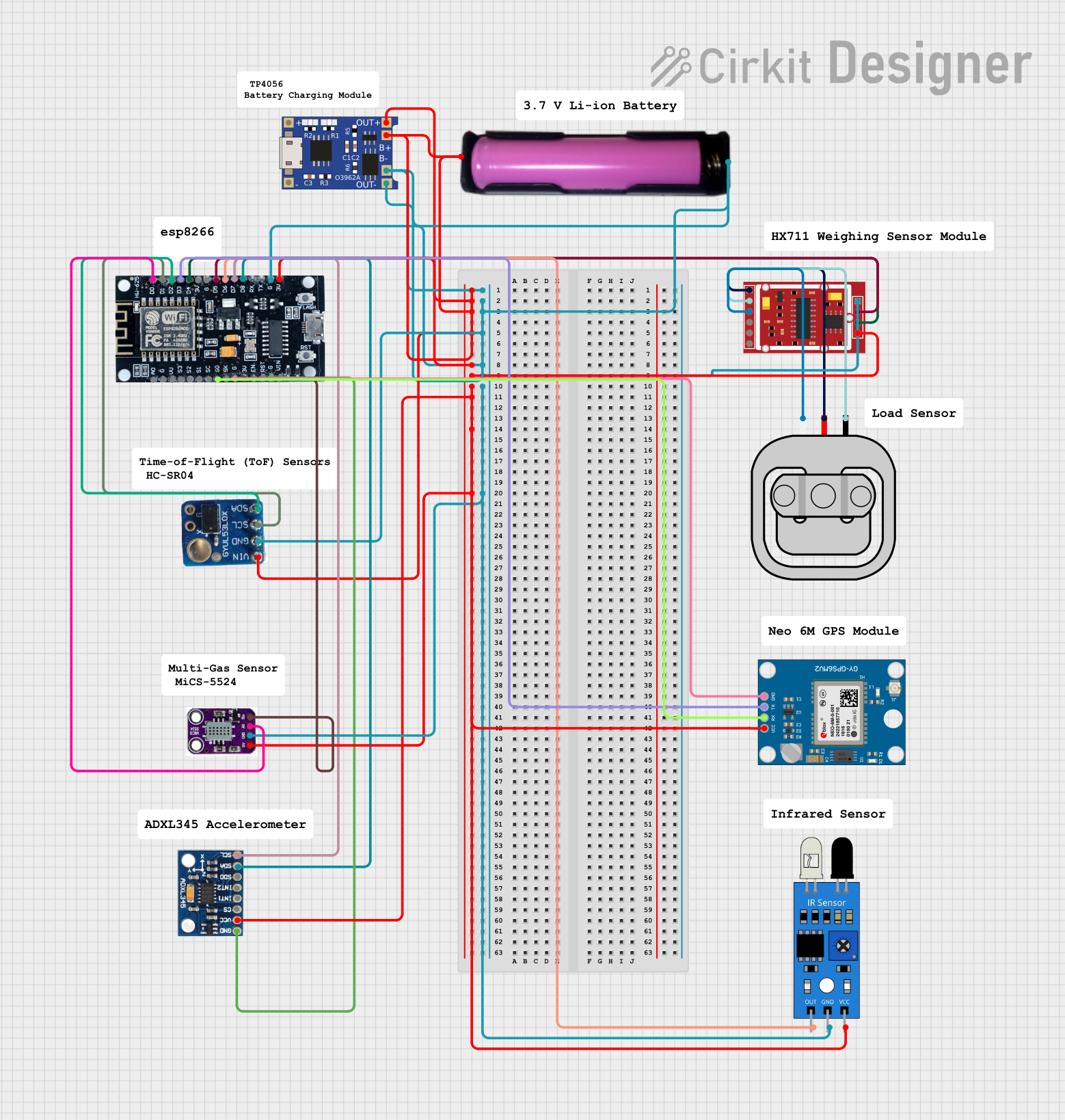 Open Project in Cirkit Designer
Explore Projects Built with AGR12压力传感器(IIC)
Open Project in Cirkit DesignerOpen Project in Cirkit DesignerOpen Project in Cirkit DesignerOpen Project in Cirkit DesignerCommon Applications:
- Industrial pressure monitoring systems
- Weather stations and barometric pressure measurement
- Medical devices (e.g., respiratory equipment)
- Consumer electronics (e.g., smart home devices)
- Altitude measurement in drones and robotics
Technical Specifications
The AGR12 is designed for precision and reliability. Below are its key technical details:
Key Specifications:
| Parameter | Value |
|---|---|
| Operating Voltage | 3.3V to 5V |
| Communication Protocol | I2C (Inter-Integrated Circuit) |
| Pressure Range | 0 to 100 kPa |
| Accuracy | ±0.1 kPa |
| Operating Temperature | -40°C to +85°C |
| Response Time | <10 ms |
| Power Consumption | <5 mW |
Pin Configuration:
The AGR12 sensor has a 4-pin interface for easy connection to microcontrollers. Below is the pinout:
| Pin Number | Pin Name | Description |
|---|---|---|
| 1 | VCC | Power supply (3.3V to 5V) |
| 2 | GND | Ground |
| 3 | SDA | I2C Data Line |
| 4 | SCL | I2C Clock Line |
Usage Instructions
Connecting the AGR12 to a Microcontroller
To use the AGR12压力传感器 with a microcontroller, follow these steps:
- Power Supply: Connect the VCC pin to a 3.3V or 5V power source and the GND pin to ground.
- I2C Communication: Connect the SDA and SCL pins to the corresponding I2C pins on your microcontroller. For an Arduino UNO, connect:
- SDA to A4
- SCL to A5
- Pull-Up Resistors: Ensure that the I2C lines (SDA and SCL) have pull-up resistors (typically 4.7kΩ) if not already present on your board.
Sample Code for Arduino UNO
Below is an example Arduino sketch to read pressure data from the AGR12 sensor:
#include <Wire.h> // Include the Wire library for I2C communication

#define AGR12_ADDRESS 0x28 // Replace with the AGR12 I2C address if different

void setup() {
  Wire.begin(); // Initialize I2C communication
  Serial.begin(9600); // Start serial communication for debugging
  Serial.println("AGR12 Pressure Sensor Initialization...");
}

void loop() {
  Wire.beginTransmission(AGR12_ADDRESS); // Start communication with AGR12
  Wire.write(0x00); // Send a command to request pressure data
  Wire.endTransmission();

  Wire.requestFrom(AGR12_ADDRESS, 2); // Request 2 bytes of data from the sensor
  if (Wire.available() == 2) { // Check if 2 bytes are received
    uint8_t msb = Wire.read(); // Read the most significant byte
    uint8_t lsb = Wire.read(); // Read the least significant byte
    int pressure = (msb << 8) | lsb; // Combine the two bytes into a 16-bit value

    // Convert the raw pressure value to kPa (example conversion, adjust as needed)
    float pressure_kPa = pressure / 100.0;

    Serial.print("Pressure: ");
    Serial.print(pressure_kPa);
    Serial.println(" kPa");
  } else {
    Serial.println("Error: No data received from AGR12 sensor.");
  }

  delay(1000); // Wait 1 second before the next reading
}
Important Considerations:
- I2C Address: Verify the I2C address of your AGR12 sensor. The default address is
0x28, but it may vary depending on the specific configuration. - Power Supply: Ensure the sensor is powered within its operating voltage range (3.3V to 5V).
- Environmental Conditions: Operate the sensor within its specified temperature range (-40°C to +85°C) for accurate readings.
Troubleshooting and FAQs
Common Issues and Solutions:
No Data Received from the Sensor:
- Check the wiring connections, especially the SDA and SCL lines.
- Verify that the I2C address in your code matches the sensor's address.
- Ensure pull-up resistors are present on the I2C lines.
Inaccurate Pressure Readings:
- Confirm that the sensor is operating within its specified pressure and temperature range.
- Check for noise or interference on the I2C lines.
Sensor Not Responding:
- Ensure the sensor is powered correctly (3.3V to 5V).
- Test the I2C bus with another device to rule out microcontroller issues.
FAQs:
Q: Can the AGR12 sensor be used with 3.3V microcontrollers?
A: Yes, the AGR12 operates with both 3.3V and 5V power supplies, making it compatible with a wide range of microcontrollers.
Q: What is the maximum I2C clock speed supported by the AGR12?
A: The AGR12 supports I2C clock speeds up to 400 kHz (Fast Mode).
Q: Do I need additional components to use the AGR12?
A: You may need pull-up resistors (typically 4.7kΩ) on the SDA and SCL lines if they are not already present on your microcontroller board.
By following this documentation, you can effectively integrate the AGR12压力传感器 into your projects for accurate and reliable pressure measurements.