
How to Use relay 8 pin: Examples, Pinouts, and Specs
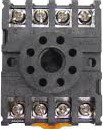
 Design with relay 8 pin in Cirkit Designer
Introduction
A relay is an electromechanical switch that allows a low voltage signal to control a high voltage or high current circuit. The 8-pin relay is a versatile component commonly used in automation, home appliances, automotive systems, and industrial control applications. It operates by energizing a coil to open or close contacts, enabling the control of devices such as motors, lights, and heaters.
Explore Projects Built with relay 8 pin
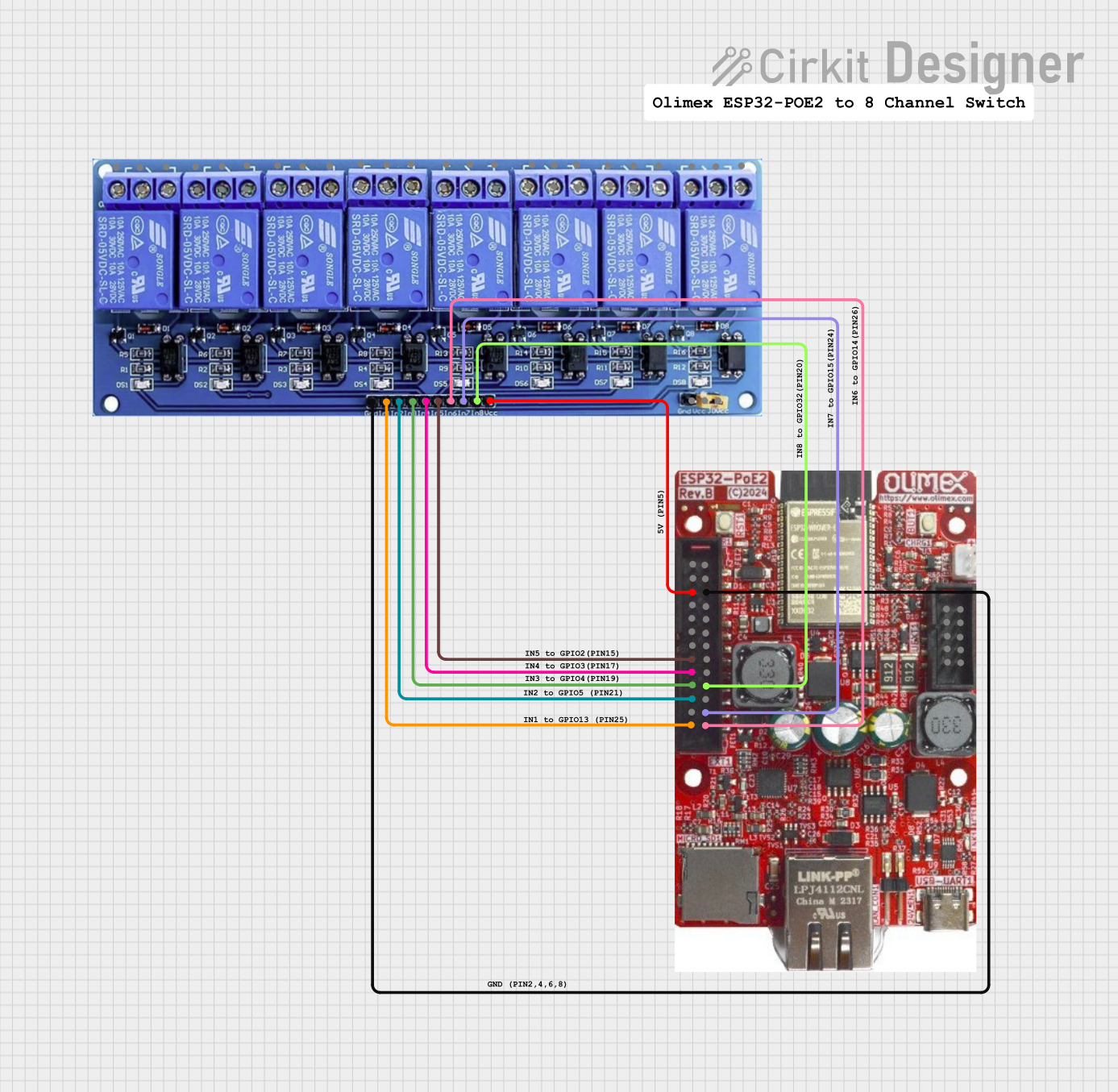 Open Project in Cirkit Designer
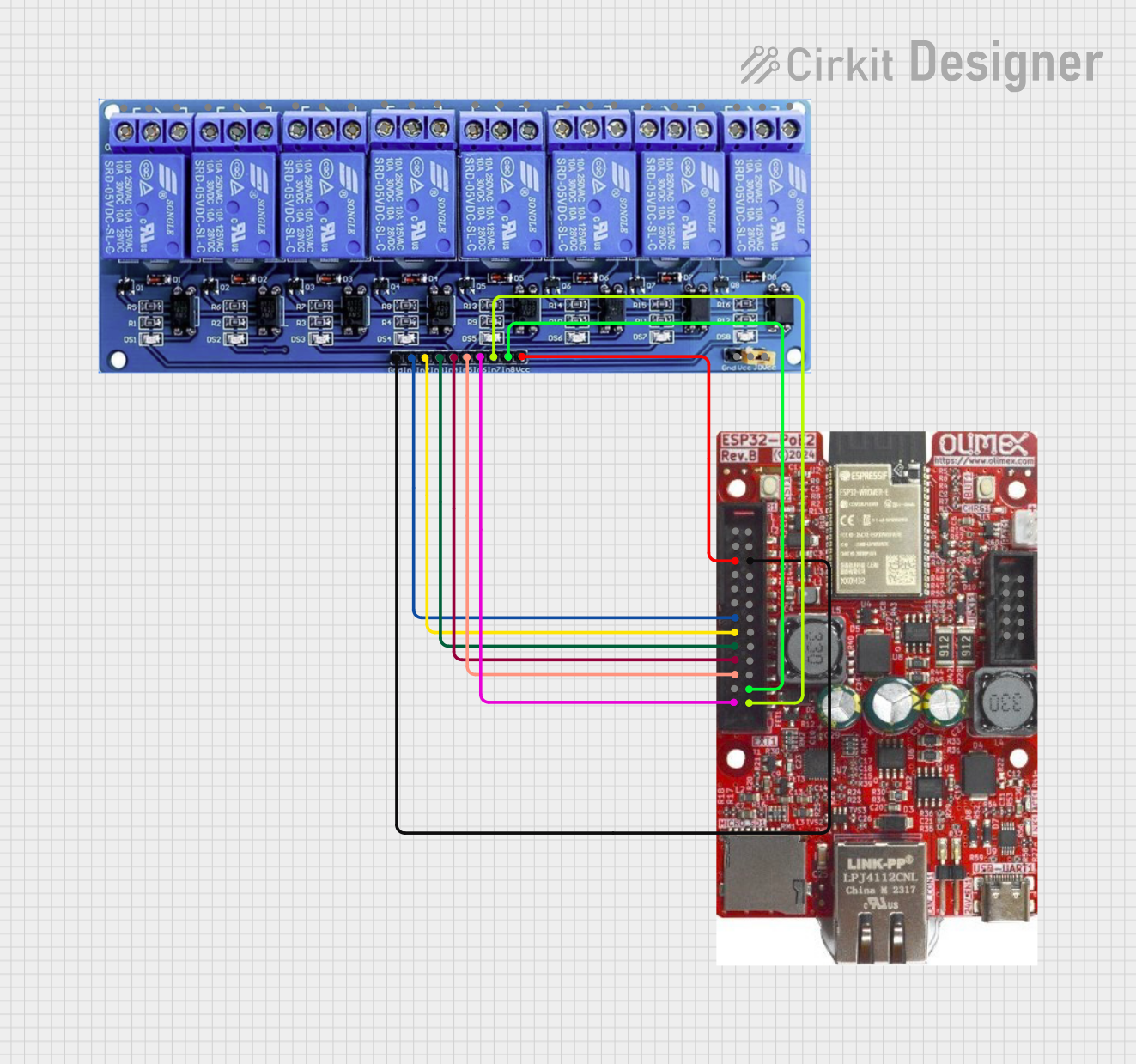 Open Project in Cirkit Designer
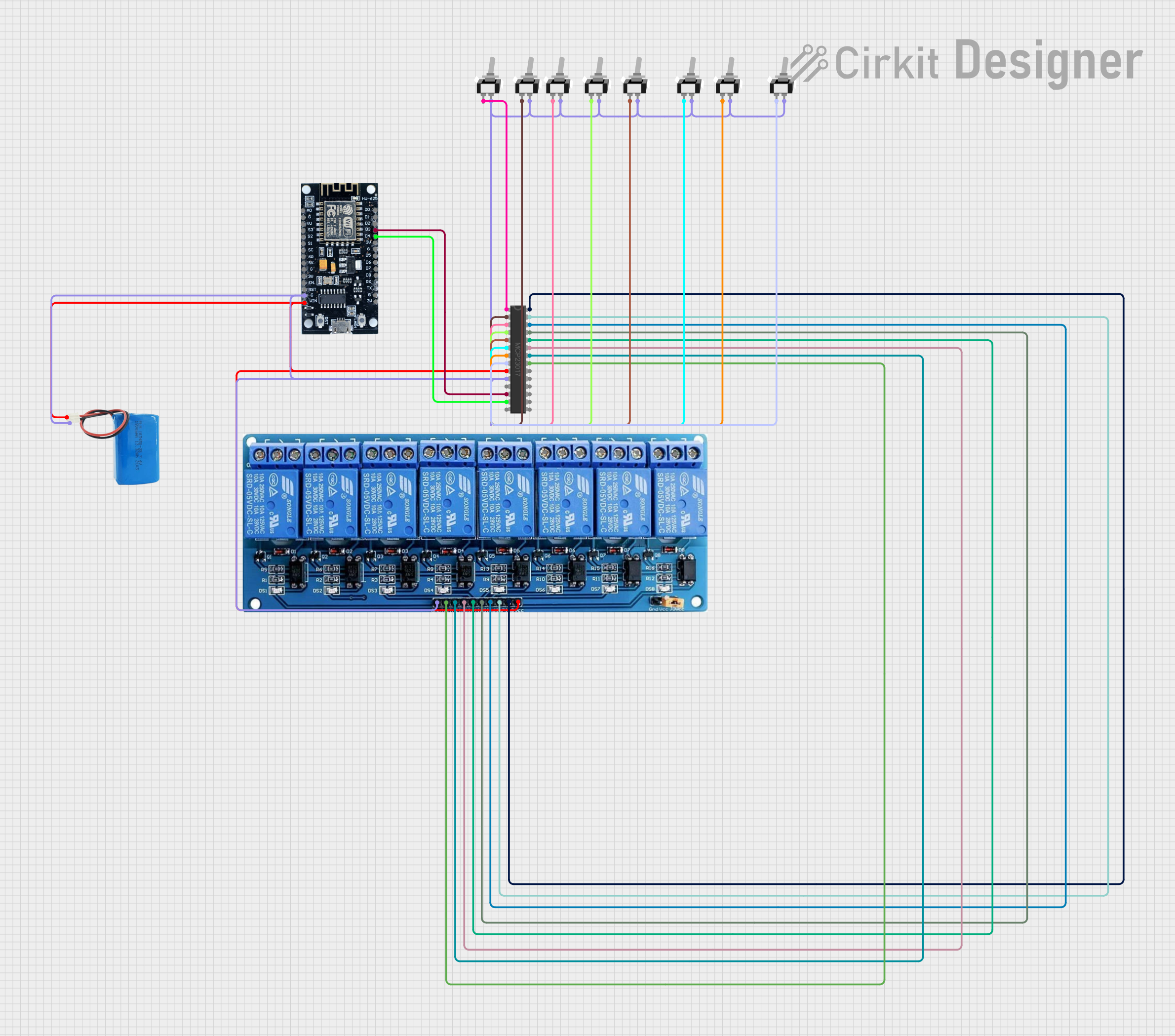 Open Project in Cirkit Designer
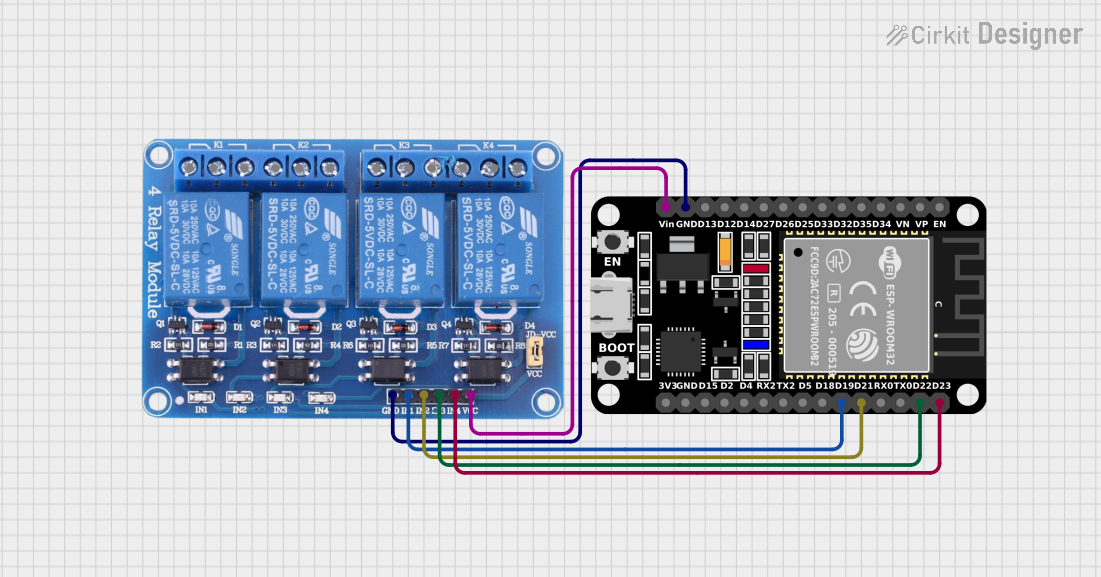 Open Project in Cirkit Designer
Explore Projects Built with relay 8 pin
Open Project in Cirkit DesignerOpen Project in Cirkit DesignerOpen Project in Cirkit DesignerOpen Project in Cirkit DesignerCommon Applications and Use Cases
- Home Automation: Controlling lights, fans, or other appliances remotely.
- Industrial Control Systems: Switching high-power machinery or equipment.
- Automotive Systems: Activating headlights, horns, or other vehicle components.
- Microcontroller Projects: Interfacing with Arduino, Raspberry Pi, or other microcontrollers to control external devices.
Technical Specifications
Below are the key technical details for a standard 8-pin relay:
| Parameter | Value |
|---|---|
| Coil Voltage | 5V, 12V, or 24V (depending on model) |
| Coil Resistance | Typically 70Ω to 400Ω |
| Contact Configuration | SPDT (Single Pole Double Throw) or DPDT (Double Pole Double Throw) |
| Contact Rating | 10A at 250VAC or 10A at 30VDC |
| Switching Voltage (Max) | 250VAC / 30VDC |
| Switching Current (Max) | 10A |
| Insulation Resistance | ≥ 100MΩ at 500VDC |
| Dielectric Strength | 1500VAC between coil and contacts |
| Operating Temperature | -40°C to +85°C |
| Dimensions | Varies by model (e.g., 28mm x 12mm x 15mm) |
Pin Configuration and Descriptions
The 8-pin relay typically has the following pin configuration:
| Pin Number | Name | Description |
|---|---|---|
| 1 | Coil (+) | Positive terminal of the relay coil. Connect to the control voltage. |
| 2 | Coil (-) | Negative terminal of the relay coil. Connect to ground. |
| 3 | Common (COM1) | Common terminal for the first set of contacts. |
| 4 | Normally Open (NO1) | Normally open contact for the first set of contacts. Closed when the relay is energized. |
| 5 | Normally Closed (NC1) | Normally closed contact for the first set of contacts. Open when the relay is energized. |
| 6 | Common (COM2) | Common terminal for the second set of contacts (if DPDT). |
| 7 | Normally Open (NO2) | Normally open contact for the second set of contacts (if DPDT). |
| 8 | Normally Closed (NC2) | Normally closed contact for the second set of contacts (if DPDT). |
Usage Instructions
How to Use the Component in a Circuit
- Power the Coil: Connect the coil pins (1 and 2) to the control voltage source. Ensure the voltage matches the relay's rated coil voltage (e.g., 5V, 12V, or 24V).
- Connect the Load:
- For SPDT relays, connect the load to the common (COM1) and either the normally open (NO1) or normally closed (NC1) contact, depending on the desired behavior.
- For DPDT relays, repeat the process for the second set of contacts (COM2, NO2, NC2).
- Control the Relay: Apply the control voltage to the coil to energize the relay. This will switch the contacts, allowing the load to be powered or disconnected.
Important Considerations and Best Practices
- Diode Protection: Place a flyback diode (e.g., 1N4007) across the coil terminals to protect the circuit from voltage spikes caused by the relay's inductive load.
- Power Ratings: Ensure the relay's contact ratings (voltage and current) are not exceeded to avoid damage.
- Isolation: Use optocouplers or transistor drivers when interfacing the relay with microcontrollers to prevent backflow of current.
- Mounting: Secure the relay properly to avoid vibrations or loose connections.
Example: Using an 8-Pin Relay with Arduino UNO
Below is an example of how to control an 8-pin relay using an Arduino UNO:
// Define the relay control pin
const int relayPin = 7; // Connect this pin to the relay's coil (+) terminal

void setup() {
  pinMode(relayPin, OUTPUT); // Set the relay pin as an output
  digitalWrite(relayPin, LOW); // Ensure the relay is off initially
}

void loop() {
  // Turn the relay on
  digitalWrite(relayPin, HIGH);
  delay(5000); // Keep the relay on for 5 seconds

  // Turn the relay off
  digitalWrite(relayPin, LOW);
  delay(5000); // Keep the relay off for 5 seconds
}
Note: Use a transistor (e.g., 2N2222) to drive the relay if the Arduino cannot supply sufficient current to the coil.
Troubleshooting and FAQs
Common Issues and Solutions
Relay Not Switching:
- Cause: Insufficient coil voltage or current.
- Solution: Verify the control voltage matches the relay's rated coil voltage. Check the power supply and connections.
Contacts Sticking:
- Cause: Exceeding the relay's contact current rating.
- Solution: Ensure the load current does not exceed the relay's maximum contact rating.
Voltage Spikes Damaging Circuit:
- Cause: Inductive kickback from the relay coil.
- Solution: Install a flyback diode across the coil terminals.
Microcontroller Resetting When Relay Activates:
- Cause: Voltage drop due to high current draw.
- Solution: Use a separate power supply for the relay or add a capacitor to stabilize the voltage.
FAQs
Q: Can I use an 8-pin relay with a 3.3V microcontroller?
A: Yes, but you will need a transistor or relay driver circuit to step up the control voltage to match the relay's coil voltage.Q: What is the difference between NO and NC contacts?
A: NO (Normally Open) contacts are open when the relay is de-energized and close when energized. NC (Normally Closed) contacts are closed when the relay is de-energized and open when energized.Q: Can I use an 8-pin relay to switch AC loads?
A: Yes, as long as the AC voltage and current are within the relay's contact ratings.Q: How do I know if my relay is SPDT or DPDT?
A: Check the datasheet or pin configuration. SPDT relays have one set of COM, NO, and NC contacts, while DPDT relays have two sets.
This concludes the documentation for the 8-pin relay.