
How to Use Duinotech Smoke Sensor MQ-2: Examples, Pinouts, and Specs
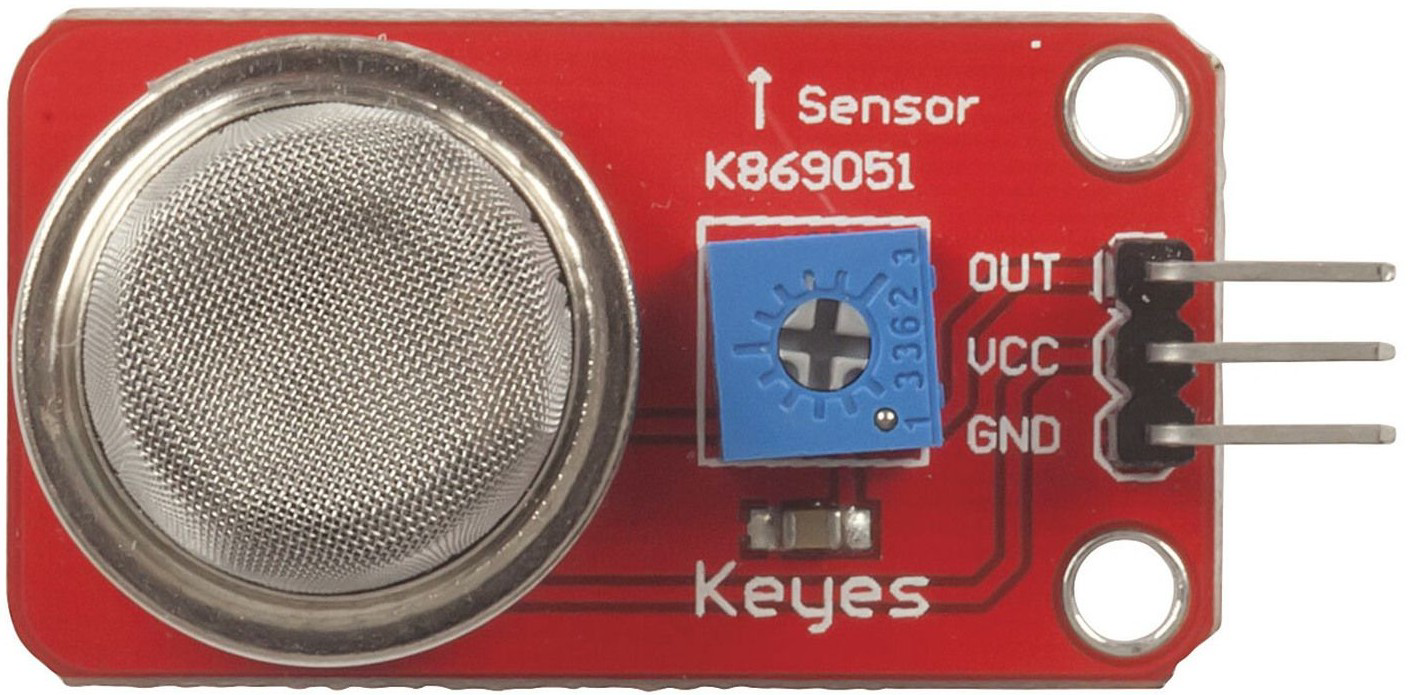
 Design with Duinotech Smoke Sensor MQ-2 in Cirkit Designer
Introduction
The Duinotech Smoke Sensor MQ-2 (Manufacturer Part ID: XC4470) is a versatile gas sensor designed to detect smoke and various gases, including propane, butane, methane, and hydrogen. It provides an analog output that varies with the concentration of the detected gas, making it ideal for applications requiring gas concentration monitoring or smoke detection.
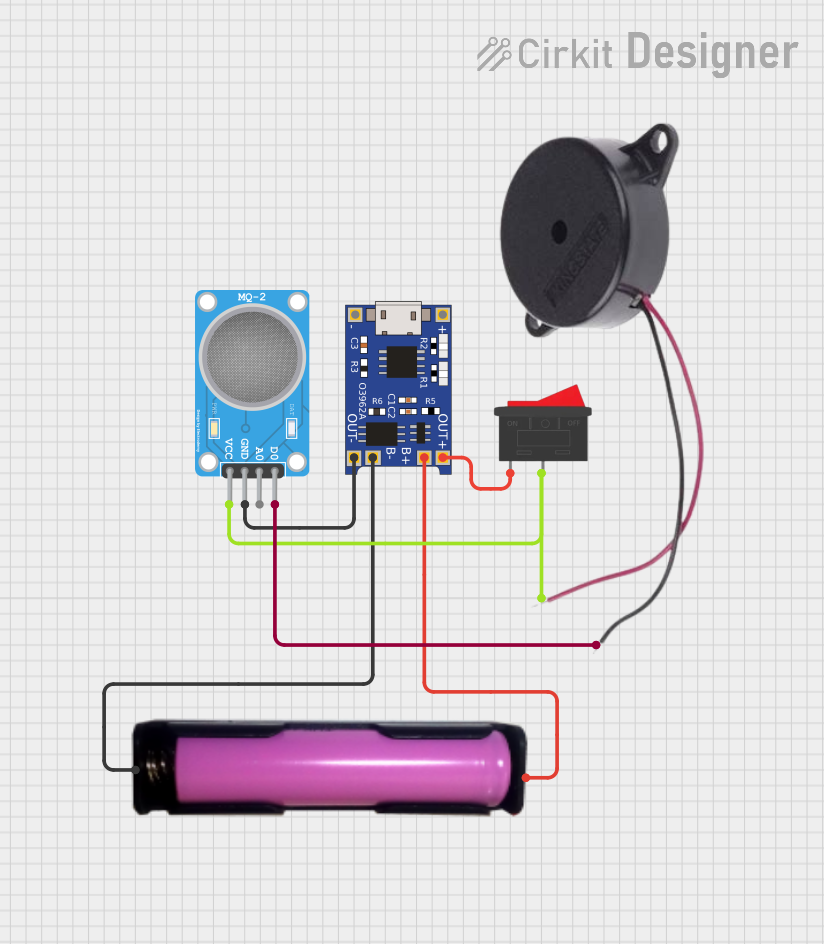
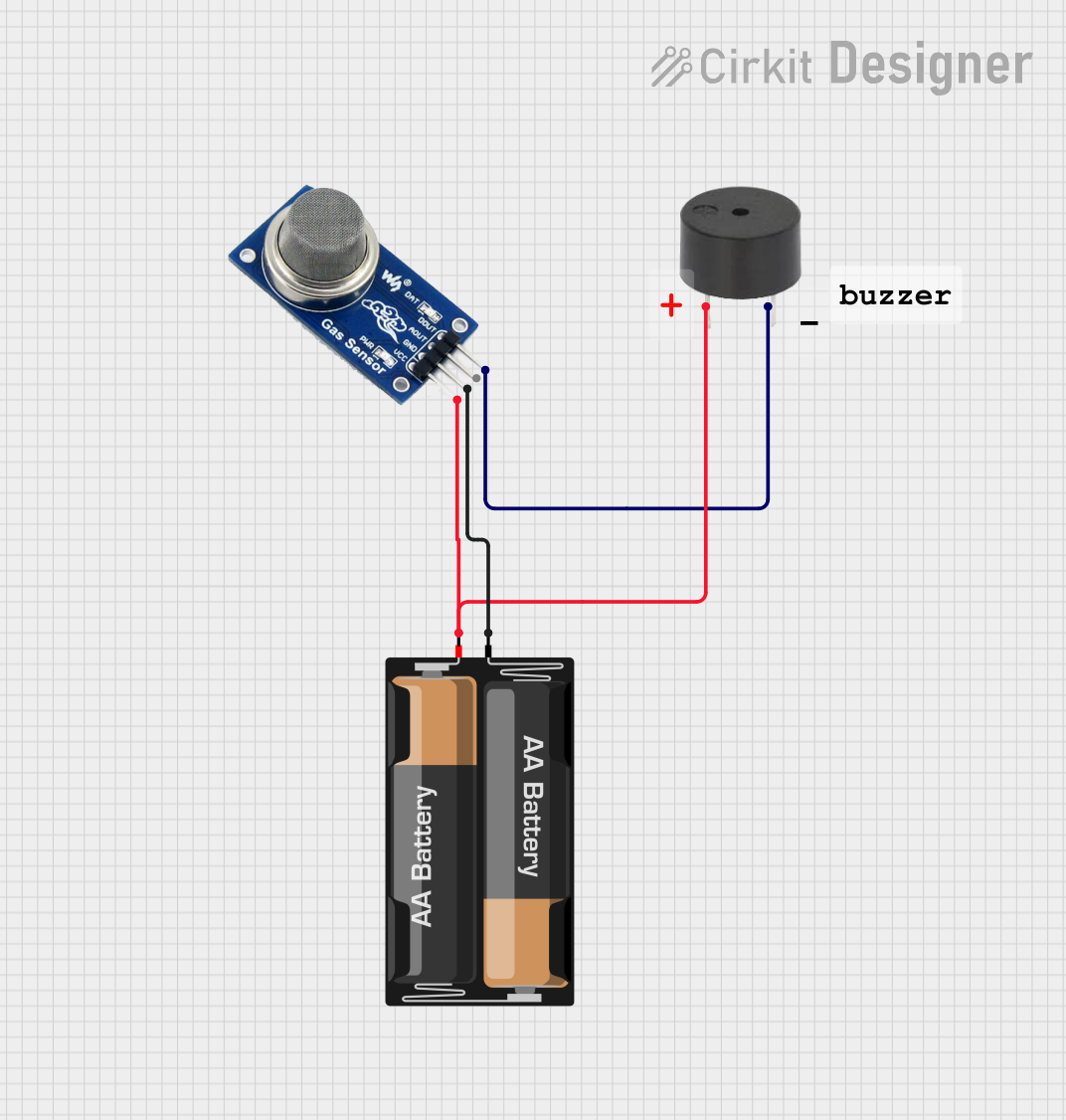
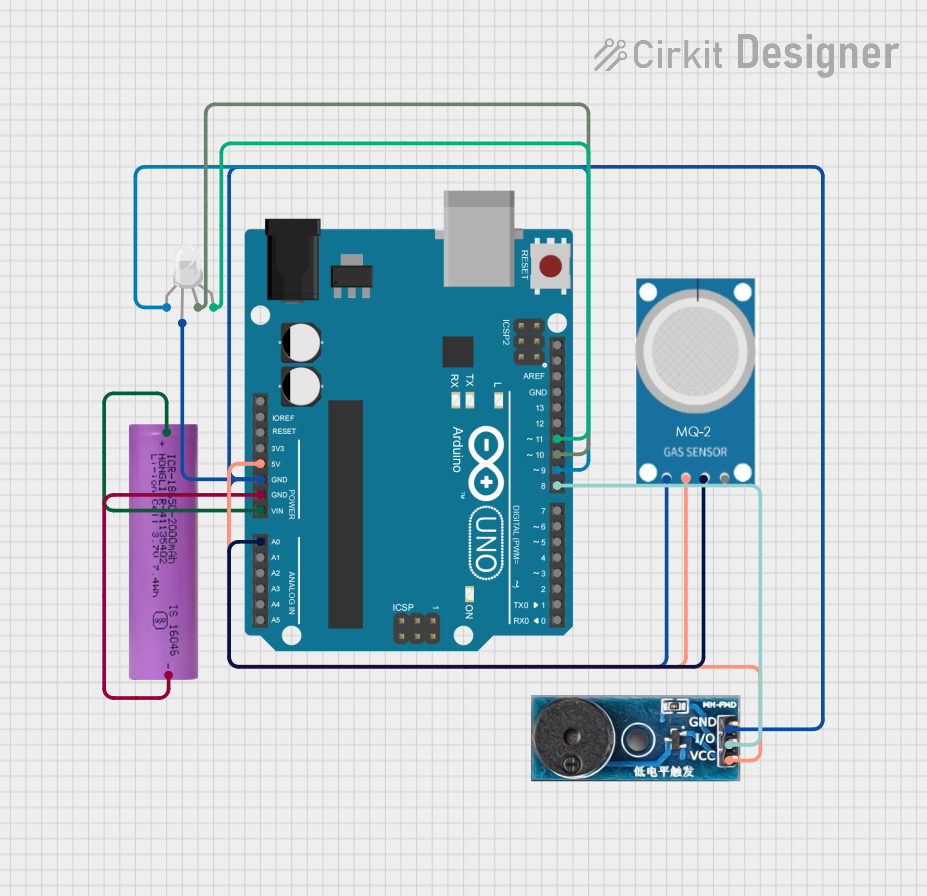
Explore Projects Built with Duinotech Smoke Sensor MQ-2
 Open Project in Cirkit Designer
 Open Project in Cirkit Designer
 Open Project in Cirkit Designer
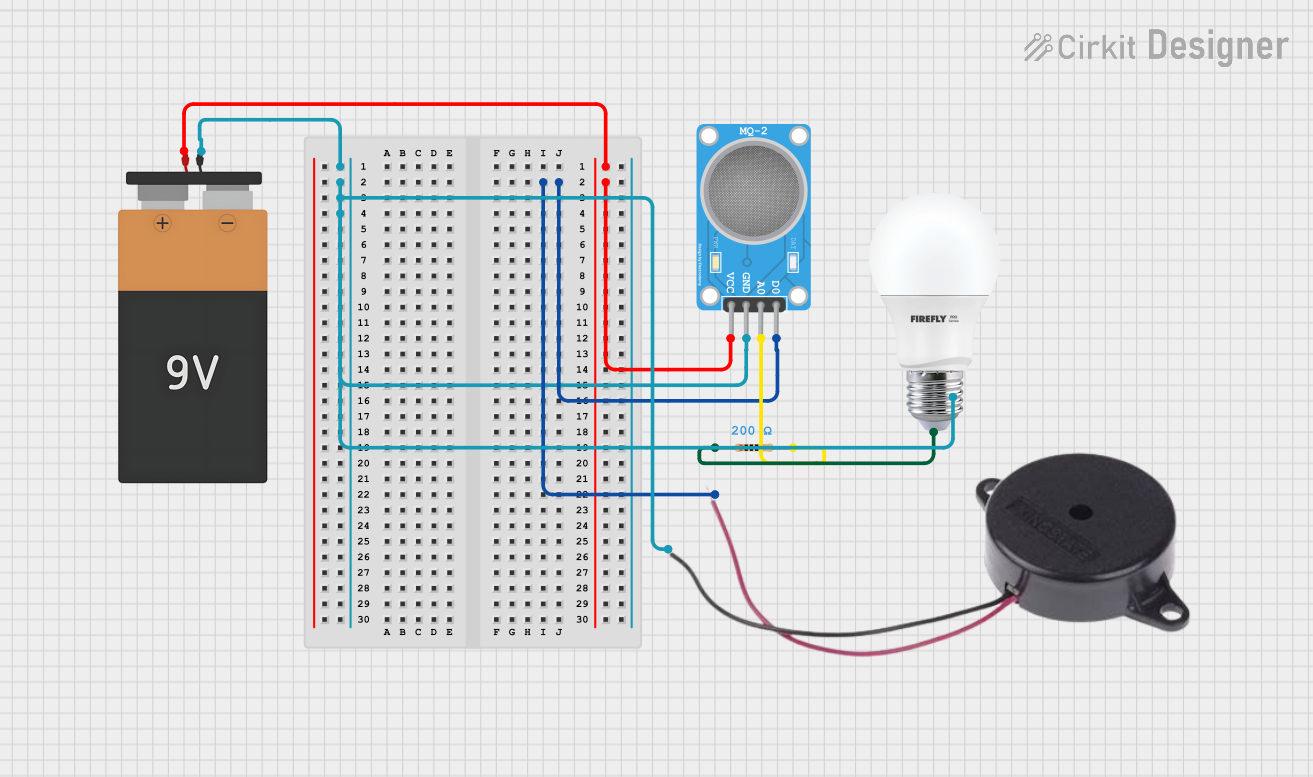 Open Project in Cirkit Designer
Explore Projects Built with Duinotech Smoke Sensor MQ-2
Open Project in Cirkit DesignerOpen Project in Cirkit DesignerOpen Project in Cirkit DesignerOpen Project in Cirkit DesignerCommon Applications
- Smoke detection in fire alarm systems
- Gas leakage detection in industrial and residential environments
- Air quality monitoring systems
- Safety systems for detecting flammable gases
Technical Specifications
The following table outlines the key technical details of the MQ-2 sensor:
| Parameter | Value |
|---|---|
| Operating Voltage | 5V DC |
| Load Resistance (RL) | Adjustable (typically 10 kΩ) |
| Heater Resistance (RH) | 33 Ω ± 5% |
| Heating Voltage (VH) | 5V ± 0.2V |
| Power Consumption | ≤ 800 mW |
| Detection Range | 200 ppm to 10,000 ppm (varies by gas) |
| Preheat Time | ≥ 24 hours for optimal performance |
| Output Signal | Analog voltage |
| Operating Temperature | -20°C to 50°C |
| Humidity Range | ≤ 95% RH (non-condensing) |
Pin Configuration and Descriptions
The MQ-2 sensor module typically has four pins. The table below describes each pin:
| Pin | Label | Description |
|---|---|---|
| 1 | VCC | Power supply input (5V DC) |
| 2 | GND | Ground connection |
| 3 | AOUT | Analog output voltage proportional to gas concentration |
| 4 | DOUT | Digital output (threshold-based, adjustable via onboard potentiometer) |
Usage Instructions
How to Use the MQ-2 Sensor in a Circuit
- Power the Sensor: Connect the VCC pin to a 5V DC power source and the GND pin to ground.
- Connect the Output:
- Use the AOUT pin to read the analog signal for gas concentration.
- Optionally, use the DOUT pin for a digital signal, which triggers when the gas concentration exceeds a preset threshold (adjustable via the onboard potentiometer).
- Preheat the Sensor: Allow the sensor to preheat for at least 24 hours for optimal accuracy.
- Read the Output:
- For analog readings, connect the AOUT pin to an analog input pin on a microcontroller (e.g., Arduino).
- For digital readings, connect the DOUT pin to a digital input pin.
Important Considerations and Best Practices
- Preheating: The sensor requires a preheating period of at least 24 hours for stable and accurate readings.
- Ventilation: Ensure proper ventilation around the sensor to avoid false readings due to stagnant air.
- Calibration: Calibrate the sensor in a controlled environment to improve accuracy for specific gases.
- Power Supply: Use a stable 5V power source to avoid fluctuations in the sensor's output.
- Avoid Contamination: Keep the sensor away from water, dust, and corrosive gases to maintain its longevity.
Example: Using the MQ-2 Sensor with Arduino UNO
Below is an example code snippet for interfacing the MQ-2 sensor with an Arduino UNO to read analog values from the AOUT pin:
// Define the analog pin connected to the MQ-2 sensor's AOUT pin
const int sensorPin = A0;

void setup() {
  // Initialize serial communication for debugging
  Serial.begin(9600);
}

void loop() {
  // Read the analog value from the sensor
  int sensorValue = analogRead(sensorPin);

  // Convert the analog value to a voltage (assuming 5V reference)
  float voltage = sensorValue * (5.0 / 1023.0);

  // Print the sensor value and voltage to the Serial Monitor
  Serial.print("Sensor Value: ");
  Serial.print(sensorValue);
  Serial.print(" | Voltage: ");
  Serial.println(voltage);

  // Add a delay for stability
  delay(1000);
}
Notes:
- The analog value (
sensorValue) corresponds to the gas concentration. Higher values indicate higher concentrations. - You can use the onboard potentiometer to adjust the threshold for the digital output (DOUT).
Troubleshooting and FAQs
Common Issues and Solutions
No Output or Incorrect Readings:
- Cause: Insufficient preheating time.
- Solution: Ensure the sensor has been preheated for at least 24 hours before use.
Fluctuating Readings:
- Cause: Unstable power supply or environmental interference.
- Solution: Use a regulated 5V power source and ensure proper ventilation around the sensor.
Digital Output Not Triggering:
- Cause: Threshold not properly set.
- Solution: Adjust the onboard potentiometer to set the desired threshold level.
Sensor Not Detecting Gas:
- Cause: Sensor contamination or damage.
- Solution: Inspect the sensor for physical damage or contamination. Replace if necessary.
FAQs
Q1: Can the MQ-2 sensor detect multiple gases simultaneously?
A1: Yes, the MQ-2 sensor can detect multiple gases, but it does not differentiate between them. The output represents the combined concentration of all detectable gases.
Q2: How do I calibrate the MQ-2 sensor?
A2: Calibration involves exposing the sensor to a known concentration of gas and adjusting the load resistance (RL) to match the expected output. Refer to the sensor's datasheet for detailed calibration instructions.
Q3: Can I use the MQ-2 sensor outdoors?
A3: The MQ-2 sensor is not designed for outdoor use. High humidity, temperature fluctuations, and exposure to water can affect its performance and lifespan.
Q4: What is the lifespan of the MQ-2 sensor?
A4: The typical lifespan of the MQ-2 sensor is around 2-3 years under normal operating conditions. Proper maintenance and avoiding contamination can extend its life.
Q5: Is the MQ-2 sensor suitable for detecting carbon monoxide (CO)?
A5: While the MQ-2 sensor can detect carbon monoxide, it is not optimized for CO detection. For precise CO monitoring, consider using a dedicated CO sensor like the MQ-7.