
How to Use AD22100 - Voltage Output Temperature Sensor with Signal Conditioning: Examples, Pinouts, and Specs

 Design with AD22100 - Voltage Output Temperature Sensor with Signal Conditioning in Cirkit Designer
Introduction
The AD22100 is a precision temperature sensor manufactured by Analog Devices. It provides a linear voltage output directly proportional to temperature, simplifying the process of temperature measurement in electronic systems. The sensor features built-in signal conditioning, which enhances accuracy and reduces noise, making it ideal for applications requiring reliable and precise temperature monitoring.
Explore Projects Built with AD22100 - Voltage Output Temperature Sensor with Signal Conditioning
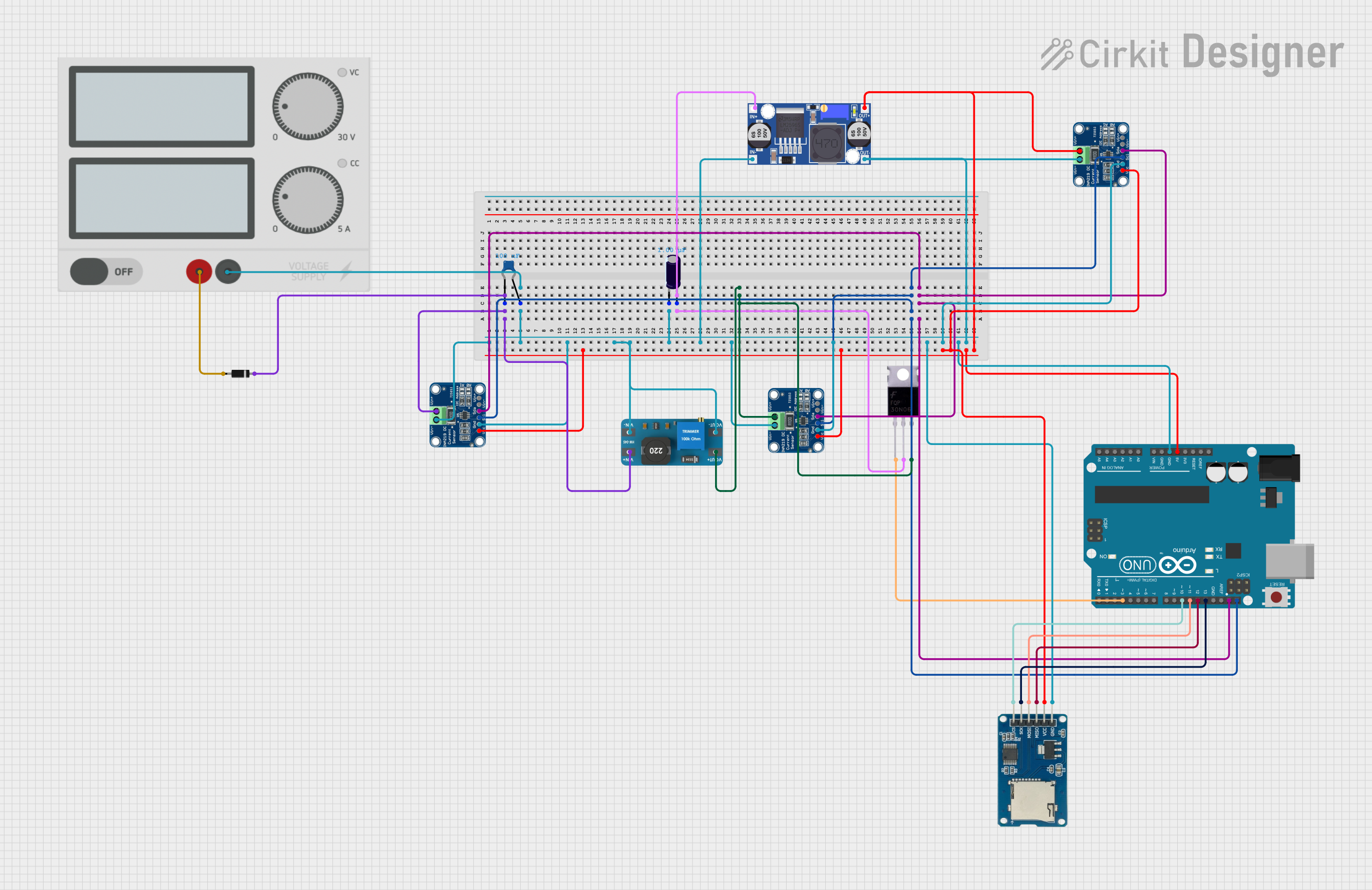 Open Project in Cirkit Designer
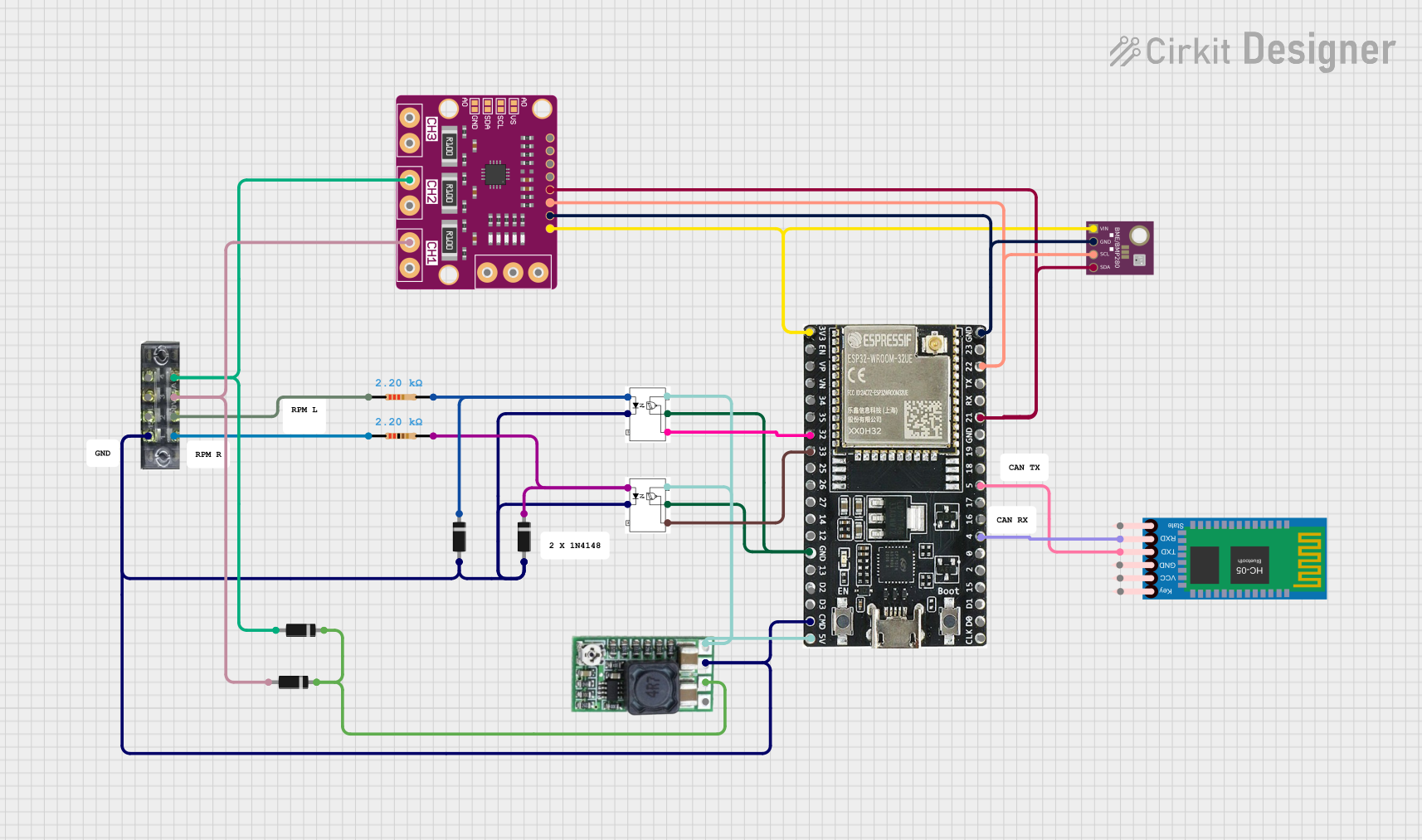 Open Project in Cirkit Designer
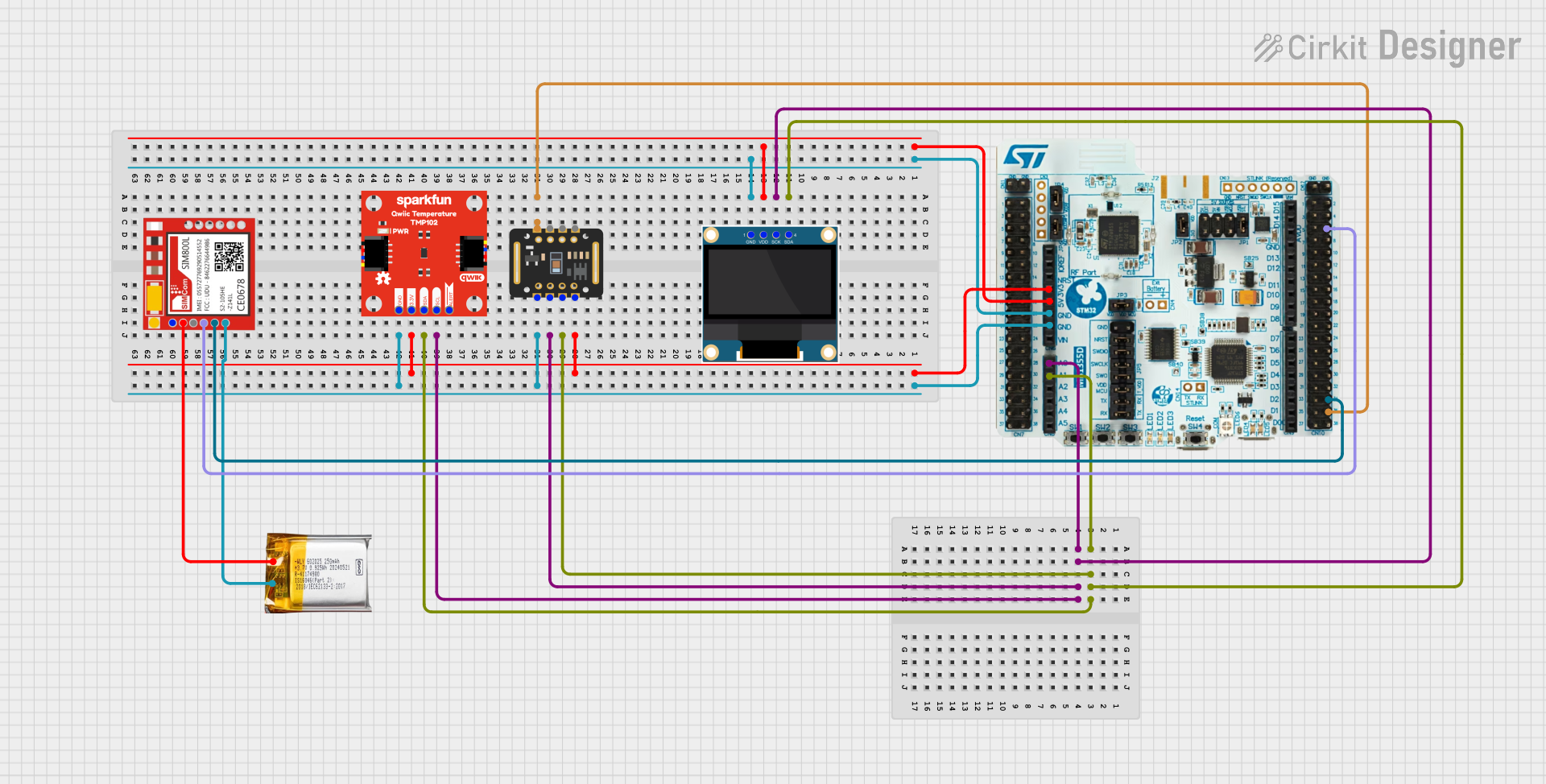 Open Project in Cirkit Designer
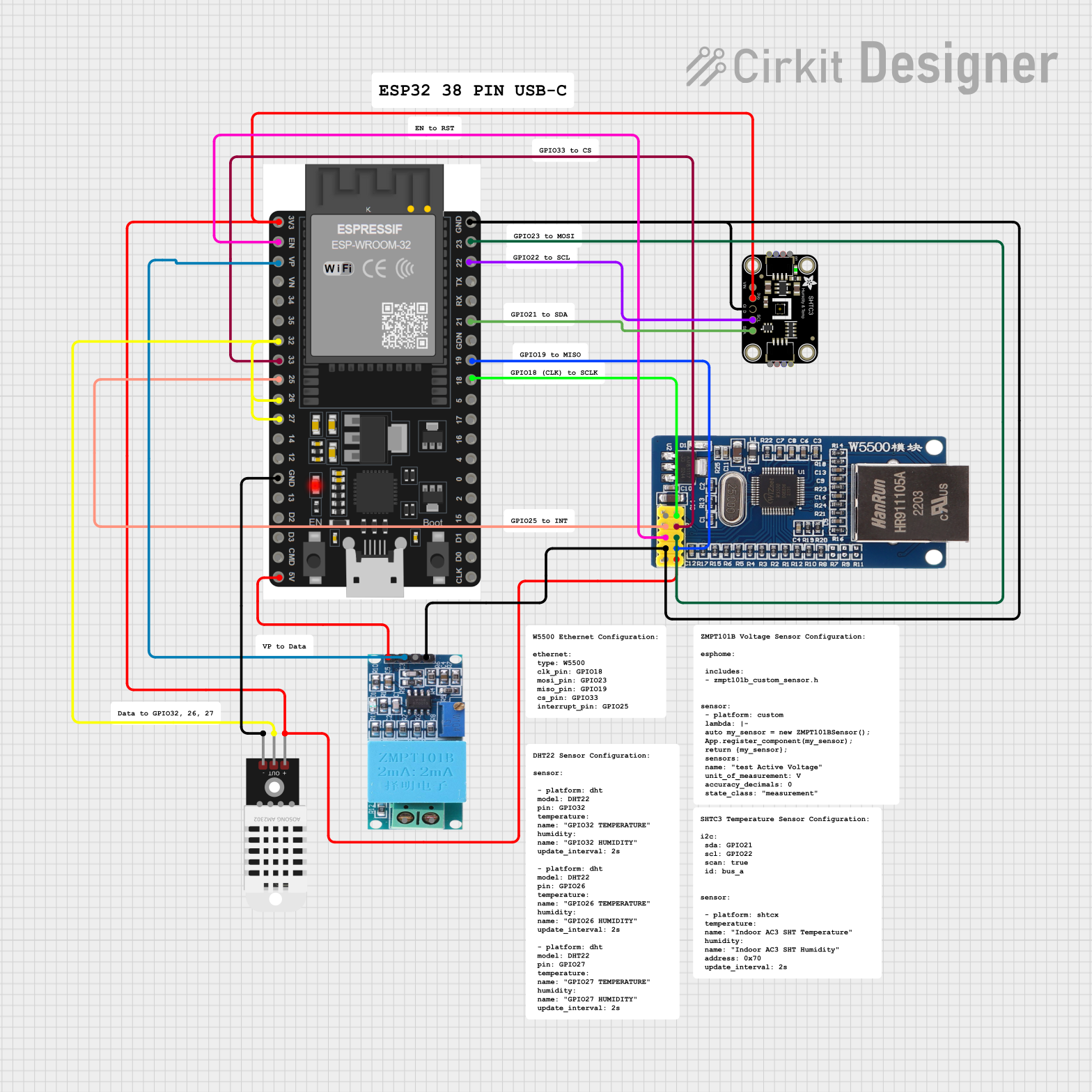 Open Project in Cirkit Designer
Explore Projects Built with AD22100 - Voltage Output Temperature Sensor with Signal Conditioning
Open Project in Cirkit DesignerOpen Project in Cirkit DesignerOpen Project in Cirkit DesignerOpen Project in Cirkit DesignerCommon Applications and Use Cases
- Industrial temperature monitoring and control systems
- Consumer electronics, such as thermostats and HVAC systems
- Automotive temperature sensing
- Battery management systems
- Environmental monitoring devices
Technical Specifications
The following table outlines the key technical details of the AD22100:
| Parameter | Value |
|---|---|
| Supply Voltage (VCC) | 4 V to 5.5 V |
| Output Voltage Range | 0.25 V to 4.75 V (typical) |
| Temperature Range | -50°C to +150°C |
| Sensitivity | 22.5 mV/°C |
| Accuracy | ±2°C (typical) |
| Output Impedance | 2 Ω |
| Supply Current | 500 µA (typical) |
| Package Type | 3-lead TO-92, 8-lead SOIC |
Pin Configuration and Descriptions
The AD22100 is available in multiple package types. Below is the pin configuration for the 8-lead SOIC package:
| Pin Number | Pin Name | Description |
|---|---|---|
| 1 | VCC | Positive supply voltage (4 V to 5.5 V) |
| 2 | GND | Ground |
| 3 | VOUT | Voltage output proportional to temperature |
| 4-8 | NC | No connection (leave unconnected or grounded) |
For the 3-lead TO-92 package, the pin configuration is as follows:
| Pin Number | Pin Name | Description |
|---|---|---|
| 1 | VCC | Positive supply voltage (4 V to 5.5 V) |
| 2 | VOUT | Voltage output proportional to temperature |
| 3 | GND | Ground |
Usage Instructions
How to Use the AD22100 in a Circuit
- Power Supply: Connect the VCC pin to a stable DC voltage source between 4 V and 5.5 V. Ensure proper decoupling by placing a 0.1 µF ceramic capacitor close to the VCC pin.
- Output Connection: Connect the VOUT pin to an analog input of a microcontroller or an ADC (Analog-to-Digital Converter) for temperature measurement.
- Grounding: Connect the GND pin to the ground of the circuit.
- Output Voltage Interpretation: The output voltage is linearly proportional to the temperature. Use the following formula to calculate the temperature: [ T(°C) = \frac{V_{OUT} - 0.25}{0.0225} ] where ( V_{OUT} ) is the output voltage in volts.
Important Considerations and Best Practices
- Decoupling Capacitor: Always use a 0.1 µF capacitor between VCC and GND to minimize noise and ensure stable operation.
- Operating Range: Ensure the sensor operates within its specified temperature and voltage ranges to avoid damage or inaccurate readings.
- Output Impedance: The low output impedance (2 Ω) allows direct interfacing with most ADCs without additional buffering.
- PCB Layout: Place the sensor away from heat-generating components to avoid thermal interference.
Example: Connecting AD22100 to an Arduino UNO
Below is an example of how to connect the AD22100 to an Arduino UNO and read temperature data:
Circuit Connections
- Connect the VCC pin of the AD22100 to the 5V pin of the Arduino.
- Connect the GND pin of the AD22100 to the GND pin of the Arduino.
- Connect the VOUT pin of the AD22100 to the A0 analog input pin of the Arduino.
Arduino Code
// Define the analog pin connected to the AD22100 output
const int sensorPin = A0;

// Constants for AD22100 calculations
const float VREF = 5.0; // Arduino reference voltage (5V)
const float OFFSET = 0.25; // AD22100 output offset voltage (in volts)
const float SENSITIVITY = 0.0225; // AD22100 sensitivity (in volts/°C)

void setup() {
  Serial.begin(9600); // Initialize serial communication
}

void loop() {
  // Read the analog value from the sensor
  int analogValue = analogRead(sensorPin);

  // Convert the analog value to voltage
  float voltage = (analogValue / 1023.0) * VREF;

  // Calculate the temperature in Celsius
  float temperature = (voltage - OFFSET) / SENSITIVITY;

  // Print the temperature to the Serial Monitor
  Serial.print("Temperature: ");
  Serial.print(temperature);
  Serial.println(" °C");

  delay(1000); // Wait for 1 second before the next reading
}
Troubleshooting and FAQs
Common Issues and Solutions
No Output Voltage:
- Ensure the sensor is powered correctly (VCC is between 4 V and 5.5 V).
- Verify all connections, especially the ground connection.
- Check for a faulty sensor or damaged wiring.
Inaccurate Temperature Readings:
- Confirm that the sensor is operating within its specified temperature range.
- Ensure the output voltage is not loaded excessively (use a high-impedance ADC input).
- Verify the formula used for temperature calculation.
Noisy Output:
- Add a decoupling capacitor (0.1 µF) close to the VCC pin.
- Minimize electrical noise by using proper PCB layout techniques.
FAQs
Q: Can the AD22100 operate at 3.3 V?
A: No, the AD22100 requires a supply voltage between 4 V and 5.5 V for proper operation.
Q: Is the AD22100 suitable for outdoor applications?
A: The AD22100 can operate in a wide temperature range (-50°C to +150°C), but additional protection may be required for harsh environmental conditions.
Q: How do I interface the AD22100 with a 3.3 V microcontroller?
A: Use a voltage divider or level shifter to scale the output voltage to the 3.3 V range of the microcontroller's ADC input.
Q: Can I use the AD22100 for high-precision applications?
A: Yes, the AD22100 provides high accuracy (±2°C typical). For even higher precision, consider calibrating the sensor in your specific application.