
How to Use Pololu - 0J10137: Examples, Pinouts, and Specs
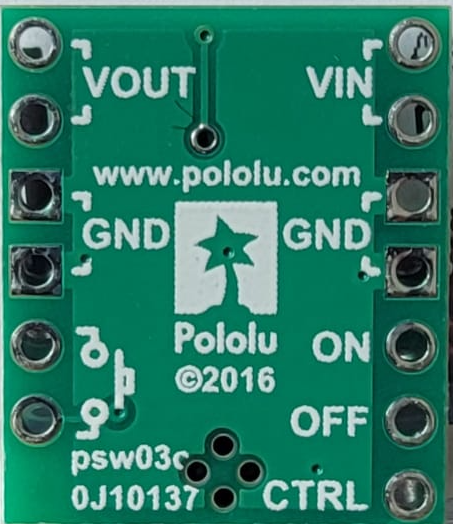
 Design with Pololu - 0J10137 in Cirkit Designer
Introduction
The Pololu 0J10137 is a compact, high-performance motor driver designed for controlling small DC motors and stepper motors. It features built-in protection mechanisms, including overcurrent and thermal overload protection, making it a reliable choice for a wide range of motor control applications. Its small form factor and robust design make it ideal for robotics, automation systems, and other projects requiring precise motor control.
Explore Projects Built with Pololu - 0J10137
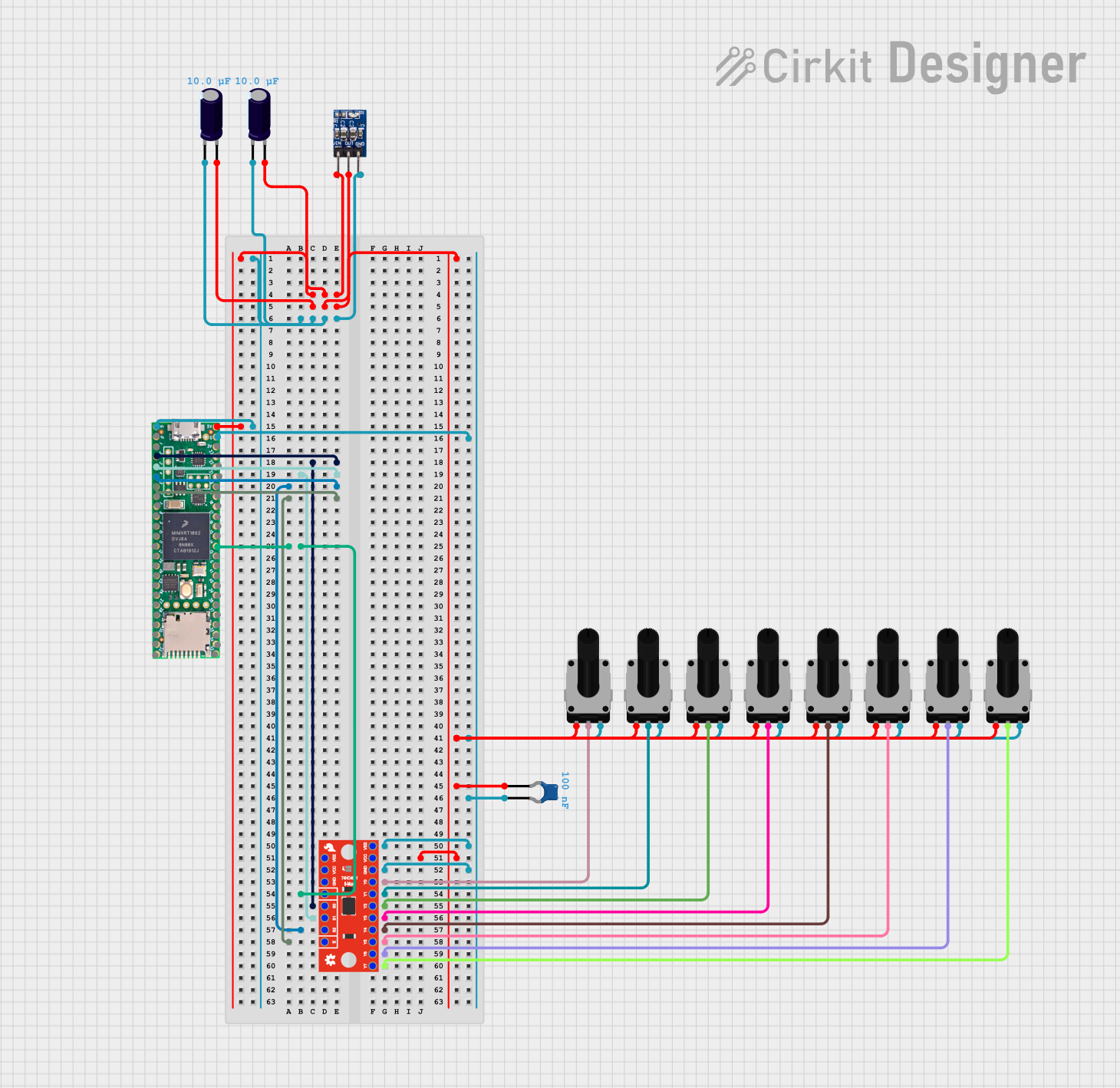 Open Project in Cirkit Designer
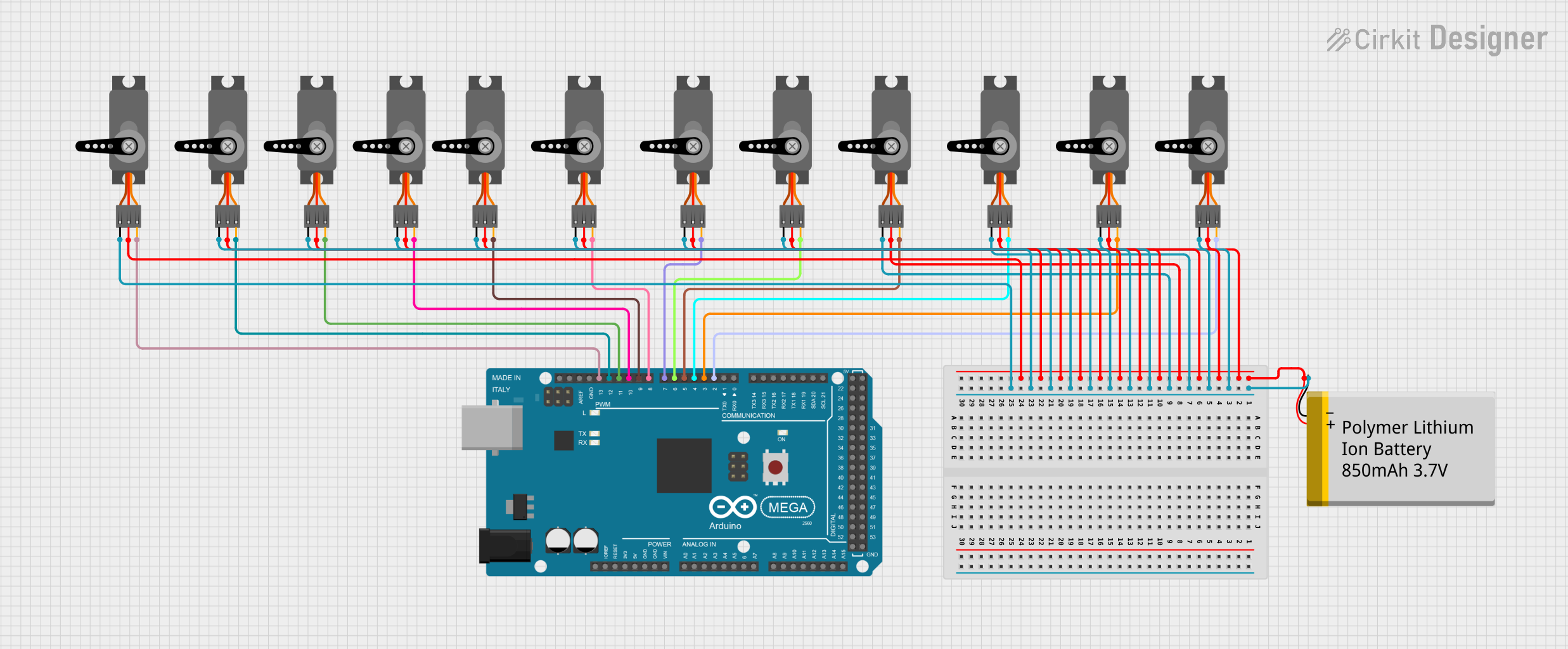 Open Project in Cirkit Designer
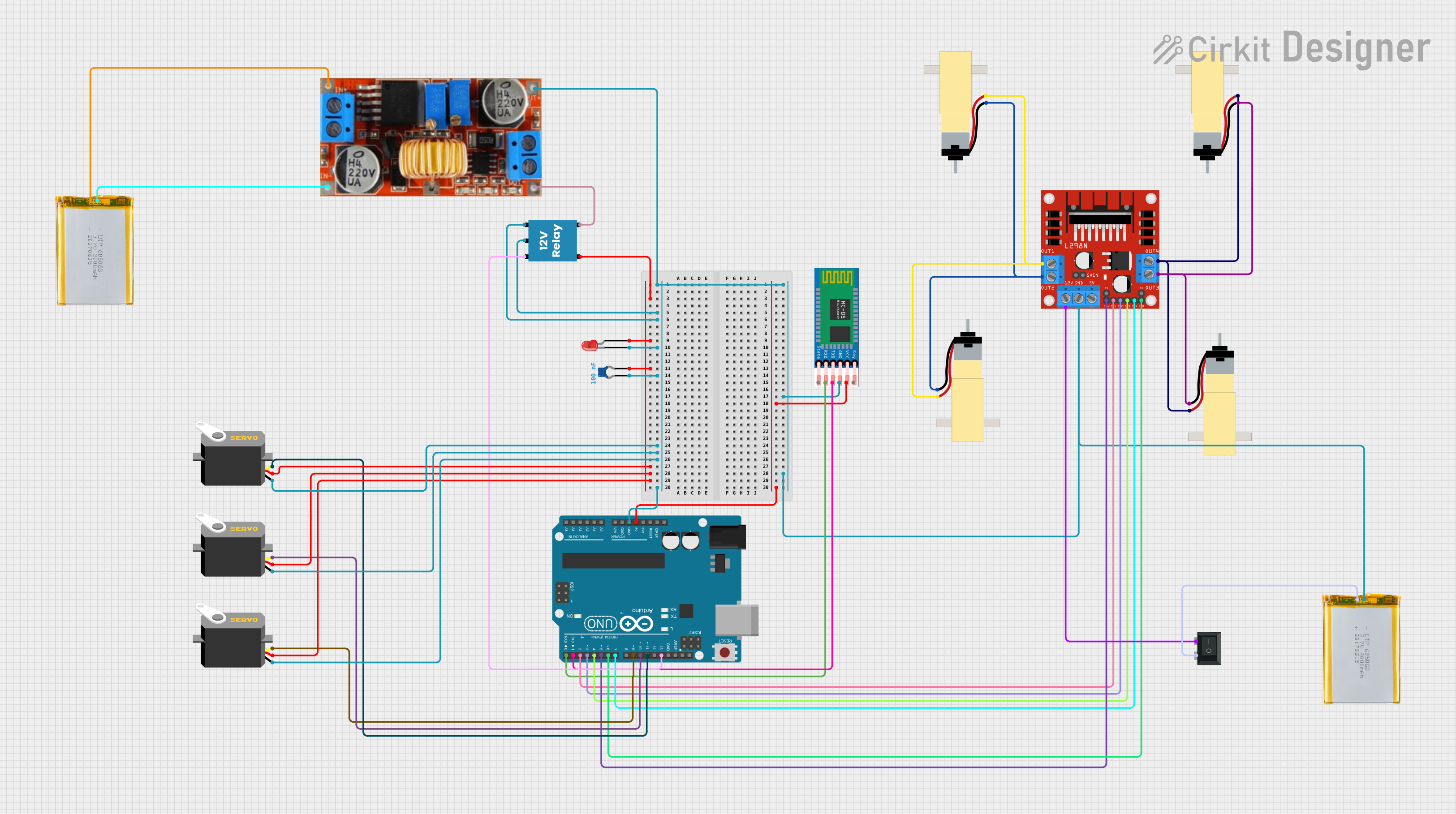 Open Project in Cirkit Designer
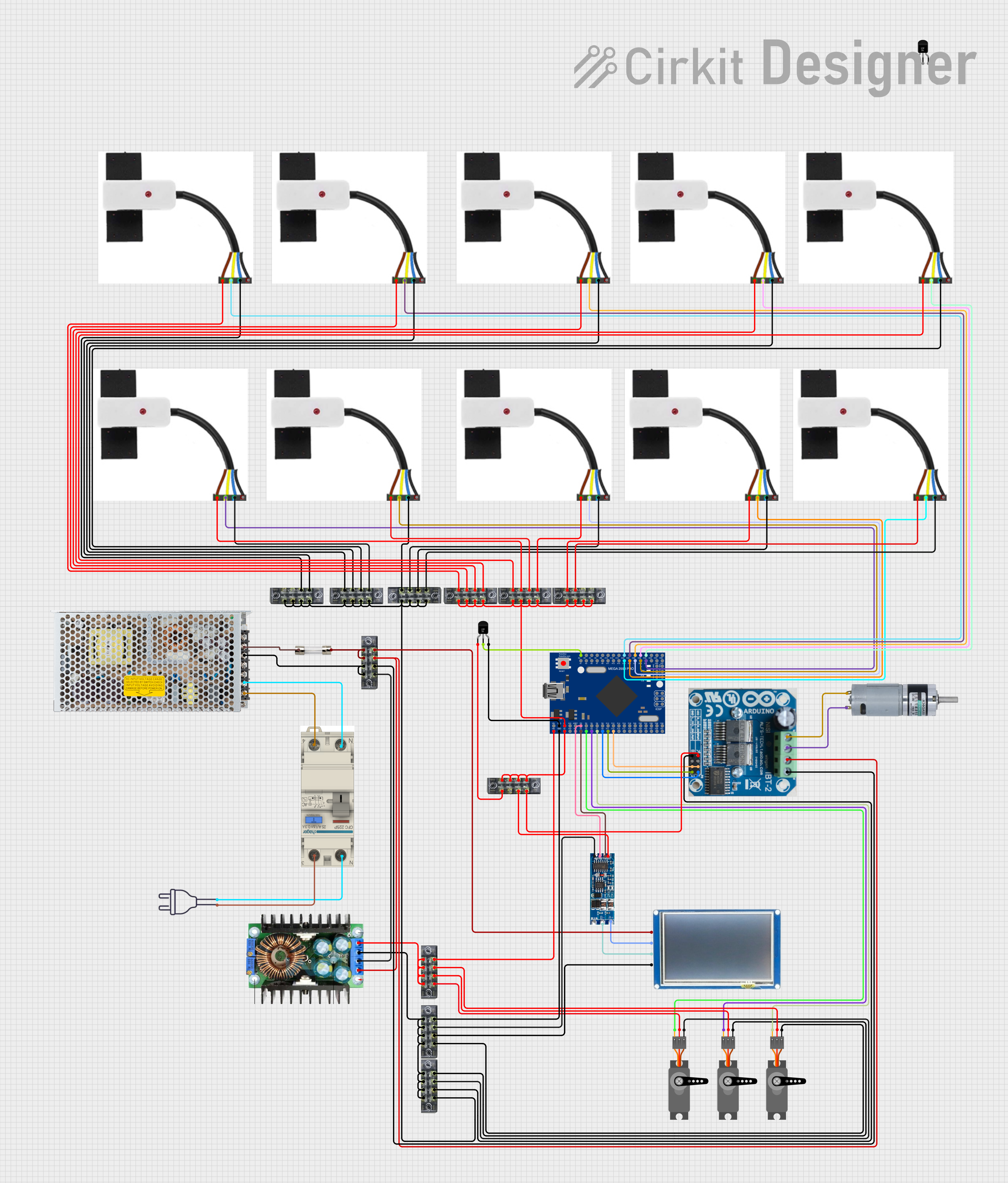 Open Project in Cirkit Designer
Explore Projects Built with Pololu - 0J10137
Open Project in Cirkit DesignerOpen Project in Cirkit DesignerOpen Project in Cirkit DesignerOpen Project in Cirkit DesignerCommon Applications and Use Cases
- Robotics and automation systems
- Small DC motor control in hobbyist projects
- Stepper motor control for 3D printers and CNC machines
- Educational and prototyping purposes
- Battery-powered motorized devices
Technical Specifications
The Pololu 0J10137 motor driver offers the following key technical specifications:
| Parameter | Value |
|---|---|
| Operating Voltage Range | 4.5 V to 28 V |
| Continuous Output Current | Up to 1.2 A per channel |
| Peak Output Current | 2 A per channel (for short durations) |
| Control Interface | PWM (Pulse Width Modulation) |
| Logic Voltage Range | 2.5 V to 5.5 V |
| Built-in Protections | Overcurrent, thermal shutdown, undervoltage |
| Dimensions | 0.6" × 0.8" × 0.1" (15 mm × 20 mm × 3 mm) |
| Weight | 1.2 g |
Pin Configuration and Descriptions
The Pololu 0J10137 has a simple pinout for easy integration into your circuit. Below is the pin configuration:
| Pin | Name | Description |
|---|---|---|
| 1 | VIN | Motor power supply input (4.5 V to 28 V). |
| 2 | GND | Ground connection. |
| 3 | AIN1 | Input control signal for motor channel A (logic high/low). |
| 4 | AIN2 | Input control signal for motor channel A (logic high/low). |
| 5 | BIN1 | Input control signal for motor channel B (logic high/low). |
| 6 | BIN2 | Input control signal for motor channel B (logic high/low). |
| 7 | PWM | PWM input for speed control (shared for both channels). |
| 8 | VOUT | Motor output voltage (connect to motor terminals). |
Usage Instructions
How to Use the Component in a Circuit
- Power Supply: Connect the VIN pin to a power source within the range of 4.5 V to 28 V. Ensure the power supply can provide sufficient current for your motor.
- Ground Connection: Connect the GND pin to the ground of your circuit.
- Motor Connections: Connect the motor terminals to the VOUT pins.
- Control Signals: Use the AIN1, AIN2, BIN1, and BIN2 pins to control the direction of the motors. Apply PWM signals to the PWM pin to control motor speed.
- Logic Voltage: Ensure the control signals are within the logic voltage range (2.5 V to 5.5 V).
Important Considerations and Best Practices
- Heat Dissipation: The driver may heat up during operation. Ensure proper ventilation or use a heatsink if necessary.
- Current Limiting: Avoid exceeding the peak current rating of 2 A per channel to prevent damage.
- Decoupling Capacitors: Place a decoupling capacitor (e.g., 100 µF) across the VIN and GND pins to stabilize the power supply.
- Motor Selection: Use motors that operate within the voltage and current limits of the driver.
Example Code for Arduino UNO
Below is an example of how to control a DC motor using the Pololu 0J10137 with an Arduino UNO:
// Define motor control pins
const int AIN1 = 3;  // Motor A control pin 1
const int AIN2 = 4;  // Motor A control pin 2
const int PWM = 5;   // PWM pin for speed control

void setup() {
  // Set motor control pins as outputs
  pinMode(AIN1, OUTPUT);
  pinMode(AIN2, OUTPUT);
  pinMode(PWM, OUTPUT);
}

void loop() {
  // Rotate motor forward
  digitalWrite(AIN1, HIGH);  // Set AIN1 high
  digitalWrite(AIN2, LOW);   // Set AIN2 low
  analogWrite(PWM, 128);     // Set speed to 50% (PWM value: 0-255)
  delay(2000);               // Run for 2 seconds

  // Rotate motor backward
  digitalWrite(AIN1, LOW);   // Set AIN1 low
  digitalWrite(AIN2, HIGH);  // Set AIN2 high
  analogWrite(PWM, 128);     // Set speed to 50%
  delay(2000);               // Run for 2 seconds

  // Stop motor
  digitalWrite(AIN1, LOW);   // Set AIN1 low
  digitalWrite(AIN2, LOW);   // Set AIN2 low
  analogWrite(PWM, 0);       // Set speed to 0%
  delay(2000);               // Stop for 2 seconds
}
Troubleshooting and FAQs
Common Issues and Solutions
Motor Not Spinning:
- Ensure the power supply is connected and within the specified voltage range.
- Verify that the control signals (AIN1, AIN2, BIN1, BIN2) are correctly configured.
- Check for loose or incorrect wiring.
Overheating:
- Ensure the motor driver is not exceeding its current or voltage limits.
- Improve ventilation or add a heatsink to dissipate heat.
Erratic Motor Behavior:
- Check for noise or instability in the power supply. Add a decoupling capacitor if needed.
- Verify that the PWM signal is stable and within the correct frequency range.
Driver Shutting Down:
- This may be due to thermal or overcurrent protection. Reduce the load on the motor or improve cooling.
FAQs
Q: Can I use this driver for stepper motors?
A: Yes, the Pololu 0J10137 can control stepper motors. Use both channels (A and B) to drive the two coils of the stepper motor.
Q: What is the recommended PWM frequency?
A: A PWM frequency between 20 kHz and 50 kHz is recommended for optimal performance.
Q: Can I use this driver with a 3.3 V microcontroller?
A: Yes, the driver supports logic voltages as low as 2.5 V, making it compatible with 3.3 V systems.
Q: Is reverse polarity protection included?
A: No, the driver does not have reverse polarity protection. Ensure correct polarity when connecting the power supply.