
How to Use Blade Fuse: Examples, Pinouts, and Specs

 Design with Blade Fuse in Cirkit Designer
Introduction
A blade fuse is a type of electrical fuse with a plastic body and two metal prongs. It is designed to protect electrical circuits by breaking the circuit when excessive current flows through it, preventing damage to components and wiring. Blade fuses are widely used in automotive, marine, and industrial applications due to their compact size, ease of replacement, and reliable performance.
Explore Projects Built with Blade Fuse
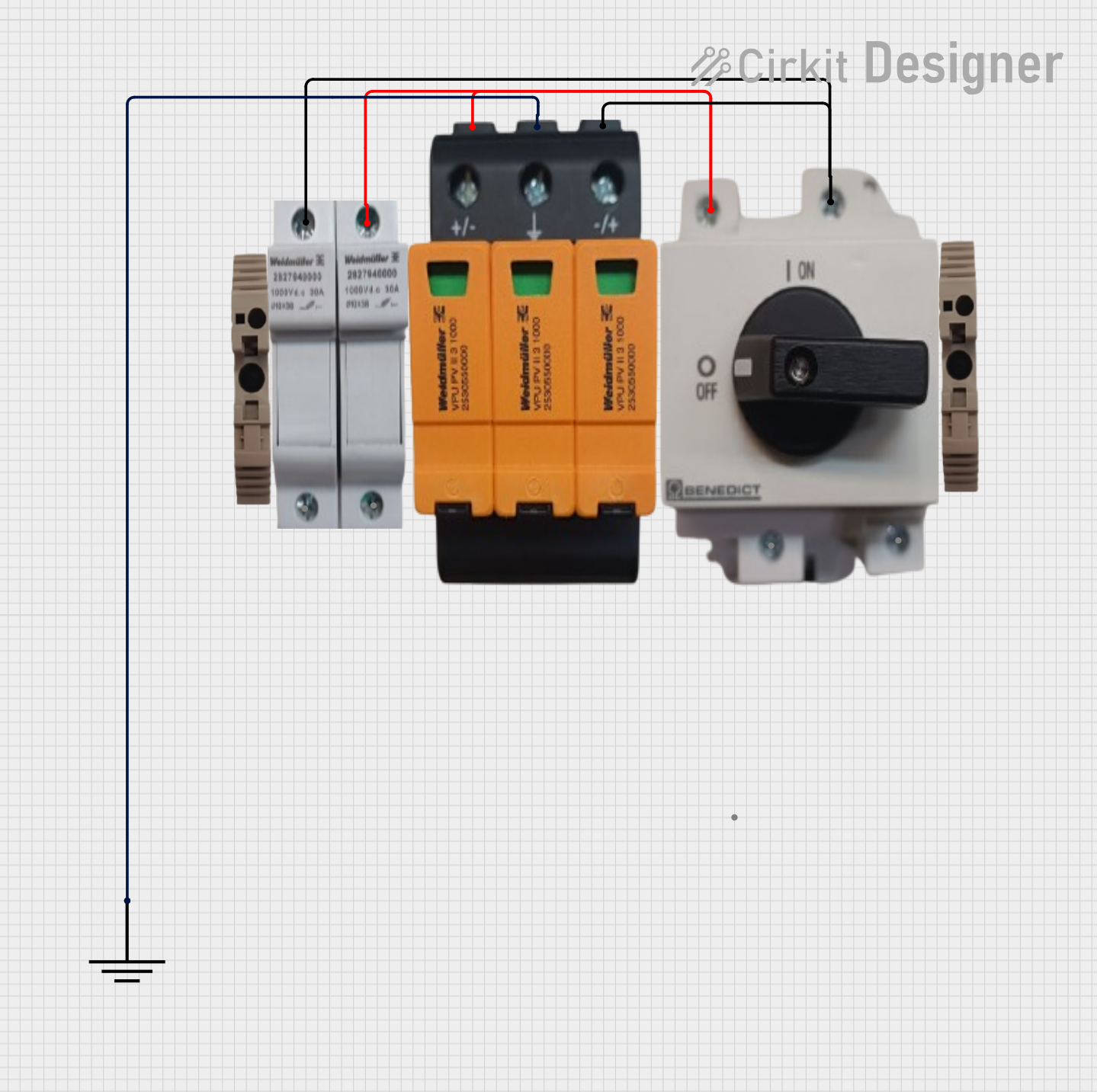 Open Project in Cirkit Designer
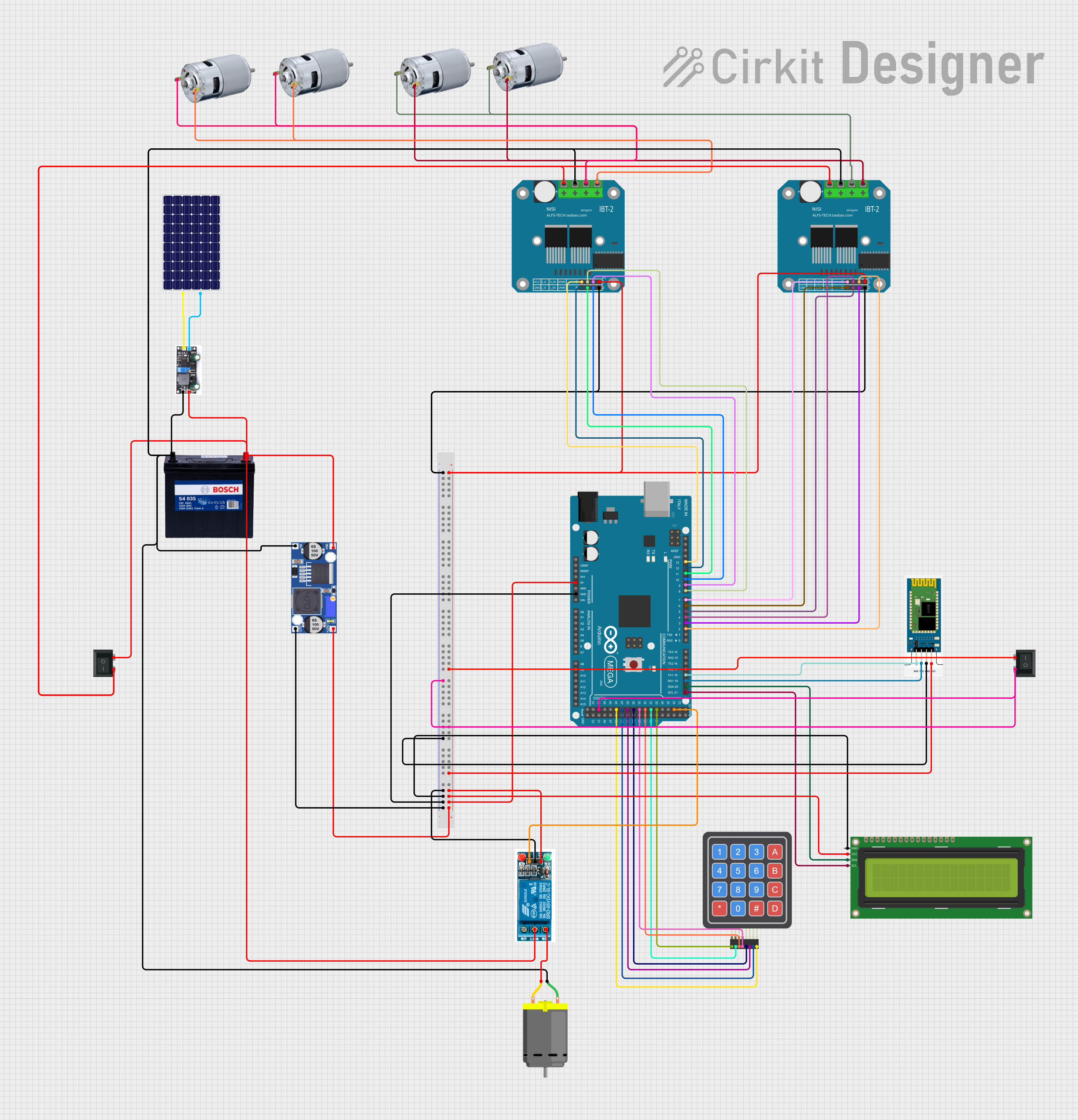 Open Project in Cirkit Designer
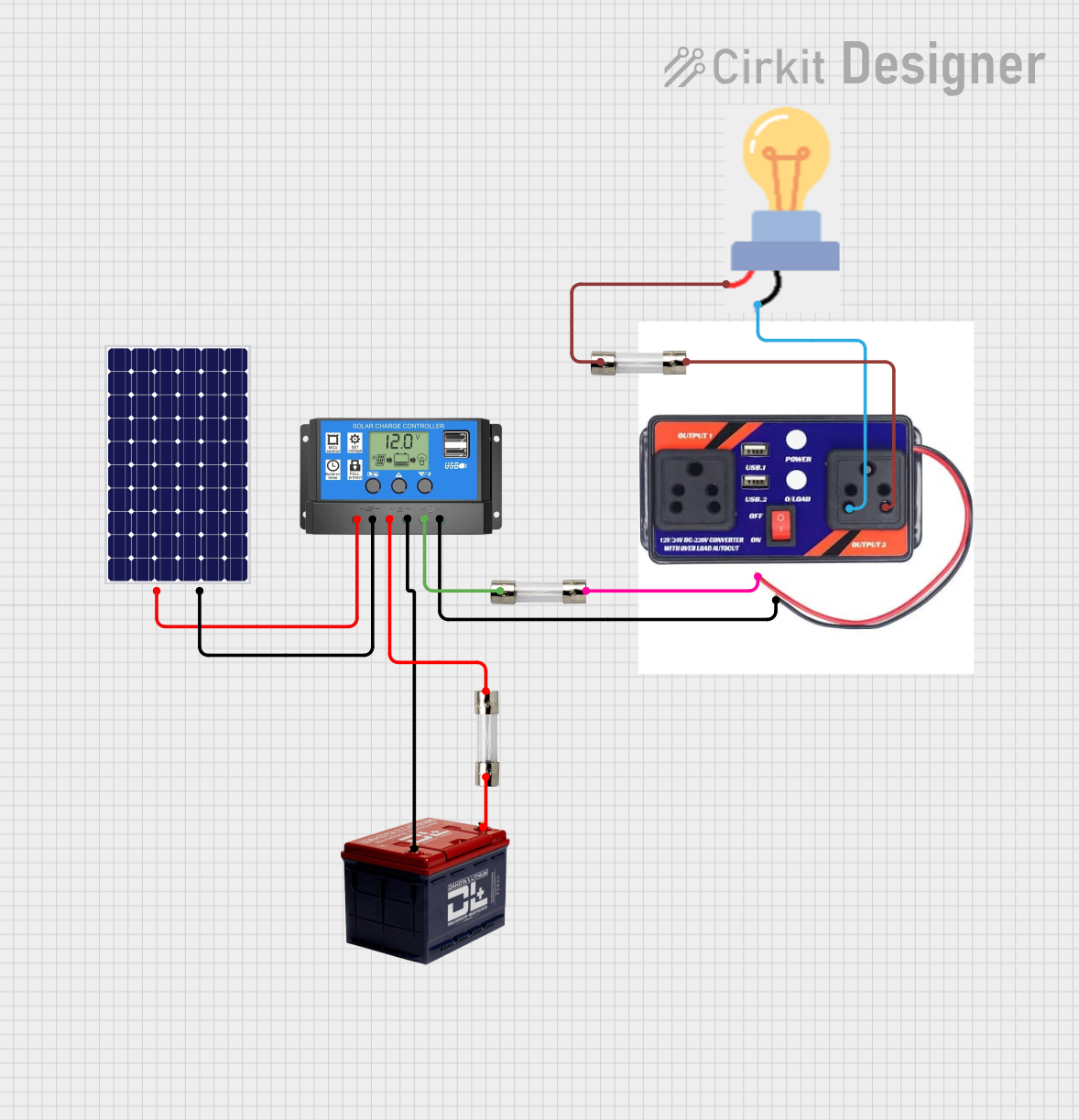 Open Project in Cirkit Designer
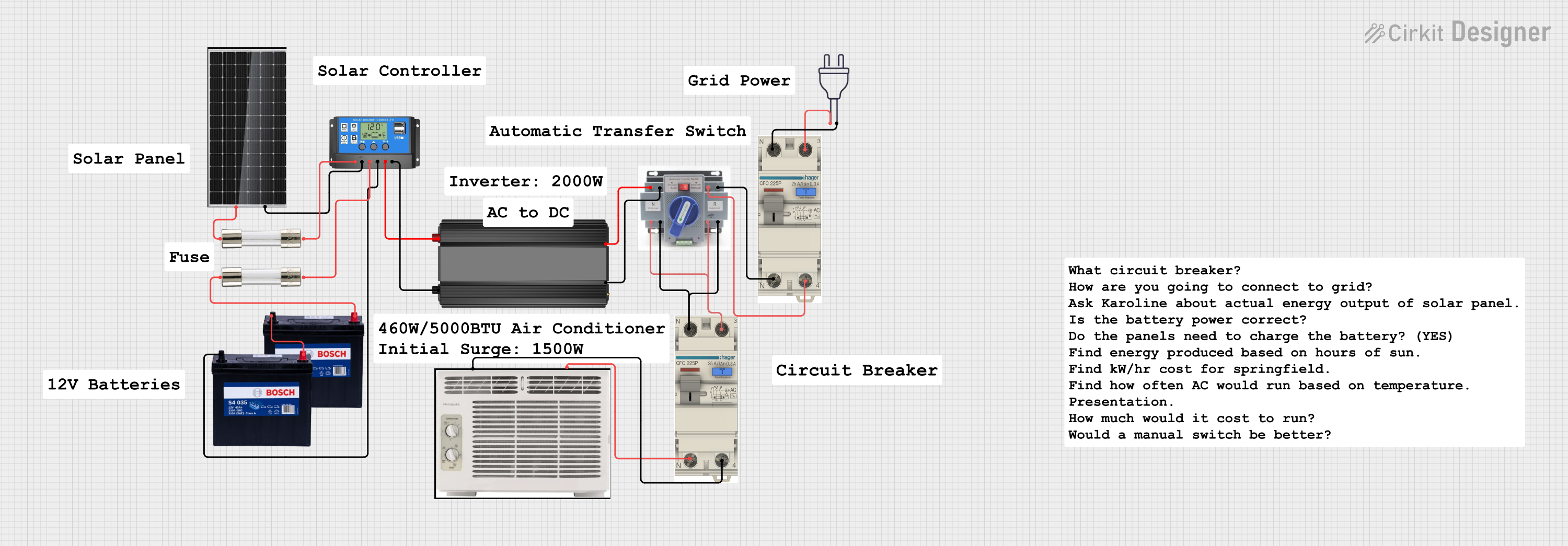 Open Project in Cirkit Designer
Explore Projects Built with Blade Fuse
Open Project in Cirkit DesignerOpen Project in Cirkit DesignerOpen Project in Cirkit DesignerOpen Project in Cirkit DesignerCommon Applications and Use Cases
- Automotive electrical systems (e.g., car stereos, headlights, and power windows)
- Marine electrical systems
- Industrial machinery and equipment
- Consumer electronics
- Renewable energy systems (e.g., solar panel setups)
Technical Specifications
Blade fuses are available in various sizes and current ratings to suit different applications. Below are the key technical details:
General Specifications
- Body Material: Plastic (typically thermoplastic)
- Prong Material: Tin-plated copper or zinc
- Voltage Rating: Typically 32V DC (some variants support higher voltages)
- Current Ratings: Commonly available in 1A to 40A
- Blow Characteristics: Fast-acting or slow-blow, depending on the type
- Operating Temperature: -40°C to +125°C (varies by manufacturer)
Blade Fuse Types and Dimensions
Blade fuses come in different sizes to accommodate various applications. Below is a table summarizing the common types:
| Fuse Type | Dimensions (L x W x H) | Current Range | Typical Applications |
|---|---|---|---|
| Mini Blade Fuse | 10.9mm x 3.6mm x 16.3mm | 1A to 30A | Compact automotive systems |
| Standard Blade Fuse | 19.1mm x 5.1mm x 18.5mm | 1A to 40A | General automotive use |
| Maxi Blade Fuse | 29.2mm x 8.5mm x 34.3mm | 20A to 100A | High-current applications |
Pin Configuration and Descriptions
Blade fuses have two metal prongs that serve as the input and output terminals. These prongs are inserted into a fuse holder or socket. The configuration is as follows:
| Pin Name | Description |
|---|---|
| Pin 1 | Input terminal (connected to power) |
| Pin 2 | Output terminal (connected to load) |
Usage Instructions
How to Use a Blade Fuse in a Circuit
- Determine the Current Rating: Select a blade fuse with a current rating slightly higher than the normal operating current of the circuit but lower than the maximum current the wiring can handle.
- Insert into Fuse Holder: Place the blade fuse into a compatible fuse holder or socket. Ensure the prongs are fully seated for a secure connection.
- Connect the Fuse Holder: Wire the fuse holder in series with the circuit. The input terminal should connect to the power source, and the output terminal should connect to the load.
- Test the Circuit: Power on the circuit and verify that it operates correctly. If the fuse blows, check for short circuits or excessive current draw.
Important Considerations and Best Practices
- Always use a fuse with the correct voltage and current rating for your application.
- Avoid bypassing or replacing a blown fuse with one of a higher rating, as this can damage the circuit.
- Inspect the fuse holder for corrosion or damage before installation.
- For automotive applications, ensure the fuse is rated for the vehicle's electrical system voltage (typically 12V or 24V DC).
Example: Using a Blade Fuse with an Arduino UNO
When connecting an Arduino UNO to a power source, you can use a blade fuse to protect the board from overcurrent. Below is an example circuit and code:
Circuit Setup
- Connect a 5V power source to the input terminal of a fuse holder.
- Insert a 1A blade fuse into the holder.
- Connect the output terminal of the fuse holder to the Arduino UNO's VIN pin.
- Connect the ground of the power source to the Arduino's GND pin.
Example Code
// Example code for Arduino UNO to blink an LED
// Ensure the circuit is protected by a blade fuse to prevent overcurrent damage

const int ledPin = 13; // Built-in LED pin on Arduino UNO

void setup() {
  pinMode(ledPin, OUTPUT); // Set the LED pin as an output
}

void loop() {
  digitalWrite(ledPin, HIGH); // Turn the LED on
  delay(1000); // Wait for 1 second
  digitalWrite(ledPin, LOW); // Turn the LED off
  delay(1000); // Wait for 1 second
}
Troubleshooting and FAQs
Common Issues
Fuse Blows Immediately After Installation
- Cause: Short circuit or excessive current draw in the circuit.
- Solution: Inspect the circuit for wiring errors or faulty components. Replace the fuse with one of the correct rating after resolving the issue.
Fuse Does Not Blow Despite Overcurrent
- Cause: Incorrect fuse rating or slow-blow fuse used in a fast-acting application.
- Solution: Verify the fuse's current rating and type. Replace with a fast-acting fuse if necessary.
Corroded or Loose Fuse Connections
- Cause: Exposure to moisture or improper installation.
- Solution: Clean the fuse holder contacts and ensure the fuse is securely seated.
FAQs
Q: Can I use a blade fuse in an AC circuit?
A: Blade fuses are typically rated for DC circuits. If you need to use one in an AC circuit, ensure it is specifically rated for AC operation.
Q: How do I know if a blade fuse is blown?
A: Inspect the fuse visually. A blown fuse will have a broken or melted metal strip inside the plastic body. Alternatively, use a multimeter to check for continuity.
Q: Can I replace a blade fuse with a higher-rated one?
A: No, replacing a fuse with a higher-rated one can compromise circuit protection and lead to damage or fire hazards. Always use the correct rating specified for your circuit.