Cirkit Designer LogoCirkit DesignerYour all-in-one circuit design IDE Launch Cirkit Designer App

How to Use 8 OHM 20W SPEAKER: Examples, Pinouts, and Specs

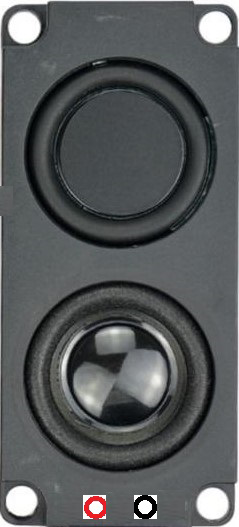
Image of 8 OHM 20W SPEAKERDesign with 8 OHM 20W SPEAKER in Cirkit Designer

Introduction

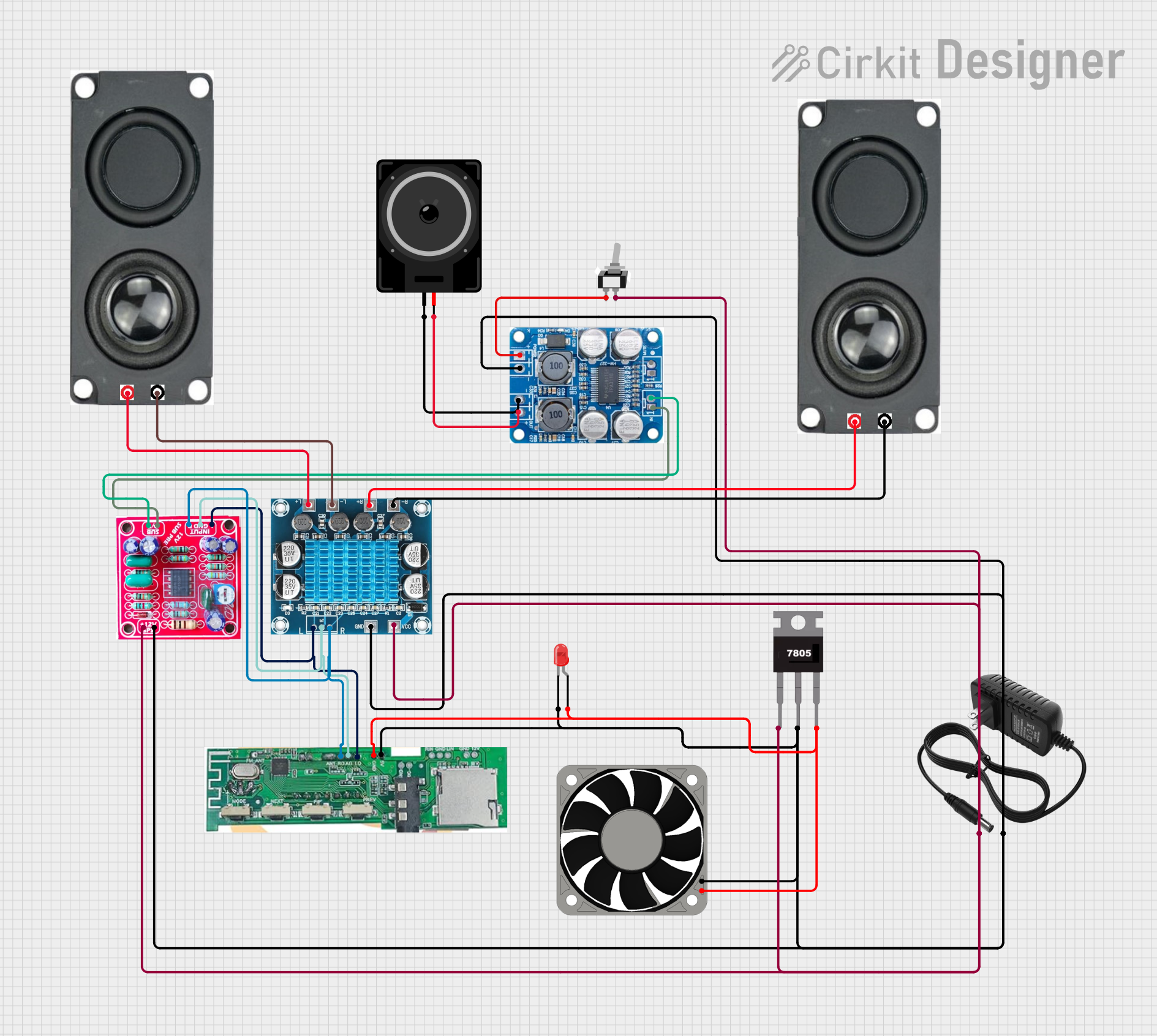
The 8 OHM 20W SPEAKER is an electroacoustic transducer designed to convert electrical signals into audible sound. With a resistance of 8 ohms and a power handling capacity of 20 watts, this speaker is suitable for a wide range of audio applications, from DIY projects to commercial audio systems.

Explore Projects Built with 8 OHM 20W SPEAKER

Use Cirkit Designer to design, explore, and prototype these projects online. Some projects support real-time simulation. Click "Open Project" to start designing instantly!
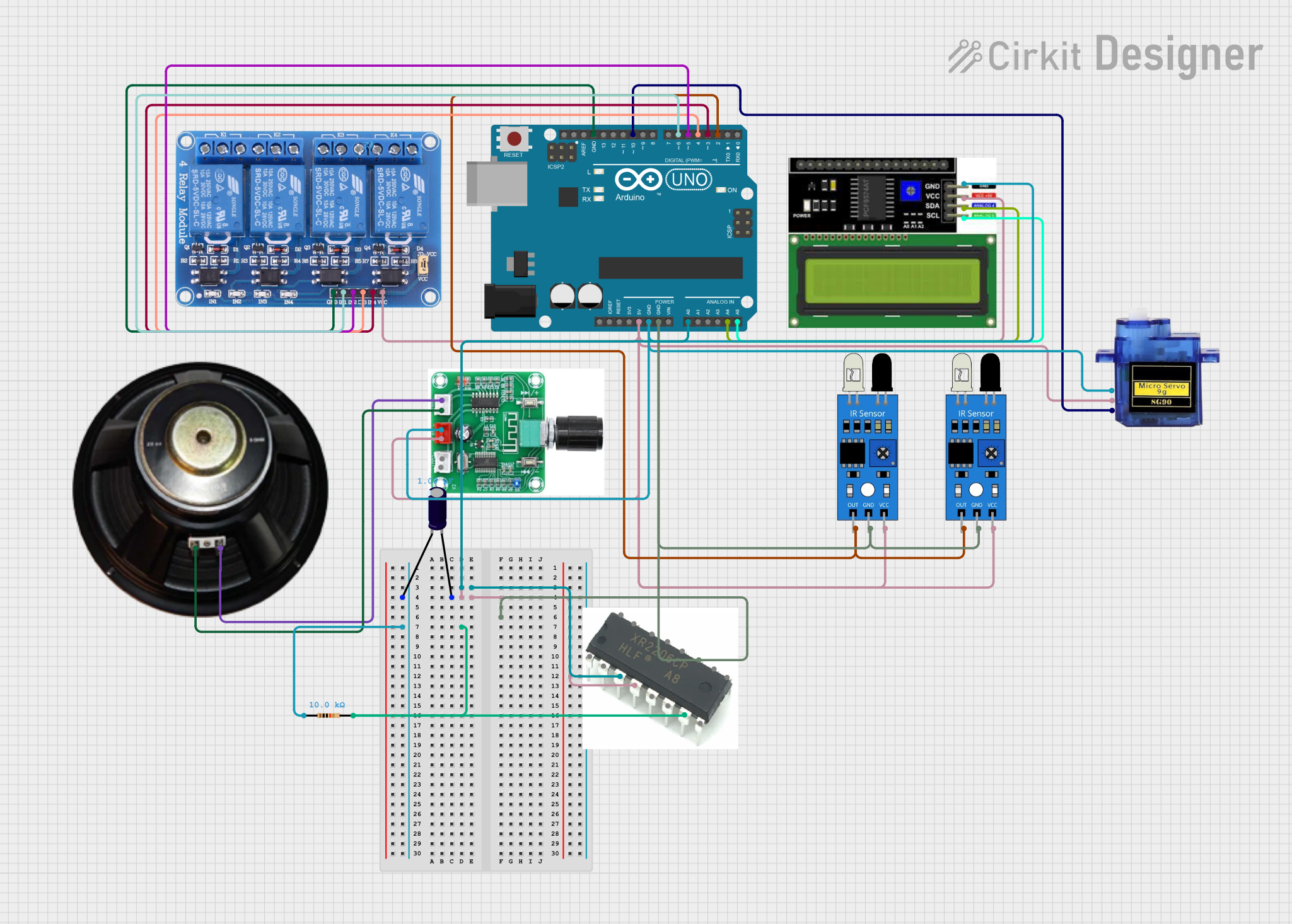
Image of Arduino UNO Controlled Soundwave Generator with IR Sensor Activation and Relay Switching: A project utilizing 8 OHM 20W SPEAKER in a practical application
Arduino UNO Controlled Soundwave Generator with IR Sensor Activation and Relay Switching

This circuit features an Arduino UNO microcontroller interfaced with a 4-channel relay, two IR sensors, a servo motor, an LCD I2C display, a PAM8403 audio amplifier connected to a speaker, and an XR2206 function generator with a resistor and capacitor for frequency shaping. The Arduino controls the relays based on a potentiometer input, displays frequency information on the LCD, and adjusts the servo position in response to the IR sensors. The XR2206 generates an adjustable frequency signal, while the PAM8403 amplifies audio for the speaker.

Open Project in Cirkit Designer

Common Applications and Use Cases

Technical Specifications

Key Technical Details

Parameter Specification
Nominal Impedance 8 ohms
Power Handling 20 watts
Frequency Response Typically 20 Hz to 20 kHz (varies by model)
Sensitivity Varies by model, typically around 88-92 dB
Magnet Material Ferrite or Neodymium (varies by model)

Pin Configuration and Descriptions

Pin Number Description
1 Positive Terminal
2 Negative Terminal

Usage Instructions

How to Use the Component in a Circuit

  1. Identify the Terminals: Locate the positive (+) and negative (-) terminals on the speaker.
  2. Connect to Amplifier: Connect the speaker's positive terminal to the amplifier's output positive terminal, and the speaker's negative terminal to the amplifier's output negative terminal.
  3. Power Rating: Ensure that the amplifier's output does not exceed the speaker's power handling capacity of 20 watts to avoid damage.
  4. Impedance Matching: Match the speaker's impedance with the amplifier's recommended load to ensure optimal performance and avoid damage to the amplifier.

Important Considerations and Best Practices

Troubleshooting and FAQs

Common Issues Users Might Face

Solutions and Tips for Troubleshooting

FAQs

Q: Can I use this speaker with any amplifier? A: You can use this speaker with any amplifier that supports an 8-ohm load and does not exceed the speaker's 20-watt power rating.

Q: Do I need a crossover network for this speaker? A: It depends on your application. For full-range use, a crossover may not be necessary. For more complex systems, a crossover can help direct appropriate frequencies to the speaker.

Q: How can I improve the sound quality of the speaker? A: Using a proper enclosure designed for the speaker's characteristics can significantly improve sound quality. Also, ensure that the amplifier and source audio are of high quality.

Q: Is it possible to connect multiple speakers together? A: Yes, but you must understand how to correctly wire them in series or parallel to maintain an appropriate load for the amplifier.

Note: This documentation is for general guidance. For specific models, refer to the manufacturer's datasheet for exact specifications and recommendations.