
How to Use circuit breaker: Examples, Pinouts, and Specs
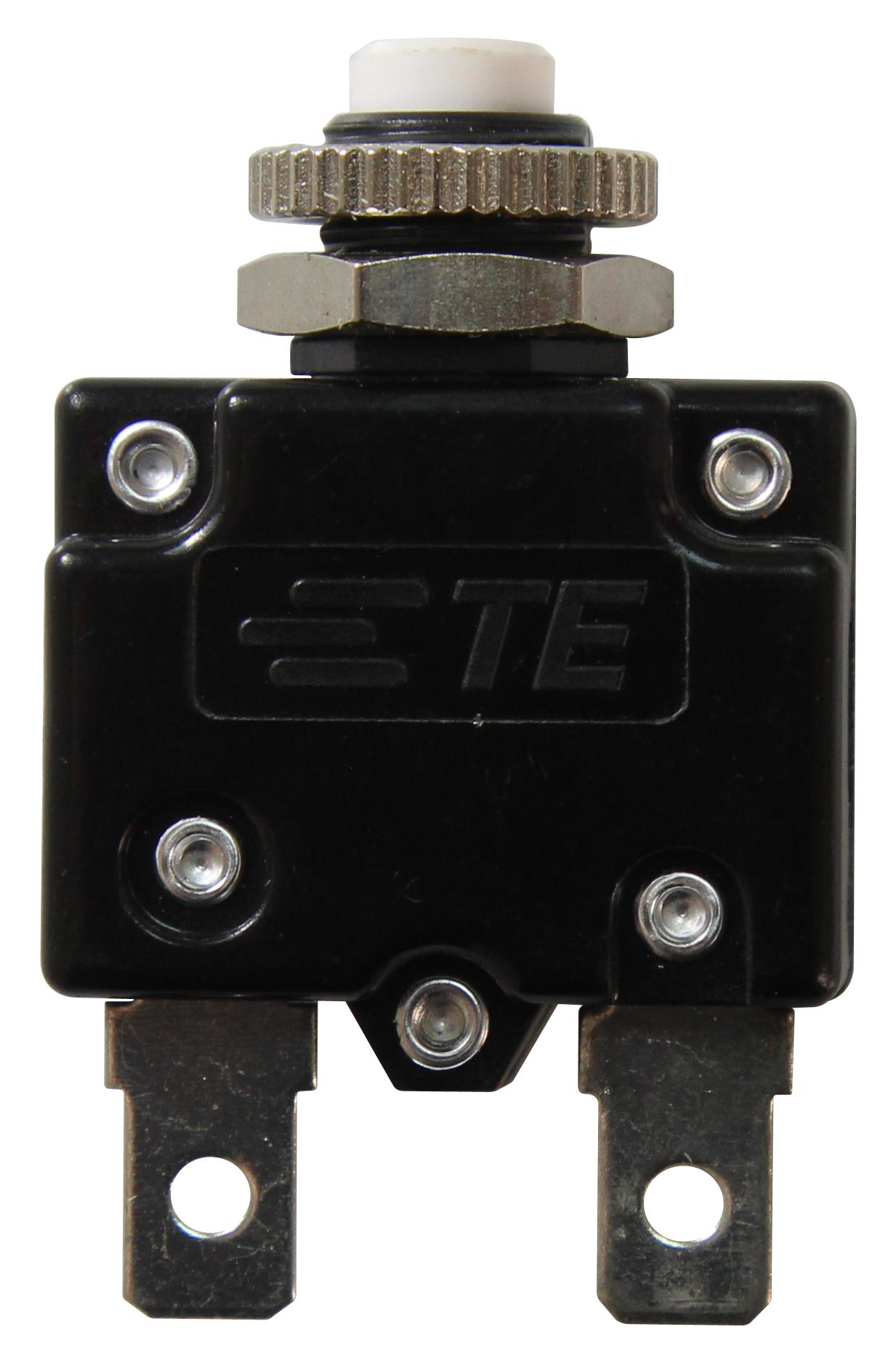
 Design with circuit breaker in Cirkit Designer
Introduction
A circuit breaker is an automatic switch designed to protect electrical circuits from damage caused by overloads or short circuits. When a fault is detected, the circuit breaker interrupts the flow of current, preventing potential hazards such as fires or equipment damage. Unlike fuses, circuit breakers can be reset manually or automatically after the fault is cleared, making them reusable and highly reliable.
Explore Projects Built with circuit breaker
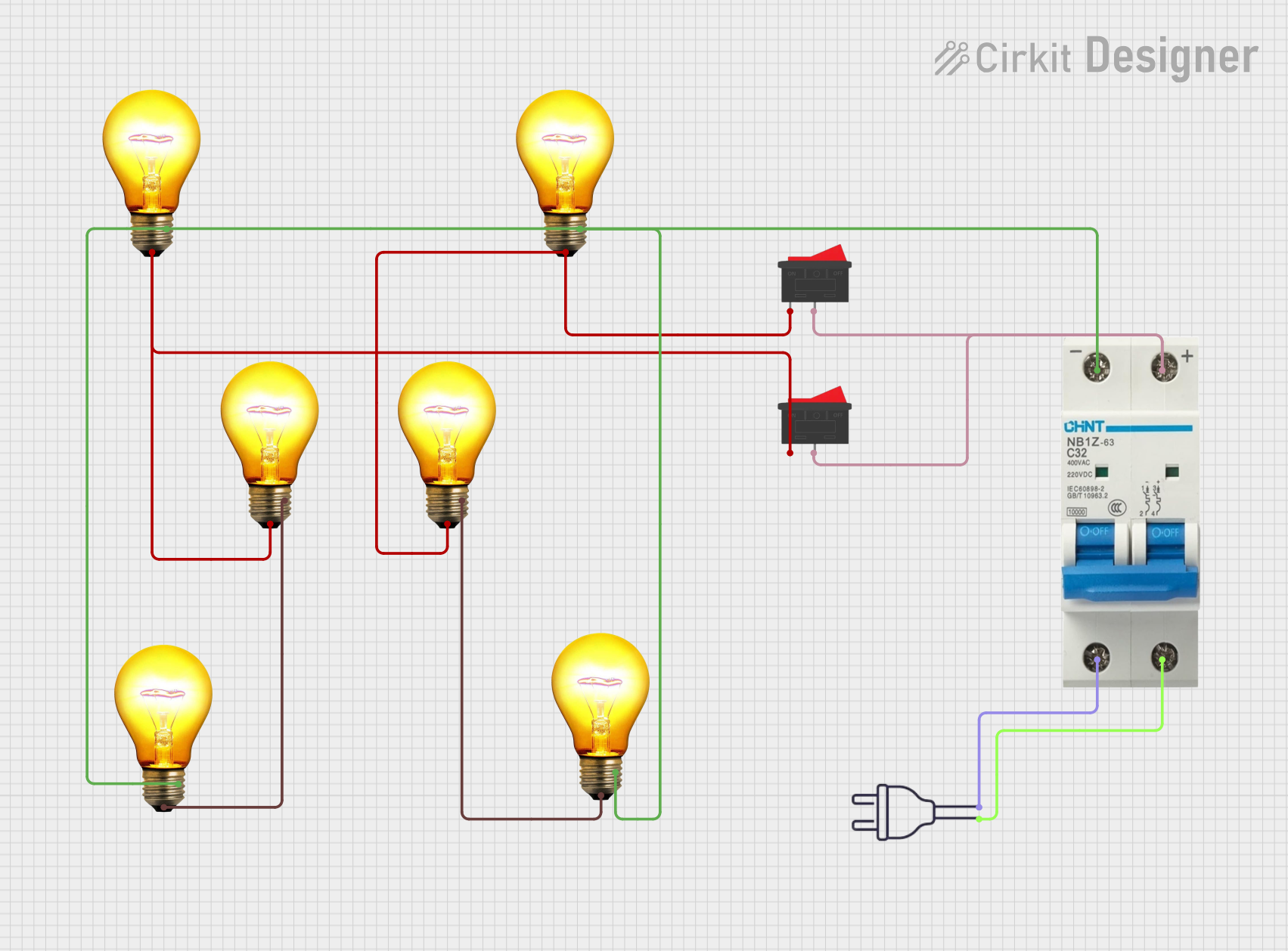 Open Project in Cirkit Designer
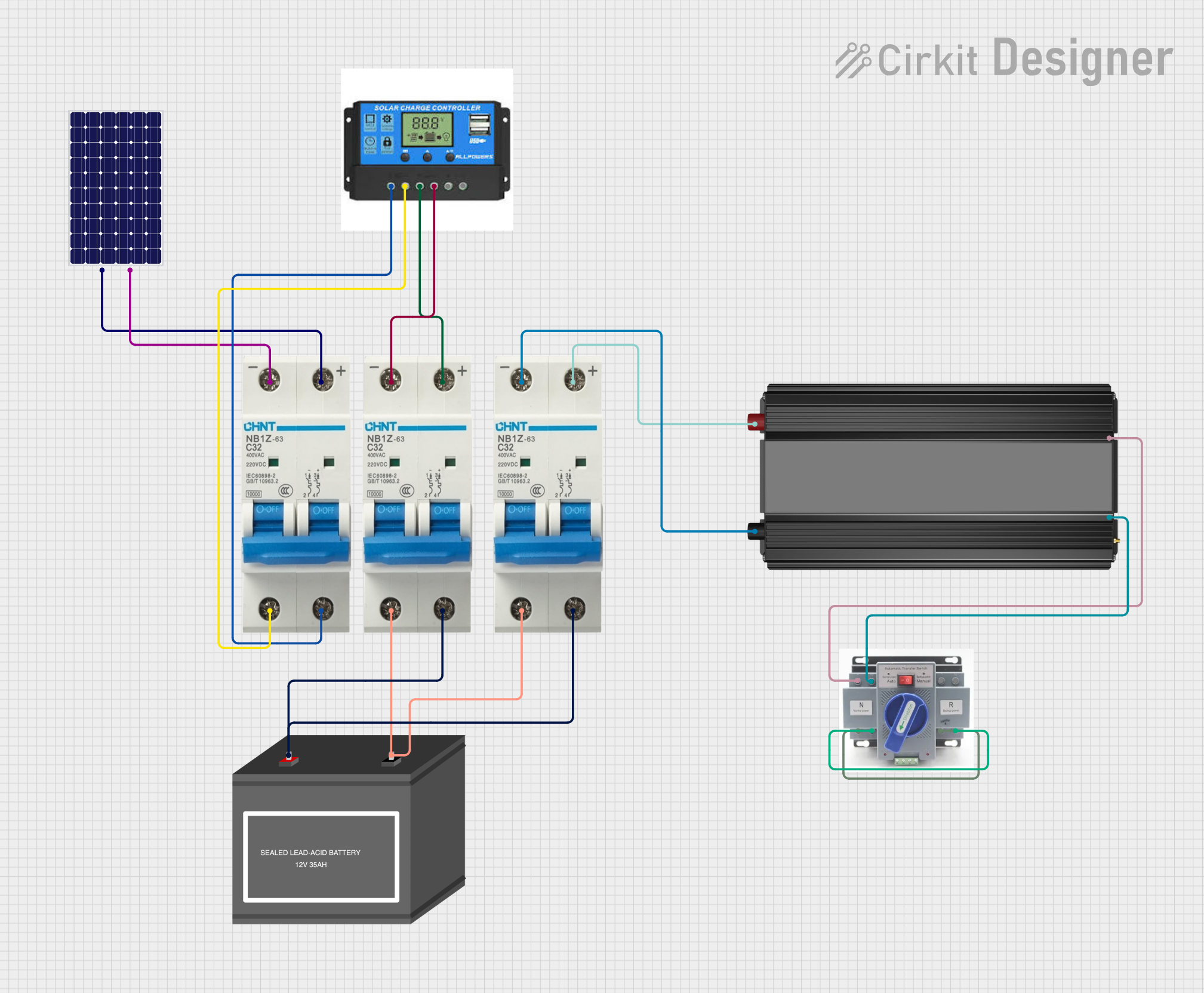 Open Project in Cirkit Designer
 Open Project in Cirkit Designer
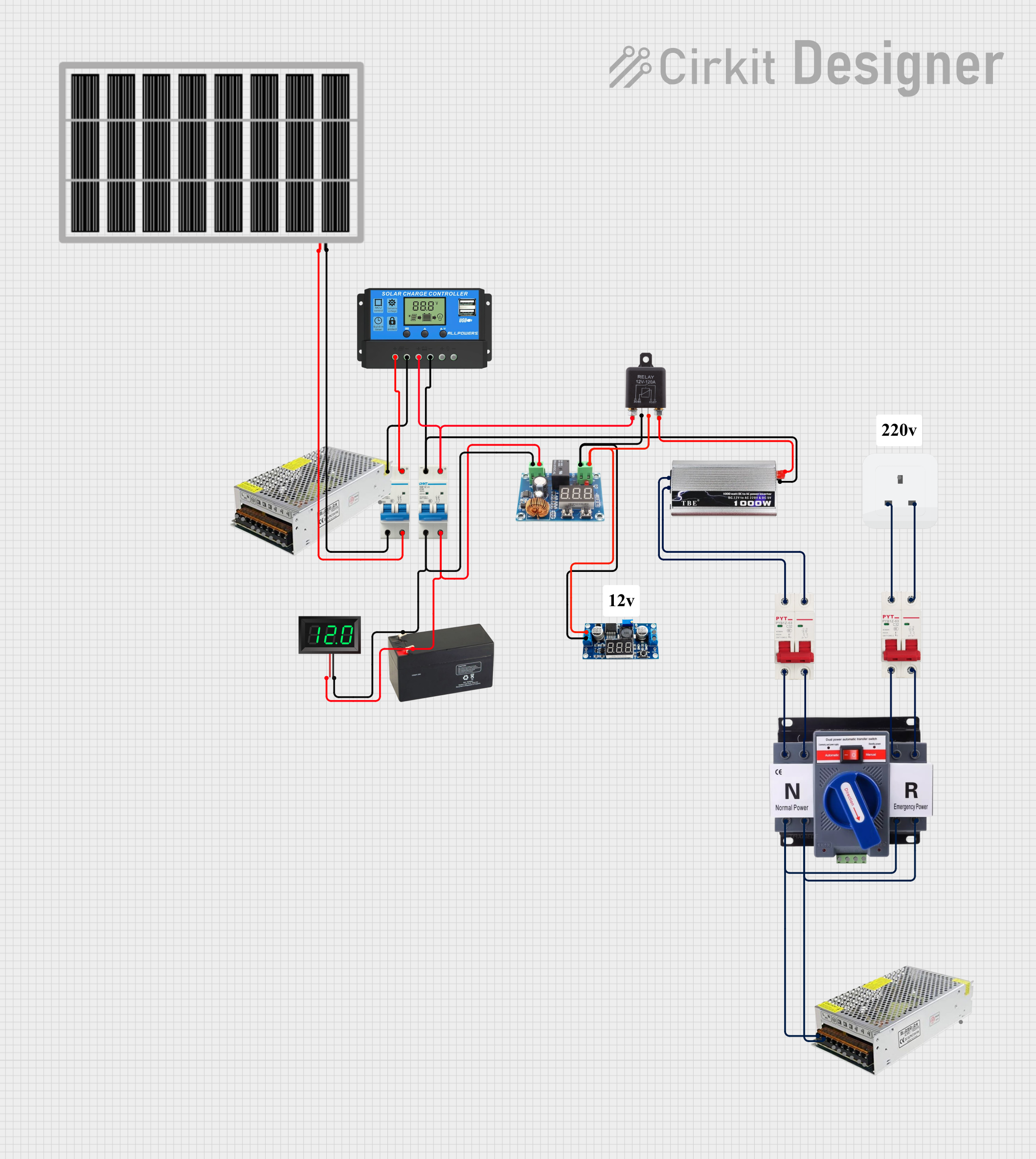 Open Project in Cirkit Designer
Explore Projects Built with circuit breaker
Open Project in Cirkit DesignerOpen Project in Cirkit DesignerOpen Project in Cirkit DesignerOpen Project in Cirkit DesignerCommon Applications and Use Cases
- Residential and commercial electrical systems for overload and short-circuit protection.
- Industrial machinery and equipment to safeguard against electrical faults.
- Power distribution systems in substations and grids.
- Protection of sensitive electronic devices and appliances.
- Automotive and marine electrical systems.
Technical Specifications
Below are the general technical specifications for a typical circuit breaker. Note that specific models may vary in their ratings and features.
Key Technical Details
- Rated Voltage: 120V AC, 240V AC, or higher (depending on the model).
- Rated Current: Commonly ranges from 1A to 100A or more.
- Breaking Capacity: Typically 6kA to 10kA (ability to interrupt fault current).
- Trip Mechanism: Thermal, magnetic, or a combination of both.
- Reset Type: Manual or automatic.
- Poles: Single-pole, double-pole, or multi-pole configurations.
- Response Time: Instantaneous for short circuits; delayed for overloads.
Pin Configuration and Descriptions
Circuit breakers do not have traditional "pins" like electronic components but instead feature terminals for wiring. Below is a table describing the typical terminal configuration:
| Terminal Name | Description |
|---|---|
| Line (Input) | Connects to the power source or supply line. |
| Load (Output) | Connects to the load or device being protected. |
| Ground (if available) | Provides a grounding connection for safety. |
Usage Instructions
How to Use the Component in a Circuit
- Determine the Ratings: Select a circuit breaker with appropriate voltage, current, and breaking capacity ratings for your application.
- Wiring:
- Connect the Line (Input) terminal to the power source.
- Connect the Load (Output) terminal to the device or circuit being protected.
- If a ground terminal is available, connect it to the system ground for added safety.
- Mounting: Install the circuit breaker in a suitable enclosure or panel. Ensure it is securely mounted to prevent movement or damage.
- Testing: After installation, test the circuit breaker by simulating an overload or short circuit to ensure it trips correctly.
Important Considerations and Best Practices
- Always turn off the power supply before installing or servicing a circuit breaker.
- Use appropriately rated wires and connectors to prevent overheating or damage.
- Avoid exceeding the rated current or voltage of the circuit breaker.
- Regularly inspect the circuit breaker for signs of wear, damage, or corrosion.
- For sensitive applications, consider using a combination of circuit breakers and surge protectors.
Example: Using a Circuit Breaker with an Arduino UNO
While circuit breakers are not directly interfaced with microcontrollers like the Arduino UNO, they can be used to protect the power supply to the Arduino. Below is an example of how to integrate a circuit breaker into an Arduino-powered circuit:
// Example: Monitoring a circuit breaker's status with Arduino
// This code assumes a circuit breaker with a status output (optional feature).

const int breakerStatusPin = 2; // Pin connected to the breaker's status output
const int ledPin = 13;          // Built-in LED to indicate breaker status

void setup() {
  pinMode(breakerStatusPin, INPUT); // Set breaker status pin as input
  pinMode(ledPin, OUTPUT);          // Set LED pin as output
  Serial.begin(9600);               // Initialize serial communication
}

void loop() {
  int breakerStatus = digitalRead(breakerStatusPin); // Read breaker status

  if (breakerStatus == HIGH) {
    // Breaker is in normal (closed) state
    digitalWrite(ledPin, HIGH); // Turn on LED
    Serial.println("Circuit breaker is ON.");
  } else {
    // Breaker is tripped (open) state
    digitalWrite(ledPin, LOW);  // Turn off LED
    Serial.println("Circuit breaker is OFF.");
  }

  delay(500); // Wait for 500ms before next status check
}
Troubleshooting and FAQs
Common Issues Users Might Face
Circuit Breaker Trips Frequently:
- Cause: Overloaded circuit or short circuit.
- Solution: Reduce the load on the circuit or check for wiring faults.
Circuit Breaker Does Not Trip:
- Cause: Faulty breaker or incorrect installation.
- Solution: Test the breaker with a known fault condition. Replace if necessary.
Breaker Feels Hot:
- Cause: Loose connections or excessive current.
- Solution: Tighten connections and ensure the load does not exceed the breaker's rating.
Breaker Cannot Be Reset:
- Cause: Persistent fault in the circuit.
- Solution: Identify and fix the fault before attempting to reset the breaker.
Solutions and Tips for Troubleshooting
- Use a multimeter to check for continuity and voltage levels in the circuit.
- Inspect the breaker for physical damage, such as cracks or burn marks.
- Ensure the breaker is compatible with the system's voltage and current requirements.
- Consult the manufacturer's datasheet for specific troubleshooting steps.
By following this documentation, users can effectively select, install, and maintain circuit breakers for a wide range of applications.