
How to Use R3D-JR Remote-Ready Dial: Examples, Pinouts, and Specs
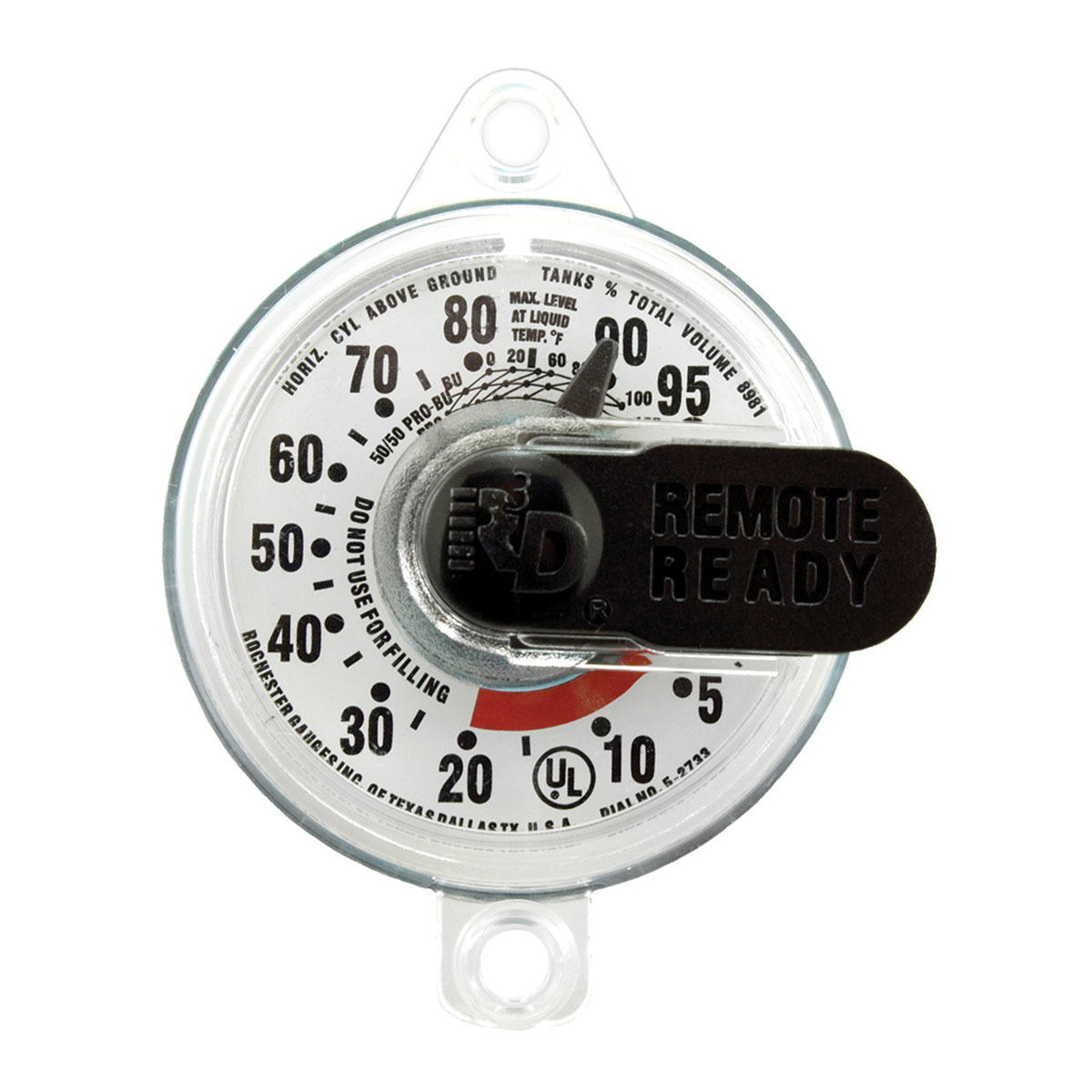
 Design with R3D-JR Remote-Ready Dial in Cirkit Designer
Introduction
The R3D-JR Remote-Ready Dial (Manufacturer Part ID: 5909s02733) by Rochester Sensors is a versatile rotary dial designed for remote control applications. This component allows users to adjust settings or parameters wirelessly, making it ideal for modern IoT systems, industrial automation, and consumer electronics. Its robust design ensures reliable performance in a variety of environments.
Explore Projects Built with R3D-JR Remote-Ready Dial
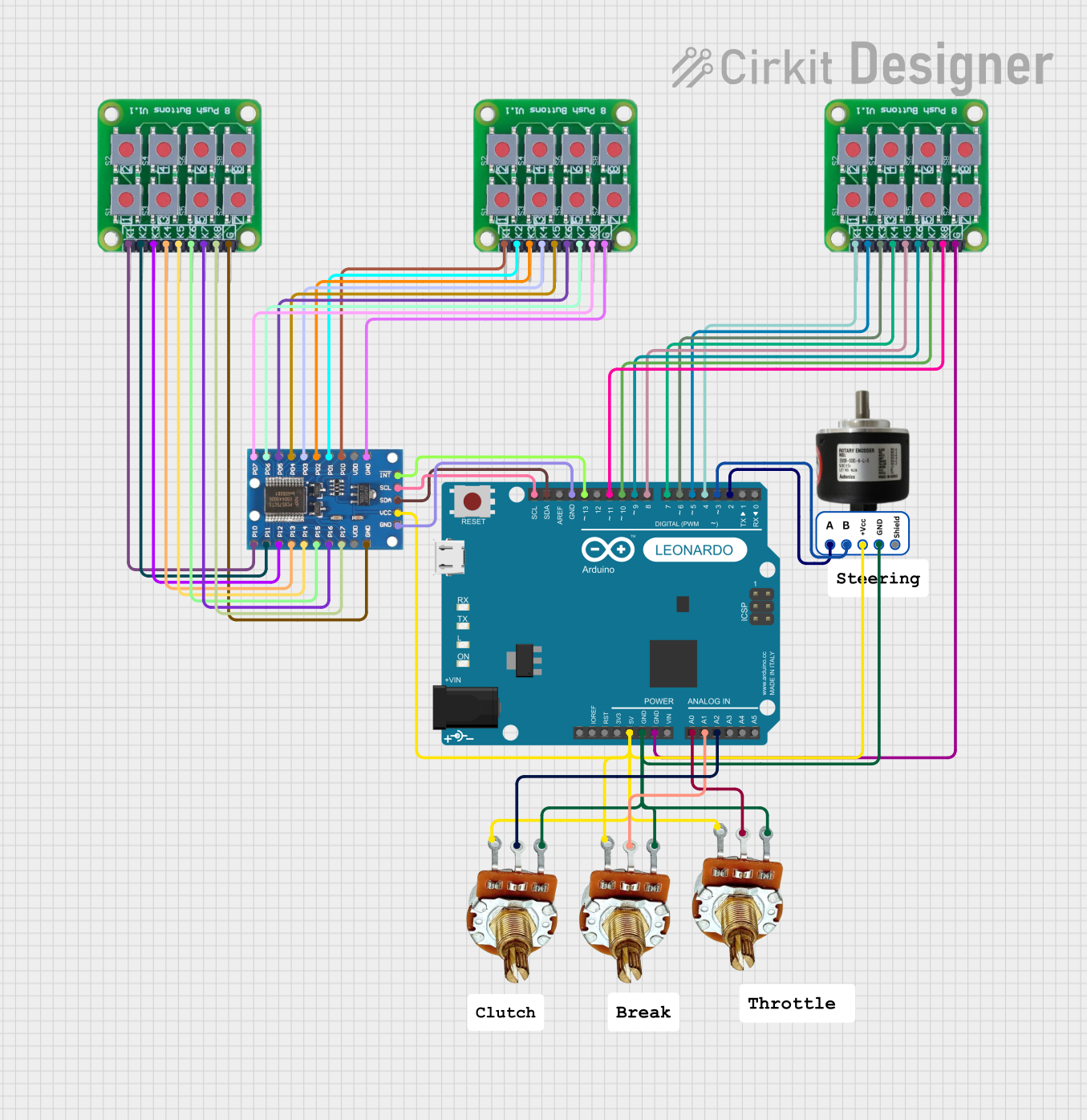 Open Project in Cirkit Designer
 Open Project in Cirkit Designer
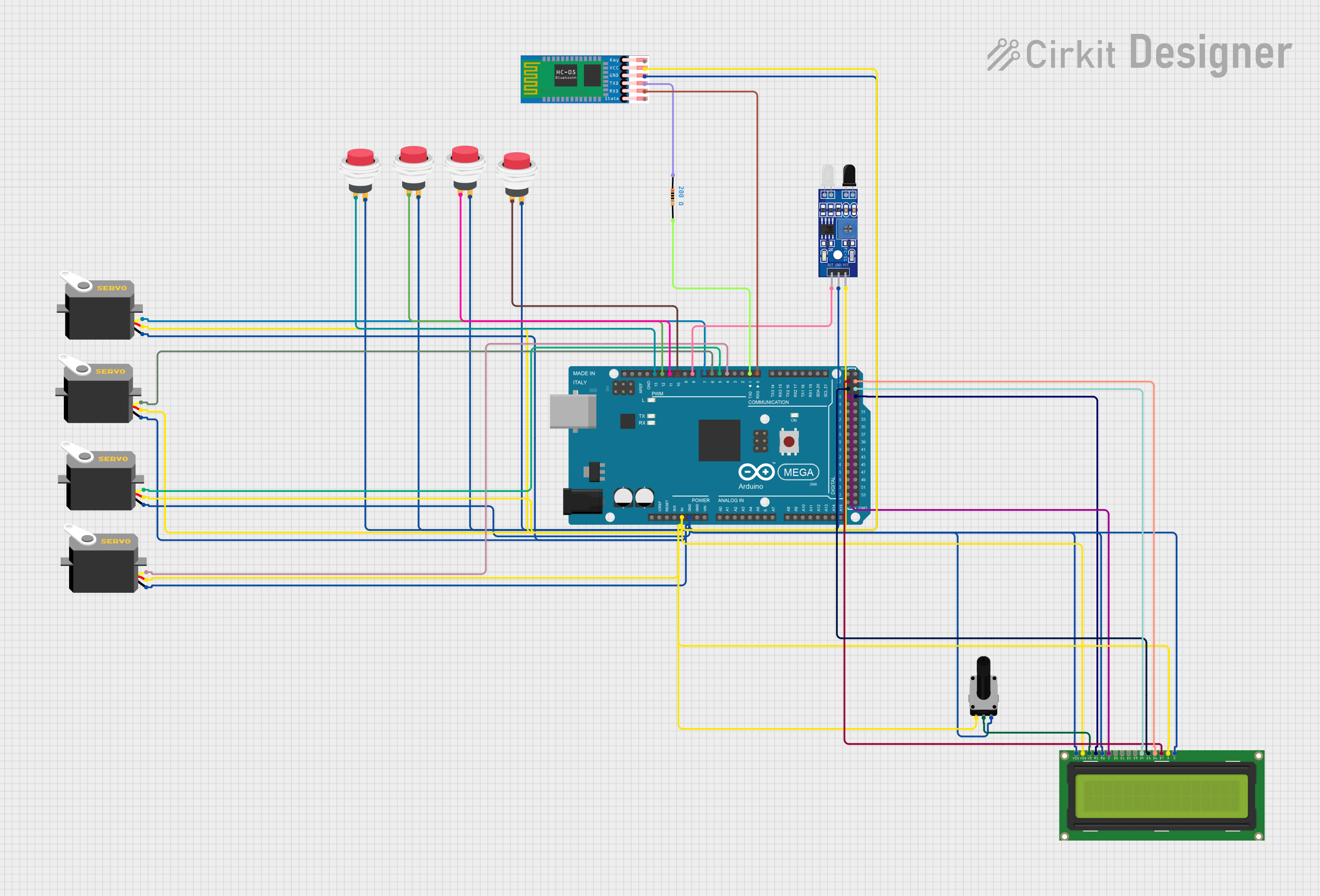 Open Project in Cirkit Designer
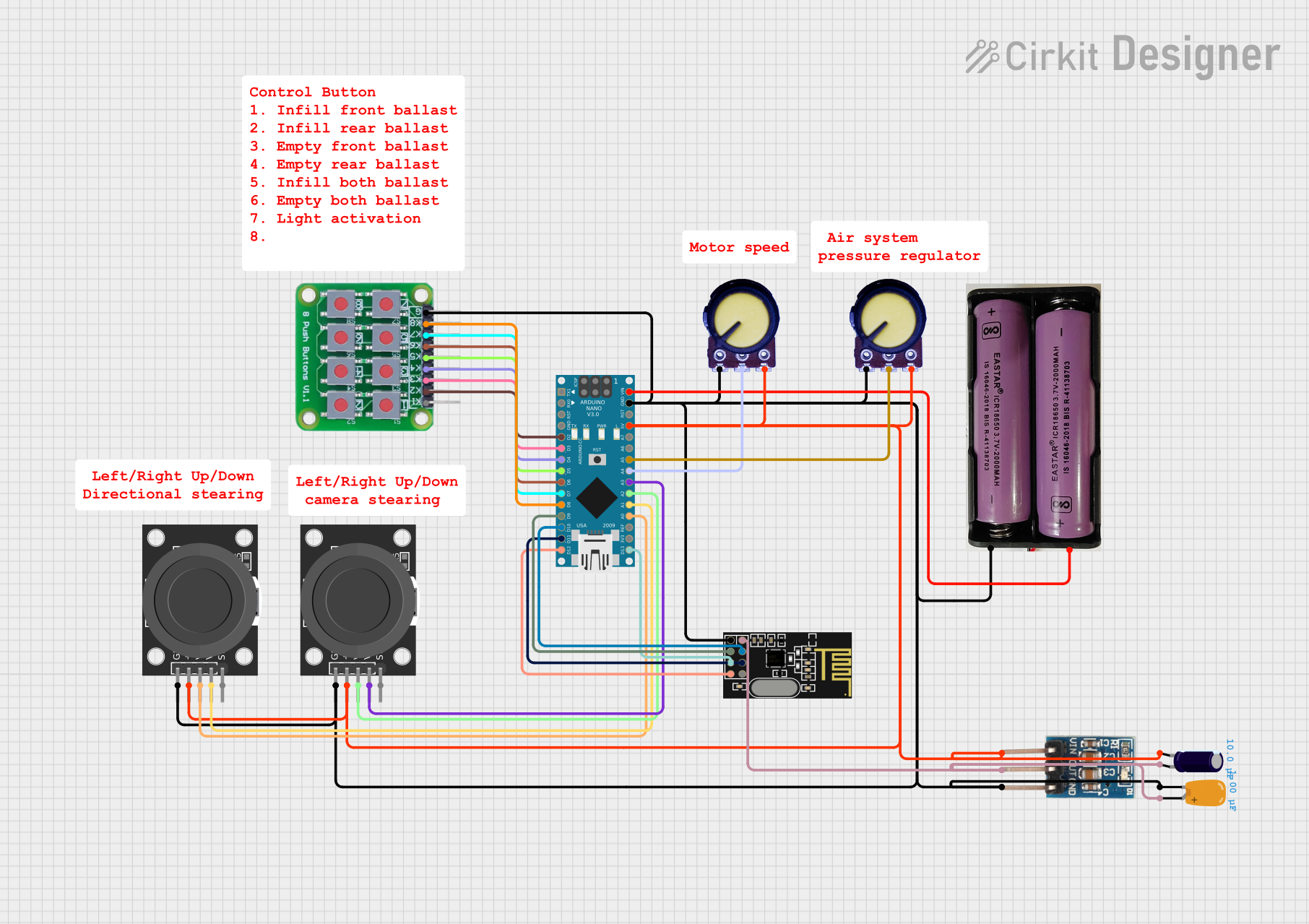 Open Project in Cirkit Designer
Explore Projects Built with R3D-JR Remote-Ready Dial
Open Project in Cirkit DesignerOpen Project in Cirkit DesignerOpen Project in Cirkit DesignerOpen Project in Cirkit DesignerCommon Applications and Use Cases
- IoT Devices: Adjusting parameters such as brightness, volume, or temperature remotely.
- Industrial Automation: Fine-tuning machine settings or calibrating equipment.
- Consumer Electronics: Wireless control of home appliances or entertainment systems.
- Smart Home Systems: Integration with hubs for seamless control of connected devices.
Technical Specifications
Key Technical Details
| Parameter | Value |
|---|---|
| Manufacturer | Rochester Sensors |
| Part ID | 5909s02733 |
| Operating Voltage Range | 3.3V to 5V DC |
| Maximum Current Draw | 50mA |
| Communication Protocol | Bluetooth Low Energy (BLE) |
| Rotary Resolution | 12 steps per revolution |
| Operating Temperature | -20°C to 70°C |
| Wireless Range | Up to 10 meters (line of sight) |
| Dimensions | 30mm x 30mm x 15mm |
| Weight | 20 grams |
Pin Configuration and Descriptions
The R3D-JR Remote-Ready Dial has a 6-pin interface for power, communication, and control.
| Pin Number | Name | Description |
|---|---|---|
| 1 | VCC | Power supply input (3.3V to 5V DC). |
| 2 | GND | Ground connection. |
| 3 | TX | UART Transmit pin for serial communication. |
| 4 | RX | UART Receive pin for serial communication. |
| 5 | SW | Push-button switch output (active low). |
| 6 | NC | Not connected (reserved for future use). |
Usage Instructions
How to Use the Component in a Circuit
- Power Connection: Connect the VCC pin to a 3.3V or 5V DC power source and the GND pin to ground.
- Communication Setup: Use the TX and RX pins to establish UART communication with a microcontroller or other host device.
- Rotary Input: The rotary dial sends position data wirelessly via BLE. Ensure the receiving device is configured to interpret BLE signals.
- Push-Button Functionality: The SW pin outputs a signal when the dial's push-button is pressed. This can be used for additional control functions.
Important Considerations and Best Practices
- Power Supply: Ensure a stable power supply within the specified voltage range to avoid damage to the component.
- BLE Configuration: Pair the R3D-JR with a compatible BLE receiver. Use a unique device ID to prevent interference with other devices.
- Debouncing: If using the push-button output, implement software debouncing to avoid false triggers.
- Environmental Conditions: Avoid exposing the component to temperatures or humidity levels outside the specified operating range.
Example: Connecting to an Arduino UNO
The following example demonstrates how to connect the R3D-JR to an Arduino UNO and read data from the rotary dial.
Circuit Diagram
- Connect VCC to the Arduino's 5V pin.
- Connect GND to the Arduino's GND pin.
- Connect TX to the Arduino's digital pin 10 (RX).
- Connect RX to the Arduino's digital pin 11 (TX).
- Connect the SW pin to digital pin 2.
Arduino Code
#include <SoftwareSerial.h>

// Define RX and TX pins for SoftwareSerial
SoftwareSerial R3DSerial(10, 11); // RX = pin 10, TX = pin 11

const int buttonPin = 2; // Pin connected to the SW pin
int buttonState = 0;

void setup() {
  // Initialize serial communication
  Serial.begin(9600);
  R3DSerial.begin(9600);

  // Configure the button pin as input
  pinMode(buttonPin, INPUT);

  Serial.println("R3D-JR Remote-Ready Dial Initialized");
}

void loop() {
  // Check for data from the R3D-JR
  if (R3DSerial.available()) {
    String dialData = R3DSerial.readString();
    Serial.print("Dial Data: ");
    Serial.println(dialData);
  }

  // Read the button state
  buttonState = digitalRead(buttonPin);
  if (buttonState == LOW) {
    Serial.println("Button Pressed");
  }

  delay(100); // Small delay for stability
}
Troubleshooting and FAQs
Common Issues and Solutions
No Data Received via UART
- Ensure the TX and RX pins are correctly connected.
- Verify that the baud rate matches between the R3D-JR and the host device.
BLE Connection Fails
- Check if the R3D-JR is powered on and within range of the BLE receiver.
- Ensure the receiving device is configured to pair with the R3D-JR.
Push-Button Not Responding
- Verify the connection to the SW pin.
- Check for proper pull-up or pull-down resistor configuration if needed.
Interference with Other BLE Devices
- Use a unique device ID or channel to avoid conflicts with nearby BLE devices.
FAQs
Q: Can the R3D-JR operate on a 3.3V system?
A: Yes, the R3D-JR is compatible with both 3.3V and 5V systems.
Q: What is the maximum wireless range?
A: The R3D-JR has a maximum wireless range of 10 meters in line-of-sight conditions.
Q: Is the rotary dial waterproof?
A: No, the R3D-JR is not waterproof. Avoid exposure to water or high humidity environments.
Q: Can I use the R3D-JR with a Raspberry Pi?
A: Yes, the R3D-JR can be used with a Raspberry Pi via UART or BLE communication.
Q: How do I reset the R3D-JR?
A: Power cycle the device by disconnecting and reconnecting the power supply.