
How to Use RFID 125K: Examples, Pinouts, and Specs
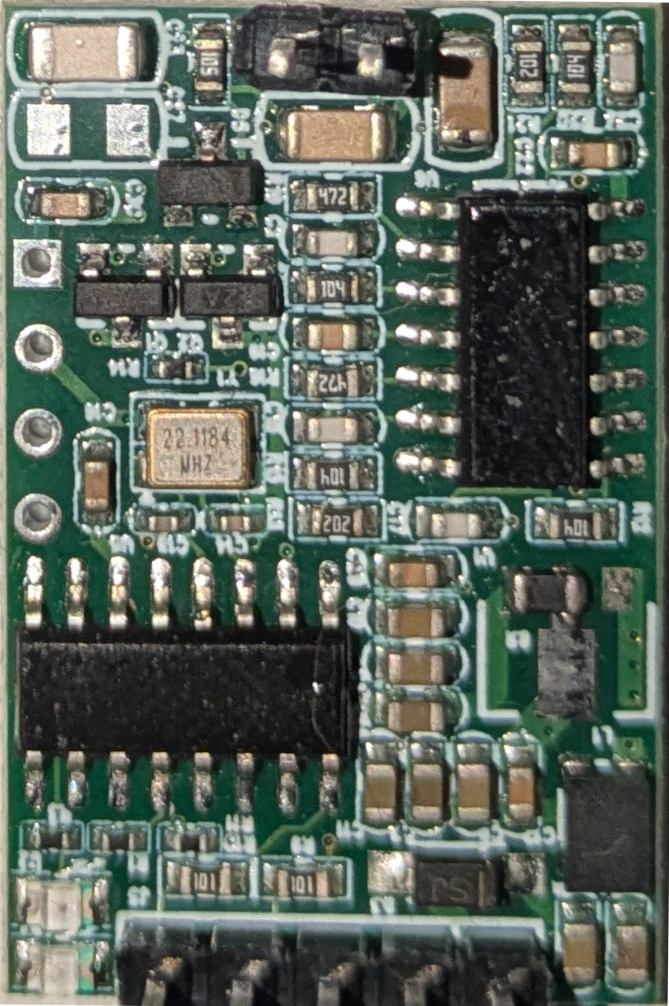
 Design with RFID 125K in Cirkit Designer
Introduction
The RFID 125K is a radio-frequency identification (RFID) system operating at a frequency of 125 kHz. It is widely used for wireless identification and tracking of objects or individuals through electromagnetic fields. This component is ideal for applications requiring contactless data exchange and identification, such as access control systems, inventory management, and asset tracking.
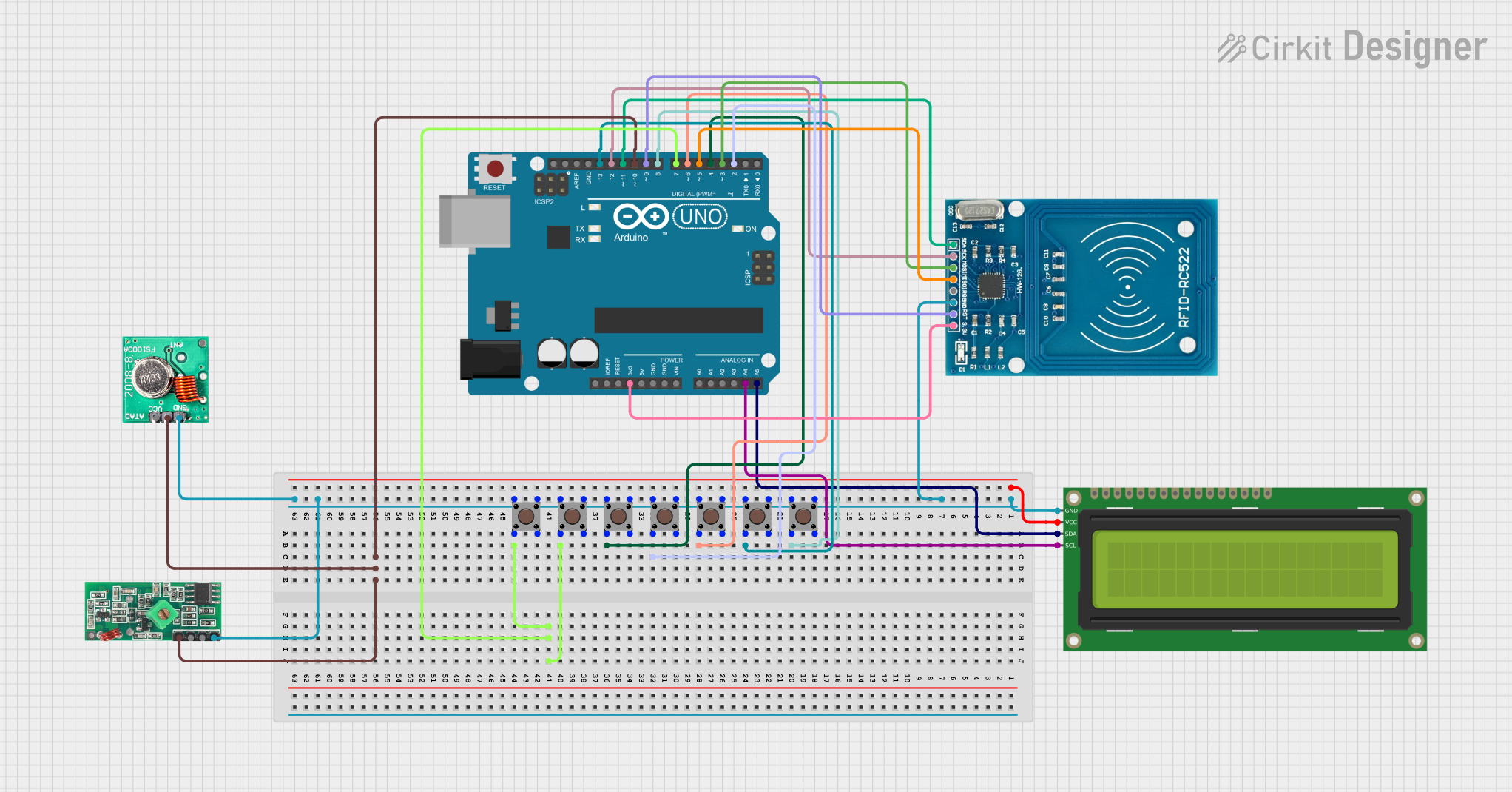
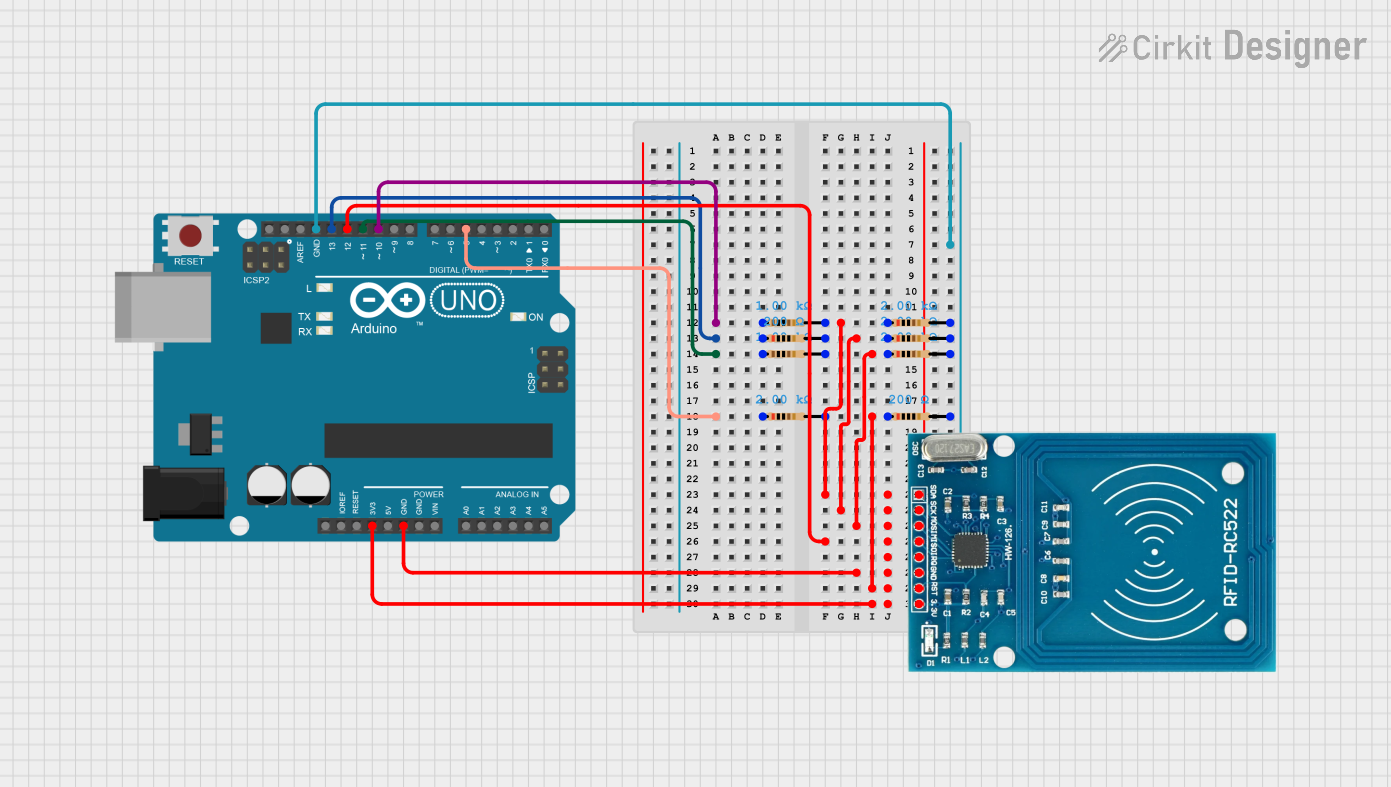
Explore Projects Built with RFID 125K
 Open Project in Cirkit Designer
 Open Project in Cirkit Designer
 Open Project in Cirkit Designer
 Open Project in Cirkit Designer
Explore Projects Built with RFID 125K
Open Project in Cirkit DesignerOpen Project in Cirkit DesignerOpen Project in Cirkit DesignerOpen Project in Cirkit DesignerCommon Applications and Use Cases
- Access control systems (e.g., door locks, employee ID systems)
- Inventory and asset tracking
- Time and attendance systems
- Pet identification (microchip readers)
- Parking management systems
Technical Specifications
The RFID 125K system typically consists of an RFID reader module and RFID tags/cards. Below are the key technical details for the RFID reader module:
Key Technical Details
| Parameter | Specification |
|---|---|
| Operating Frequency | 125 kHz |
| Operating Voltage | 5V DC |
| Current Consumption | ~50 mA |
| Communication Protocol | UART (9600 bps) |
| Reading Distance | 2–10 cm (depending on tag type) |
| Supported Tags | EM4100, EM4200, and compatible |
| Dimensions | Varies by module (e.g., 40x60 mm) |
Pin Configuration and Descriptions
| Pin Name | Pin Number | Description |
|---|---|---|
| VCC | 1 | Power supply input (5V DC) |
| GND | 2 | Ground |
| TX | 3 | UART Transmit pin (sends data to microcontroller) |
| RX | 4 | UART Receive pin (not commonly used) |
| LED | 5 | Status LED output (optional, active low) |
| BEEP | 6 | Buzzer control output (optional, active low) |
Usage Instructions
How to Use the RFID 125K in a Circuit
- Power the Module: Connect the
VCCpin to a 5V power source and theGNDpin to ground. - Connect to a Microcontroller: Use the
TXpin to send data from the RFID reader to a microcontroller (e.g., Arduino UNO). TheRXpin is rarely used but can be connected if bidirectional communication is required. - Place an RFID Tag/Card: Position the RFID tag or card within the reader's range (2–10 cm). The reader will detect the tag and transmit its unique ID via the
TXpin. - Optional Connections: Connect the
LEDandBEEPpins to external indicators (e.g., an LED or buzzer) for visual or auditory feedback.
Important Considerations and Best Practices
- Power Supply: Ensure a stable 5V DC power supply to avoid erratic behavior.
- Reading Distance: The reading distance depends on the tag type and orientation. Experiment with placement for optimal performance.
- Interference: Avoid placing the RFID reader near metal objects or other electronic devices that may cause electromagnetic interference.
- Data Format: The RFID reader typically outputs a 12-character hexadecimal string representing the tag's unique ID.
Example: Connecting RFID 125K to Arduino UNO
Below is an example of how to connect and use the RFID 125K with an Arduino UNO:
Circuit Connections
| RFID 125K Pin | Arduino UNO Pin |
|---|---|
| VCC | 5V |
| GND | GND |
| TX | Digital Pin 2 |
Arduino Code
#include <SoftwareSerial.h>

// Define RX and TX pins for SoftwareSerial
SoftwareSerial rfidReader(2, 3); // RX = Pin 2, TX = Pin 3 (TX not used here)

void setup() {
  Serial.begin(9600); // Initialize Serial Monitor
  rfidReader.begin(9600); // Initialize RFID reader communication
  Serial.println("RFID 125K Reader Initialized");
}

void loop() {
  if (rfidReader.available()) {
    String tagID = ""; // Variable to store the tag ID
    while (rfidReader.available()) {
      char c = rfidReader.read(); // Read each character from the RFID reader
      tagID += c; // Append character to tag ID
    }
    Serial.print("Tag ID: "); // Print the tag ID to Serial Monitor
    Serial.println(tagID);
  }
}
Notes on the Code
- The
SoftwareSeriallibrary is used to communicate with the RFID reader on pins 2 and 3. - The tag ID is read as a string and displayed in the Serial Monitor.
- Ensure the Serial Monitor is set to 9600 baud for proper output.
Troubleshooting and FAQs
Common Issues and Solutions
No Data Received from the Reader
- Solution: Check the wiring, especially the
TXpin connection to the microcontroller. Ensure the RFID tag is within range and properly oriented.
- Solution: Check the wiring, especially the
Reader Not Powering On
- Solution: Verify the power supply voltage (5V DC) and check for loose connections on the
VCCandGNDpins.
- Solution: Verify the power supply voltage (5V DC) and check for loose connections on the
Intermittent or Unreliable Readings
- Solution: Minimize electromagnetic interference by keeping the reader away from metal objects or other electronic devices.
Incorrect or Garbled Data
- Solution: Ensure the baud rate of the microcontroller matches the RFID reader's baud rate (9600 bps). Check for proper grounding.
FAQs
Q: Can the RFID 125K read multiple tags simultaneously?
A: No, the RFID 125K is designed to read one tag at a time. Ensure only one tag is within the reader's range.
Q: What is the maximum reading distance?
A: The maximum reading distance is typically 10 cm, but it depends on the tag type and orientation.
Q: Can I use the RFID 125K with a 3.3V microcontroller?
A: Yes, but you will need a level shifter to safely interface the 5V TX signal with the 3.3V microcontroller.
Q: What types of RFID tags are compatible?
A: The RFID 125K supports EM4100, EM4200, and other compatible 125 kHz tags.
By following this documentation, you can effectively integrate the RFID 125K into your projects for reliable wireless identification and tracking.