
How to Use CJMCU-06: Examples, Pinouts, and Specs
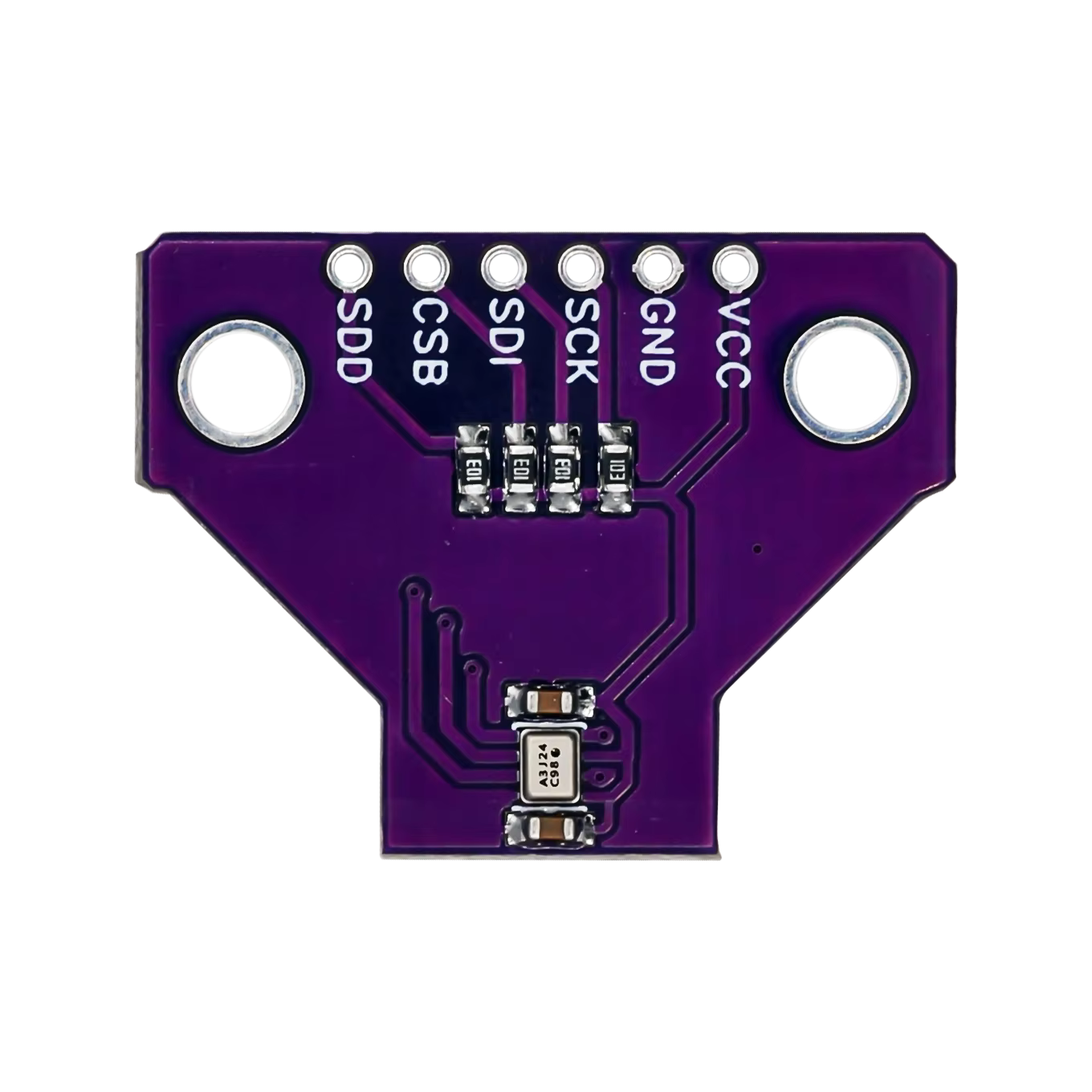
 Design with CJMCU-06 in Cirkit Designer
Introduction
The CJMCU-06 is a versatile sensor module designed for detecting various gases, including carbon dioxide (CO2), methane (CH4), and alcohol (C2H5OH). This module is widely used in air quality monitoring systems, industrial safety applications, and environmental data collection. Its ability to interface with microcontrollers makes it an excellent choice for IoT-based projects and real-time gas detection systems.
Explore Projects Built with CJMCU-06
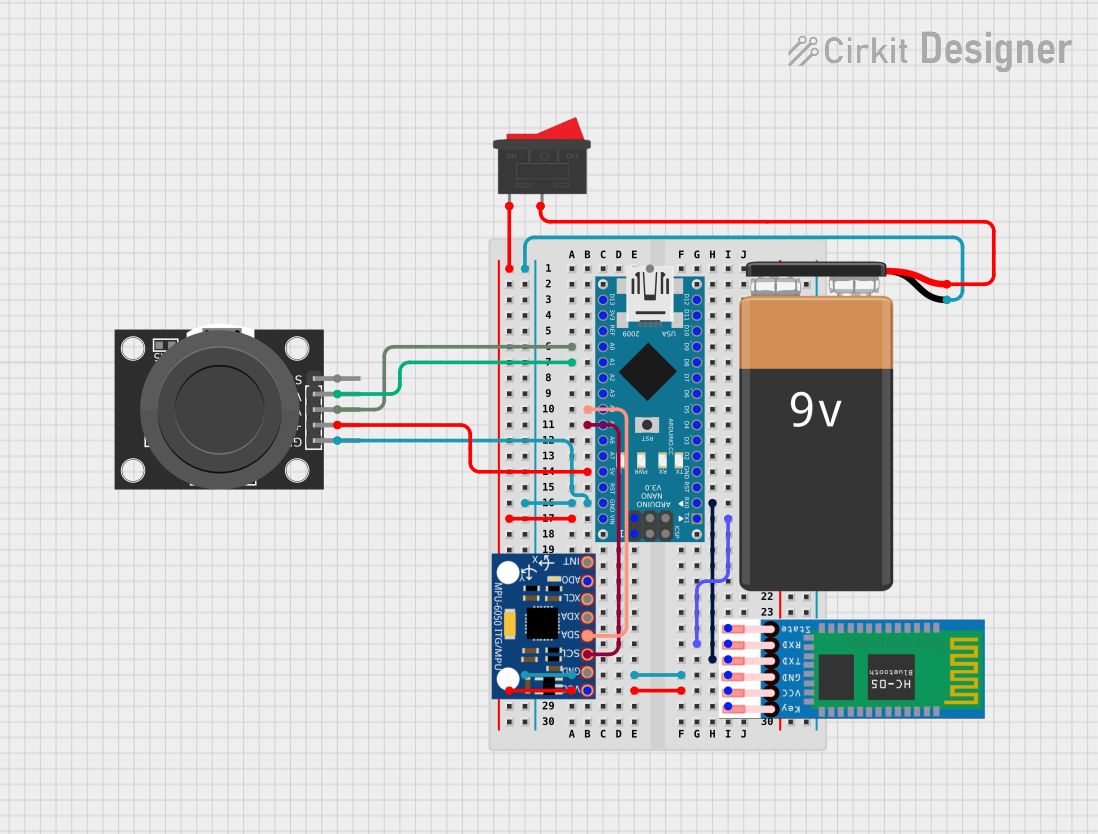 Open Project in Cirkit Designer
 Open Project in Cirkit Designer
 Open Project in Cirkit Designer
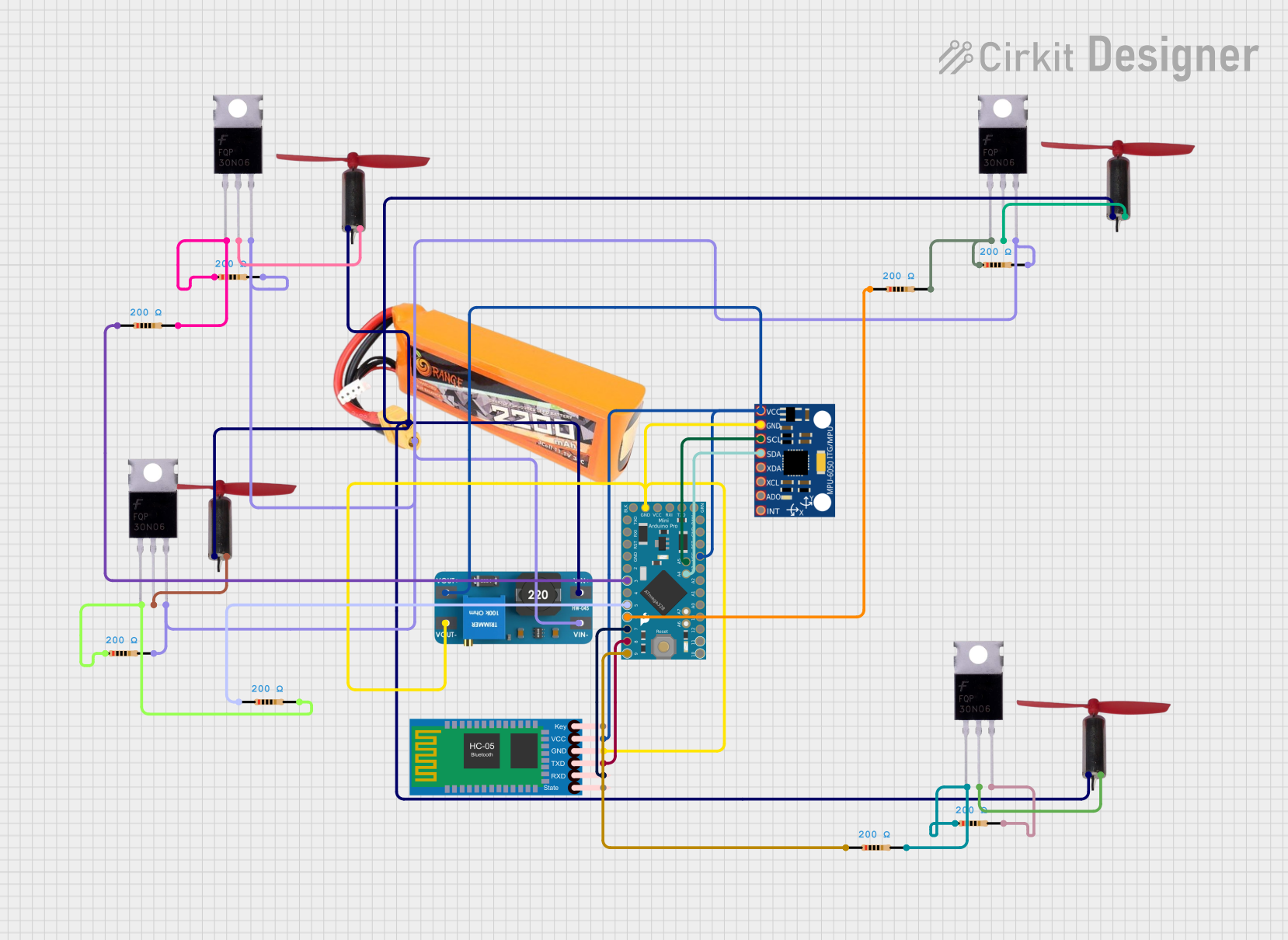 Open Project in Cirkit Designer
Explore Projects Built with CJMCU-06
Open Project in Cirkit DesignerOpen Project in Cirkit DesignerOpen Project in Cirkit DesignerOpen Project in Cirkit DesignerCommon Applications:
- Air quality monitoring in homes, offices, and industrial environments
- Gas leakage detection in safety systems
- Environmental data collection for IoT applications
- Alcohol detection in breathalyzer systems
Technical Specifications
The CJMCU-06 module is built around a gas sensor and supporting circuitry to provide reliable and accurate gas detection. Below are the key technical details:
Key Specifications:
- Operating Voltage: 3.3V to 5V
- Output Signal: Analog voltage
- Gas Detection Range: Varies depending on the gas (e.g., 10-1000 ppm for alcohol)
- Preheat Time: ~20 seconds
- Operating Temperature Range: -20°C to 50°C
- Dimensions: 20mm x 20mm (approx.)
Pin Configuration:
The CJMCU-06 module typically has a 4-pin interface. The pinout is as follows:
| Pin | Name | Description |
|---|---|---|
| 1 | VCC | Power supply input (3.3V to 5V) |
| 2 | GND | Ground |
| 3 | AOUT | Analog output signal (proportional to gas concentration) |
| 4 | DOUT | Digital output signal (threshold-based) |
Usage Instructions
How to Use the CJMCU-06 in a Circuit:
- Power the Module: Connect the VCC pin to a 3.3V or 5V power source and the GND pin to the ground.
- Read Analog Output: Connect the AOUT pin to an analog input pin on your microcontroller to measure the gas concentration as a voltage.
- Use Digital Output (Optional): The DOUT pin provides a digital HIGH/LOW signal based on a preset threshold. This threshold can be adjusted using the onboard potentiometer.
- Preheat the Sensor: Allow the sensor to preheat for approximately 20 seconds after powering it on for accurate readings.
Important Considerations:
- Preheat Time: Always allow the sensor to preheat before taking measurements to ensure accuracy.
- Ventilation: Ensure proper ventilation around the sensor for reliable gas detection.
- Calibration: For precise applications, calibrate the sensor using known gas concentrations.
- Power Supply: Use a stable power source to avoid fluctuations in readings.
Example Code for Arduino UNO:
Below is an example of how to interface the CJMCU-06 with an Arduino UNO to read the analog output:
// CJMCU-06 Gas Sensor Example Code
// This code reads the analog output (AOUT) of the sensor and prints the value
// to the Serial Monitor. Ensure the sensor is connected to the correct pins.

const int sensorPin = A0; // Connect AOUT pin of CJMCU-06 to Arduino A0

void setup() {
  Serial.begin(9600); // Initialize serial communication at 9600 baud
  pinMode(sensorPin, INPUT); // Set the sensor pin as input
}

void loop() {
  int sensorValue = analogRead(sensorPin); // Read the analog value from the sensor
  float voltage = sensorValue * (5.0 / 1023.0); // Convert to voltage (5V reference)

  // Print the sensor value and voltage to the Serial Monitor
  Serial.print("Sensor Value: ");
  Serial.print(sensorValue);
  Serial.print(" | Voltage: ");
  Serial.print(voltage);
  Serial.println(" V");

  delay(1000); // Wait for 1 second before the next reading
}
Notes:
- Replace
5.0in the voltage calculation with3.3if using a 3.3V power supply. - Use the Serial Monitor in the Arduino IDE to view the sensor readings.
Troubleshooting and FAQs
Common Issues:
No Output Signal:
- Cause: Incorrect wiring or insufficient power supply.
- Solution: Double-check the connections and ensure the module is powered with 3.3V or 5V.
Inconsistent Readings:
- Cause: Insufficient preheat time or unstable power supply.
- Solution: Allow the sensor to preheat for at least 20 seconds and use a stable power source.
Digital Output Always HIGH/LOW:
- Cause: Threshold not properly adjusted.
- Solution: Use the onboard potentiometer to adjust the threshold level.
Sensor Not Responding to Gas:
- Cause: Sensor may be damaged or exposed to extreme conditions.
- Solution: Replace the sensor if it fails to respond after troubleshooting.
FAQs:
Q: Can the CJMCU-06 detect multiple gases simultaneously?
A: The sensor is designed to detect specific gases, but it may respond to multiple gases depending on their concentrations.Q: How do I calibrate the sensor?
A: Expose the sensor to a known concentration of gas and adjust the readings in your code or use the potentiometer for digital output calibration.Q: Can I use the CJMCU-06 with a 3.3V microcontroller?
A: Yes, the module supports both 3.3V and 5V power supplies, making it compatible with most microcontrollers.Q: What is the lifespan of the sensor?
A: The sensor's lifespan depends on usage and environmental conditions but typically lasts several years under normal operation.
By following this documentation, you can effectively integrate the CJMCU-06 into your projects for reliable gas detection and monitoring.