
How to Use PPD42: Examples, Pinouts, and Specs
 Design with PPD42 in Cirkit Designer
Introduction
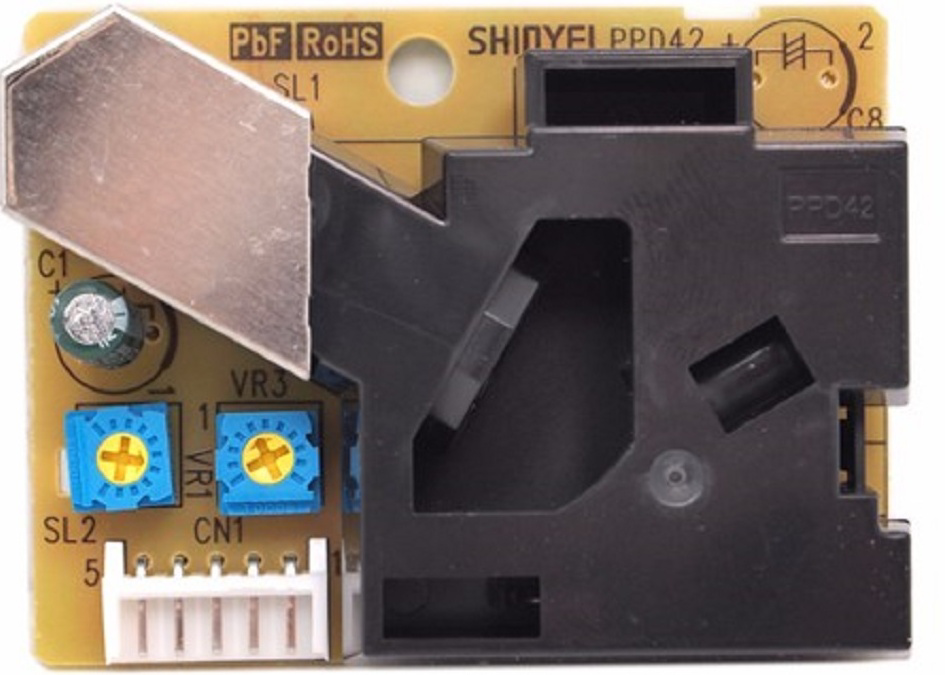
The PPD42 is a particulate matter sensor designed to detect airborne particles, such as dust, pollen, and smoke. It uses a laser-based detection method to measure the concentration of particulate matter (PM) in the air. This sensor is widely used in air quality monitoring systems, environmental assessments, and HVAC (Heating, Ventilation, and Air Conditioning) applications. Its ability to provide real-time data makes it an essential component for projects requiring accurate air quality measurements.
Explore Projects Built with PPD42
 Open Project in Cirkit Designer
 Open Project in Cirkit Designer
 Open Project in Cirkit Designer
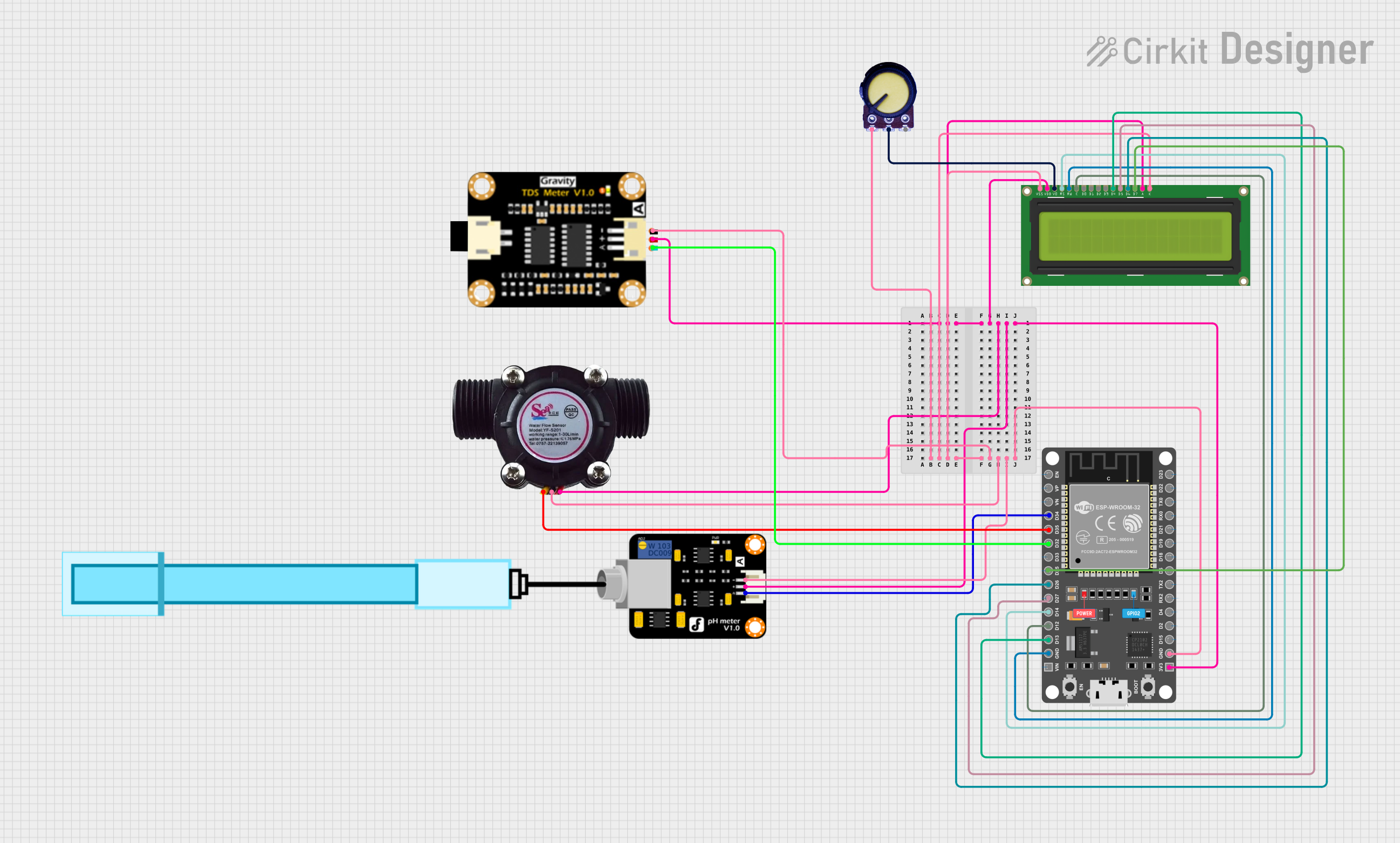 Open Project in Cirkit Designer
Explore Projects Built with PPD42
Open Project in Cirkit DesignerOpen Project in Cirkit DesignerOpen Project in Cirkit DesignerOpen Project in Cirkit DesignerCommon Applications:
- Indoor and outdoor air quality monitoring
- Environmental pollution studies
- Smart home automation systems
- HVAC systems for air filtration monitoring
- IoT-based environmental monitoring projects
Technical Specifications
The PPD42 sensor is compact and easy to integrate into various systems. Below are its key technical details:
Key Specifications:
| Parameter | Value |
|---|---|
| Operating Voltage | 5V DC |
| Operating Current | 90 mA (typical) |
| Particle Detection Range | 1 µm to 10 µm |
| Output Signal | PWM (Pulse Width Modulation) |
| Response Time | < 10 seconds |
| Operating Temperature | -10°C to 65°C |
| Dimensions | 59 mm x 45 mm x 22 mm |
Pin Configuration:
The PPD42 has a simple pinout for easy integration. Below is the pin configuration:
| Pin Name | Description |
|---|---|
| VCC | Power supply input (5V DC) |
| GND | Ground |
| IOUT | PWM output signal for particle data |
Usage Instructions
How to Use the PPD42 in a Circuit:
- Power the Sensor: Connect the
VCCpin to a 5V DC power source and theGNDpin to ground. - Read the Output: The
IOUTpin provides a PWM signal that corresponds to the concentration of particulate matter in the air. This signal can be read using a microcontroller or an ADC (Analog-to-Digital Converter). - Filter the Signal: Use a low-pass filter if necessary to smooth the PWM signal for more stable readings.
- Interpret the Data: The duty cycle of the PWM signal represents the particle concentration. Refer to the sensor's datasheet for the exact formula to convert the duty cycle into particle concentration (µg/m³).
Important Considerations:
- Placement: Ensure the sensor is placed in an area with good airflow for accurate readings. Avoid obstructing the air inlet and outlet.
- Orientation: Install the sensor in the recommended orientation as specified in the datasheet.
- Environmental Factors: Avoid exposing the sensor to high humidity, condensation, or corrosive gases, as these can affect its performance.
- Calibration: For precise measurements, calibrate the sensor using a reference instrument if possible.
Example: Connecting the PPD42 to an Arduino UNO
Below is an example of how to connect and read data from the PPD42 using an Arduino UNO:
Circuit Connections:
- Connect the
VCCpin of the PPD42 to the 5V pin on the Arduino. - Connect the
GNDpin of the PPD42 to the GND pin on the Arduino. - Connect the
IOUTpin of the PPD42 to digital pin 2 on the Arduino.
Arduino Code:
// PPD42 Particulate Matter Sensor Example
// Reads the PWM signal from the sensor and calculates the duty cycle
// to estimate the concentration of particulate matter.

const int sensorPin = 2; // Pin connected to the IOUT pin of the PPD42
unsigned long lowPulseDuration = 0;
unsigned long highPulseDuration = 0;

void setup() {
  pinMode(sensorPin, INPUT);
  Serial.begin(9600); // Initialize serial communication
}

void loop() {
  // Measure the duration of the LOW pulse
  lowPulseDuration = pulseIn(sensorPin, LOW);

  // Measure the duration of the HIGH pulse
  highPulseDuration = pulseIn(sensorPin, HIGH);

  // Calculate the total period of the PWM signal
  unsigned long totalDuration = lowPulseDuration + highPulseDuration;

  // Calculate the duty cycle (percentage of time the signal is LOW)
  float dutyCycle = (lowPulseDuration / (float)totalDuration) * 100.0;

  // Print the duty cycle to the Serial Monitor
  Serial.print("Duty Cycle (%): ");
  Serial.println(dutyCycle);

  // Add a delay for stability
  delay(1000);
}
Notes:
- The duty cycle can be used to estimate the concentration of particulate matter. Refer to the sensor's datasheet for the conversion formula.
- Ensure the Arduino's serial monitor is set to 9600 baud to view the output.
Troubleshooting and FAQs
Common Issues:
No Output Signal:
- Cause: Incorrect wiring or insufficient power supply.
- Solution: Double-check the connections and ensure the sensor is powered with 5V DC.
Inconsistent Readings:
- Cause: Poor airflow or environmental interference.
- Solution: Place the sensor in an area with steady airflow and avoid exposure to high humidity or dust buildup.
High Noise in Output:
- Cause: Electrical noise or unstable power supply.
- Solution: Use a decoupling capacitor near the sensor's power pins and ensure a stable power source.
FAQs:
Q1: Can the PPD42 detect particles smaller than 1 µm?
A1: No, the PPD42 is designed to detect particles in the range of 1 µm to 10 µm. For smaller particles, consider using a different sensor.
Q2: How often should the sensor be cleaned?
A2: Cleaning frequency depends on the environment. In dusty areas, clean the sensor every few months using compressed air to remove debris.
Q3: Can the PPD42 be used outdoors?
A3: While the sensor can operate outdoors, it should be protected from rain, extreme humidity, and direct sunlight to ensure accurate readings and longevity.
Q4: Is the PPD42 compatible with 3.3V systems?
A4: No, the PPD42 requires a 5V power supply. Use a level shifter if interfacing with a 3.3V microcontroller.