
How to Use Matrix Portal S3: Examples, Pinouts, and Specs
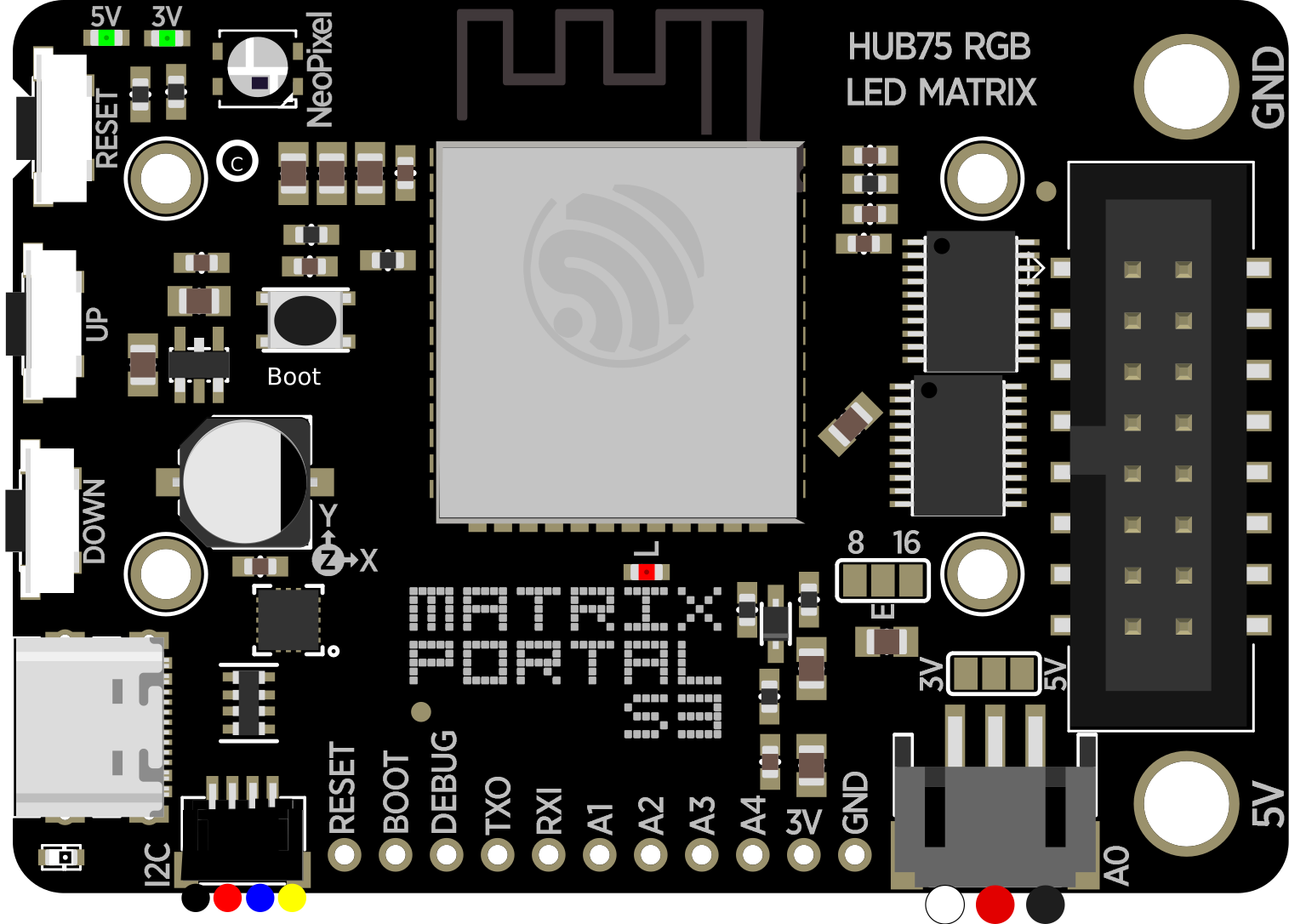
 Design with Matrix Portal S3 in Cirkit Designer
Introduction
The Matrix Portal S3 is a powerful microcontroller board specifically designed for driving RGB LED matrices. It features built-in Wi-Fi connectivity and is fully compatible with CircuitPython, making it an excellent choice for creating interactive displays, IoT-enabled signage, and other LED matrix-based projects. Its ease of programming and integration allows both beginners and advanced users to quickly bring their ideas to life.
Explore Projects Built with Matrix Portal S3
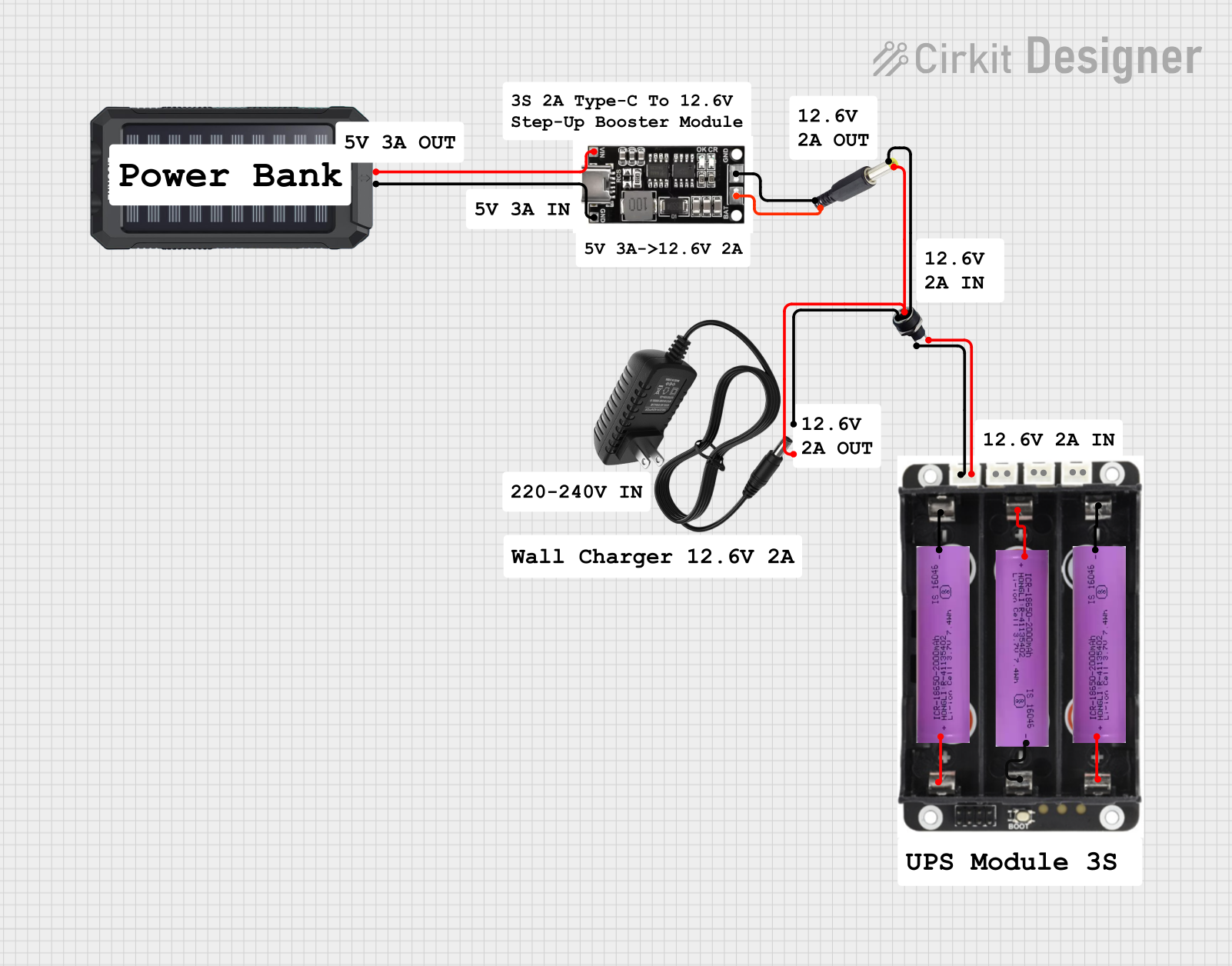 Open Project in Cirkit Designer
 Open Project in Cirkit Designer
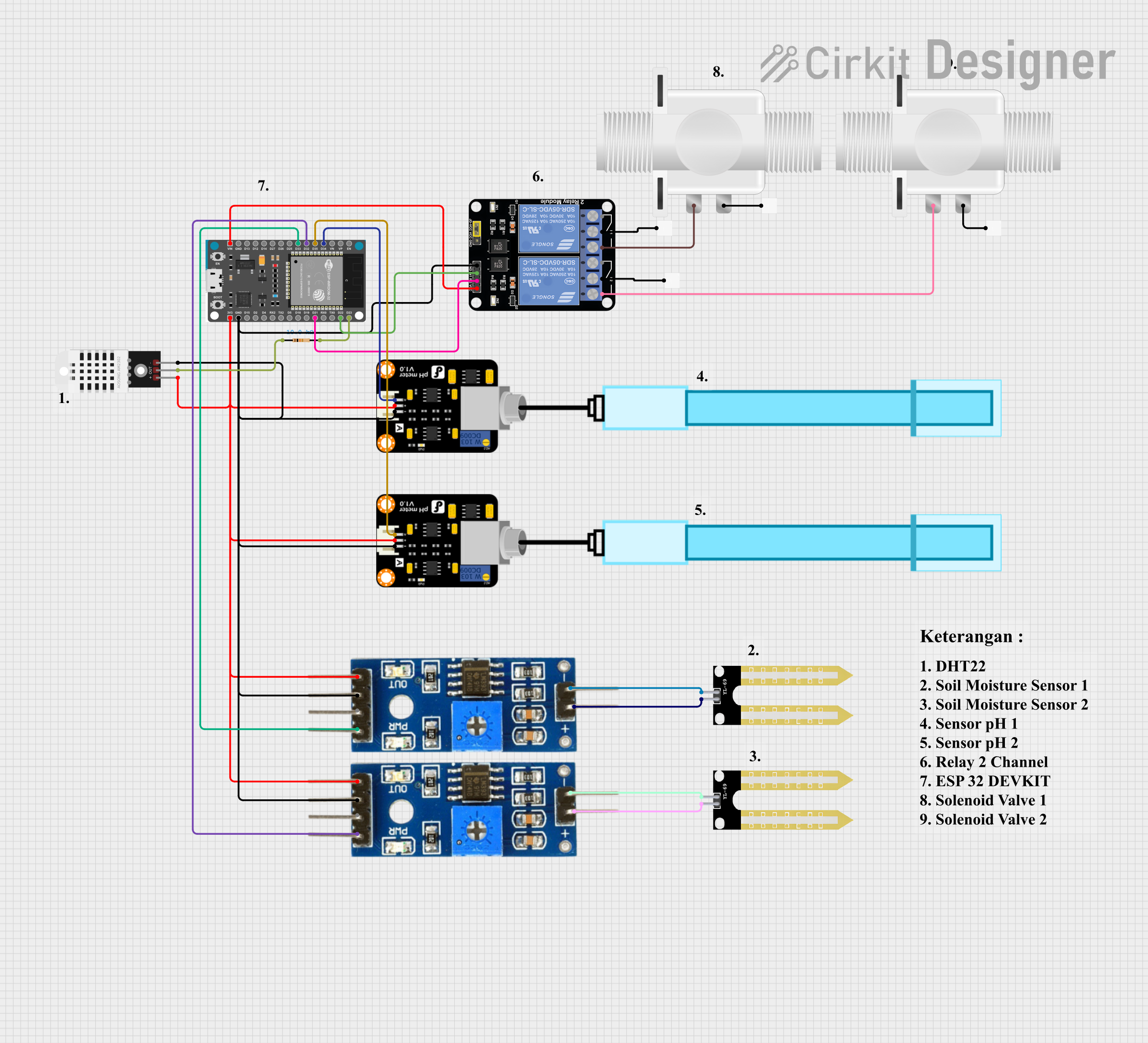 Open Project in Cirkit Designer
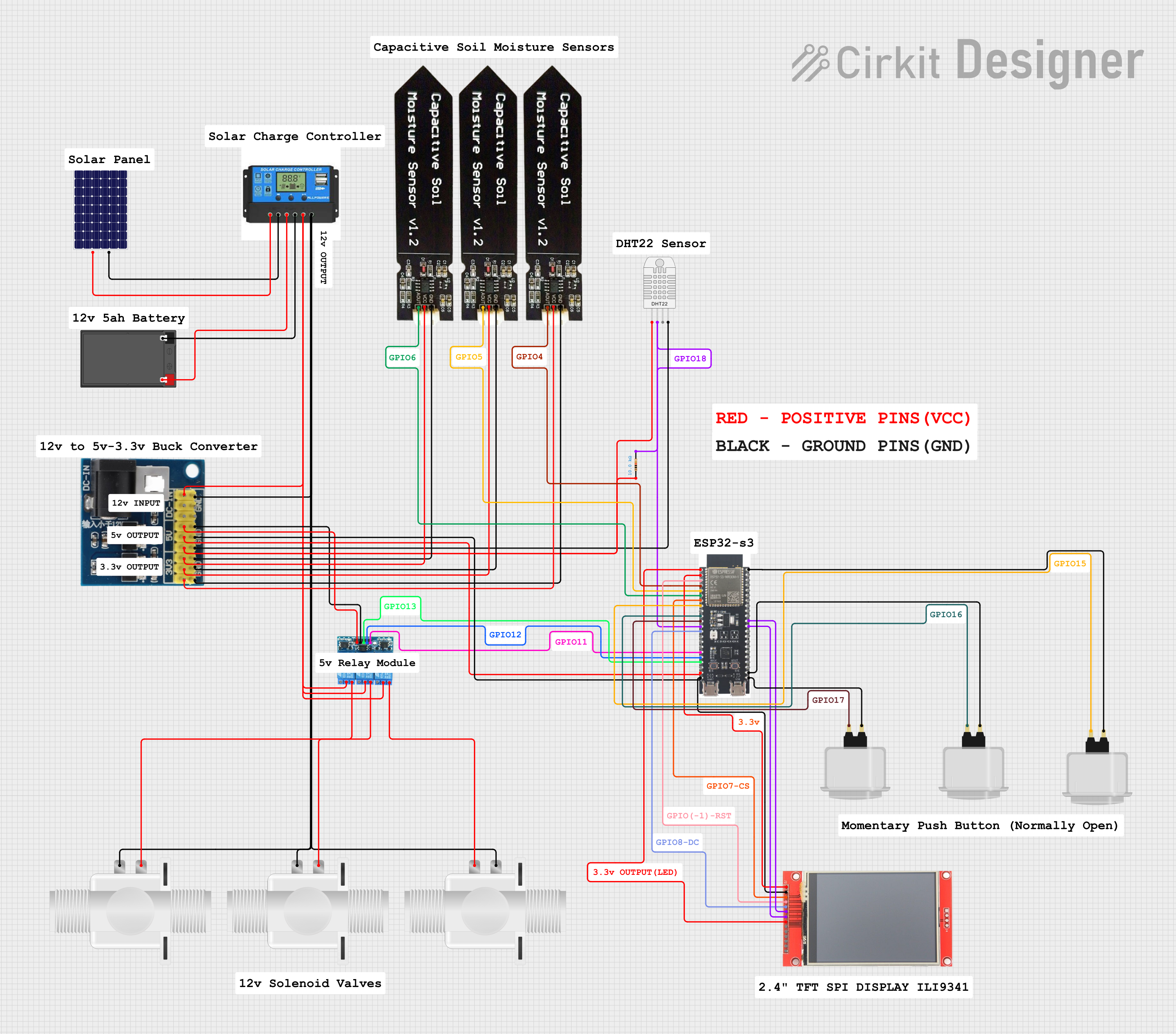 Open Project in Cirkit Designer
Explore Projects Built with Matrix Portal S3
Open Project in Cirkit DesignerOpen Project in Cirkit DesignerOpen Project in Cirkit DesignerOpen Project in Cirkit DesignerCommon Applications and Use Cases
- Interactive LED displays
- IoT-enabled signage and dashboards
- Animated art installations
- Scrolling text displays
- Data visualization projects
- Educational tools for learning programming and electronics
Technical Specifications
The Matrix Portal S3 is equipped with robust hardware to support demanding LED matrix applications. Below are its key technical details:
Key Technical Details
- Microcontroller: Espressif ESP32-S3 dual-core processor
- Wi-Fi: 2.4 GHz 802.11 b/g/n
- Programming Language: CircuitPython, Arduino, or ESP-IDF
- Power Input: 5V via USB-C or external power supply
- LED Matrix Compatibility: HUB75 RGB LED matrices
- Flash Memory: 8 MB
- RAM: 512 KB SRAM
- USB Interface: USB-C for programming and power
- Additional Features:
- Built-in accelerometer (LIS3DH)
- 8 MB of external PSRAM
- 2x user-programmable buttons
- 1x RGB status LED
- STEMMA QT connector for I2C peripherals
Pin Configuration and Descriptions
The Matrix Portal S3 features a set of pins designed for easy connection to HUB75 LED matrices and other peripherals. Below is the pin configuration:
| Pin Name | Description |
|---|---|
| GND | Ground connection |
| 5V | 5V power input/output |
| HUB75 Data | Data pins for connecting to HUB75 RGB LED matrices |
| USB-C | USB-C port for power and programming |
| STEMMA QT | I2C connector for additional sensors and peripherals |
| Button A | User-programmable button A |
| Button B | User-programmable button B |
| RGB LED | Built-in RGB status LED |
Usage Instructions
The Matrix Portal S3 is designed to simplify the process of driving LED matrices. Follow the steps below to get started:
Step 1: Powering the Board
- Connect the Matrix Portal S3 to a 5V power source using the USB-C port or an external power supply.
- Ensure the LED matrix is also powered using a compatible 5V power source.
Step 2: Programming the Board
- Install CircuitPython on the Matrix Portal S3 by following the official Adafruit guide.
- Once CircuitPython is installed, the board will appear as a USB drive on your computer.
- Copy your CircuitPython code and any required libraries to the board.
Step 3: Connecting the LED Matrix
- Plug the HUB75 connector from the LED matrix into the Matrix Portal S3.
- Ensure the orientation of the connector matches the pin labels on the board.
Step 4: Writing Code
Below is an example CircuitPython code snippet to display scrolling text on an LED matrix:
import board
import displayio
from adafruit_matrixportal.matrixportal import MatrixPortal
Create a MatrixPortal object to manage the LED matrix
matrixportal = MatrixPortal(status_neopixel=board.NEOPIXEL, debug=True)
Set the text to display
matrixportal.set_text("Hello, World!", index=0)
Set the text color
matrixportal.set_text_color(0xFF00FF, index=0) # Purple color
while True: # The MatrixPortal library handles the display loop automatically pass
Best Practices
- Use a high-quality 5V power supply to ensure stable operation of the LED matrix.
- Avoid exceeding the current rating of your power supply, especially for large LED matrices.
- Securely connect the HUB75 cable to prevent data transmission issues.
- Use the STEMMA QT connector to easily add sensors or other peripherals to your project.
Troubleshooting and FAQs
Common Issues and Solutions
LED Matrix Not Lighting Up
- Ensure the HUB75 connector is securely plugged into the Matrix Portal S3.
- Verify that the LED matrix is powered with a compatible 5V power supply.
- Check your code for errors and ensure the correct libraries are installed.
Wi-Fi Connection Fails
- Double-check your Wi-Fi credentials in the code.
- Ensure the Wi-Fi network is 2.4 GHz, as the ESP32-S3 does not support 5 GHz networks.
Board Not Recognized by Computer
- Verify that the USB-C cable supports data transfer (not just charging).
- Try a different USB port or cable.
- Reset the board by pressing the reset button.
Scrolling Text Appears Garbled
- Confirm that the LED matrix is compatible with the HUB75 standard.
- Check the orientation of the HUB75 connector.
- Ensure the text color and font settings in your code are correct.
FAQs
Q: Can I use Arduino instead of CircuitPython?
A: Yes, the Matrix Portal S3 is compatible with Arduino. Install the necessary ESP32-S3 board support package and libraries to get started.
Q: What is the maximum size of the LED matrix I can use?
A: The maximum size depends on the power supply and the refresh rate you require. Larger matrices may require additional power and careful optimization of your code.
Q: Can I connect multiple LED matrices?
A: Yes, you can chain multiple HUB75-compatible LED matrices, but ensure your power supply can handle the increased current draw.
Q: How do I update the firmware?
A: Download the latest UF2 firmware file from the Adafruit website and copy it to the board while in bootloader mode.
By following this documentation, you can effectively use the Matrix Portal S3 to create stunning LED matrix projects with ease!