
How to Use gear motor: Examples, Pinouts, and Specs
 Design with gear motor in Cirkit Designer
Introduction
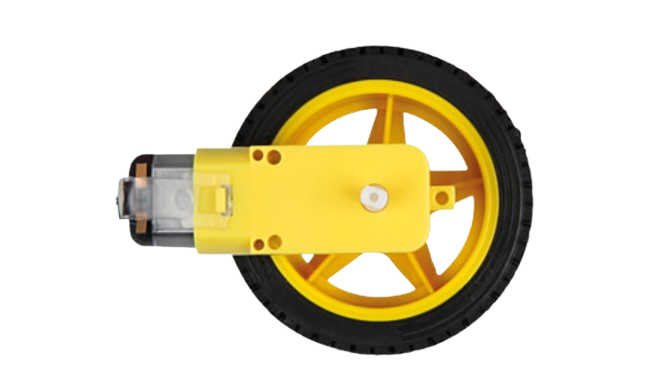
A gear motor is an electric motor integrated with a gear system to reduce speed and increase torque. This combination makes it ideal for applications requiring high torque at low speeds. Gear motors are widely used in robotics, conveyor systems, industrial machinery, and automotive applications. They are particularly valued for their ability to deliver precise motion control and power transmission.
Manufacturer: Rajesh Shah
Part ID: motor
Explore Projects Built with gear motor
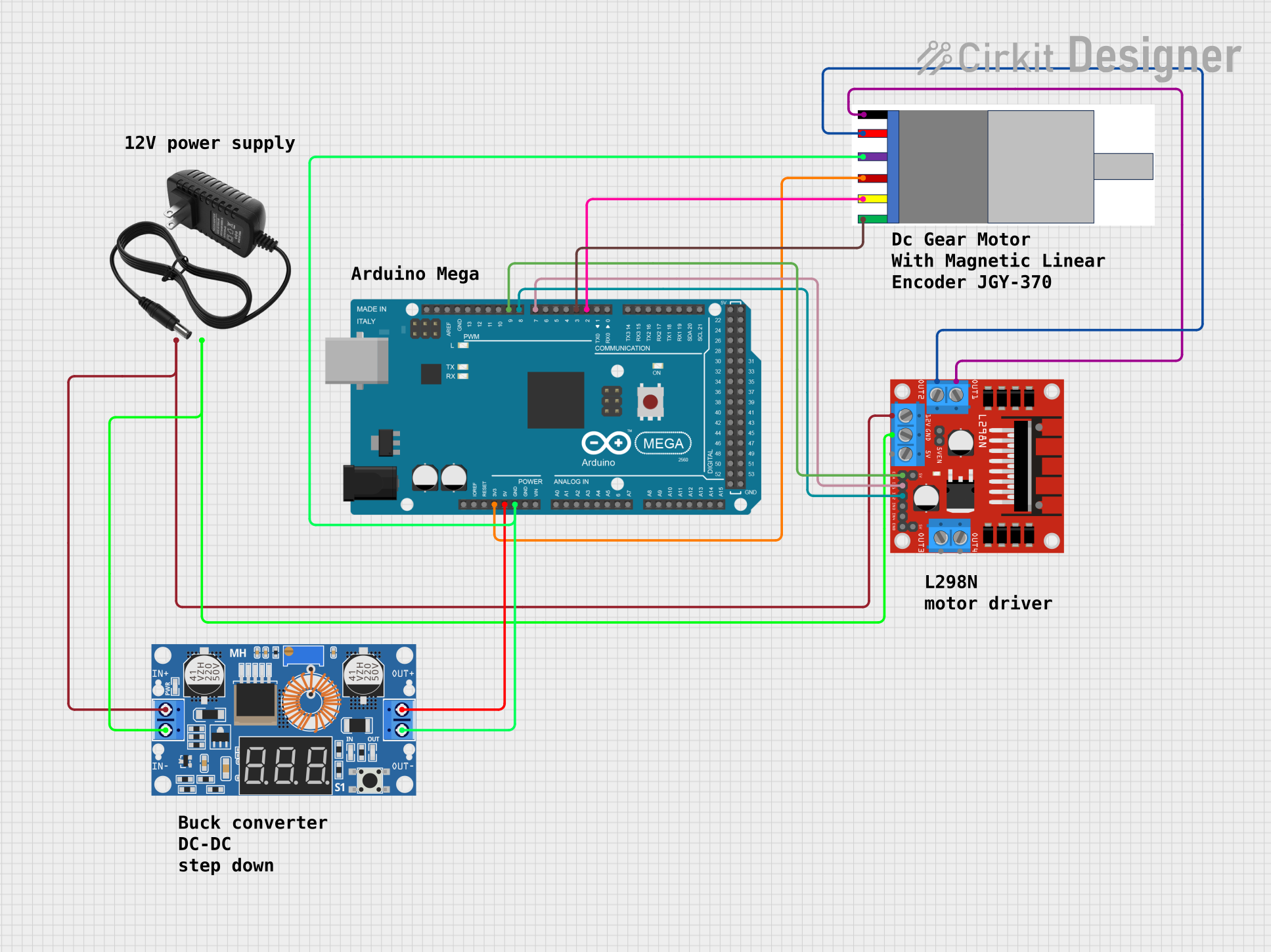 Open Project in Cirkit Designer
 Open Project in Cirkit Designer
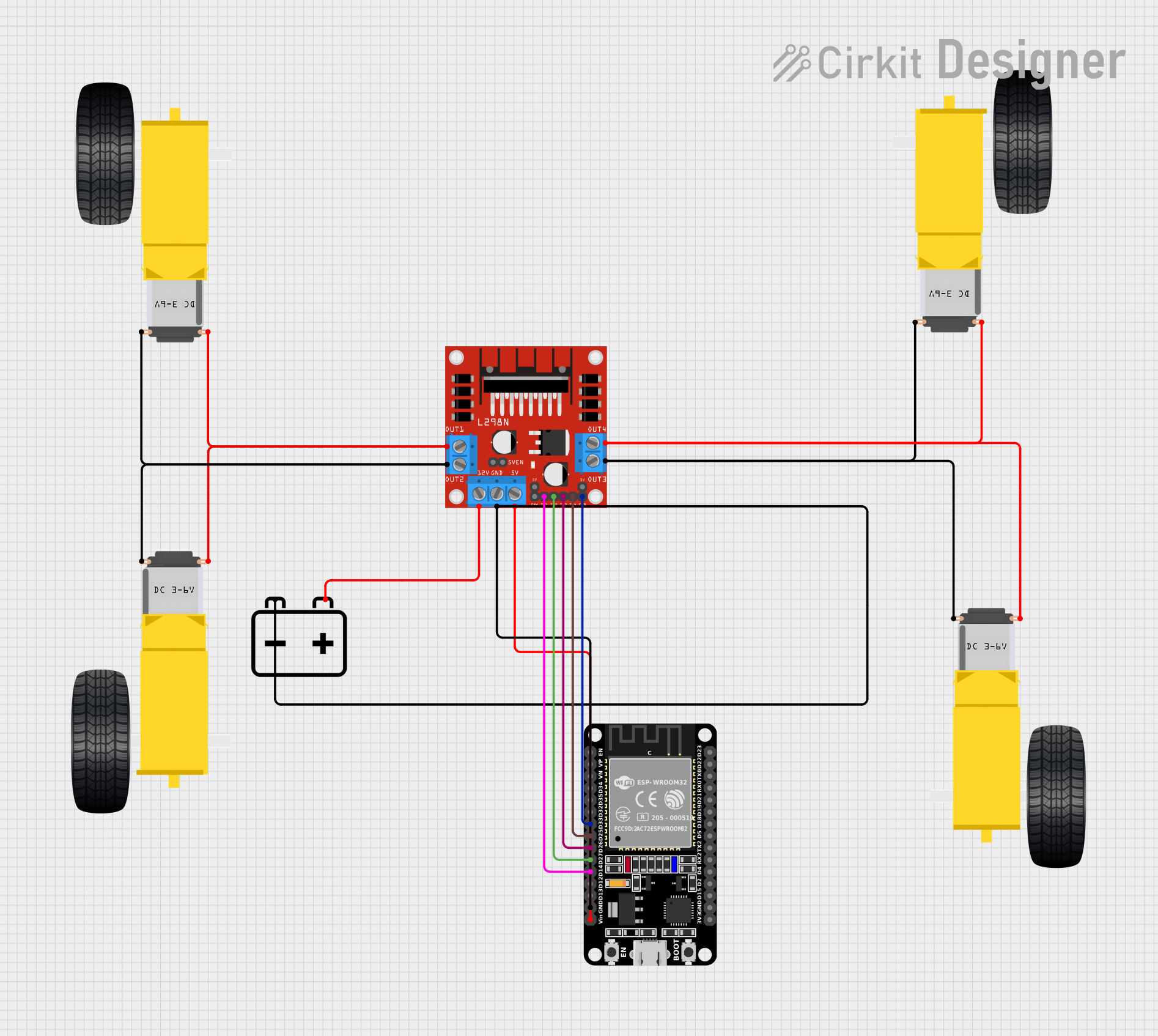 Open Project in Cirkit Designer
 Open Project in Cirkit Designer
Explore Projects Built with gear motor
Open Project in Cirkit DesignerOpen Project in Cirkit DesignerOpen Project in Cirkit DesignerOpen Project in Cirkit DesignerTechnical Specifications
Below are the key technical details for the gear motor:
| Parameter | Value |
|---|---|
| Operating Voltage | 6V - 12V |
| Rated Torque | 5 kg·cm - 20 kg·cm (varies by model) |
| No-Load Speed | 30 RPM - 300 RPM |
| Gear Ratio | 10:1 to 100:1 (varies by model) |
| Current Consumption | 100 mA (no load) to 1.5 A (stall) |
| Shaft Diameter | 6 mm |
| Motor Type | DC Brushed Motor |
| Operating Temperature | -10°C to 50°C |
| Weight | 150 g |
Pin Configuration and Descriptions
The gear motor typically has two terminals for electrical connections:
| Pin | Description |
|---|---|
| + | Positive terminal for power input |
| - | Negative terminal for power input |
Usage Instructions
How to Use the Gear Motor in a Circuit
- Power Supply: Connect the gear motor to a DC power supply within the specified voltage range (6V - 12V). Ensure the power supply can handle the current requirements, especially during stall conditions.
- Motor Driver: Use a motor driver (e.g., L298N or L293D) to control the motor's speed and direction. Directly connecting the motor to a microcontroller is not recommended due to high current draw.
- Polarity: Reversing the polarity of the power supply will reverse the motor's rotation direction.
- Mounting: Secure the motor using screws or brackets to prevent vibration or misalignment during operation.
Important Considerations and Best Practices
- Avoid Overloading: Do not exceed the rated torque to prevent damage to the motor or gear system.
- Heat Dissipation: Ensure proper ventilation or heat sinks if the motor operates continuously under high load.
- Noise Reduction: Use rubber mounts or dampers to minimize noise and vibration.
- Power Supply Protection: Add a flyback diode across the motor terminals to protect the circuit from voltage spikes caused by inductive loads.
Example: Controlling a Gear Motor with Arduino UNO
Below is an example of how to control the gear motor using an Arduino UNO and an L298N motor driver:
// Include necessary pins for motor control
const int motorPin1 = 5; // IN1 on L298N
const int motorPin2 = 6; // IN2 on L298N
const int enablePin = 9; // ENA on L298N

void setup() {
  // Set motor pins as outputs
  pinMode(motorPin1, OUTPUT);
  pinMode(motorPin2, OUTPUT);
  pinMode(enablePin, OUTPUT);

  // Initialize motor in stopped state
  digitalWrite(motorPin1, LOW);
  digitalWrite(motorPin2, LOW);
  analogWrite(enablePin, 0); // Set speed to 0
}

void loop() {
  // Rotate motor forward at 50% speed
  digitalWrite(motorPin1, HIGH);
  digitalWrite(motorPin2, LOW);
  analogWrite(enablePin, 128); // Speed range: 0 (off) to 255 (full speed)
  delay(2000); // Run for 2 seconds

  // Stop the motor
  digitalWrite(motorPin1, LOW);
  digitalWrite(motorPin2, LOW);
  analogWrite(enablePin, 0);
  delay(1000); // Pause for 1 second

  // Rotate motor backward at 75% speed
  digitalWrite(motorPin1, LOW);
  digitalWrite(motorPin2, HIGH);
  analogWrite(enablePin, 192); // 75% speed
  delay(2000); // Run for 2 seconds

  // Stop the motor
  digitalWrite(motorPin1, LOW);
  digitalWrite(motorPin2, LOW);
  analogWrite(enablePin, 0);
  delay(1000); // Pause for 1 second
}
Troubleshooting and FAQs
Common Issues
Motor Does Not Rotate:
- Check the power supply voltage and current.
- Verify the motor driver connections and ensure the enable pin is active.
- Inspect for loose or damaged wires.
Motor Rotates in the Wrong Direction:
- Reverse the polarity of the motor connections or adjust the control signals.
Excessive Noise or Vibration:
- Ensure the motor is securely mounted.
- Check for misaligned gears or worn-out components.
Overheating:
- Reduce the load on the motor.
- Ensure proper ventilation or cooling.
FAQs
Q: Can I connect the gear motor directly to an Arduino?
A: No, the gear motor draws more current than the Arduino can supply. Use a motor driver or relay module.
Q: How do I calculate the required torque for my application?
A: Determine the load's weight and radius, then use the formula:
Torque (kg·cm) = Weight (kg) × Radius (cm).
Q: Can I use the gear motor with a PWM signal?
A: Yes, you can control the motor's speed using a PWM signal through a motor driver.
Q: What is the lifespan of the gear motor?
A: The lifespan depends on usage conditions, but regular maintenance and avoiding overloads can extend its life.