
How to Use 18650 Battery Charger Board - 1S 1A with protection, Type C: Examples, Pinouts, and Specs
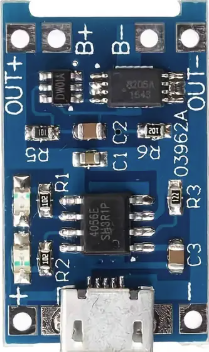
 Design with 18650 Battery Charger Board - 1S 1A with protection, Type C in Cirkit Designer
Introduction
The 18650 Battery Charger Board - 1S 1A with protection is a compact and efficient charging module designed specifically for 18650 lithium-ion batteries. It supports charging a single cell at a constant current of 1A and includes built-in safety features such as overcharge, over-discharge, and short-circuit protection. The board is equipped with a Type C USB connector, making it convenient to power the module using modern USB power sources.
Explore Projects Built with 18650 Battery Charger Board - 1S 1A with protection, Type C
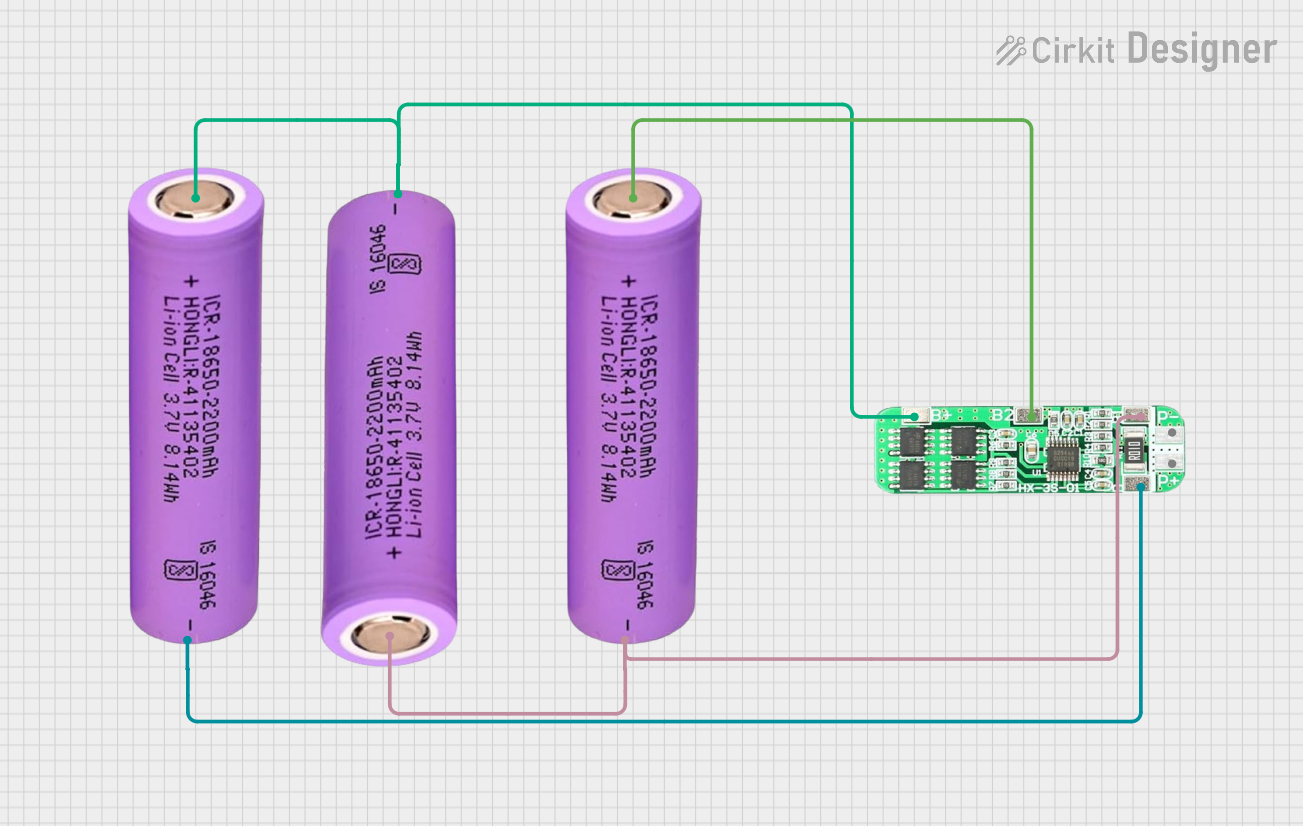 Open Project in Cirkit Designer
 Open Project in Cirkit Designer
 Open Project in Cirkit Designer
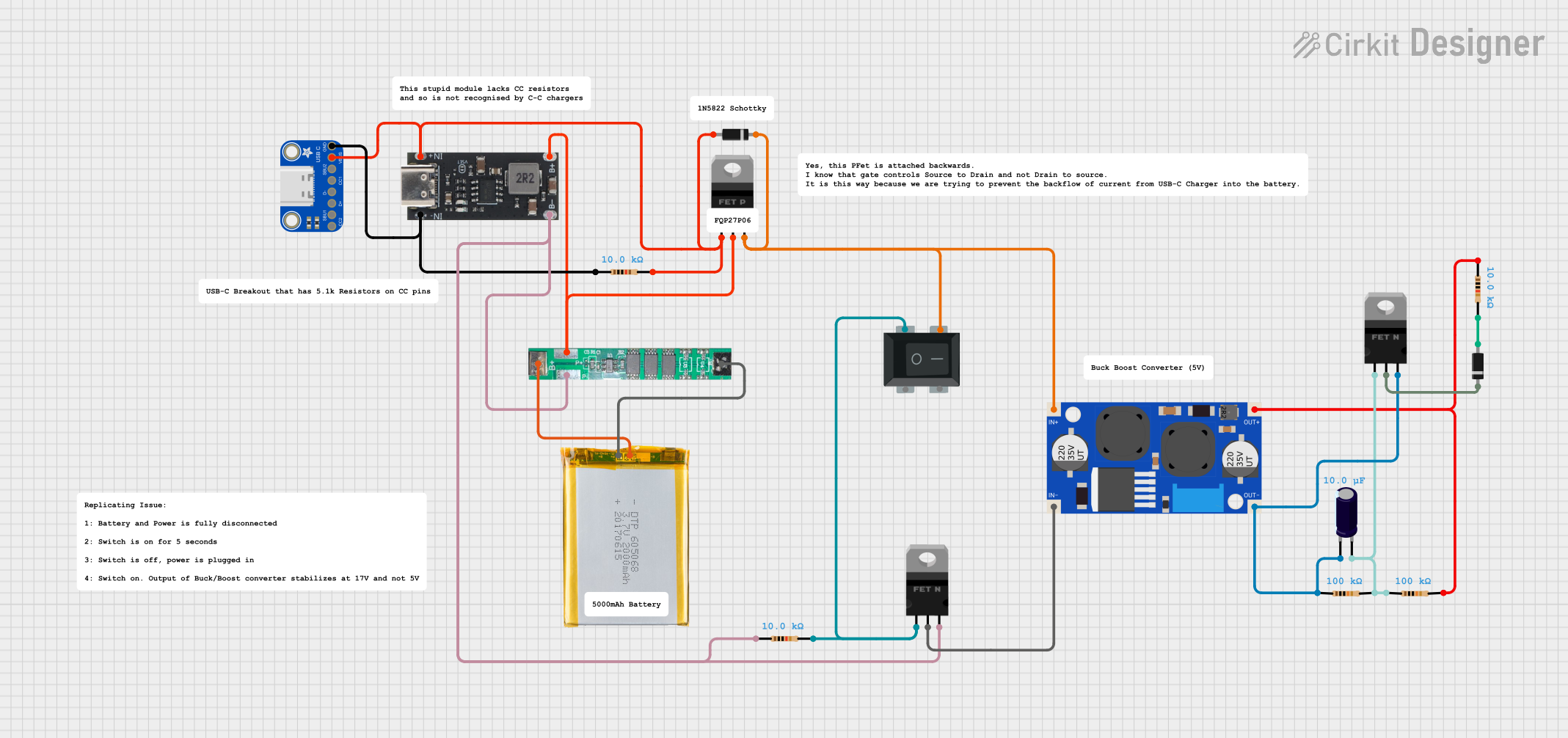 Open Project in Cirkit Designer
Explore Projects Built with 18650 Battery Charger Board - 1S 1A with protection, Type C
Open Project in Cirkit DesignerOpen Project in Cirkit DesignerOpen Project in Cirkit DesignerOpen Project in Cirkit DesignerCommon Applications and Use Cases
- Charging 18650 lithium-ion batteries for DIY electronics projects
- Power banks and portable battery packs
- Battery-powered IoT devices
- Robotics and small-scale renewable energy systems
- Backup power supplies for microcontrollers and sensors
Technical Specifications
Below are the key technical details of the 18650 Battery Charger Board:
| Parameter | Specification |
|---|---|
| Input Voltage | 5V (via Type C USB connector) |
| Charging Current | 1A (constant current) |
| Battery Type | 18650 lithium-ion (single cell) |
| Overcharge Protection | 4.2V ± 1% |
| Over-discharge Protection | 2.5V ± 1% |
| Short-circuit Protection | Yes |
| Connector Type | Type C USB |
| Dimensions | ~25mm x 17mm |
Pin Configuration and Descriptions
The board has the following key pins and connectors:
| Pin/Connector | Description |
|---|---|
| Type C USB | Input power connector for charging (5V input). |
| B+ | Positive terminal for connecting the 18650 battery. |
| B- | Negative terminal for connecting the 18650 battery. |
| OUT+ | Positive output terminal for powering external circuits (connected to B+). |
| OUT- | Negative output terminal for powering external circuits (connected to B-). |
Usage Instructions
How to Use the Component in a Circuit
Connect the Battery:
- Solder the positive terminal of the 18650 battery to the
B+pin. - Solder the negative terminal of the 18650 battery to the
B-pin. - Ensure proper polarity to avoid damage to the board or battery.
- Solder the positive terminal of the 18650 battery to the
Power the Board:
- Connect a 5V power source (e.g., USB charger or power bank) to the Type C USB connector.
- The onboard LED indicators will show the charging status:
- Red LED: Charging in progress.
- Blue LED: Charging complete.
Output Power:
- Use the
OUT+andOUT-pins to power external circuits. - Note that the output voltage will match the battery voltage (typically 3.7V to 4.2V).
- Use the
Important Considerations and Best Practices
- Battery Compatibility: Only use this board with a single 18650 lithium-ion cell. Do not connect multiple cells in series or parallel.
- Heat Management: The board may heat up during charging. Ensure adequate ventilation to prevent overheating.
- Avoid Overloading: Do not connect loads that exceed the battery's discharge current rating.
- Safety Precautions: Always use high-quality 18650 batteries with built-in protection circuits for added safety.
Example: Using with an Arduino UNO
To power an Arduino UNO using the 18650 Battery Charger Board, follow these steps:
- Connect the
OUT+pin to the Arduino'sVINpin. - Connect the
OUT-pin to the Arduino'sGNDpin. - Ensure the battery is fully charged before powering the Arduino.
Here is a simple Arduino sketch to blink an LED while powered by the 18650 battery:
// Simple LED Blink Example
// This code blinks an LED connected to pin 13 of the Arduino UNO.

void setup() {
  pinMode(13, OUTPUT); // Set pin 13 as an output
}

void loop() {
  digitalWrite(13, HIGH); // Turn the LED on
  delay(1000);            // Wait for 1 second
  digitalWrite(13, LOW);  // Turn the LED off
  delay(1000);            // Wait for 1 second
}
Troubleshooting and FAQs
Common Issues and Solutions
The board does not charge the battery:
- Ensure the Type C USB connector is properly connected to a 5V power source.
- Verify the battery is connected with the correct polarity to the
B+andB-pins. - Check if the battery is damaged or has a very low voltage (below 2.5V).
The red LED does not turn on:
- Confirm that the input voltage is 5V and the power source is functioning.
- Inspect the solder joints for loose or improper connections.
The board overheats during charging:
- Ensure the ambient temperature is within a safe range (below 40°C).
- Avoid placing the board in an enclosed space without ventilation.
The output voltage is too low:
- Check the battery voltage. If it is below 3.7V, the battery may need to be recharged.
- Verify the connections to the
OUT+andOUT-pins.
FAQs
Q: Can I use this board to charge other types of batteries?
A: No, this board is specifically designed for single-cell 18650 lithium-ion batteries. Using it with other battery types may result in damage or unsafe operation.
Q: Can I charge the battery and power a load simultaneously?
A: Yes, the board supports simultaneous charging and discharging. However, ensure the load does not exceed the battery's discharge current rating.
Q: What happens if I connect the battery with reversed polarity?
A: The board includes protection against reverse polarity, but it is always best to double-check connections to avoid potential damage.
Q: Can I use a Micro USB cable instead of Type C?
A: No, this board is designed specifically for Type C USB connectors. Using a Micro USB cable is not compatible.