
How to Use CAN BUS: Examples, Pinouts, and Specs
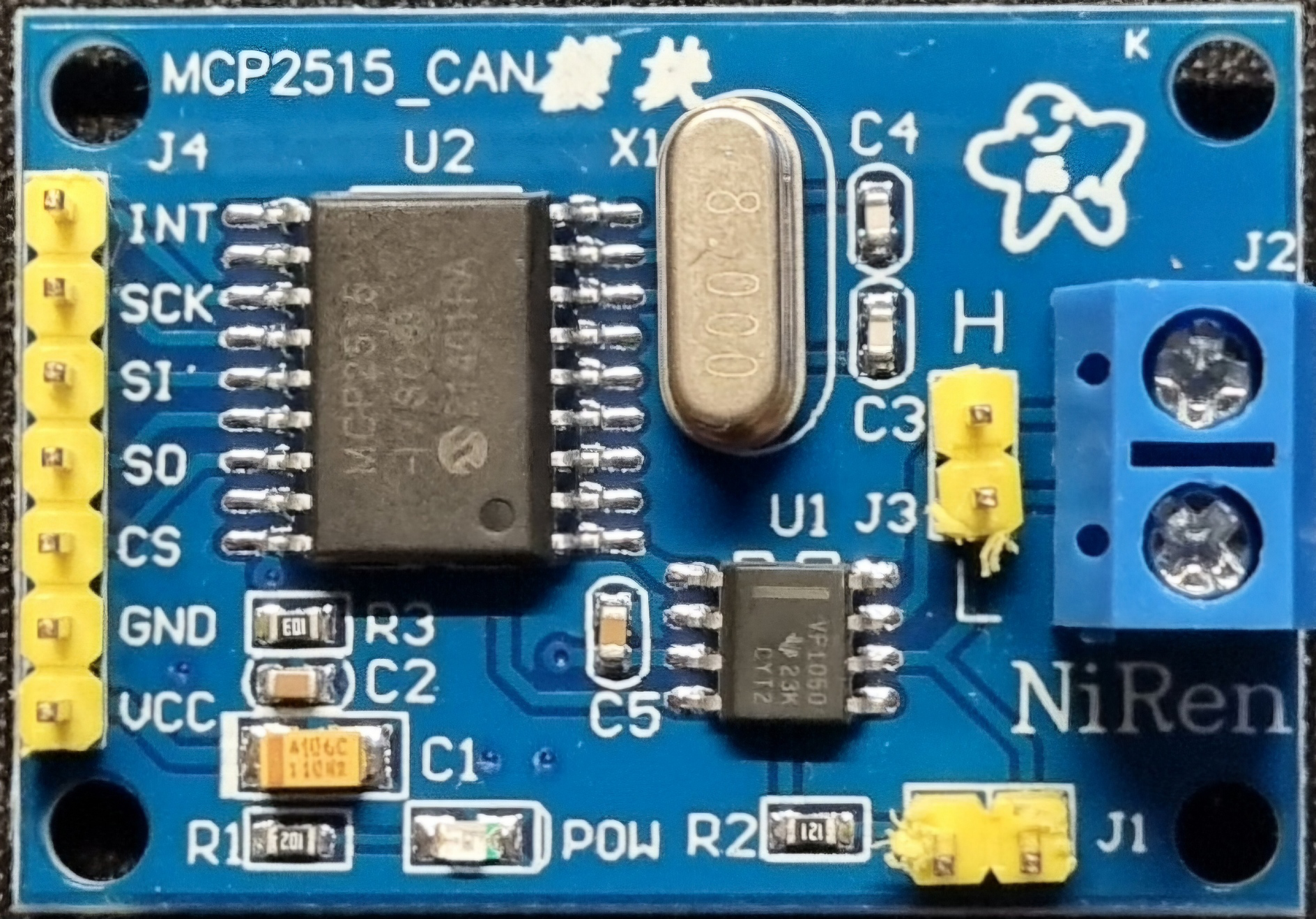
 Design with CAN BUS in Cirkit Designer
Introduction
The Controller Area Network (CAN) bus is a robust and efficient communication protocol designed to enable seamless data exchange between microcontrollers and devices in real-time. Originally developed for automotive applications, the CAN bus has become a standard for various industries due to its reliability, fault tolerance, and ability to operate without a host computer. It is particularly well-suited for environments where multiple devices need to communicate efficiently and reliably.
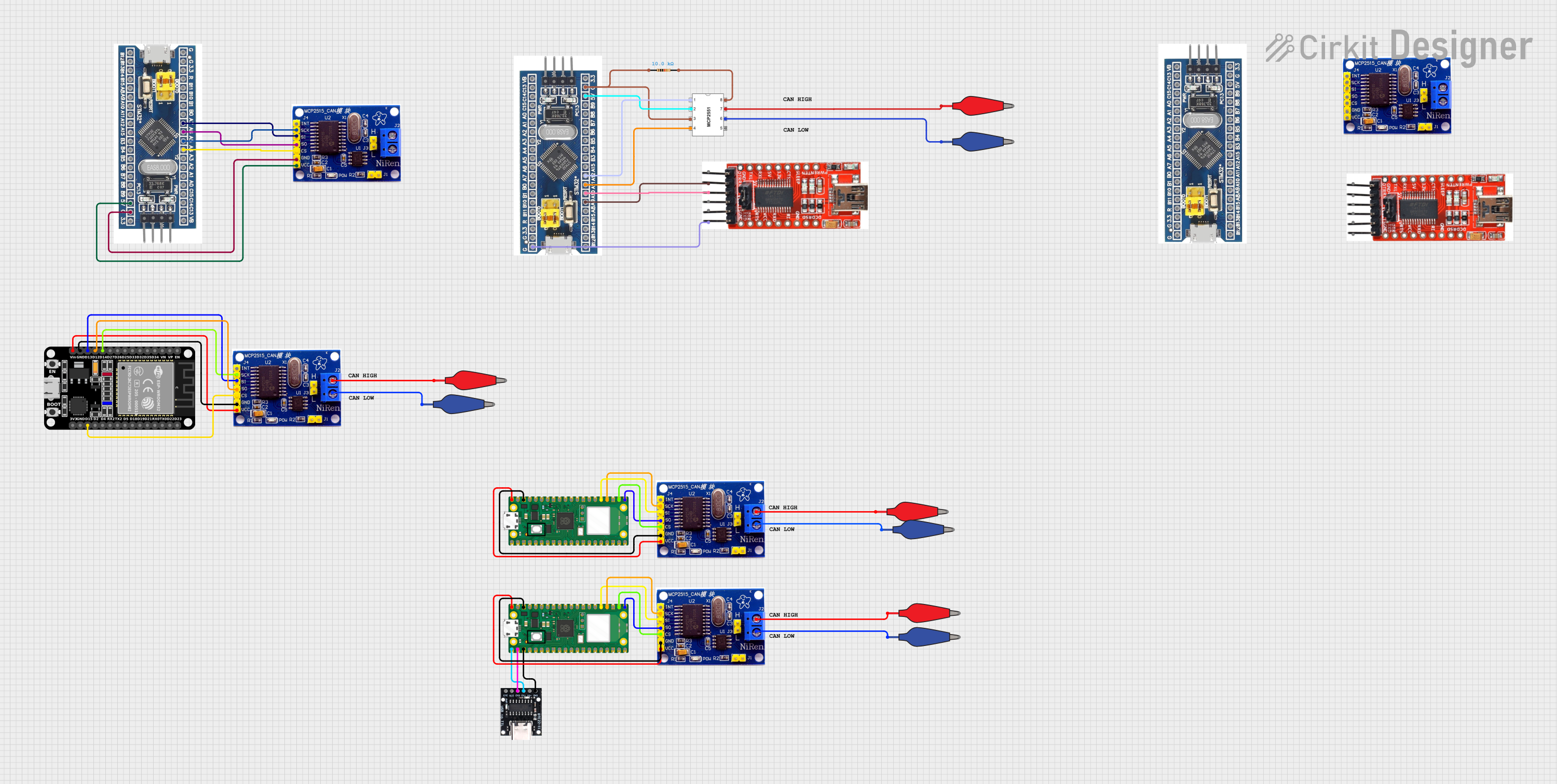
Explore Projects Built with CAN BUS
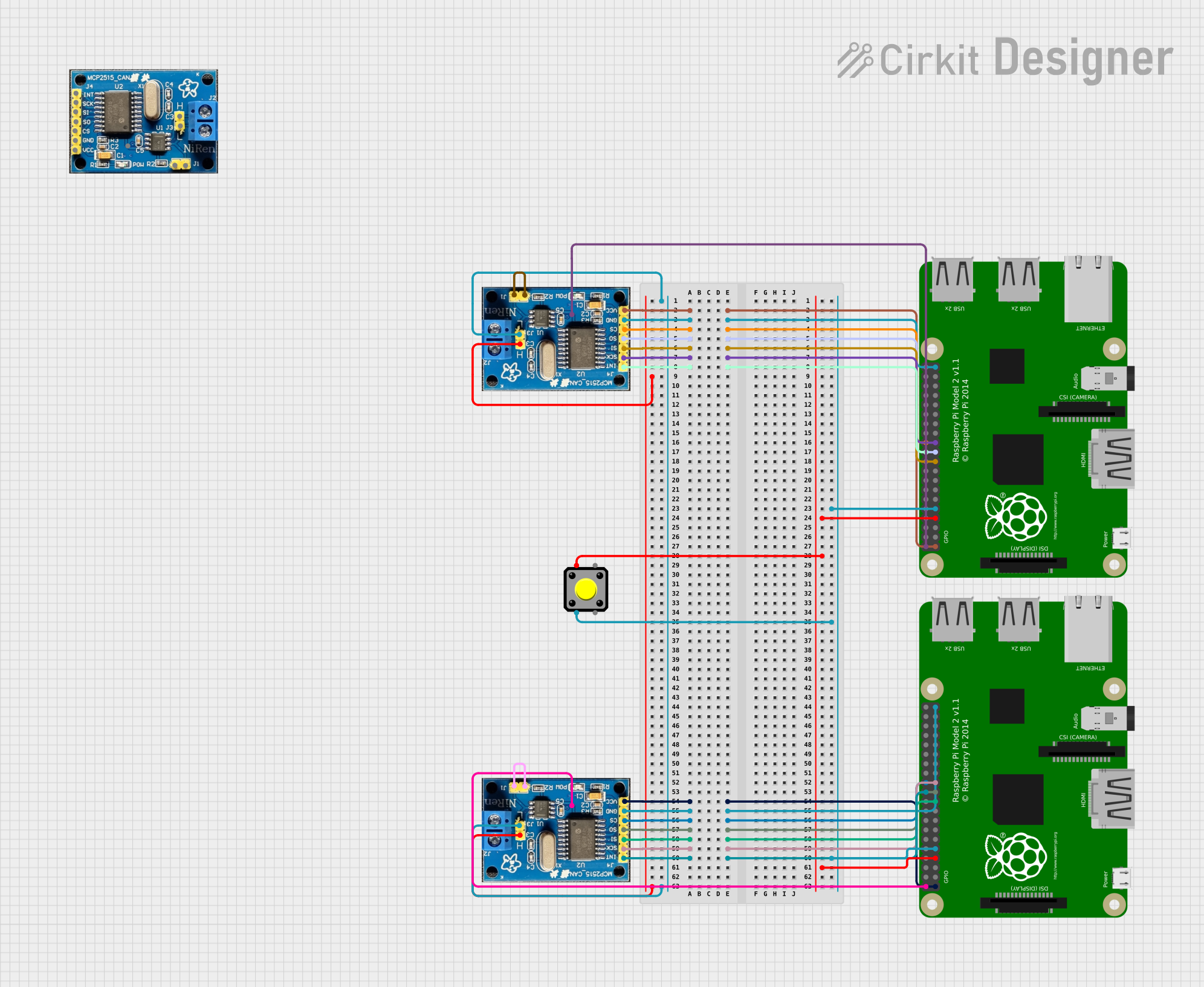 Open Project in Cirkit Designer
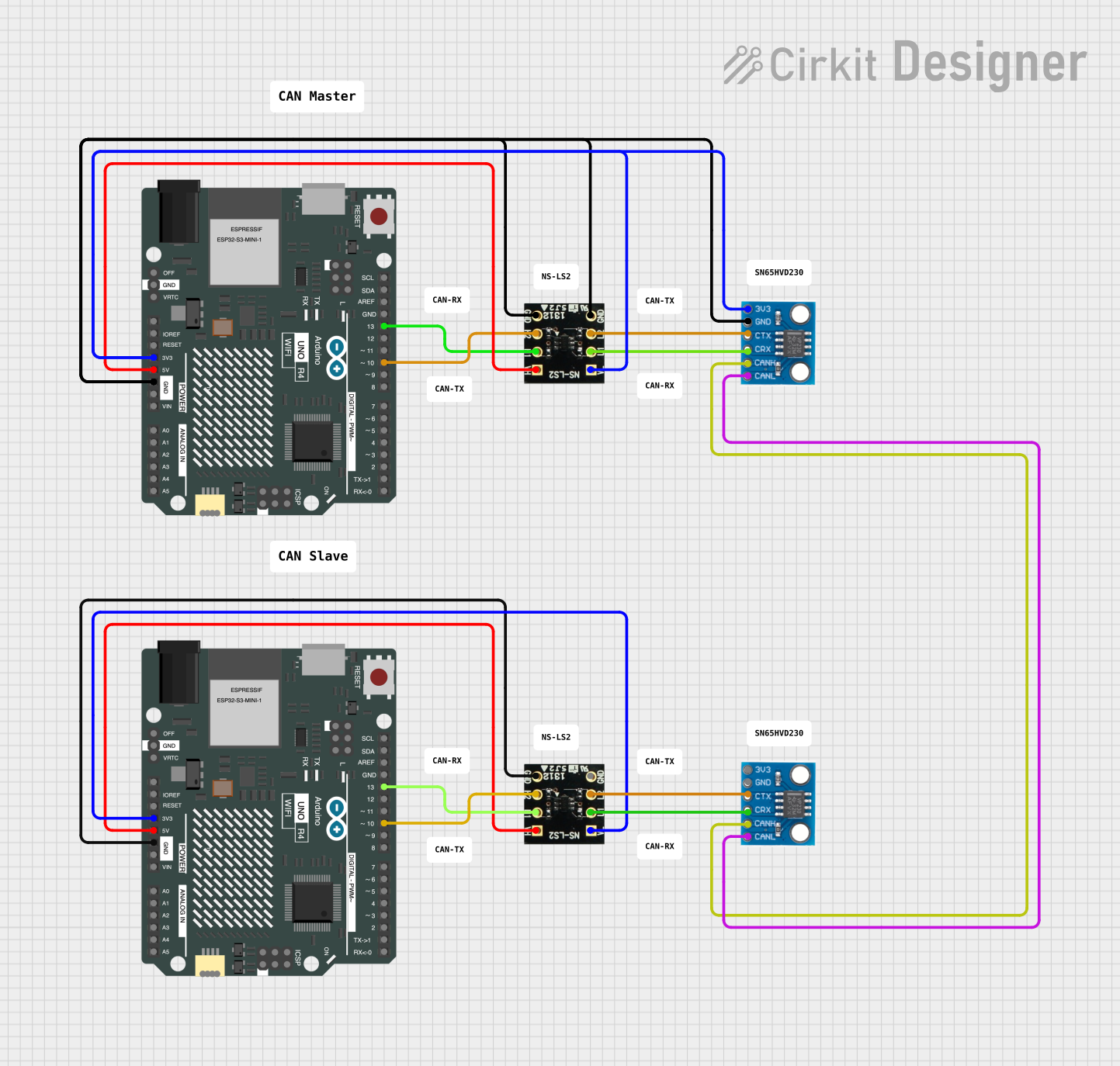 Open Project in Cirkit Designer
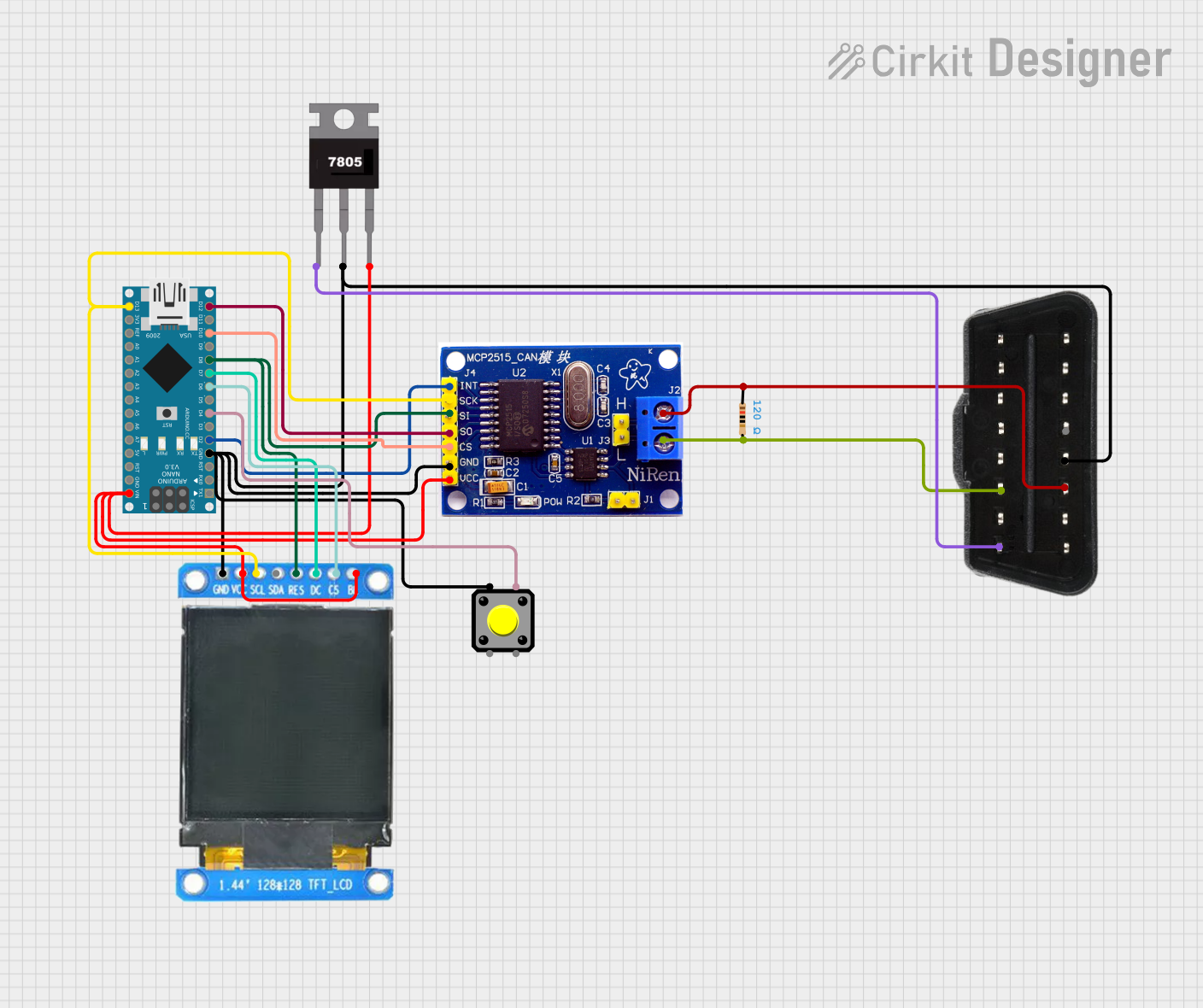 Open Project in Cirkit Designer
 Open Project in Cirkit Designer
Explore Projects Built with CAN BUS
Open Project in Cirkit DesignerOpen Project in Cirkit DesignerOpen Project in Cirkit DesignerOpen Project in Cirkit DesignerCommon Applications and Use Cases
- Automotive systems (e.g., engine control units, airbags, and infotainment systems)
- Industrial automation and robotics
- Medical devices and equipment
- Building automation (e.g., HVAC systems)
- Aerospace and marine systems
- IoT devices requiring real-time communication
Technical Specifications
The CAN bus operates based on a differential signaling method, ensuring high noise immunity and reliable communication. Below are the key technical specifications:
General Specifications
| Parameter | Value |
|---|---|
| Communication Speed | Up to 1 Mbps (Classical CAN) |
| Voltage Levels | 2.5V (dominant) and 0V (recessive) |
| Maximum Nodes | 120 devices per bus |
| Bus Length | Up to 40 meters at 1 Mbps |
| Protocol Standard | ISO 11898-1 and ISO 11898-2 |
Pin Configuration and Descriptions
The CAN bus typically uses a 2-wire differential signaling system. Below is the pin configuration for a standard CAN transceiver module:
| Pin Name | Description |
|---|---|
| CAN_H | High-level CAN signal (dominant state: 3.5V, recessive state: 2.5V) |
| CAN_L | Low-level CAN signal (dominant state: 1.5V, recessive state: 2.5V) |
| VCC | Power supply for the transceiver (typically 5V or 3.3V) |
| GND | Ground connection |
| RX | Receive data pin (connects to the microcontroller's RX pin) |
| TX | Transmit data pin (connects to the microcontroller's TX pin) |
Usage Instructions
How to Use the CAN Bus in a Circuit
Connect the Transceiver Module: Use a CAN transceiver module (e.g., MCP2551 or SN65HVD230) to interface the CAN bus with your microcontroller.
- Connect
CAN_HandCAN_Lto the CAN bus lines. - Connect
VCCandGNDto the power supply. - Connect the
RXandTXpins to the corresponding UART pins on the microcontroller.
- Connect
Add Termination Resistors: Place 120-ohm resistors at both ends of the CAN bus to prevent signal reflections.
Configure the Microcontroller:
- Set the baud rate to match the CAN bus speed (e.g., 500 kbps).
- Initialize the CAN controller with the appropriate settings (e.g., filters and masks).
Write and Read Data:
- Use the microcontroller's CAN library or API to send and receive messages.
- Messages are typically sent in frames, which include an identifier, data length, and payload.
Important Considerations and Best Practices
- Ensure all devices on the CAN bus operate at the same baud rate.
- Use twisted-pair cables for
CAN_HandCAN_Lto minimize electromagnetic interference (EMI). - Avoid long stubs (branch connections) to maintain signal integrity.
- Verify that the total bus length and number of nodes comply with the CAN standard.
Example: Using CAN Bus with Arduino UNO
Below is an example of how to use the CAN bus with an Arduino UNO and an MCP2515 CAN module:
#include <SPI.h>
#include <mcp_can.h>

// Define the SPI CS pin for the MCP2515 module
#define CAN_CS_PIN 10

// Initialize the MCP_CAN object
MCP_CAN CAN(CAN_CS_PIN);

void setup() {
  Serial.begin(115200); // Start serial communication for debugging
  while (!Serial);

  // Initialize the CAN bus at 500 kbps
  if (CAN.begin(MCP_ANY, 500000, MCP_8MHZ) == CAN_OK) {
    Serial.println("CAN bus initialized successfully!");
  } else {
    Serial.println("Error initializing CAN bus.");
    while (1);
  }

  // Set the CAN bus to normal mode
  CAN.setMode(MCP_NORMAL);
  Serial.println("CAN bus set to normal mode.");
}

void loop() {
  // Example: Sending a CAN message
  byte data[8] = {0x01, 0x02, 0x03, 0x04, 0x05, 0x06, 0x07, 0x08};
  if (CAN.sendMsgBuf(0x100, 0, 8, data) == CAN_OK) {
    Serial.println("Message sent successfully!");
  } else {
    Serial.println("Error sending message.");
  }

  delay(1000); // Wait 1 second before sending the next message
}
Troubleshooting and FAQs
Common Issues and Solutions
No Communication on the CAN Bus:
- Cause: Incorrect baud rate or wiring.
- Solution: Verify that all devices are configured with the same baud rate and check the wiring.
Bus Errors or Data Corruption:
- Cause: Missing or incorrect termination resistors.
- Solution: Ensure 120-ohm resistors are placed at both ends of the CAN bus.
Intermittent Communication Failures:
- Cause: Excessive bus length or poor cable quality.
- Solution: Use shorter cables and twisted-pair wires for
CAN_HandCAN_L.
Microcontroller Not Receiving Data:
- Cause: Incorrect RX/TX pin connections.
- Solution: Double-check the connections between the transceiver and the microcontroller.
FAQs
Q: Can I use the CAN bus for non-automotive applications?
A: Yes, the CAN bus is widely used in industrial automation, medical devices, and other fields requiring reliable communication.
Q: What is the maximum data payload for a CAN message?
A: The maximum payload for a Classical CAN message is 8 bytes. For CAN FD (Flexible Data-rate), it can be up to 64 bytes.
Q: Do I need a specific library to use the CAN bus with Arduino?
A: Yes, libraries like mcp_can are commonly used to interface with MCP2515-based CAN modules.
Q: Can I connect devices with different voltage levels on the same CAN bus?
A: Yes, but you will need level shifters or transceivers that support the voltage levels of all devices.