
How to Use drv8833: Examples, Pinouts, and Specs

 Design with drv8833 in Cirkit Designer
Introduction
The DRV8833 is a dual H-bridge motor driver designed to control the direction and speed of DC motors and stepper motors. It operates with a supply voltage range of 2.7V to 10.8V and can deliver up to 1.5A of continuous current per channel. This makes it an ideal choice for robotics, automation, and other motor control applications. Its compact design and versatile functionality allow it to be used in battery-powered devices, small robots, and other embedded systems.
Explore Projects Built with drv8833
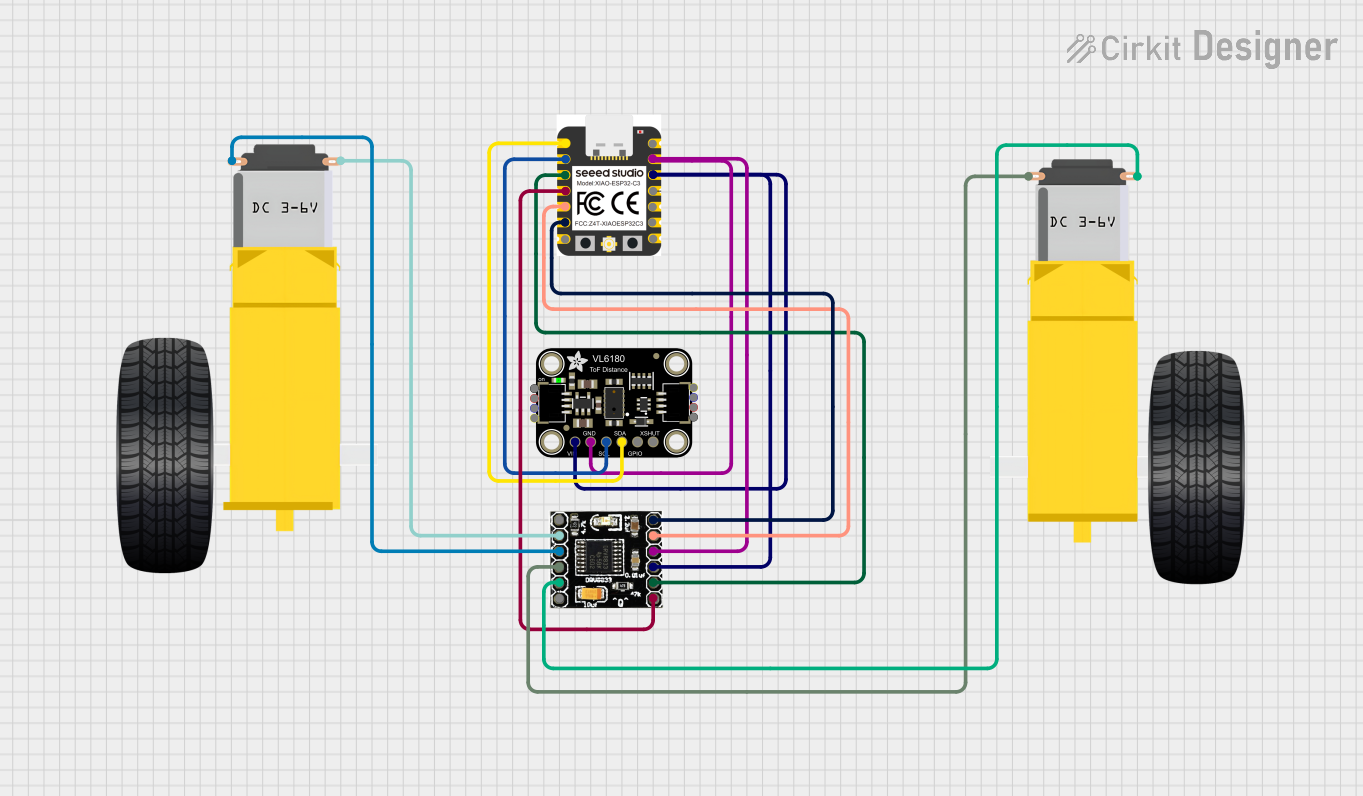 Open Project in Cirkit Designer
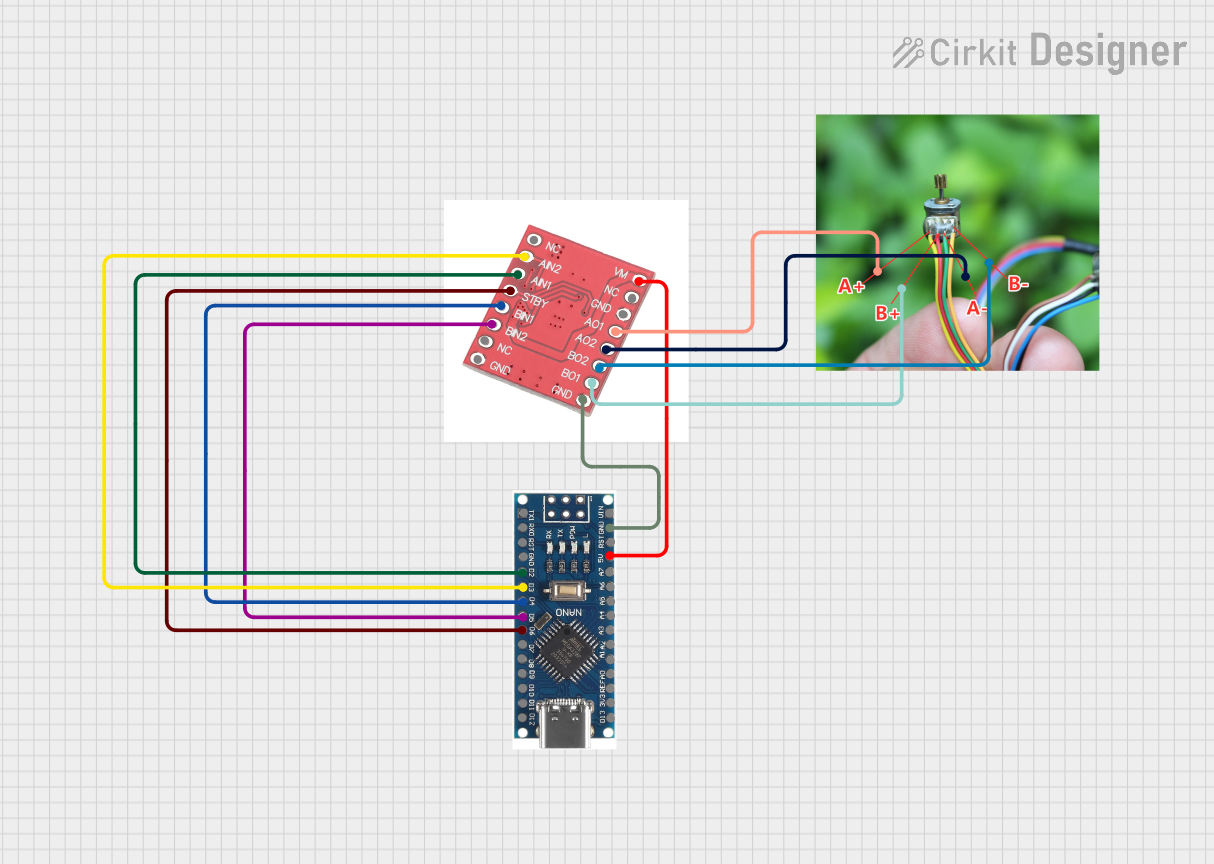 Open Project in Cirkit Designer
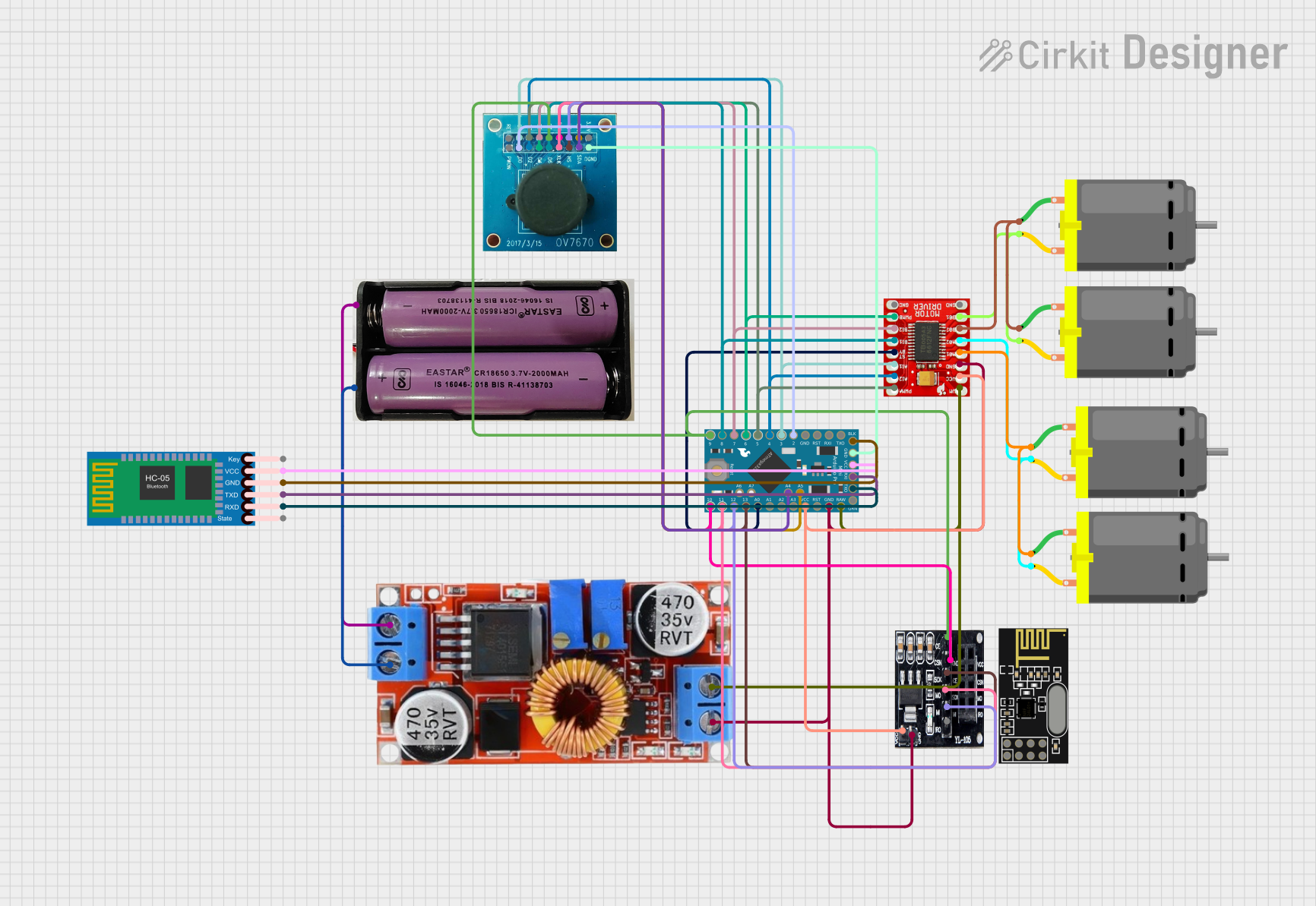 Open Project in Cirkit Designer
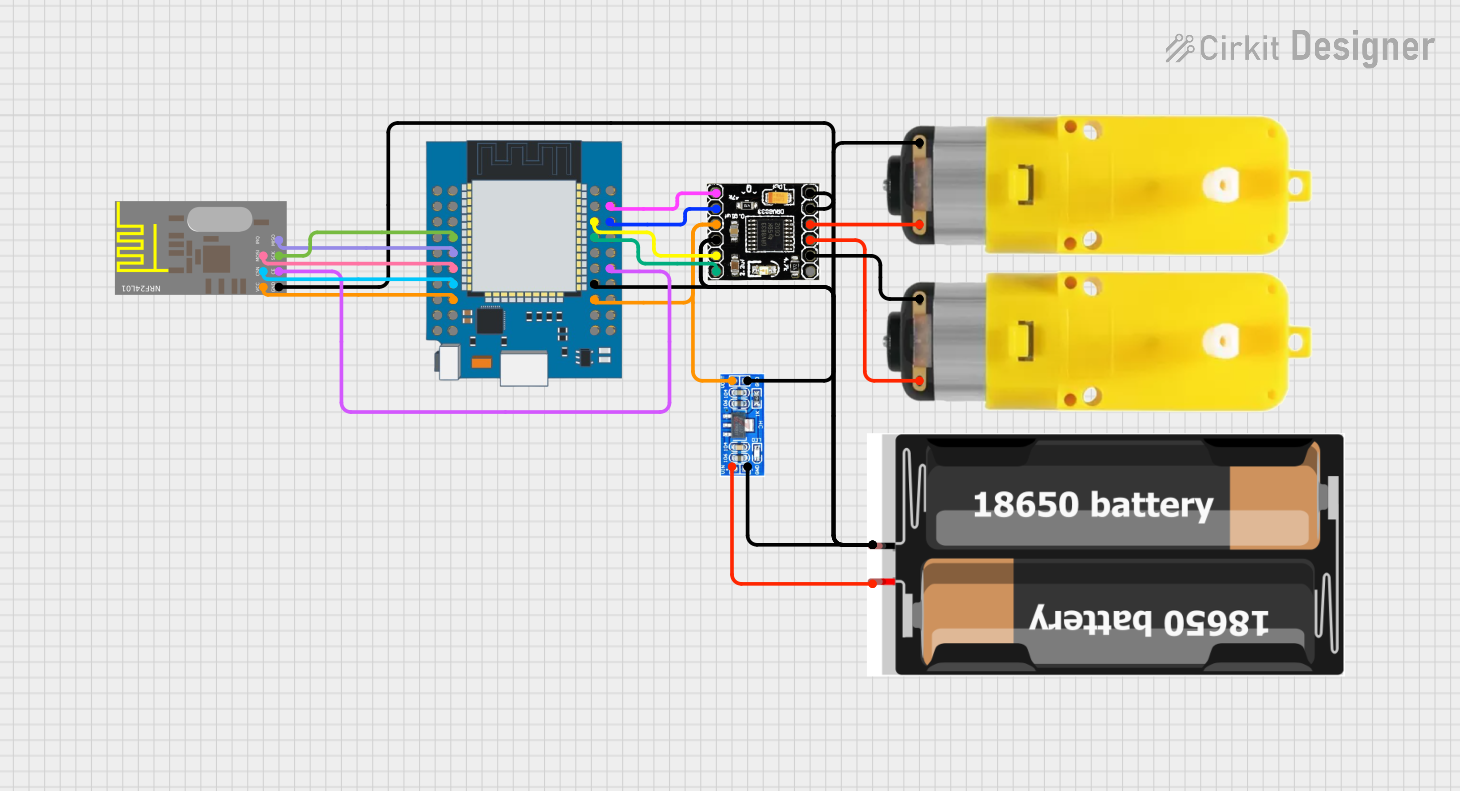 Open Project in Cirkit Designer
Explore Projects Built with drv8833
Open Project in Cirkit DesignerOpen Project in Cirkit DesignerOpen Project in Cirkit DesignerOpen Project in Cirkit DesignerCommon Applications
- Controlling DC motors in robotics projects
- Driving stepper motors in 3D printers and CNC machines
- Motorized toys and small vehicles
- Automation systems and conveyor belts
- Battery-powered motor control applications
Technical Specifications
Key Specifications
| Parameter | Value |
|---|---|
| Supply Voltage Range | 2.7V to 10.8V |
| Continuous Current (per channel) | 1.5A |
| Peak Current (per channel) | 2A |
| Logic Input Voltage Range | 0V to 5.5V |
| PWM Frequency | Up to 250 kHz |
| Operating Temperature | -40°C to 85°C |
| Package Type | HTSSOP-16 or WQFN-16 |
Pin Configuration
The DRV8833 comes in a 16-pin package. Below is the pinout and description:
| Pin Number | Pin Name | Description |
|---|---|---|
| 1 | AIN1 | Input 1 for H-Bridge A |
| 2 | AIN2 | Input 2 for H-Bridge A |
| 3 | BIN1 | Input 1 for H-Bridge B |
| 4 | BIN2 | Input 2 for H-Bridge B |
| 5 | VCC | Motor power supply (2.7V to 10.8V) |
| 6 | GND | Ground |
| 7 | OUT1A | Output 1 of H-Bridge A |
| 8 | OUT2A | Output 2 of H-Bridge A |
| 9 | OUT1B | Output 1 of H-Bridge B |
| 10 | OUT2B | Output 2 of H-Bridge B |
| 11 | nSLEEP | Sleep mode control (active low) |
| 12 | nFAULT | Fault indicator (active low) |
| 13 | VCC | Motor power supply (duplicate pin) |
| 14 | GND | Ground (duplicate pin) |
| 15 | DECAY | Decay mode selection |
| 16 | VREF | Reference voltage for current regulation |
Usage Instructions
Using the DRV8833 in a Circuit
- Power Supply: Connect the motor power supply (2.7V to 10.8V) to the
VCCpin and ground to theGNDpin. Ensure the power supply can handle the current requirements of your motors. - Motor Connections: Connect the motor terminals to the output pins (
OUT1A,OUT2Afor Motor A andOUT1B,OUT2Bfor Motor B). - Control Inputs: Use the
AIN1,AIN2,BIN1, andBIN2pins to control the direction and speed of the motors. These pins accept logic-level signals (0V to 5.5V). - Sleep Mode: To enable the driver, ensure the
nSLEEPpin is pulled high. Pulling it low will put the driver into low-power sleep mode. - PWM Control: Apply a PWM signal to the input pins to control motor speed. The duty cycle of the PWM signal determines the speed of the motor.
Example: Connecting to an Arduino UNO
Below is an example of how to control a DC motor using the DRV8833 and an Arduino UNO:
Circuit Connections
- Connect
AIN1andAIN2to Arduino digital pins (e.g., D9 and D10). - Connect the motor terminals to
OUT1AandOUT2A. - Connect
VCCto a 5V or 9V power supply andGNDto ground. - Pull
nSLEEPhigh by connecting it to 5V.
Arduino Code
// Define motor control pins
const int AIN1 = 9;  // Connect to DRV8833 AIN1
const int AIN2 = 10; // Connect to DRV8833 AIN2

void setup() {
  // Set motor control pins as outputs
  pinMode(AIN1, OUTPUT);
  pinMode(AIN2, OUTPUT);
}

void loop() {
  // Rotate motor forward
  digitalWrite(AIN1, HIGH); // Set AIN1 high
  digitalWrite(AIN2, LOW);  // Set AIN2 low
  delay(2000);              // Run motor for 2 seconds

  // Rotate motor backward
  digitalWrite(AIN1, LOW);  // Set AIN1 low
  digitalWrite(AIN2, HIGH); // Set AIN2 high
  delay(2000);              // Run motor for 2 seconds

  // Stop motor
  digitalWrite(AIN1, LOW);  // Set AIN1 low
  digitalWrite(AIN2, LOW);  // Set AIN2 low
  delay(2000);              // Stop motor for 2 seconds
}
Best Practices
- Use decoupling capacitors (e.g., 0.1µF and 10µF) near the
VCCpin to reduce noise and stabilize the power supply. - Avoid exceeding the maximum current rating (1.5A continuous, 2A peak) to prevent damage.
- Ensure proper heat dissipation, especially when driving motors at high currents.
Troubleshooting and FAQs
Common Issues and Solutions
Motor Not Spinning
Cause:
nSLEEPpin is low.Solution: Pull the
nSLEEPpin high to enable the driver.Cause: Incorrect wiring of motor terminals.
Solution: Verify motor connections to the output pins.
Overheating
- Cause: Exceeding current limits or insufficient heat dissipation.
- Solution: Use a heatsink or reduce the motor load.
Fault Indicator Active (nFAULT Pin Low)
- Cause: Overcurrent, undervoltage, or thermal shutdown.
- Solution: Check power supply voltage, motor load, and ensure proper cooling.
PWM Signal Not Controlling Speed
- Cause: Incorrect PWM frequency or duty cycle.
- Solution: Use a PWM frequency below 250 kHz and adjust the duty cycle.
FAQs
Can the DRV8833 drive two stepper motors?
- No, the DRV8833 can drive one stepper motor or two DC motors.
What happens if the supply voltage exceeds 10.8V?
- The DRV8833 may be damaged. Always ensure the supply voltage is within the specified range.
Can I use the DRV8833 with a 3.3V microcontroller?
- Yes, the logic input pins are compatible with 3.3V signals.
Is it necessary to use the DECAY pin?
- The DECAY pin is optional and can be used to adjust the motor braking behavior. If unused, it can be left floating or connected to a fixed voltage.
By following this documentation, you can effectively use the DRV8833 in your motor control projects.