
How to Use TOCT1-25: Examples, Pinouts, and Specs
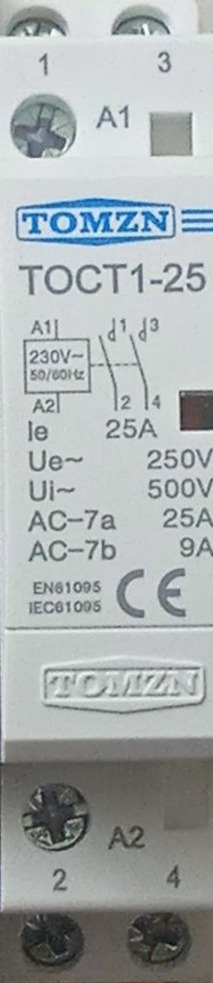
 Design with TOCT1-25 in Cirkit Designer
Introduction
The TOCT1-25 is a high-precision temperature sensor manufactured by Tomzn. It is designed to provide accurate and reliable temperature readings across a wide range of applications. This sensor is commonly used in industrial systems, environmental monitoring, HVAC systems, and other temperature-sensitive applications. Its robust design ensures durability and consistent performance, even in challenging environments.
Explore Projects Built with TOCT1-25
 Open Project in Cirkit Designer
 Open Project in Cirkit Designer
 Open Project in Cirkit Designer
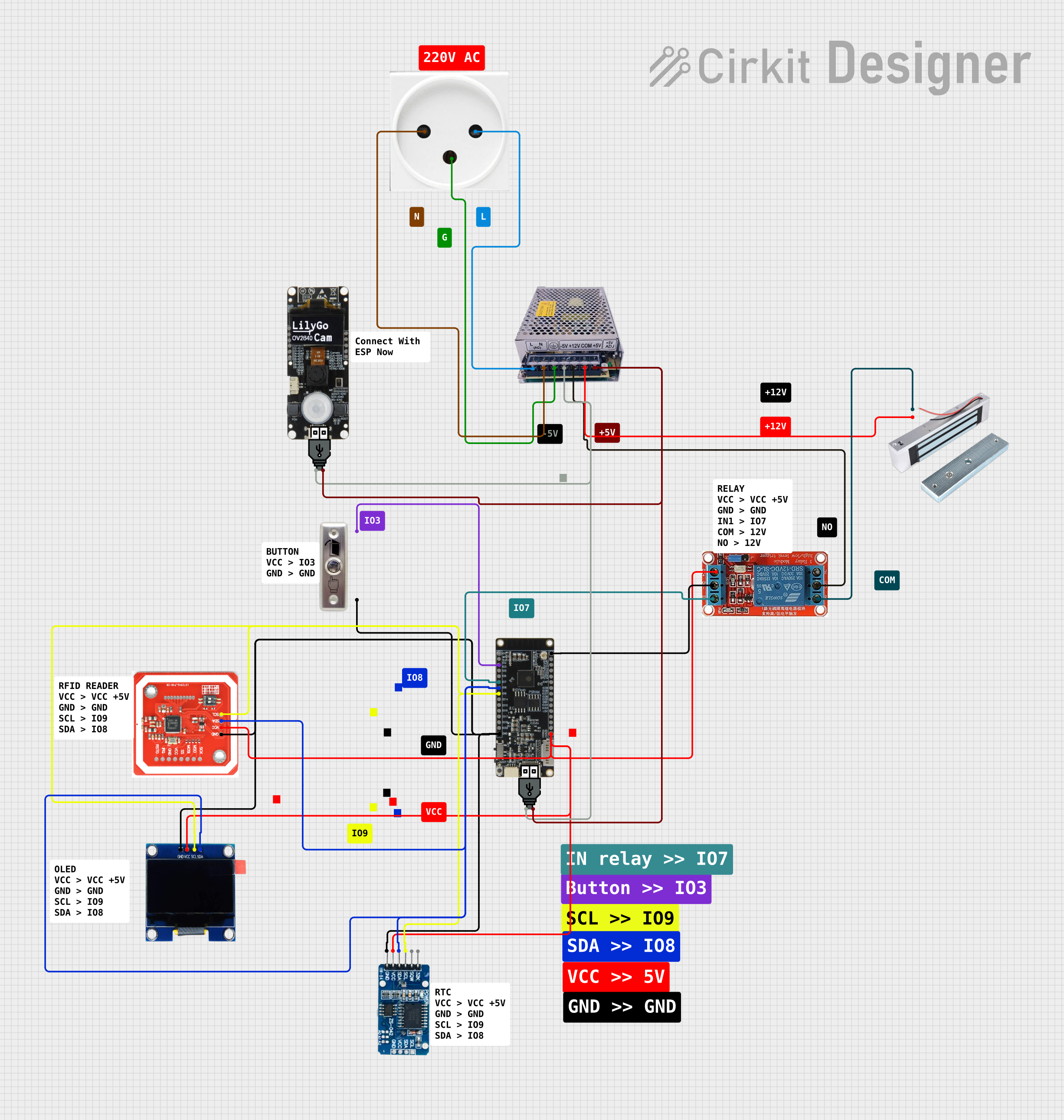 Open Project in Cirkit Designer
Explore Projects Built with TOCT1-25
Open Project in Cirkit DesignerOpen Project in Cirkit DesignerOpen Project in Cirkit DesignerOpen Project in Cirkit DesignerTechnical Specifications
The TOCT1-25 is engineered to meet the demands of modern temperature sensing applications. Below are its key technical specifications:
General Specifications
| Parameter | Value |
|---|---|
| Manufacturer | Tomzn |
| Model | TOCT1-25 |
| Sensor Type | Temperature Sensor |
| Temperature Range | -40°C to +125°C |
| Accuracy | ±0.5°C (typical) |
| Response Time | < 1 second |
| Output Signal | Analog Voltage |
| Supply Voltage | 3.3V to 5V |
| Operating Current | < 10 mA |
| Dimensions | 25mm x 10mm x 5mm |
| Operating Environment | Industrial and Environmental |
Pin Configuration
The TOCT1-25 has three pins for easy integration into circuits. The pinout is as follows:
| Pin Number | Name | Description |
|---|---|---|
| 1 | VCC | Power supply input (3.3V to 5V) |
| 2 | GND | Ground connection |
| 3 | OUT | Analog output signal (temperature data) |
Usage Instructions
To use the TOCT1-25 in a circuit, follow these steps:
- Power Supply: Connect the VCC pin to a 3.3V or 5V power source. Ensure the power supply is stable to avoid inaccurate readings.
- Ground Connection: Connect the GND pin to the ground of your circuit.
- Signal Output: Connect the OUT pin to an analog input pin of your microcontroller or data acquisition system.
- Calibration: For optimal accuracy, calibrate the sensor in your specific application environment if necessary.
- Data Processing: Use the analog voltage output to calculate the temperature. The output voltage corresponds to the temperature based on the sensor's transfer function (refer to the manufacturer's datasheet for details).
Example: Using TOCT1-25 with Arduino UNO
Below is an example of how to connect and read data from the TOCT1-25 using an Arduino UNO:
Circuit Diagram
- Connect the VCC pin of the TOCT1-25 to the 5V pin on the Arduino.
- Connect the GND pin of the TOCT1-25 to the GND pin on the Arduino.
- Connect the OUT pin of the TOCT1-25 to the A0 analog input pin on the Arduino.
Arduino Code
// TOCT1-25 Temperature Sensor Example
// Reads the analog output from the sensor and converts it to temperature

const int sensorPin = A0; // Analog pin connected to TOCT1-25 OUT pin
float voltage;            // Variable to store sensor output voltage
float temperature;        // Variable to store calculated temperature

void setup() {
  Serial.begin(9600); // Initialize serial communication
}

void loop() {
  int sensorValue = analogRead(sensorPin); // Read analog value from sensor
  voltage = sensorValue * (5.0 / 1023.0);  // Convert ADC value to voltage

  // Convert voltage to temperature (example formula, adjust as needed)
  // Refer to the sensor's datasheet for the exact transfer function
  temperature = (voltage - 0.5) * 100.0; // Example: 10mV per °C, offset 0.5V

  // Print the temperature to the Serial Monitor
  Serial.print("Temperature: ");
  Serial.print(temperature);
  Serial.println(" °C");

  delay(1000); // Wait 1 second before the next reading
}
Important Considerations
- Power Supply: Ensure the sensor operates within the specified voltage range (3.3V to 5V).
- Noise Reduction: Use decoupling capacitors near the sensor to minimize noise in the output signal.
- Environmental Factors: Protect the sensor from extreme conditions (e.g., moisture, dust) to maintain accuracy and longevity.
- Calibration: If precise measurements are required, calibrate the sensor in the target environment.
Troubleshooting and FAQs
Common Issues and Solutions
No Output Signal:
- Check the power supply connection to the VCC and GND pins.
- Verify that the sensor is receiving the correct voltage (3.3V to 5V).
Inaccurate Readings:
- Ensure the sensor is not exposed to electrical noise. Add decoupling capacitors if necessary.
- Verify the calibration of the sensor in your specific application.
Fluctuating Output:
- Check for loose connections or unstable power supply.
- Use shielded cables if the sensor is placed far from the microcontroller.
Sensor Overheating:
- Ensure the sensor is not exposed to temperatures beyond its operating range (-40°C to +125°C).
- Verify that the current draw does not exceed the specified limit.
FAQs
Q: Can the TOCT1-25 be used in outdoor environments?
A: Yes, the TOCT1-25 is designed for industrial and environmental applications. However, it should be protected from direct exposure to water or extreme conditions.
Q: How do I calibrate the sensor?
A: Calibration involves comparing the sensor's output to a known temperature reference and adjusting the readings accordingly. Refer to the manufacturer's guidelines for detailed calibration procedures.
Q: What is the response time of the TOCT1-25?
A: The sensor has a response time of less than 1 second, making it suitable for real-time temperature monitoring.
Q: Can I use the TOCT1-25 with a 3.3V microcontroller?
A: Yes, the sensor operates within a supply voltage range of 3.3V to 5V, making it compatible with 3.3V systems.
By following this documentation, users can effectively integrate the TOCT1-25 into their projects and achieve accurate temperature measurements.