
How to Use ttl to rs485: Examples, Pinouts, and Specs
 Design with ttl to rs485 in Cirkit Designer
Introduction
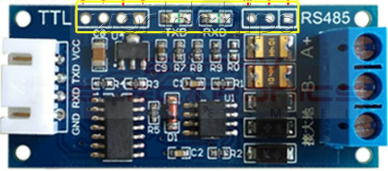
The TTL to RS485 converter is a versatile electronic component designed to bridge the gap between TTL (Transistor-Transistor Logic) devices and RS-485 serial communication systems. RS-485 is widely used for long-distance, high-speed, and noise-resistant data transmission in industrial and commercial applications. This converter enables TTL-based microcontrollers, such as Arduino or Raspberry Pi, to communicate seamlessly with RS-485 networks.
Explore Projects Built with ttl to rs485
 Open Project in Cirkit Designer
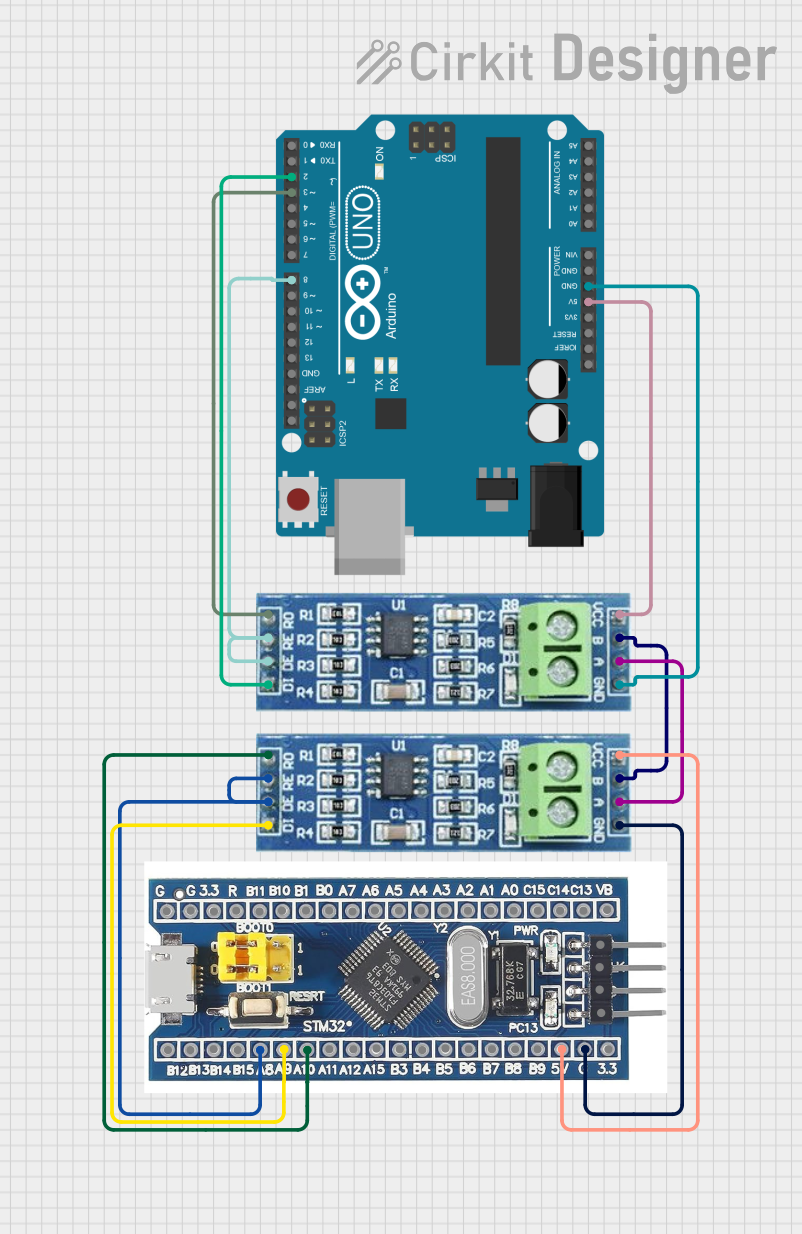 Open Project in Cirkit Designer
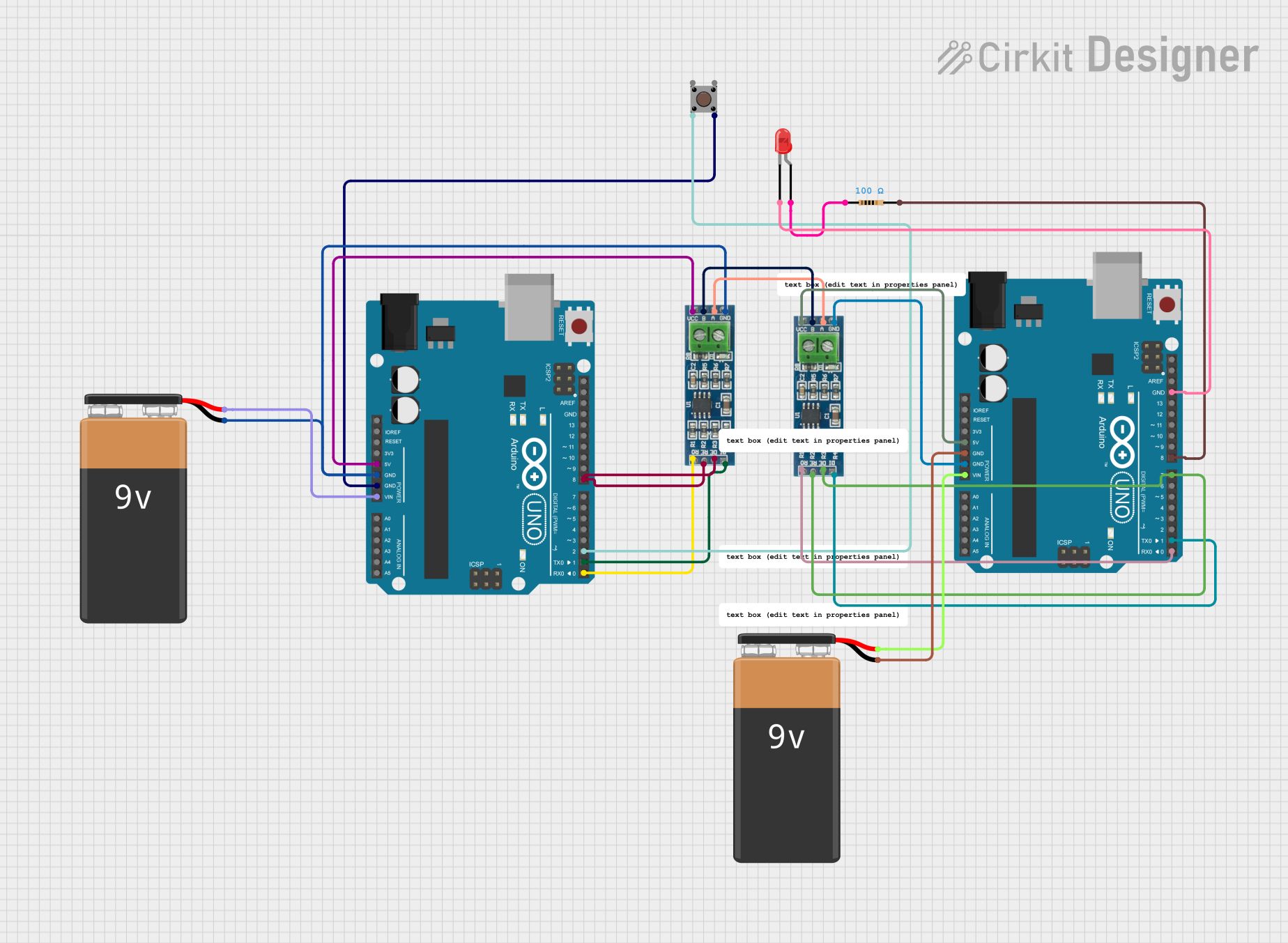 Open Project in Cirkit Designer
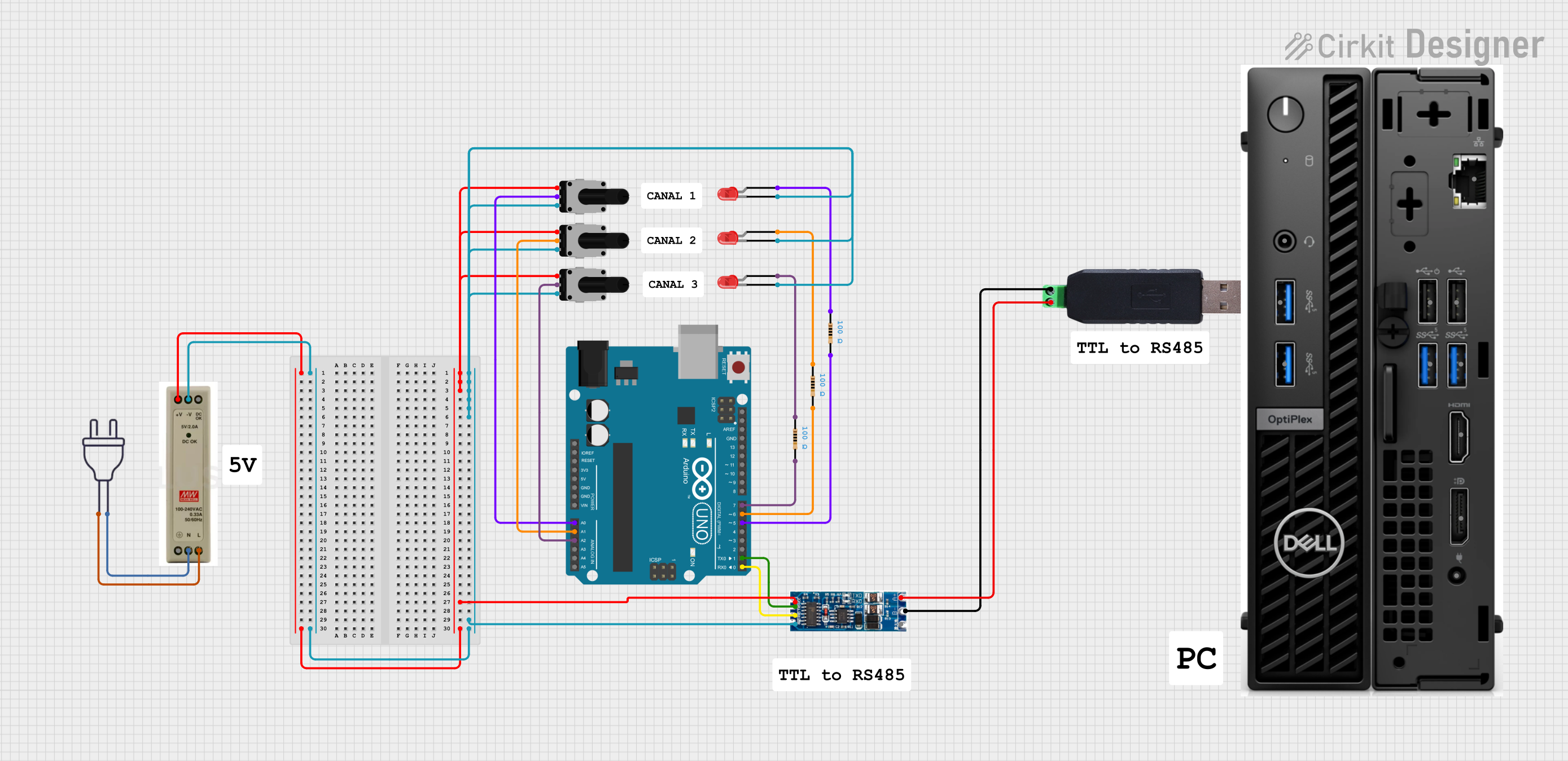 Open Project in Cirkit Designer
Explore Projects Built with ttl to rs485
Open Project in Cirkit DesignerOpen Project in Cirkit DesignerOpen Project in Cirkit DesignerOpen Project in Cirkit DesignerCommon Applications and Use Cases
- Industrial automation and control systems
- Long-distance serial communication (up to 1200 meters)
- Building management systems (e.g., HVAC, lighting control)
- Data acquisition systems
- RS-485-based protocols like Modbus
Technical Specifications
Key Technical Details
- Input Voltage (VCC): 3.3V to 5V
- Communication Standard: RS-485 (differential signaling)
- Data Rate: Up to 10 Mbps (depending on cable length)
- Transmission Distance: Up to 1200 meters (at lower baud rates)
- Operating Temperature: -40°C to 85°C
- Driver Enable (DE) and Receiver Enable (RE): Controlled via TTL logic
- ESD Protection: ±15kV (human body model)
Pin Configuration and Descriptions
The TTL to RS485 converter typically has the following pin configuration:
| Pin Name | Type | Description |
|---|---|---|
| VCC | Power Input | Connect to 3.3V or 5V power supply. |
| GND | Ground | Connect to the ground of the power supply. |
| TXD | TTL Input | Transmit data from the TTL device (e.g., Arduino TX pin). |
| RXD | TTL Output | Receive data to the TTL device (e.g., Arduino RX pin). |
| DE | TTL Input | Driver Enable: Set HIGH to enable RS-485 transmission. |
| RE | TTL Input | Receiver Enable: Set LOW to enable RS-485 reception. |
| A | RS-485 Signal | Non-inverting RS-485 signal line (connect to RS-485 bus). |
| B | RS-485 Signal | Inverting RS-485 signal line (connect to RS-485 bus). |
Usage Instructions
How to Use the Component in a Circuit
Power the Converter:
- Connect the
VCCpin to a 3.3V or 5V power source. - Connect the
GNDpin to the ground of the power source.
- Connect the
Connect TTL Device:
- Connect the
TXDpin of the converter to the TX pin of the TTL device (e.g., Arduino). - Connect the
RXDpin of the converter to the RX pin of the TTL device.
- Connect the
Enable Transmission and Reception:
- Set the
DEpin HIGH to enable RS-485 transmission. - Set the
REpin LOW to enable RS-485 reception. - For automatic control, connect
DEandREtogether and control them with a single GPIO pin.
- Set the
Connect RS-485 Bus:
- Connect the
AandBpins to the RS-485 bus. Ensure proper termination resistors (typically 120Ω) are used at both ends of the RS-485 bus for reliable communication.
- Connect the
Write Code for Communication:
- Use a UART library or serial communication functions to send and receive data.
Important Considerations and Best Practices
- Termination Resistors: Always use 120Ω termination resistors at both ends of the RS-485 bus to prevent signal reflections.
- Biasing Resistors: Add pull-up and pull-down resistors on the
AandBlines to maintain a known idle state. - Cable Selection: Use twisted-pair cables for RS-485 communication to minimize noise and signal degradation.
- Grounding: Ensure a common ground between all devices on the RS-485 network.
- Baud Rate vs. Distance: Higher baud rates reduce the maximum transmission distance. Choose an appropriate baud rate for your application.
Example Code for Arduino UNO
// Example: Sending and receiving data using TTL to RS485 converter
// Connect DE and RE pins together to pin 2 on Arduino for control

#define DE_RE_PIN 2  // Pin to control DE and RE
#define TX_PIN 1     // Arduino TX pin
#define RX_PIN 0     // Arduino RX pin

void setup() {
  pinMode(DE_RE_PIN, OUTPUT);  // Set DE/RE pin as output
  digitalWrite(DE_RE_PIN, LOW); // Set to LOW for receiving initially

  Serial.begin(9600);  // Initialize serial communication at 9600 baud
}

void loop() {
  // Transmit data
  digitalWrite(DE_RE_PIN, HIGH); // Enable transmission
  Serial.println("Hello RS-485!"); // Send data
  delay(100); // Wait for data to be sent
  digitalWrite(DE_RE_PIN, LOW);  // Enable reception

  // Receive data
  if (Serial.available()) {
    String receivedData = Serial.readString(); // Read incoming data
    Serial.println("Received: " + receivedData); // Print received data
  }

  delay(1000); // Wait before next transmission
}
Troubleshooting and FAQs
Common Issues and Solutions
No Data Transmission:
- Ensure the
DEpin is set HIGH during transmission. - Verify the RS-485 bus connections (
AandBlines).
- Ensure the
No Data Reception:
- Ensure the
REpin is set LOW during reception. - Check if the TTL device's RX pin is correctly connected to the converter's
RXDpin.
- Ensure the
Data Corruption or Noise:
- Use proper termination resistors (120Ω) at both ends of the RS-485 bus.
- Use twisted-pair cables for the RS-485 lines.
Communication Fails Over Long Distances:
- Reduce the baud rate to increase the maximum transmission distance.
- Ensure proper grounding and shielding of cables.
FAQs
Q: Can I use this converter with a 3.3V microcontroller?
A: Yes, the converter supports both 3.3V and 5V logic levels. Ensure the VCC pin matches the microcontroller's voltage.
Q: How many devices can I connect to the RS-485 bus?
A: RS-485 supports up to 32 devices on a single bus. Use repeaters for larger networks.
Q: Do I need to manually control the DE and RE pins?
A: Yes, unless the converter has an automatic flow control feature. You can connect DE and RE together for simplified control.
Q: What is the maximum cable length for RS-485?
A: The maximum length is 1200 meters at lower baud rates (e.g., 9600 bps). For higher baud rates, the distance decreases.