
How to Use PCA9685 Breakout Board: Examples, Pinouts, and Specs
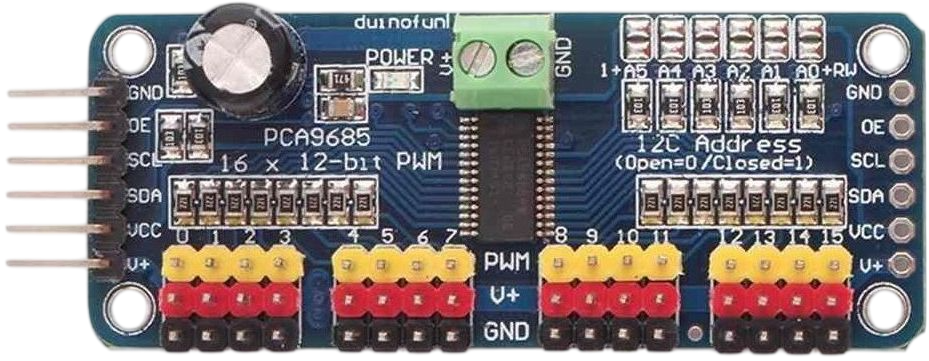
 Design with PCA9685 Breakout Board in Cirkit Designer
Introduction
The PCA9685 Breakout Board, manufactured by NXP Semiconductors (Part ID: PCA9685), is a versatile 16-channel, 12-bit PWM (Pulse Width Modulation) controller. It communicates via the I2C protocol, making it an ideal choice for applications requiring precise control of multiple servos or LEDs. This component is widely used in robotics, automation, and lighting projects due to its ability to offload PWM generation from the microcontroller, freeing up valuable processing power.
Explore Projects Built with PCA9685 Breakout Board
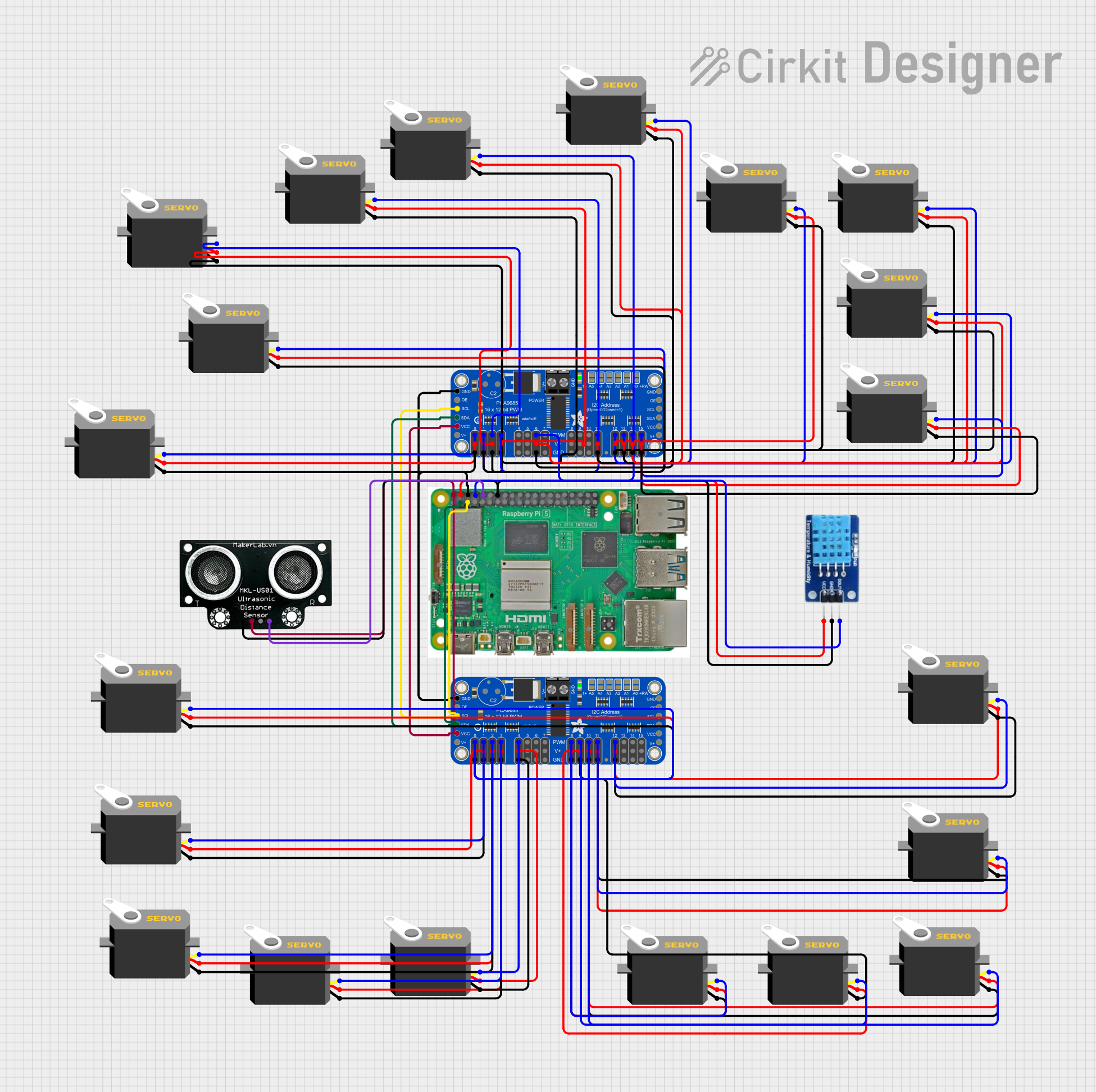 Open Project in Cirkit Designer
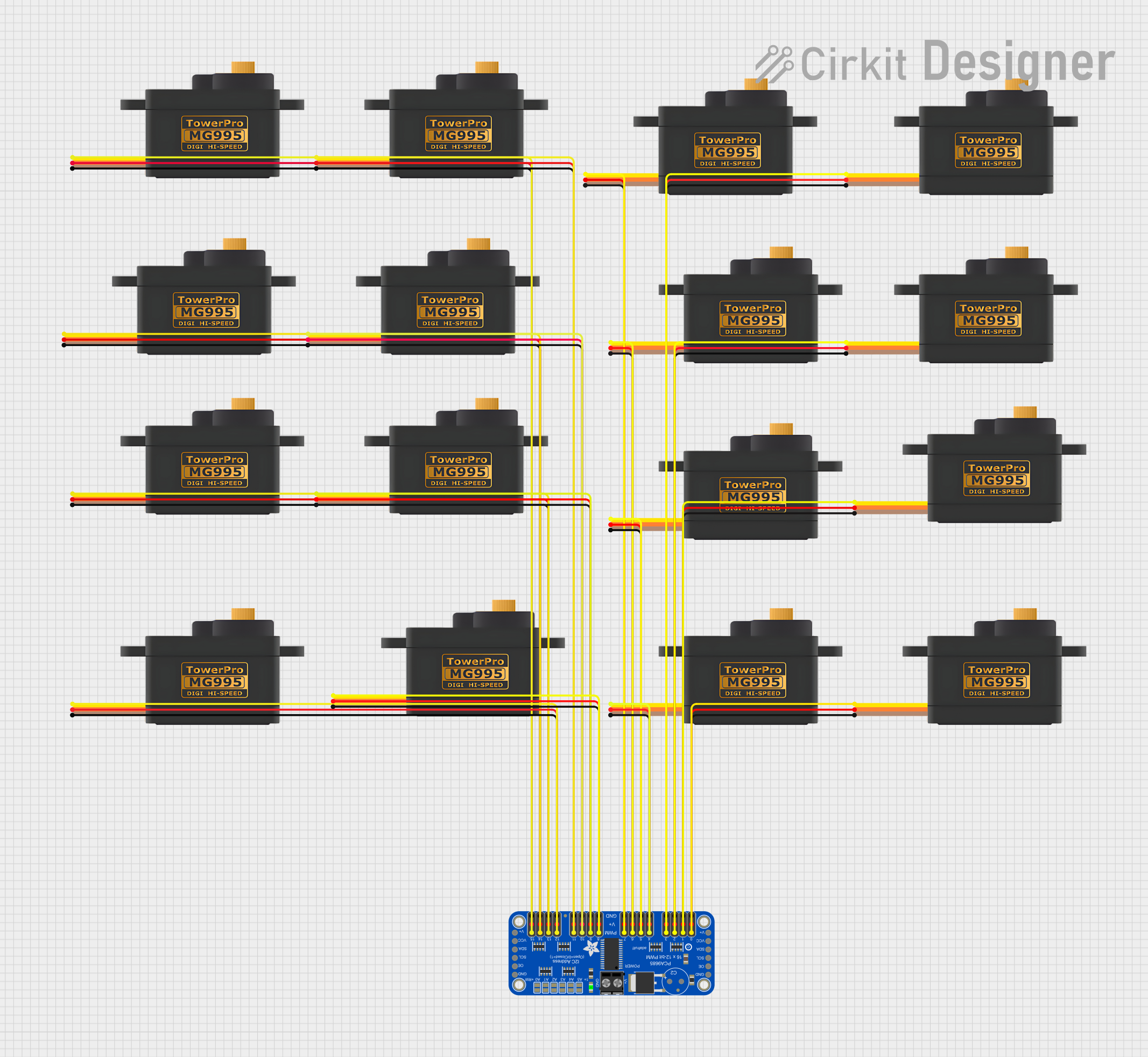 Open Project in Cirkit Designer
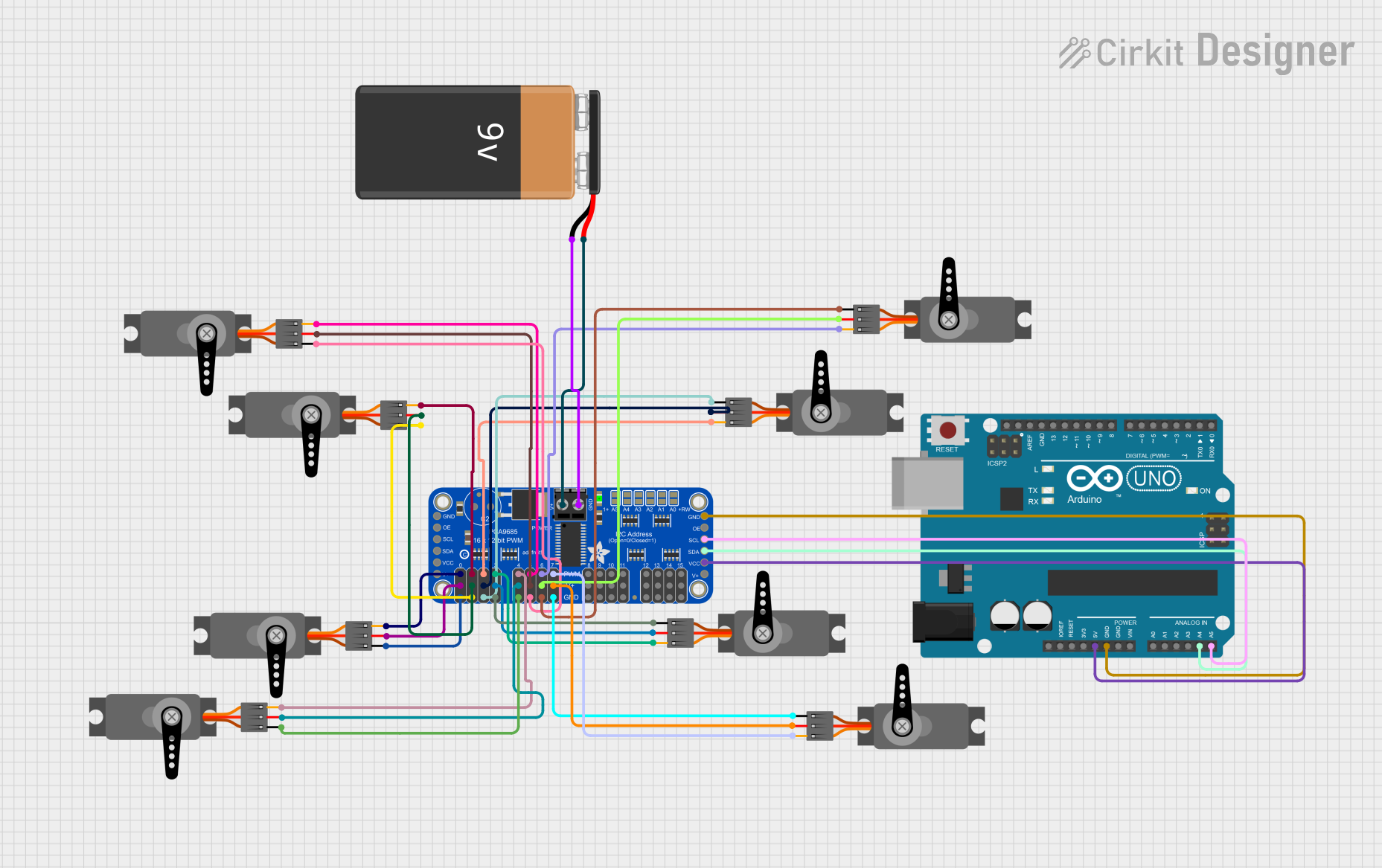 Open Project in Cirkit Designer
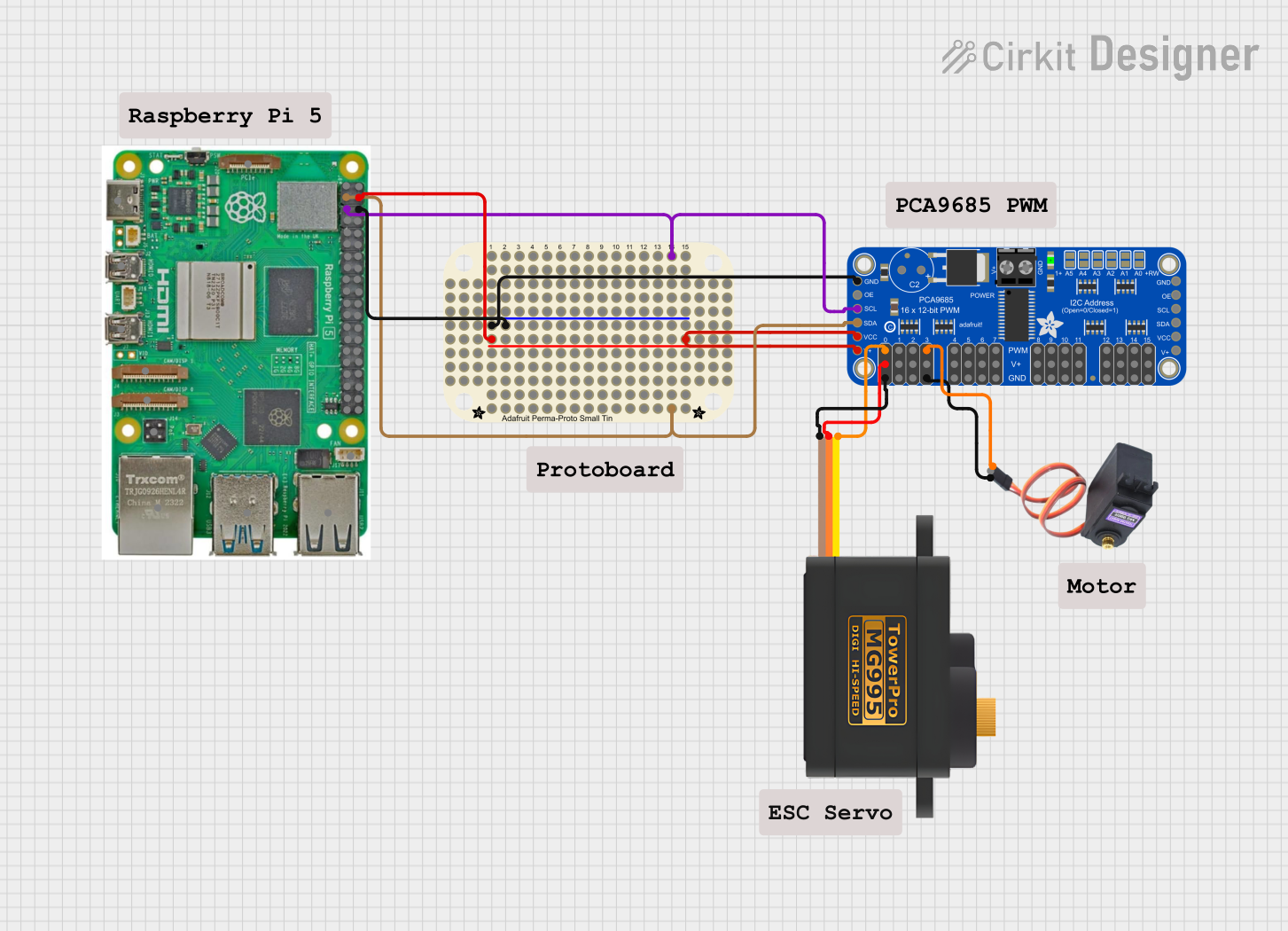 Open Project in Cirkit Designer
Explore Projects Built with PCA9685 Breakout Board
Open Project in Cirkit DesignerOpen Project in Cirkit DesignerOpen Project in Cirkit DesignerOpen Project in Cirkit DesignerCommon Applications
- Controlling servo motors in robotic arms, drones, and RC vehicles
- LED dimming and lighting effects in decorative or functional lighting systems
- Automation systems requiring precise motor or light control
- Projects requiring multiple PWM outputs with minimal microcontroller overhead
Technical Specifications
The PCA9685 Breakout Board is designed to simplify PWM control in complex systems. Below are its key technical details:
Key Features
- Channels: 16 independent PWM outputs
- Resolution: 12-bit (4096 steps per cycle)
- Communication Protocol: I2C (up to 1 MHz)
- Operating Voltage: 2.3V to 5.5V (logic level)
- Output Voltage: Up to 6V (external power supply required for servos/LEDs)
- Output Current: 25 mA per channel (maximum)
- Frequency Range: Adjustable PWM frequency from 24 Hz to 1526 Hz
- Addressing: Configurable I2C address (up to 62 devices on the same bus)
- Integrated Oscillator: No external clock required
Pin Configuration
The PCA9685 Breakout Board has the following pin layout:
| Pin Name | Description |
|---|---|
| VCC | Power supply for the logic circuit (2.3V to 5.5V). |
| GND | Ground connection. |
| SDA | I2C data line. |
| SCL | I2C clock line. |
| OE | Output enable pin (active low, optional). |
| PWM 0-15 | 16 PWM output pins for controlling servos or LEDs. |
| V+ | External power supply for driving servos or LEDs (up to 6V). |
| A0-A5 | Address selection pins for configuring the I2C address. |
I2C Addressing
The PCA9685 supports up to 62 unique I2C addresses. The base address is 0x40, and the address can be modified using the A0-A5 pins. Each pin can be tied to GND (logic 0) or VCC (logic 1) to set the desired address.
Usage Instructions
Connecting the PCA9685 to a Microcontroller
- Power the Board: Connect the VCC pin to the microcontroller's logic voltage (e.g., 3.3V or 5V) and the GND pin to the ground.
- I2C Communication: Connect the SDA and SCL pins to the corresponding I2C pins on the microcontroller.
- External Power Supply: If driving servos or LEDs, connect an external power supply (up to 6V) to the V+ pin. Ensure the GND of the external power supply is connected to the GND of the microcontroller.
- Address Configuration: Set the I2C address using the A0-A5 pins if multiple PCA9685 boards are used on the same I2C bus.
Example: Using PCA9685 with Arduino UNO
Below is an example of controlling a servo motor using the PCA9685 and Arduino UNO:
#include <Wire.h>
#include <Adafruit_PWMServoDriver.h>

// Create an instance of the PCA9685 driver
Adafruit_PWMServoDriver pwm = Adafruit_PWMServoDriver();

void setup() {
  // Initialize serial communication for debugging
  Serial.begin(9600);

  // Initialize the PCA9685 board
  pwm.begin();

  // Set the PWM frequency to 50 Hz (common for servos)
  pwm.setPWMFreq(50);

  Serial.println("PCA9685 initialized and ready.");
}

void loop() {
  // Define the servo channel and pulse width range
  uint8_t servoChannel = 0; // Channel 0
  uint16_t pulseMin = 150;  // Minimum pulse width (0 degrees)
  uint16_t pulseMax = 600;  // Maximum pulse width (180 degrees)

  // Sweep the servo from 0 to 180 degrees
  for (uint16_t pulse = pulseMin; pulse <= pulseMax; pulse++) {
    pwm.setPWM(servoChannel, 0, pulse);
    delay(10); // Small delay for smooth movement
  }

  // Sweep the servo back from 180 to 0 degrees
  for (uint16_t pulse = pulseMax; pulse >= pulseMin; pulse--) {
    pwm.setPWM(servoChannel, 0, pulse);
    delay(10); // Small delay for smooth movement
  }
}
Best Practices
- Use decoupling capacitors near the VCC and V+ pins to reduce noise.
- Avoid exceeding the maximum current rating of 25 mA per channel.
- Use a separate power supply for servos or high-power LEDs to prevent overloading the microcontroller's power supply.
- Ensure proper grounding between the PCA9685, microcontroller, and external power supply.
Troubleshooting and FAQs
Common Issues
No Response from the PCA9685
- Solution: Verify the I2C connections (SDA, SCL) and ensure the correct I2C address is being used in the code.
- Tip: Use an I2C scanner sketch to detect the PCA9685's address.
Servos or LEDs Not Functioning
- Solution: Check the external power supply connected to the V+ pin. Ensure it matches the voltage requirements of the connected devices.
- Tip: Confirm that the PWM frequency is set correctly for the application (e.g., 50 Hz for servos).
Erratic Behavior or Noise
- Solution: Add decoupling capacitors near the power pins and ensure proper grounding.
- Tip: Use shielded cables for long I2C connections to reduce interference.
Overheating
- Solution: Ensure the current per channel does not exceed 25 mA. For higher currents, use external transistors or MOSFETs.
FAQs
Can I use multiple PCA9685 boards on the same I2C bus? Yes, up to 62 boards can be connected by configuring unique I2C addresses using the A0-A5 pins.
What is the maximum PWM frequency supported? The PCA9685 supports frequencies up to 1526 Hz, but the frequency should be chosen based on the application (e.g., 50 Hz for servos).
Do I need an external clock for the PCA9685? No, the PCA9685 has an integrated oscillator and does not require an external clock.
Can I control DC motors with the PCA9685? Yes, but you will need an H-bridge or motor driver circuit to handle the higher current requirements of DC motors.
This documentation provides a comprehensive guide to using the PCA9685 Breakout Board effectively in your projects.