
How to Use Fuse 30A: Examples, Pinouts, and Specs
 Design with Fuse 30A in Cirkit Designer
Introduction
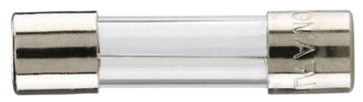
A Fuse 30A is a safety device designed to protect electrical circuits by interrupting the flow of current when it exceeds 30 amps. This prevents overheating, damage to components, and potential fire hazards. Fuses are essential in automotive, industrial, and household electrical systems to ensure safe operation and protect sensitive equipment.
Explore Projects Built with Fuse 30A
 Open Project in Cirkit Designer
 Open Project in Cirkit Designer
 Open Project in Cirkit Designer
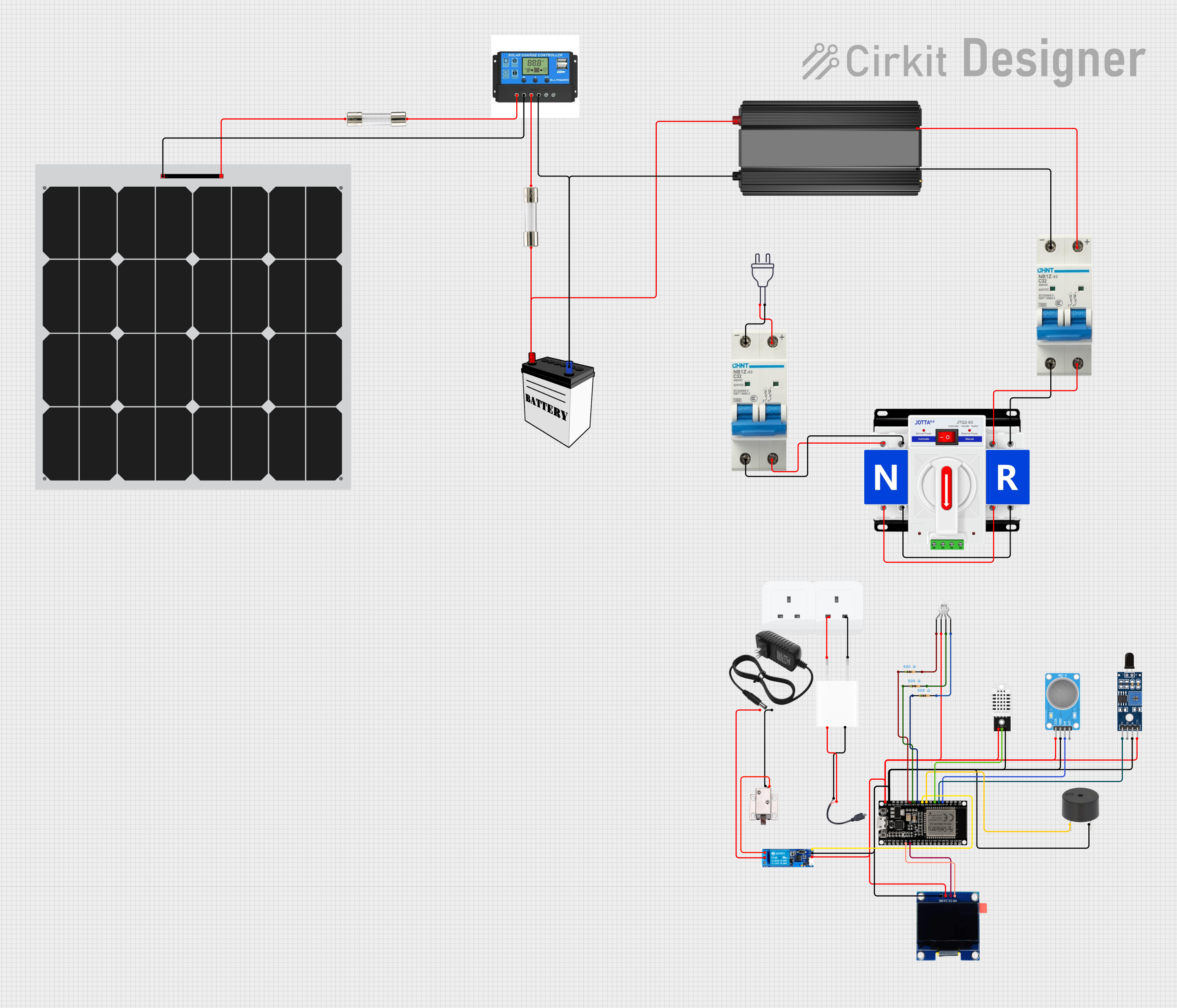 Open Project in Cirkit Designer
Explore Projects Built with Fuse 30A
Open Project in Cirkit DesignerOpen Project in Cirkit DesignerOpen Project in Cirkit DesignerOpen Project in Cirkit DesignerCommon Applications and Use Cases
- Automotive electrical systems (e.g., protecting car audio systems or lighting circuits)
- Industrial machinery and equipment
- Household appliances and power distribution boards
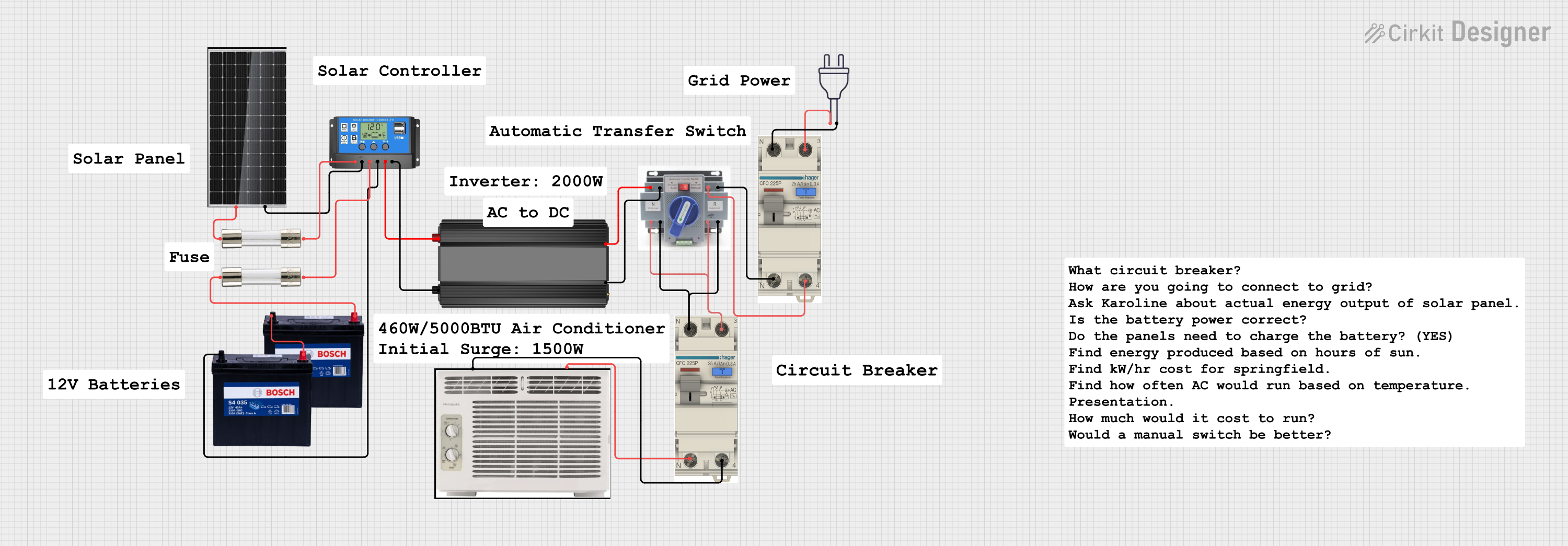
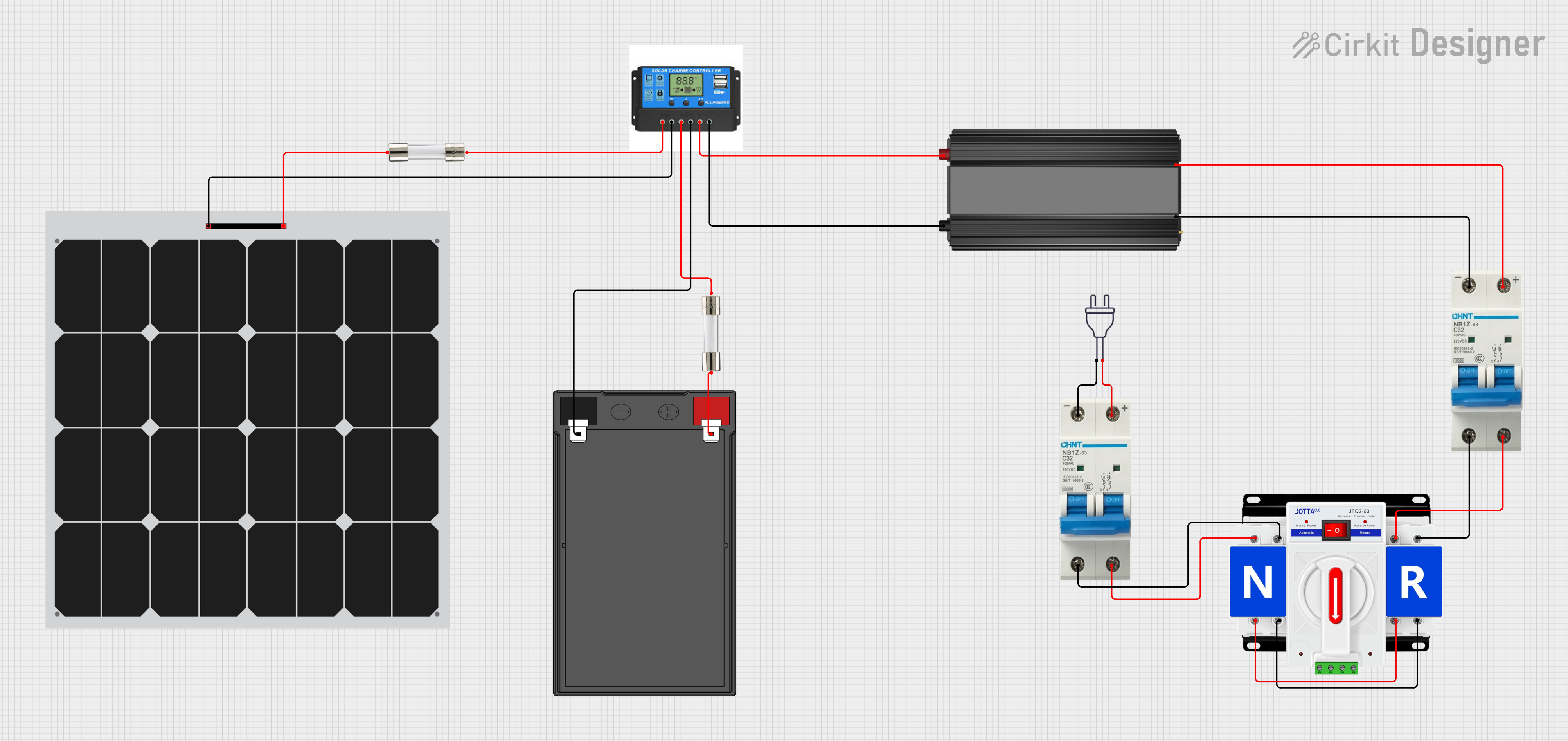
- Renewable energy systems (e.g., solar panel installations)
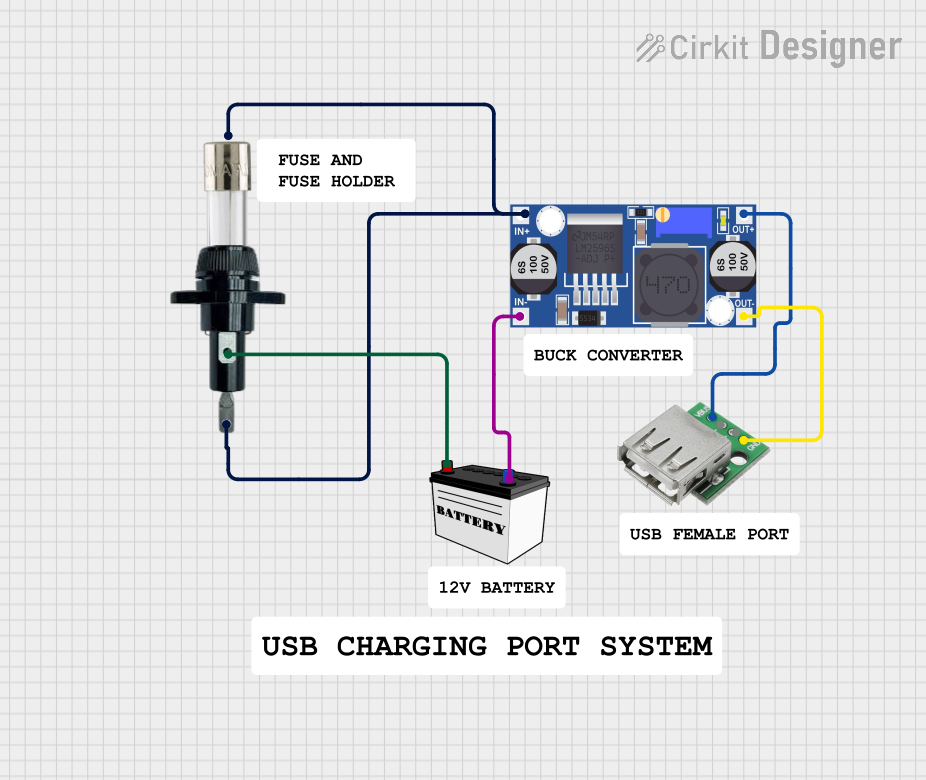
- Battery protection in DC circuits
Technical Specifications
The Fuse 30A is a standard blade-type or cylindrical fuse, depending on the application. Below are the key technical details:
General Specifications
| Parameter | Value |
|---|---|
| Rated Current | 30 Amps |
| Rated Voltage | 12V DC, 24V DC, or 250V AC |
| Fuse Type | Blade or Cylindrical |
| Breaking Capacity | 1000A (typical) |
| Material | Zinc alloy or copper element |
| Response Time | Fast-acting or time-delay |
| Operating Temperature | -40°C to +85°C |
| Dimensions | Varies by type (e.g., 19mm x 5mm for blade fuses) |
Pin Configuration and Descriptions
For blade-type fuses, the pin configuration is straightforward, as shown below:
| Pin Name | Description |
|---|---|
| Pin 1 | Input terminal (connects to the power source) |
| Pin 2 | Output terminal (connects to the load) |
For cylindrical fuses, the terminals are typically labeled as follows:
| Terminal Name | Description |
|---|---|
| Terminal 1 | Input terminal (connects to the power source) |
| Terminal 2 | Output terminal (connects to the load) |
Usage Instructions
How to Use the Fuse 30A in a Circuit
- Determine the Circuit Requirements: Ensure the circuit's operating current does not exceed 30 amps under normal conditions.
- Select the Correct Fuse Type: Choose between blade or cylindrical fuses based on the fuse holder or application.
- Install the Fuse:
- For blade fuses, insert the fuse into the designated fuse holder or fuse box.
- For cylindrical fuses, place the fuse in the fuse holder and secure it with end caps or clips.
- Verify Connections: Ensure the fuse is securely connected to both the power source and the load.
- Test the Circuit: Power on the circuit and verify that it operates correctly without exceeding the fuse's rated current.
Important Considerations and Best Practices
- Always use a fuse with the correct current and voltage rating for your application.
- Avoid bypassing or replacing the fuse with a higher-rated one, as this can compromise safety.
- Inspect the fuse regularly for signs of damage, such as discoloration or a broken element.
- Use a multimeter to check for continuity if the fuse appears intact but the circuit is not functioning.
- For automotive applications, ensure the fuse is compatible with the vehicle's fuse box.
Example: Using a Fuse 30A with an Arduino UNO
While fuses are not directly connected to microcontrollers like the Arduino UNO, they can be used to protect the power supply circuit. Below is an example of how to integrate a Fuse 30A into a 12V DC power supply for an Arduino project:
// Example: Protecting a 12V DC power supply with a Fuse 30A
// This setup ensures the Arduino UNO and connected components are protected
// from overcurrent conditions.

void setup() {
  // No specific code is required for the fuse itself, as it is a passive component.
  // Ensure the fuse is installed between the 12V power source and the Arduino's
  // input voltage pin (VIN) or external power jack.
}

void loop() {
  // Your Arduino code goes here.
  // The fuse will automatically interrupt the circuit if the current exceeds 30A.
}
Troubleshooting and FAQs
Common Issues Users Might Face
Fuse Blows Frequently:
- Cause: The circuit's current exceeds 30 amps due to a short circuit or excessive load.
- Solution: Inspect the circuit for faults, reduce the load, or use a higher-rated fuse if appropriate.
Fuse Does Not Blow When Expected:
- Cause: The fuse is faulty or incorrectly rated for the circuit.
- Solution: Replace the fuse with a new one of the correct rating.
Fuse Holder Overheats:
- Cause: Poor contact between the fuse and the holder.
- Solution: Clean the contacts or replace the fuse holder.
Circuit Does Not Work After Replacing the Fuse:
- Cause: The new fuse is not properly seated, or there is another fault in the circuit.
- Solution: Ensure the fuse is securely installed and check the circuit for additional issues.
FAQs
Q: Can I use a Fuse 30A in an AC circuit?
A: Yes, as long as the fuse is rated for the circuit's voltage and current. Ensure the fuse's breaking capacity matches the requirements of the AC circuit.
Q: How do I know if a fuse is blown?
A: Visually inspect the fuse for a broken element or use a multimeter to check for continuity. A blown fuse will show no continuity.
Q: Can I replace a 30A fuse with a 40A fuse?
A: No, replacing a fuse with a higher-rated one can compromise safety and damage the circuit.
Q: What is the difference between fast-acting and time-delay fuses?
A: Fast-acting fuses blow quickly when the current exceeds the rated value, while time-delay fuses allow short surges (e.g., motor startup) without blowing.
By following this documentation, you can safely and effectively use a Fuse 30A in your electrical circuits.