
How to Use MQ 135: Examples, Pinouts, and Specs
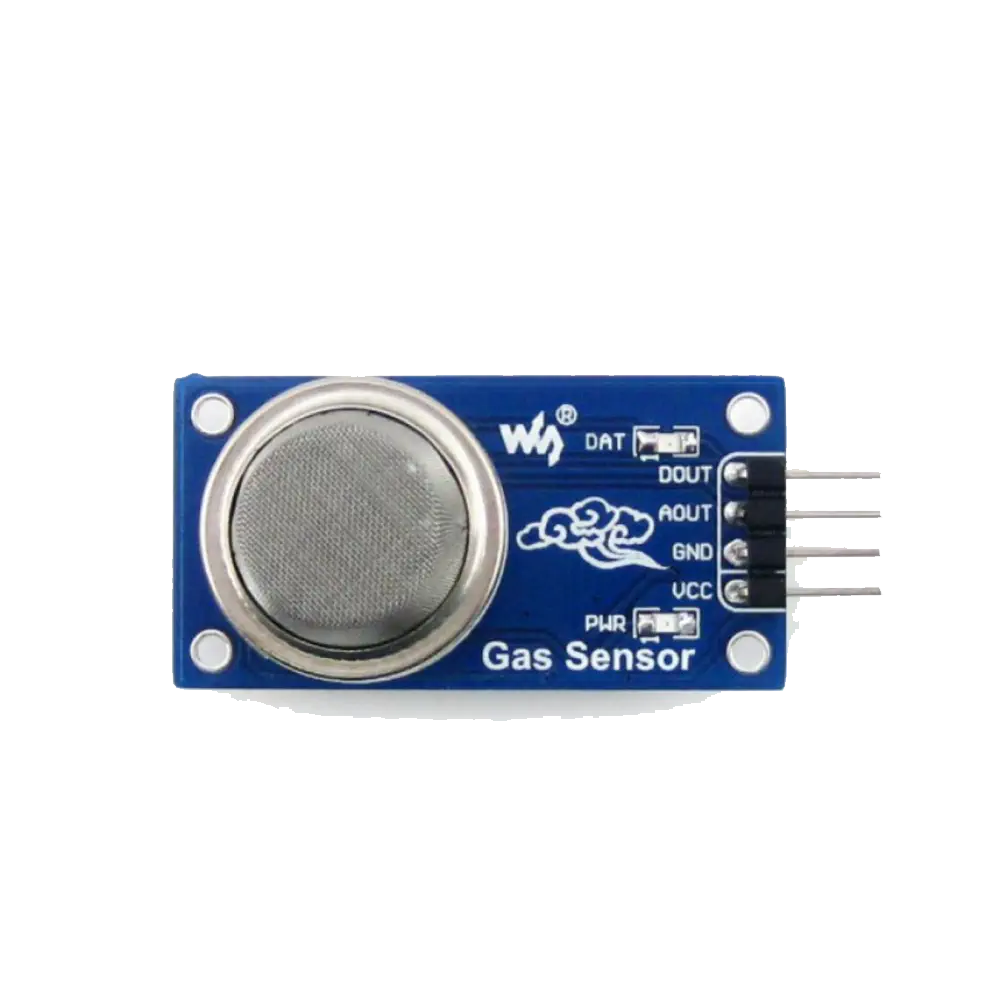
 Design with MQ 135 in Cirkit Designer
Introduction
The MQ-135 is a versatile gas sensor designed to detect a wide range of gases, including ammonia (NH₃), benzene (C₆H₆), alcohol, smoke, and other harmful gases. It operates on the principle of resistive change, where the sensor's resistance varies in the presence of target gases. This change is converted into an analog output signal, making it suitable for air quality monitoring and environmental safety applications.
Explore Projects Built with MQ 135
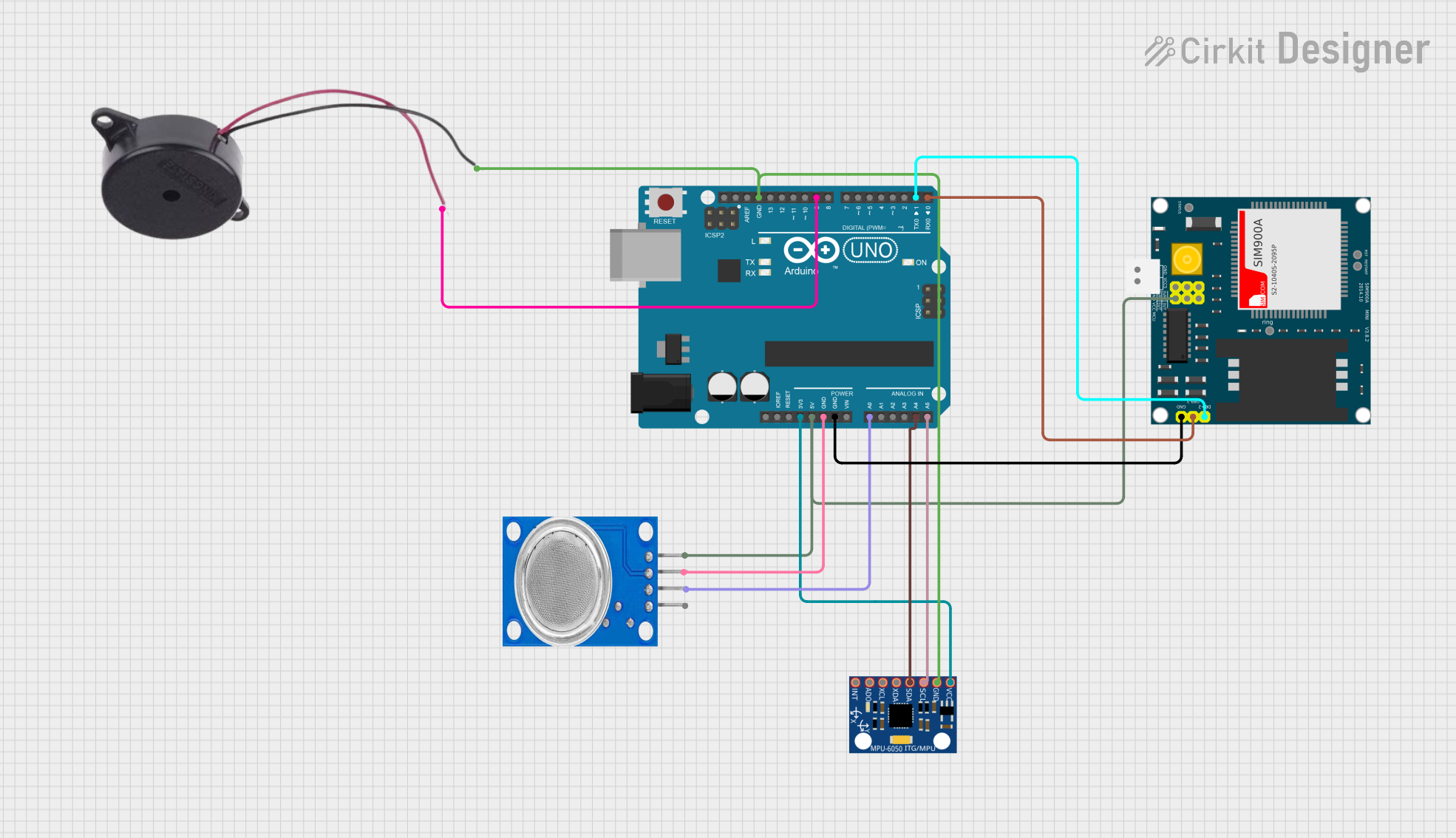 Open Project in Cirkit Designer
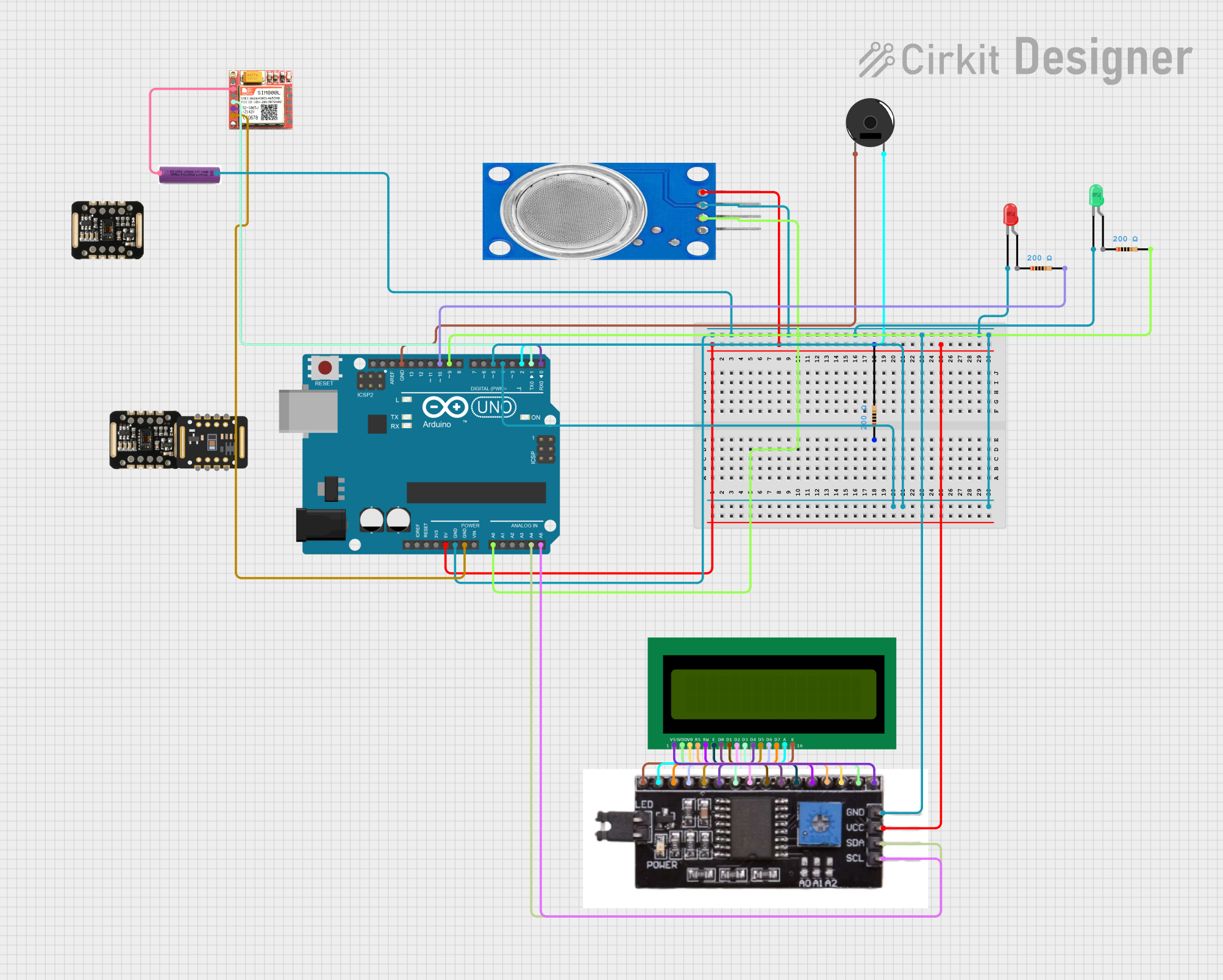 Open Project in Cirkit Designer
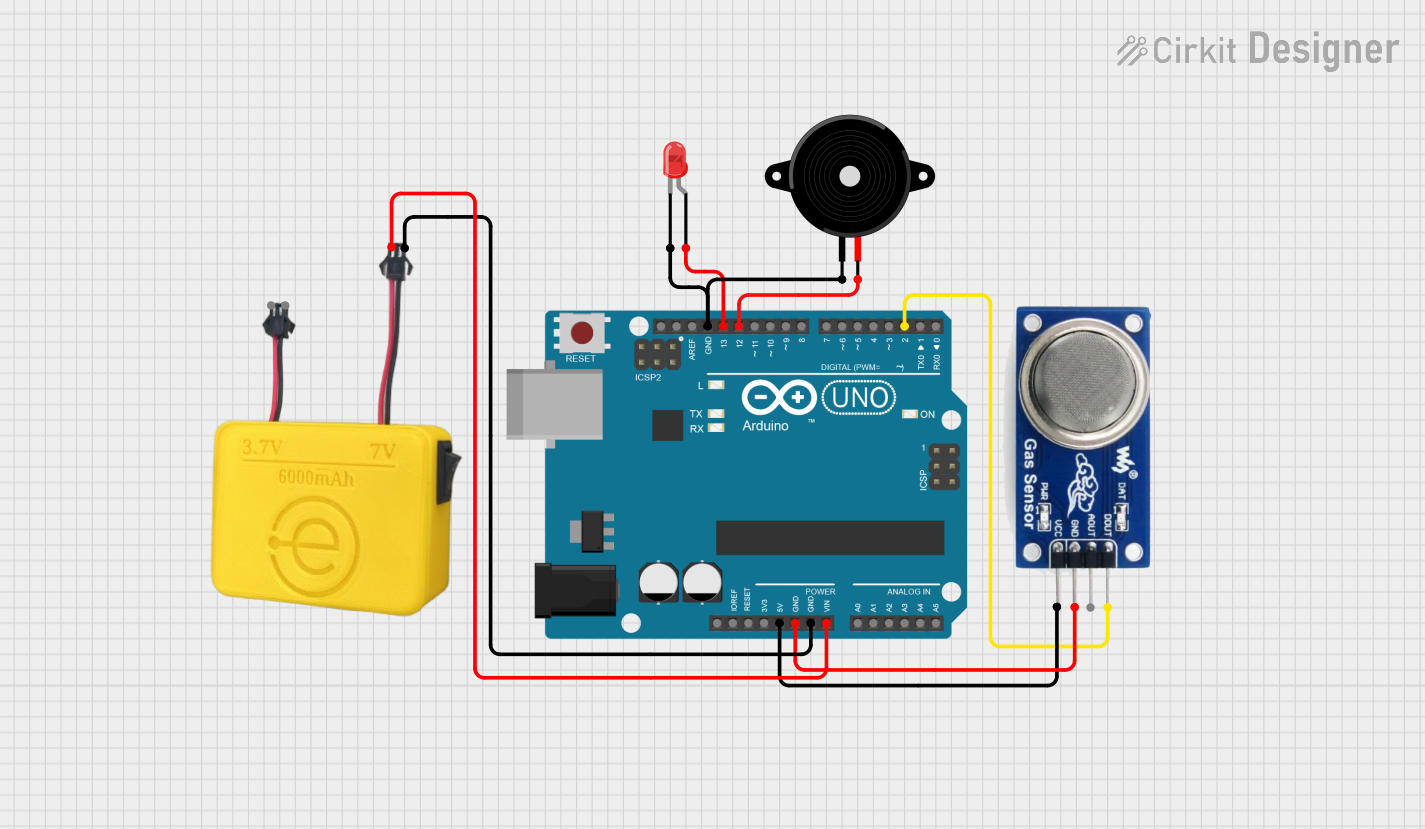 Open Project in Cirkit Designer
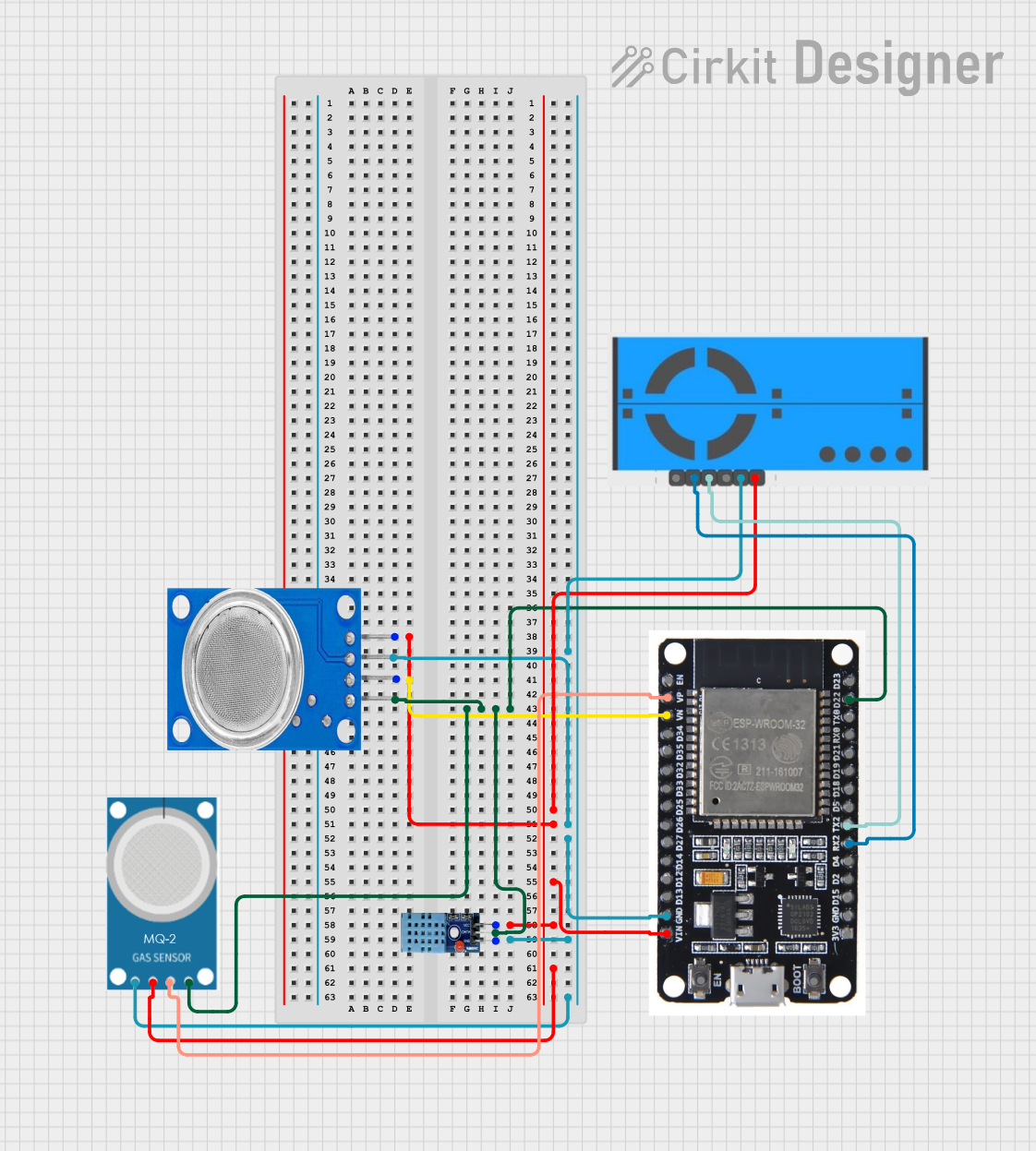 Open Project in Cirkit Designer
Explore Projects Built with MQ 135
Open Project in Cirkit DesignerOpen Project in Cirkit DesignerOpen Project in Cirkit DesignerOpen Project in Cirkit DesignerCommon Applications
- Air quality monitoring systems
- Industrial gas detection
- Smoke and fire detection systems
- Indoor air pollution monitoring
- Environmental safety devices
Technical Specifications
Key Technical Details
| Parameter | Value |
|---|---|
| Operating Voltage | 5V DC |
| Load Resistance (RL) | 10 kΩ (typical) |
| Heater Voltage (VH) | 5V ± 0.1V |
| Heater Power Consumption | ≤ 800 mW |
| Detectable Gases | Ammonia, Benzene, Alcohol, Smoke |
| Output Signal | Analog voltage (0-5V) |
| Preheat Time | ≥ 24 hours for stable operation |
| Operating Temperature | -20°C to 50°C |
| Humidity Range | ≤ 95% RH |
| Sensitivity Range | 10 ppm to 1000 ppm (varies by gas) |
Pin Configuration and Descriptions
| Pin Name | Description |
|---|---|
| VCC | Power supply pin (5V DC) |
| GND | Ground pin |
| AOUT | Analog output pin (provides gas concentration) |
| DOUT | Digital output pin (threshold-based signal) |
Usage Instructions
How to Use the MQ-135 in a Circuit
- Power the Sensor: Connect the VCC pin to a 5V DC power source and the GND pin to ground.
- Read Analog Output: Connect the AOUT pin to an analog input pin of a microcontroller (e.g., Arduino UNO) to measure gas concentration.
- Optional Digital Output: Use the DOUT pin if you want a digital HIGH/LOW signal based on a preset threshold. Adjust the threshold using the onboard potentiometer.
- Preheat the Sensor: Allow the sensor to preheat for at least 24 hours for accurate readings.
- Calibrate the Sensor: Use a known gas concentration to calibrate the sensor for precise measurements.
Important Considerations and Best Practices
- Preheating: The sensor requires a long preheating time (≥ 24 hours) for stable and accurate readings.
- Ventilation: Ensure proper ventilation around the sensor to avoid saturation or false readings.
- Humidity and Temperature: Operate the sensor within the specified temperature and humidity range for optimal performance.
- Analog Readings: The analog output is not linear and may require a conversion formula or lookup table for accurate gas concentration values.
- Avoid Contamination: Keep the sensor away from water, dust, and corrosive gases to prevent damage.
Example Code for Arduino UNO
// MQ-135 Gas Sensor Example Code for Arduino UNO
// This code reads the analog output of the MQ-135 sensor and prints the value
// to the Serial Monitor. Ensure the sensor is connected to the correct pins.

const int MQ135_PIN = A0; // Analog pin connected to AOUT of MQ-135

void setup() {
  Serial.begin(9600); // Initialize serial communication at 9600 baud
  pinMode(MQ135_PIN, INPUT); // Set the MQ-135 pin as input
}

void loop() {
  int sensorValue = analogRead(MQ135_PIN); // Read analog value from sensor
  float voltage = sensorValue * (5.0 / 1023.0); // Convert to voltage (0-5V)

  // Print the raw sensor value and voltage to the Serial Monitor
  Serial.print("Sensor Value: ");
  Serial.print(sensorValue);
  Serial.print(" | Voltage: ");
  Serial.print(voltage);
  Serial.println(" V");

  delay(1000); // Wait for 1 second before the next reading
}
Troubleshooting and FAQs
Common Issues and Solutions
No Output or Incorrect Readings:
- Ensure the sensor is properly powered (5V to VCC and GND connected).
- Verify that the sensor has been preheated for at least 24 hours.
- Check for loose or incorrect wiring connections.
Fluctuating Readings:
- Ensure the sensor is in a stable environment without sudden changes in temperature or humidity.
- Avoid placing the sensor near fans or vents that may cause inconsistent airflow.
Digital Output Not Triggering:
- Adjust the onboard potentiometer to set the desired threshold level.
- Verify that the DOUT pin is connected to a digital input pin on the microcontroller.
Sensor Not Responding to Target Gases:
- Confirm that the gas concentration is within the detectable range of the sensor.
- Check for contamination or damage to the sensor element.
FAQs
Q: Can the MQ-135 detect multiple gases simultaneously?
A: Yes, the MQ-135 can detect multiple gases, but it does not differentiate between them. Additional calibration or sensors may be required for specific gas identification.
Q: How do I calibrate the MQ-135 sensor?
A: Use a known concentration of the target gas and measure the sensor's output. Adjust your code or calculations to map the analog output to the gas concentration.
Q: Is the MQ-135 suitable for outdoor use?
A: The MQ-135 is not designed for prolonged outdoor use due to potential exposure to extreme weather conditions and contaminants. Use it in controlled environments for best results.
Q: How long does the sensor last?
A: The MQ-135 has a typical lifespan of 2-3 years under normal operating conditions. Proper care and maintenance can extend its life.