
How to Use ATtiny1616 SOIC-20 (Custom): Examples, Pinouts, and Specs
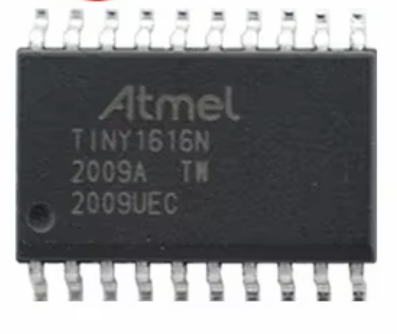
 Design with ATtiny1616 SOIC-20 (Custom) in Cirkit Designer
Introduction
The ATTINY1616-SSNR is a low-power 8-bit microcontroller from Microchip Technology's ATtiny series. It is designed for embedded applications requiring efficient performance, compact size, and low power consumption. With 16KB of flash memory, 512 bytes of SRAM, and a 12-bit ADC, this microcontroller is well-suited for tasks such as sensor interfacing, motor control, and IoT devices. Additionally, it supports multiple communication protocols, including I2C, SPI, and USART, making it versatile for a wide range of applications.
Explore Projects Built with ATtiny1616 SOIC-20 (Custom)
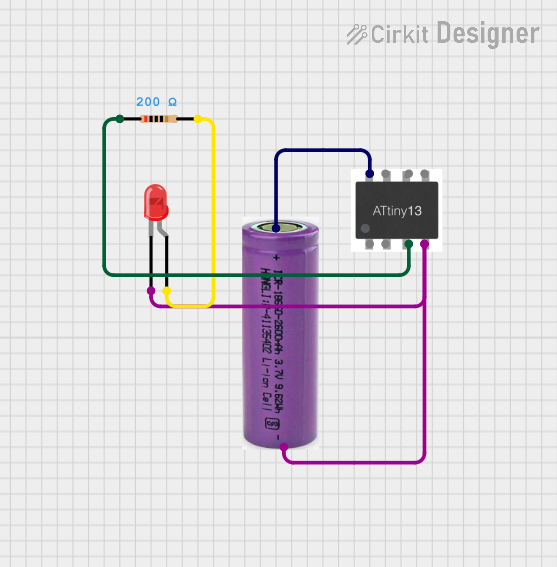 Open Project in Cirkit Designer
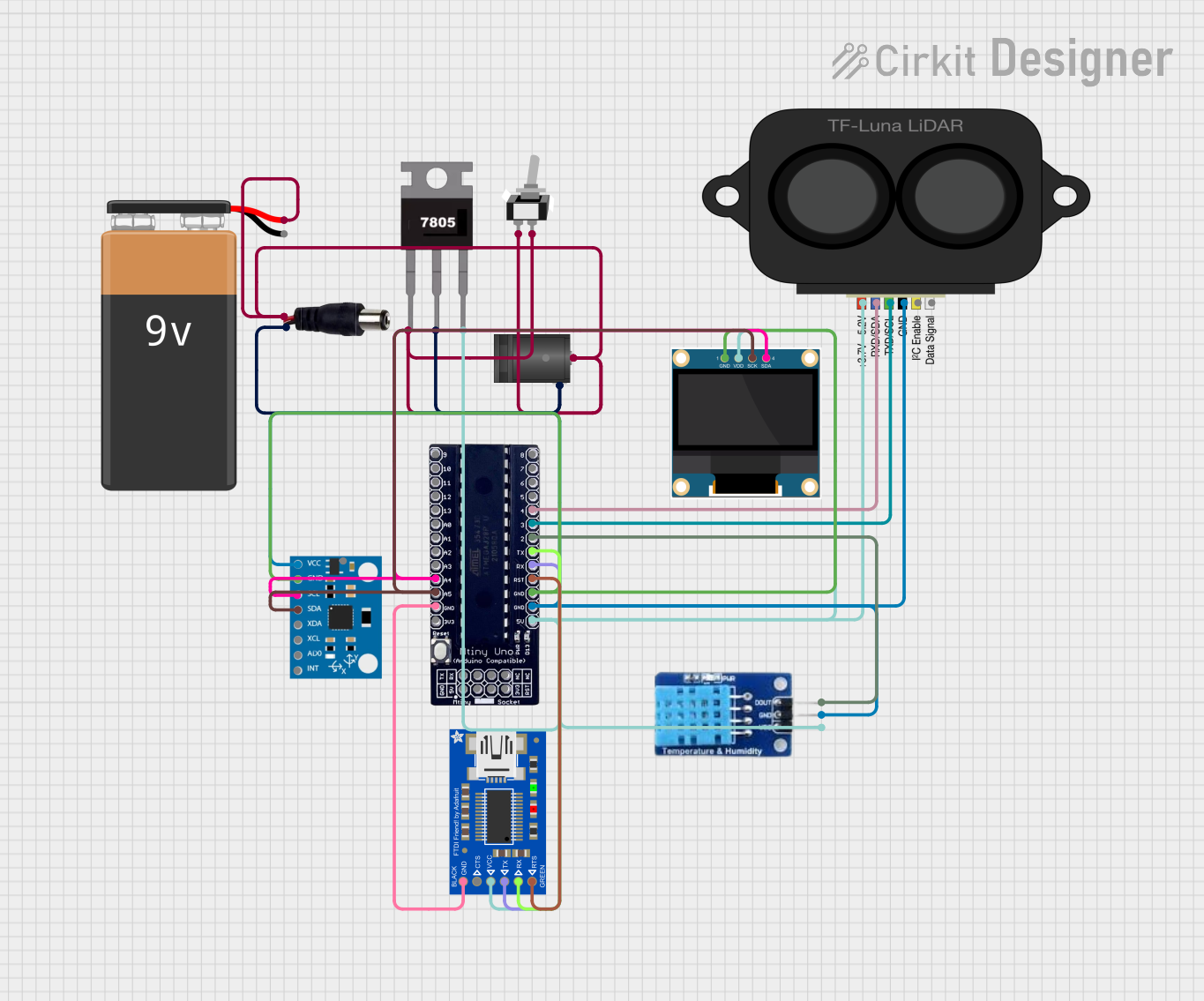 Open Project in Cirkit Designer
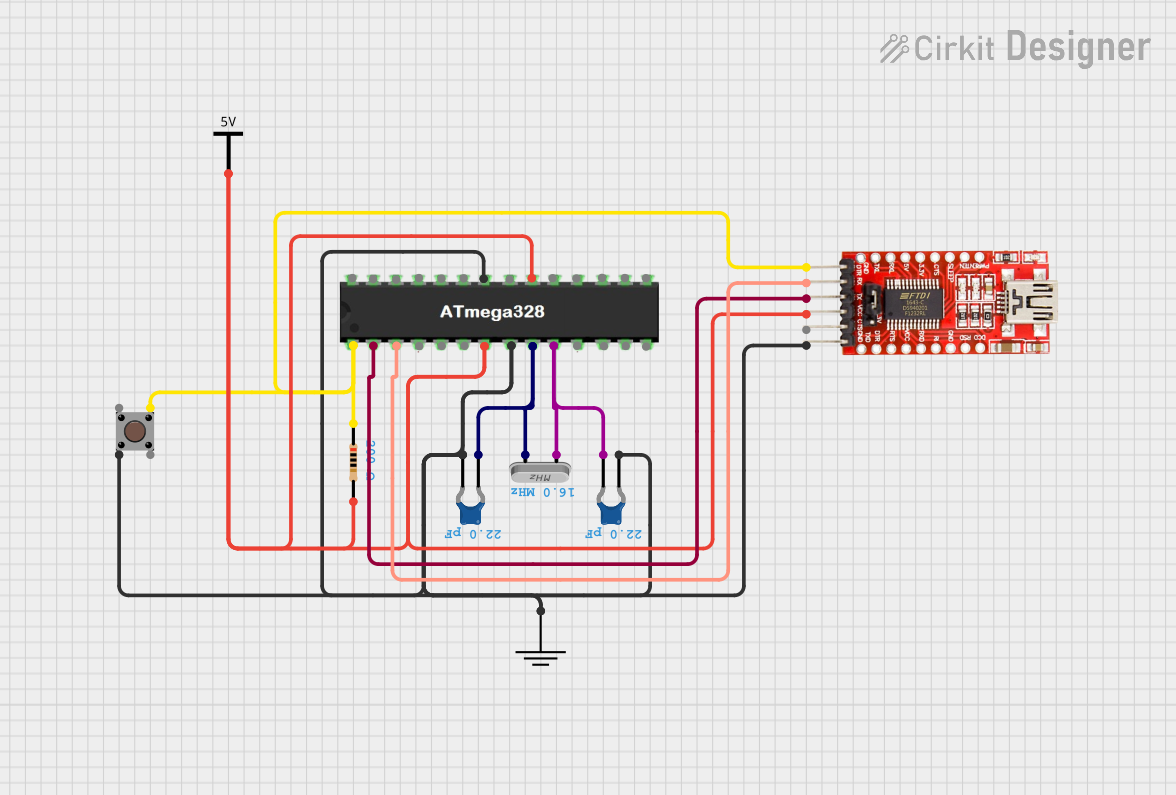 Open Project in Cirkit Designer
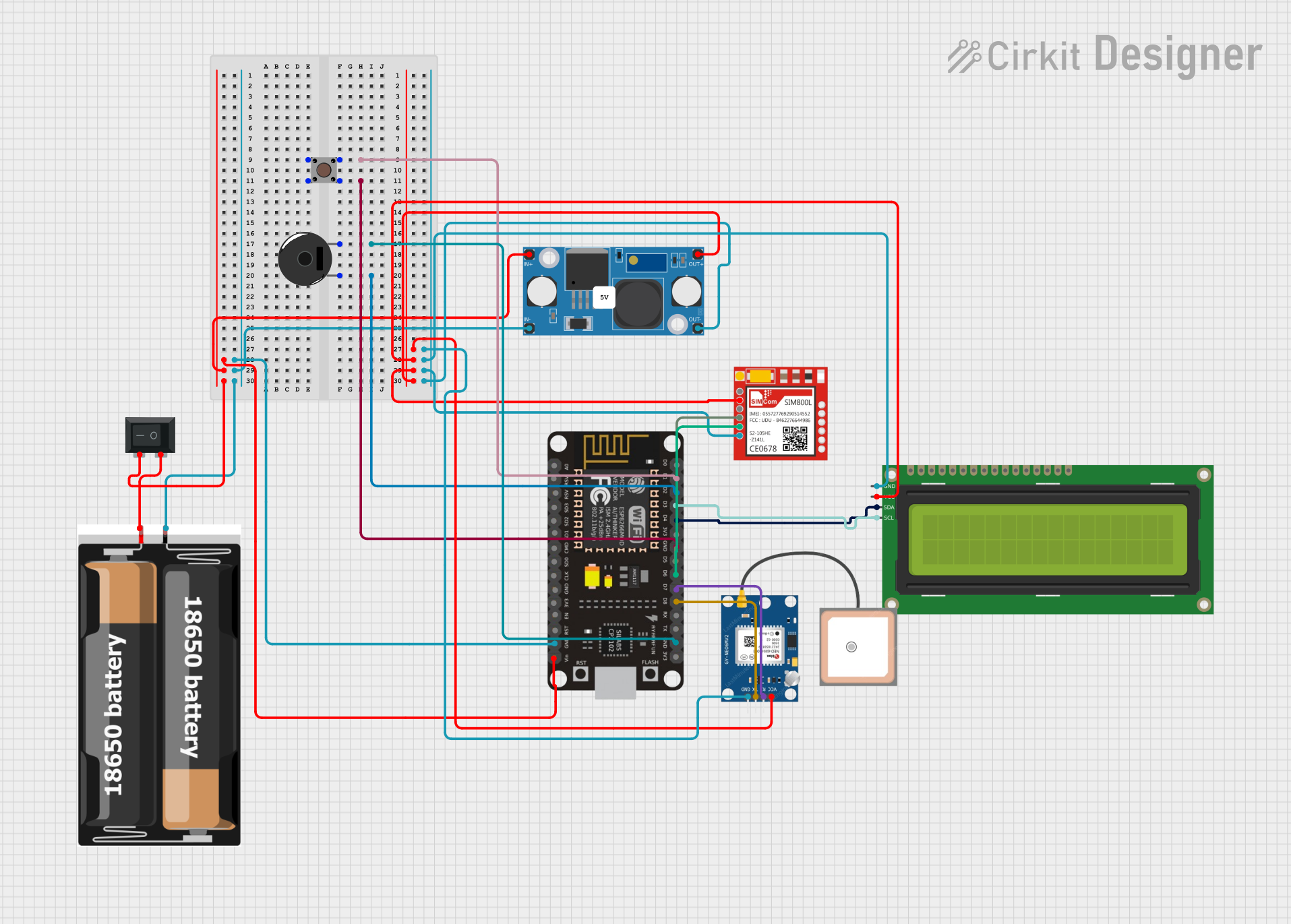 Open Project in Cirkit Designer
Explore Projects Built with ATtiny1616 SOIC-20 (Custom)
Open Project in Cirkit DesignerOpen Project in Cirkit DesignerOpen Project in Cirkit DesignerOpen Project in Cirkit DesignerCommon Applications
- IoT devices and smart home systems
- Sensor data acquisition and processing
- Motor control and robotics
- Low-power wearable devices
- Industrial automation and control systems
Technical Specifications
Key Features
- Core: 8-bit AVR® CPU
- Flash Memory: 16KB
- SRAM: 512 bytes
- EEPROM: 256 bytes
- ADC: 12-bit, up to 10 input channels
- Operating Voltage: 1.8V to 5.5V
- Clock Speed: Up to 20 MHz
- Communication Interfaces: I2C, SPI, USART
- Timers: 3 (16-bit Timer/Counter)
- Package: 14-pin SOIC (SSNR)
- Power Consumption: Ultra-low power in active and sleep modes
Pin Configuration and Descriptions
The ATTINY1616-SSNR comes in a 14-pin SOIC package. Below is the pinout and description:
| Pin Number | Pin Name | Description |
|---|---|---|
| 1 | VDD | Power supply (1.8V to 5.5V) |
| 2 | GND | Ground |
| 3 | PA0 | GPIO/Analog Input/ADC Channel 0 |
| 4 | PA1 | GPIO/Analog Input/ADC Channel 1 |
| 5 | PA2 | GPIO/Analog Input/ADC Channel 2 |
| 6 | PA3 | GPIO/Analog Input/ADC Channel 3 |
| 7 | PA4 | GPIO/Analog Input/ADC Channel 4 |
| 8 | PA5 | GPIO/Analog Input/ADC Channel 5 |
| 9 | PA6 | GPIO/Analog Input/ADC Channel 6 |
| 10 | PA7 | GPIO/Analog Input/ADC Channel 7 |
| 11 | PB0 | GPIO/USART TX/SPI MOSI |
| 12 | PB1 | GPIO/USART RX/SPI MISO |
| 13 | PB2 | GPIO/SPI SCK/I2C SCL |
| 14 | PB3 | GPIO/I2C SDA |
Usage Instructions
Using the ATTINY1616-SSNR in a Circuit
- Power Supply: Connect the VDD pin to a regulated power source (1.8V to 5.5V) and the GND pin to ground.
- Clock Configuration: The microcontroller has an internal oscillator, but an external clock source can be connected if higher precision is required.
- Programming: Use an AVR programmer or Microchip's MPLAB® X IDE with a compatible debugger (e.g., Atmel-ICE) to program the microcontroller.
- GPIO Configuration: Configure the GPIO pins as input or output in the firmware. Analog pins can also be used for ADC operations.
- Communication: Use the I2C, SPI, or USART interfaces for communication with other devices.
Example: Interfacing ATTINY1616-SSNR with Arduino UNO
The ATTINY1616-SSNR can be programmed using the Arduino IDE with the appropriate core installed. Below is an example of configuring a GPIO pin as an output to blink an LED:
// Example: Blink an LED connected to PA0 on the ATTINY1616-SSNR

// Define the LED pin
#define LED_PIN 0  // PA0 corresponds to digital pin 0 in the Arduino core

void setup() {
  pinMode(LED_PIN, OUTPUT);  // Set PA0 as an output
}

void loop() {
  digitalWrite(LED_PIN, HIGH);  // Turn the LED on
  delay(1000);                  // Wait for 1 second
  digitalWrite(LED_PIN, LOW);   // Turn the LED off
  delay(1000);                  // Wait for 1 second
}
Best Practices
- Use decoupling capacitors (e.g., 0.1 µF) near the VDD pin to stabilize the power supply.
- Avoid leaving unused pins floating; configure them as inputs with pull-up resistors or as outputs.
- Ensure proper grounding to minimize noise and interference in analog applications.
- Use appropriate pull-up or pull-down resistors for I2C communication lines (SCL and SDA).
Troubleshooting and FAQs
Common Issues and Solutions
| Issue | Possible Cause | Solution |
|---|---|---|
| Microcontroller not powering on | Incorrect power supply voltage | Ensure VDD is within the 1.8V to 5.5V range. |
| GPIO pins not functioning as expected | Incorrect pin configuration in firmware | Verify pinMode settings in the code. |
| Communication failure (I2C/SPI/USART) | Incorrect wiring or missing pull-up resistors | Check connections and add pull-up resistors. |
| ADC readings are noisy or inaccurate | Poor grounding or insufficient decoupling | Improve grounding and add decoupling capacitors. |
| Unable to program the microcontroller | Incorrect programmer or connection issues | Verify programmer settings and connections. |
FAQs
Can the ATTINY1616-SSNR operate at 3.3V?
- Yes, the microcontroller operates within a voltage range of 1.8V to 5.5V, including 3.3V.
Does the ATTINY1616-SSNR support PWM?
- Yes, it has timers that can be configured for PWM generation.
How do I reset the microcontroller?
- A hardware reset can be performed by pulling the RESET pin low (if available) or using a software reset command.
Can I use the ATTINY1616-SSNR for battery-powered applications?
- Yes, its ultra-low power consumption makes it ideal for battery-powered devices.
By following this documentation, users can effectively integrate the ATTINY1616-SSNR into their projects and troubleshoot common issues.