
How to Use 20mm 8x8 dot matrix column cathode led display with narrow pcb pads: Examples, Pinouts, and Specs
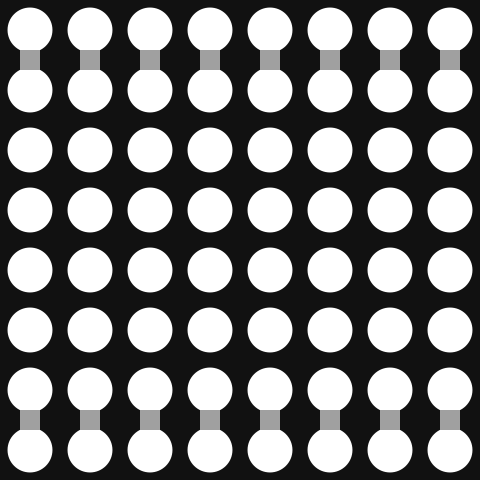
 Design with 20mm 8x8 dot matrix column cathode led display with narrow pcb pads in Cirkit Designer
Introduction
The 20mm 8x8 Dot Matrix Column Cathode LED Display is a compact and versatile module featuring an 8x8 grid of LEDs. Each LED is arranged in a column cathode configuration, making it ideal for applications requiring precise control of individual LEDs. Its narrow PCB pads are designed for easy integration into compact circuit designs, making it suitable for projects with limited space.
Explore Projects Built with 20mm 8x8 dot matrix column cathode led display with narrow pcb pads
 Open Project in Cirkit Designer
 Open Project in Cirkit Designer
 Open Project in Cirkit Designer
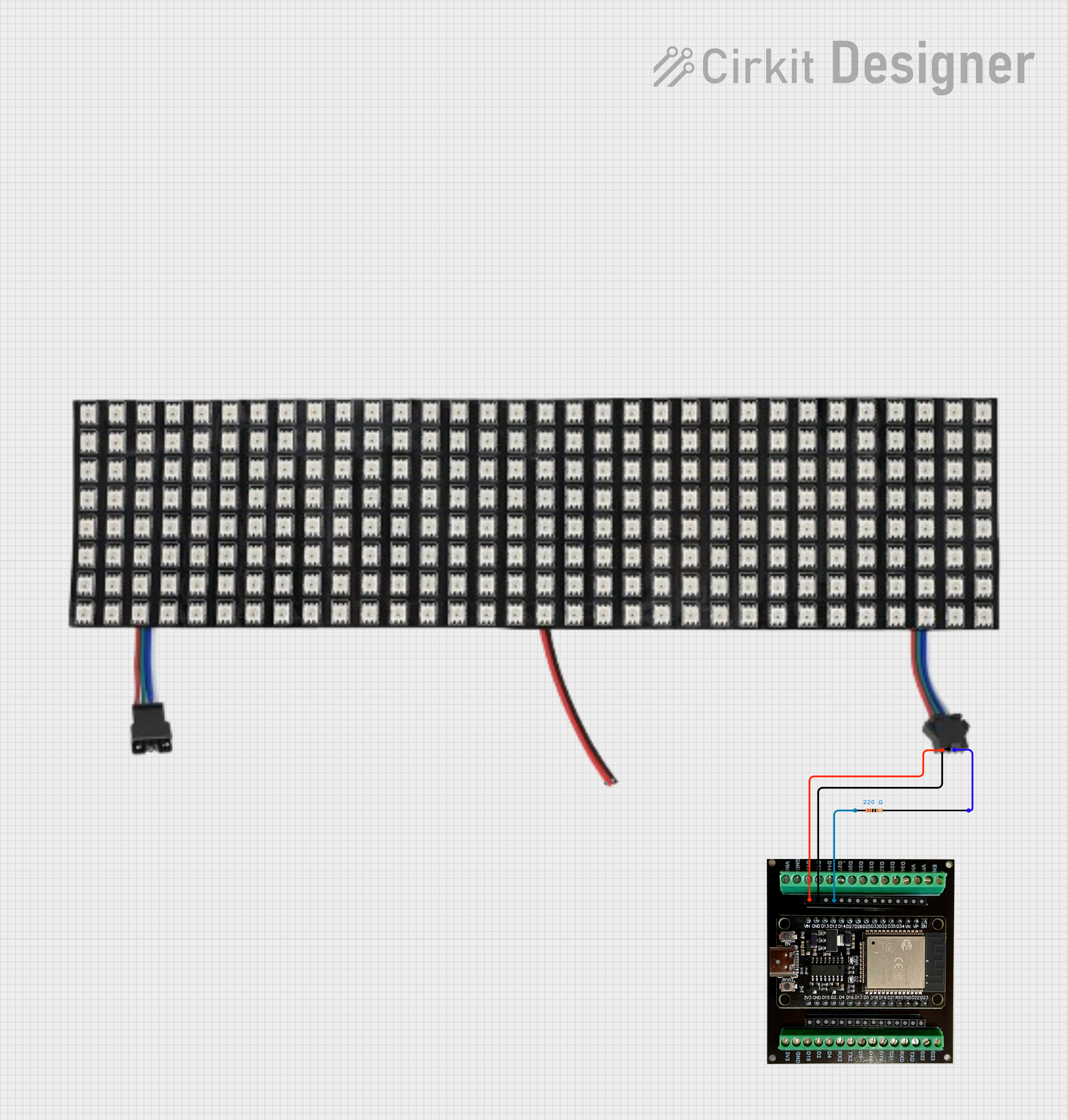 Open Project in Cirkit Designer
Explore Projects Built with 20mm 8x8 dot matrix column cathode led display with narrow pcb pads
Open Project in Cirkit DesignerOpen Project in Cirkit DesignerOpen Project in Cirkit DesignerOpen Project in Cirkit DesignerCommon Applications and Use Cases
- Digital clocks and timers
- Scrolling text displays
- Graphic displays for embedded systems
- Status indicators in industrial equipment
- Educational projects and prototyping
Technical Specifications
Below are the key technical details of the 20mm 8x8 Dot Matrix Column Cathode LED Display:
| Parameter | Value |
|---|---|
| LED Configuration | 8x8 grid (64 LEDs total) |
| LED Type | Red (or other colors, depending on model) |
| Operating Voltage | 2.0V - 2.2V (per LED) |
| Forward Current (If) | 20mA (typical per LED) |
| Reverse Voltage (Vr) | 5V (maximum) |
| Dimensions | 20mm x 20mm |
| PCB Pad Width | Narrow (compatible with compact designs) |
| Cathode Configuration | Column cathode |
| Operating Temperature | -25°C to +85°C |
Pin Configuration and Descriptions
The module has 16 pins, with 8 pins connected to the rows (anodes) and 8 pins connected to the columns (cathodes). Below is the pinout:
| Pin Number | Connection | Description |
|---|---|---|
| 1 | Row 1 (Anode) | Controls the first row of LEDs |
| 2 | Row 2 (Anode) | Controls the second row of LEDs |
| 3 | Row 3 (Anode) | Controls the third row of LEDs |
| 4 | Row 4 (Anode) | Controls the fourth row of LEDs |
| 5 | Row 5 (Anode) | Controls the fifth row of LEDs |
| 6 | Row 6 (Anode) | Controls the sixth row of LEDs |
| 7 | Row 7 (Anode) | Controls the seventh row of LEDs |
| 8 | Row 8 (Anode) | Controls the eighth row of LEDs |
| 9 | Column 1 (Cathode) | Controls the first column of LEDs |
| 10 | Column 2 (Cathode) | Controls the second column of LEDs |
| 11 | Column 3 (Cathode) | Controls the third column of LEDs |
| 12 | Column 4 (Cathode) | Controls the fourth column of LEDs |
| 13 | Column 5 (Cathode) | Controls the fifth column of LEDs |
| 14 | Column 6 (Cathode) | Controls the sixth column of LEDs |
| 15 | Column 7 (Cathode) | Controls the seventh column of LEDs |
| 16 | Column 8 (Cathode) | Controls the eighth column of LEDs |
Usage Instructions
How to Use the Component in a Circuit
- Power Supply: Ensure that the power supply voltage matches the forward voltage of the LEDs (2.0V - 2.2V). Use current-limiting resistors (typically 220Ω to 330Ω) to prevent overcurrent damage to the LEDs.
- Multiplexing: Since the module has 64 LEDs but only 16 pins, it requires multiplexing to control individual LEDs. Use a microcontroller or dedicated LED driver IC for this purpose.
- Connections: Connect the anode pins (rows) to the microcontroller's output pins or driver IC. Similarly, connect the cathode pins (columns) to the microcontroller or driver IC.
- Programming: Write a program to control the LEDs by activating the appropriate row and column pins.
Important Considerations and Best Practices
- Current Limiting: Always use resistors to limit the current through each LED.
- Heat Management: Avoid exceeding the maximum current rating to prevent overheating.
- Multiplexing Frequency: Use a refresh rate of at least 60Hz to avoid visible flickering.
- PCB Design: Ensure that the narrow PCB pads are properly soldered for reliable connections.
Example Code for Arduino UNO
Below is an example of how to control the 20mm 8x8 Dot Matrix LED Display using an Arduino UNO:
// Example code to control a single LED in an 8x8 dot matrix display
// using an Arduino UNO. This example assumes direct connections
// between the Arduino pins and the dot matrix display pins.

const int rowPins[8] = {2, 3, 4, 5, 6, 7, 8, 9}; // Anode pins
const int colPins[8] = {10, 11, 12, A0, A1, A2, A3, A4}; // Cathode pins

void setup() {
  // Set all row and column pins as outputs
  for (int i = 0; i < 8; i++) {
    pinMode(rowPins[i], OUTPUT);
    pinMode(colPins[i], OUTPUT);
  }
}

void loop() {
  // Turn on the LED at row 1, column 1
  digitalWrite(rowPins[0], HIGH); // Activate row 1
  digitalWrite(colPins[0], LOW);  // Activate column 1 (cathode LOW)

  delay(500); // Keep the LED on for 500ms

  // Turn off the LED
  digitalWrite(rowPins[0], LOW); // Deactivate row 1
  digitalWrite(colPins[0], HIGH); // Deactivate column 1 (cathode HIGH)

  delay(500); // Wait for 500ms before repeating
}
Troubleshooting and FAQs
Common Issues Users Might Face
LEDs Not Lighting Up:
- Check the power supply voltage and ensure it matches the forward voltage of the LEDs.
- Verify that current-limiting resistors are correctly connected.
- Ensure proper connections between the microcontroller and the module pins.
Flickering LEDs:
- Increase the refresh rate of the multiplexing to at least 60Hz.
- Check for loose connections or poor soldering on the PCB pads.
Dim LEDs:
- Verify that the current-limiting resistors are not too high in value.
- Ensure the power supply can provide sufficient current for all active LEDs.
Overheating:
- Reduce the current through the LEDs by increasing the resistor values.
- Avoid driving too many LEDs simultaneously without proper heat dissipation.
Solutions and Tips for Troubleshooting
- Use a multimeter to check the continuity of connections and the voltage across the LEDs.
- Test the module with a simple circuit (e.g., a single LED and resistor) before integrating it into a complex design.
- If using an LED driver IC, consult its datasheet for proper configuration and wiring.
By following this documentation, you can effectively integrate and troubleshoot the 20mm 8x8 Dot Matrix Column Cathode LED Display in your projects.