
How to Use KRAKEN: Examples, Pinouts, and Specs

 Design with KRAKEN in Cirkit Designer
Introduction
The KRAKEN (Manufacturer Part ID: 60X) is a high-performance, programmable logic device (PLD) developed by WCP. It is designed to enable the implementation of complex digital circuits, making it an essential component for advanced computing, signal processing, and custom hardware design. With its robust architecture and flexibility, the KRAKEN is ideal for applications requiring high-speed data processing, real-time control, and reconfigurable logic.
Explore Projects Built with KRAKEN
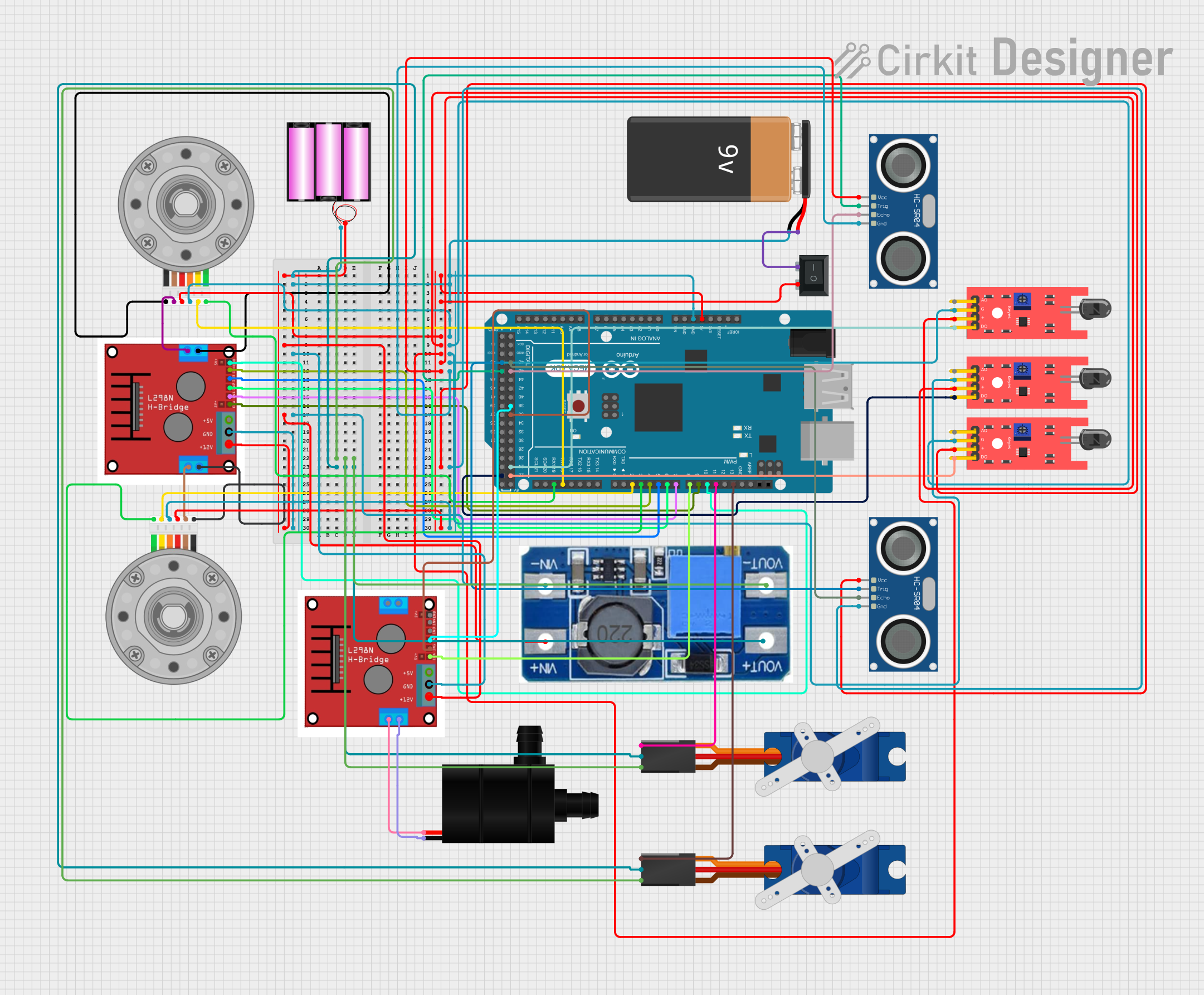 Open Project in Cirkit Designer
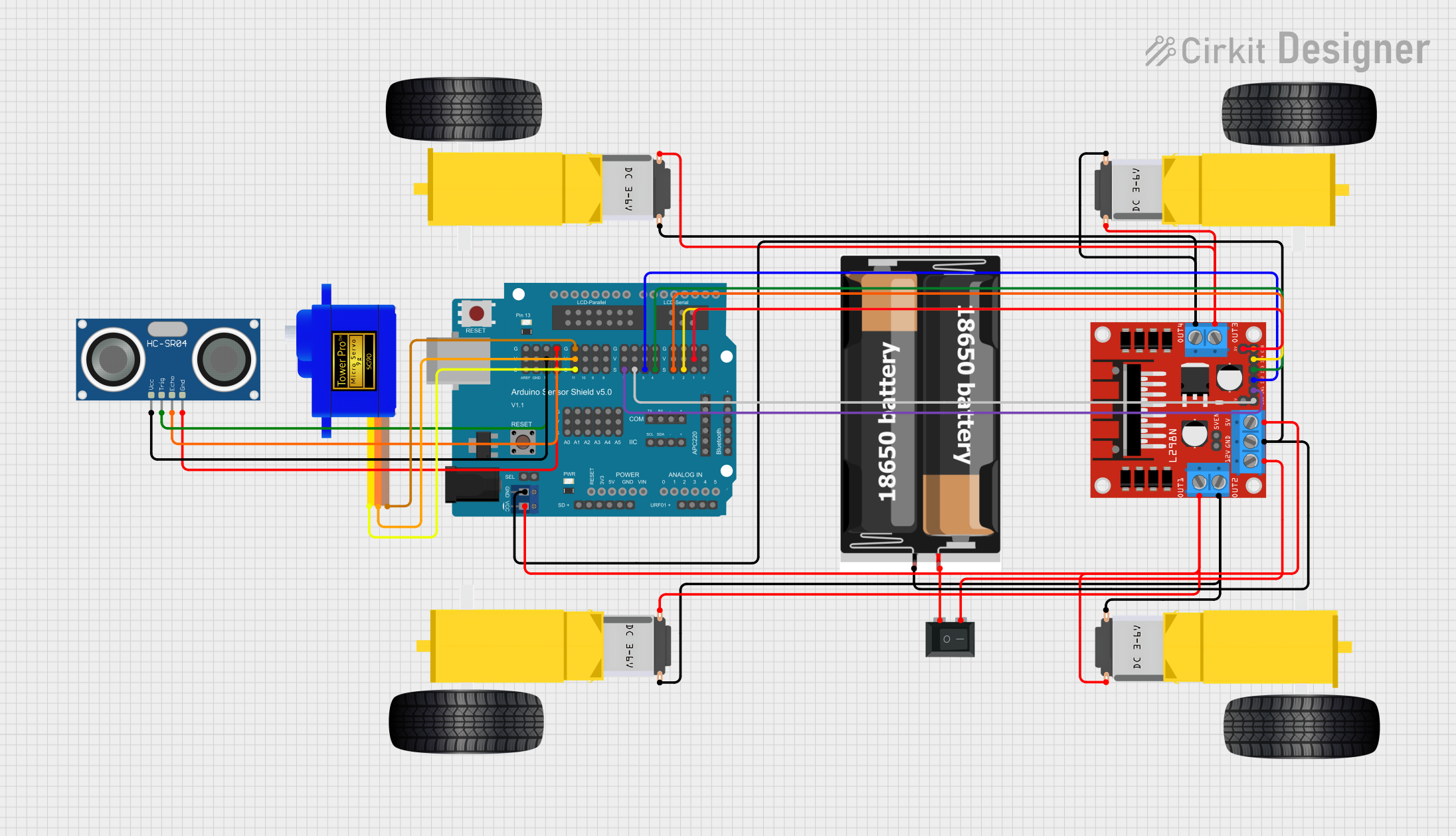 Open Project in Cirkit Designer
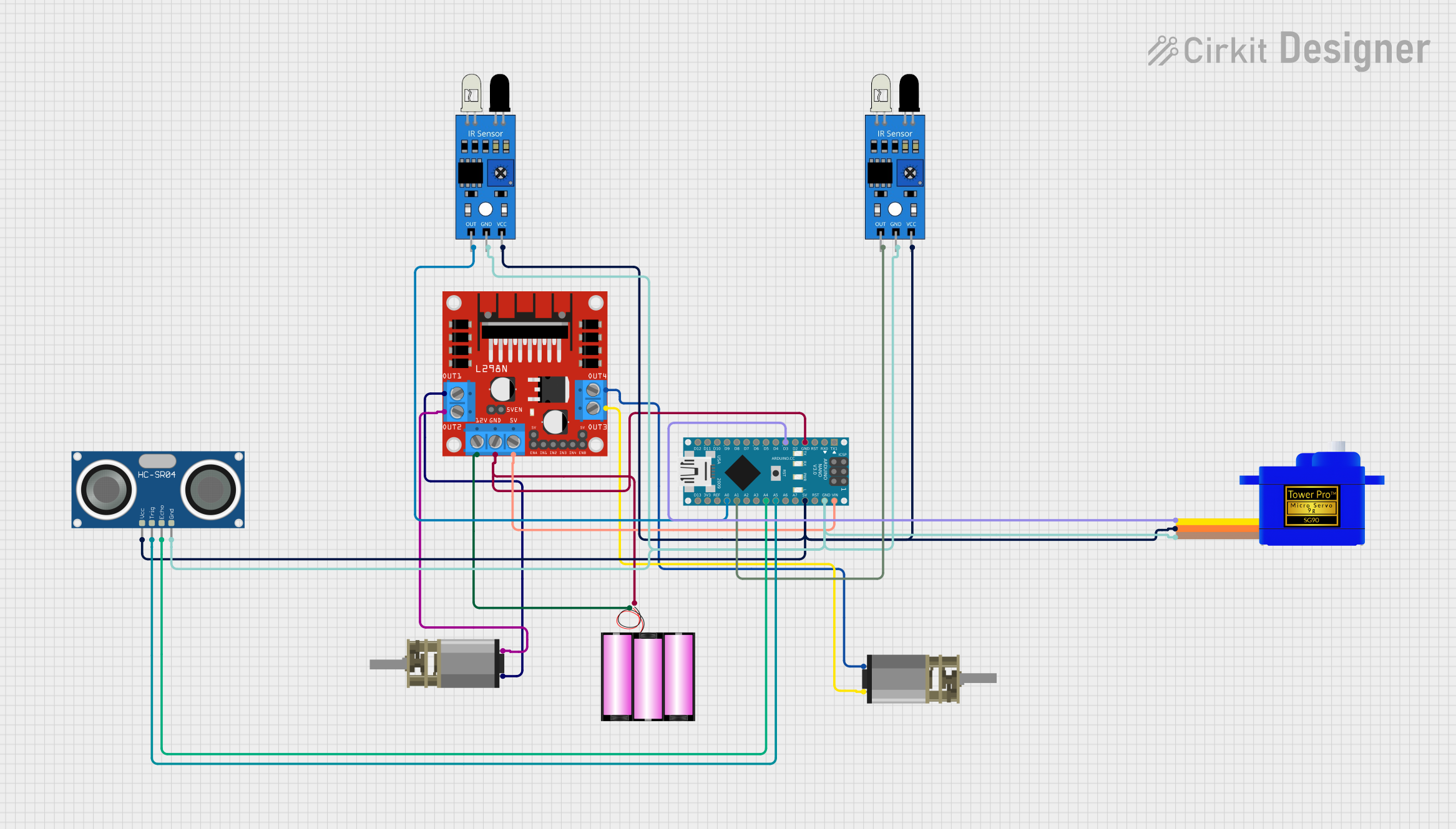 Open Project in Cirkit Designer
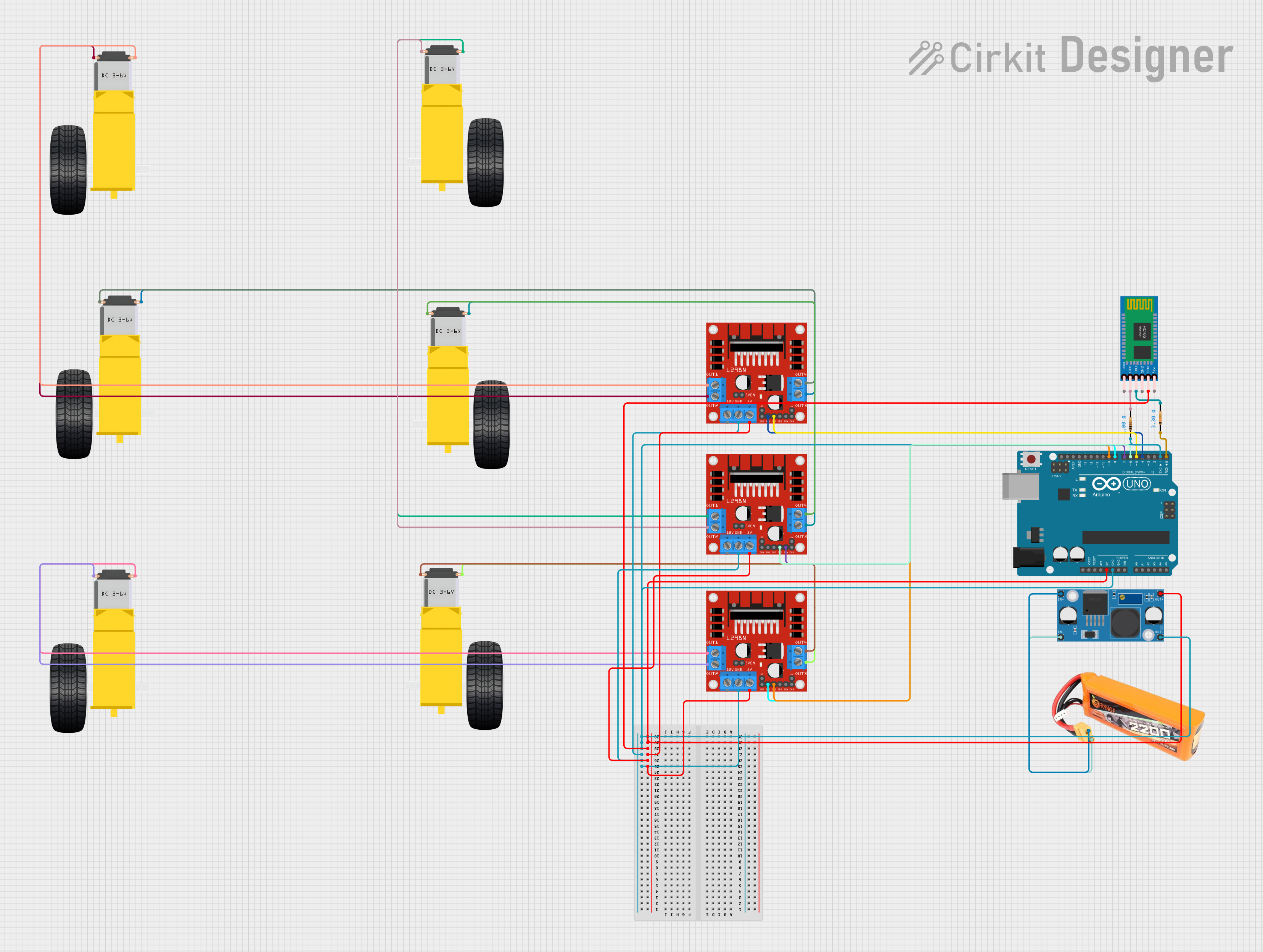 Open Project in Cirkit Designer
Explore Projects Built with KRAKEN
Open Project in Cirkit DesignerOpen Project in Cirkit DesignerOpen Project in Cirkit DesignerOpen Project in Cirkit DesignerCommon Applications and Use Cases
- High-speed data processing in computing systems
- Signal processing for telecommunications and multimedia
- Custom hardware design for research and development
- Real-time control systems in industrial automation
- Prototyping and testing of digital circuits
Technical Specifications
Key Technical Details
| Parameter | Value |
|---|---|
| Manufacturer | WCP |
| Part ID | 60X |
| Logic Cells | 50,000 |
| Maximum Clock Frequency | 500 MHz |
| Operating Voltage Range | 1.2V to 3.3V |
| I/O Pins | 120 |
| Power Consumption | 2.5W (typical) |
| Package Type | BGA (Ball Grid Array) |
| Configuration Interface | JTAG, SPI |
| Operating Temperature | -40°C to +85°C |
Pin Configuration and Descriptions
The KRAKEN 60X features 120 I/O pins, organized for maximum flexibility. Below is a summary of the key pin groups:
| Pin Group | Pin Count | Description |
|---|---|---|
| Power Pins | 10 | Provides power to the device. Includes VCC (core voltage) and GND pins. |
| Clock Pins | 4 | Dedicated pins for external clock input and clock management. |
| Configuration | 6 | Used for programming the device via JTAG or SPI interfaces. |
| General I/O Pins | 100 | Configurable pins for digital input/output, supporting various I/O standards. |
Usage Instructions
How to Use the KRAKEN in a Circuit
- Power Supply: Ensure the KRAKEN is powered within its operating voltage range (1.2V to 3.3V). Use decoupling capacitors near the power pins to minimize noise.
- Clock Input: Connect a stable clock signal to one of the clock pins. The maximum supported clock frequency is 500 MHz.
- Programming: Use a JTAG or SPI interface to program the KRAKEN with your desired logic design. Compatible software tools (e.g., WCP Logic Designer) can be used to create and upload the configuration file.
- I/O Configuration: Configure the general I/O pins as needed for your application. The pins support multiple I/O standards, such as LVTTL and LVCMOS.
- Cooling: For high-performance applications, consider using a heat sink or active cooling to manage thermal dissipation.
Important Considerations and Best Practices
- Signal Integrity: Use proper PCB layout techniques to minimize noise and crosstalk, especially for high-speed signals.
- Power Sequencing: Follow the recommended power-up and power-down sequencing to avoid damage to the device.
- Static Protection: Handle the KRAKEN with care to prevent electrostatic discharge (ESD) damage.
- Firmware Updates: Regularly check for firmware updates from WCP to ensure compatibility with the latest tools and features.
Example: Connecting KRAKEN to an Arduino UNO
The KRAKEN can be interfaced with an Arduino UNO for basic control and communication. Below is an example of how to toggle an LED connected to the KRAKEN using the Arduino:
// Example: Arduino UNO controlling KRAKEN I/O pin
// This code toggles an LED connected to KRAKEN's I/O pin 1

#define KRAKEN_PIN 7  // Arduino pin connected to KRAKEN's I/O pin 1

void setup() {
  pinMode(KRAKEN_PIN, OUTPUT); // Set the Arduino pin as output
}

void loop() {
  digitalWrite(KRAKEN_PIN, HIGH); // Turn on the LED
  delay(500);                     // Wait for 500 milliseconds
  digitalWrite(KRAKEN_PIN, LOW);  // Turn off the LED
  delay(500);                     // Wait for 500 milliseconds
}
Troubleshooting and FAQs
Common Issues and Solutions
Device Not Powering On
- Cause: Incorrect power supply voltage or missing connections.
- Solution: Verify the power supply voltage is within the 1.2V to 3.3V range. Check all power and ground connections.
Programming Failure
- Cause: Faulty JTAG or SPI connection.
- Solution: Ensure the programming interface is correctly connected and the configuration software is properly set up.
Overheating
- Cause: High power consumption in intensive applications.
- Solution: Use a heat sink or active cooling to manage thermal dissipation.
Unstable Output Signals
- Cause: Poor PCB layout or insufficient decoupling.
- Solution: Improve PCB design by minimizing trace lengths and adding decoupling capacitors near the power pins.
FAQs
Q: Can the KRAKEN be reprogrammed?
- A: Yes, the KRAKEN is fully reprogrammable via JTAG or SPI interfaces.
Q: What software tools are compatible with the KRAKEN?
- A: The KRAKEN is compatible with WCP Logic Designer and other industry-standard PLD design tools.
Q: Does the KRAKEN support differential signaling?
- A: Yes, the KRAKEN supports differential I/O standards for high-speed communication.
Q: What is the maximum number of logic gates the KRAKEN can implement?
- A: The KRAKEN 60X can implement up to 50,000 logic cells, equivalent to a large number of logic gates.
By following this documentation, users can effectively integrate the KRAKEN into their projects and take full advantage of its capabilities.