
How to Use SD15: Examples, Pinouts, and Specs
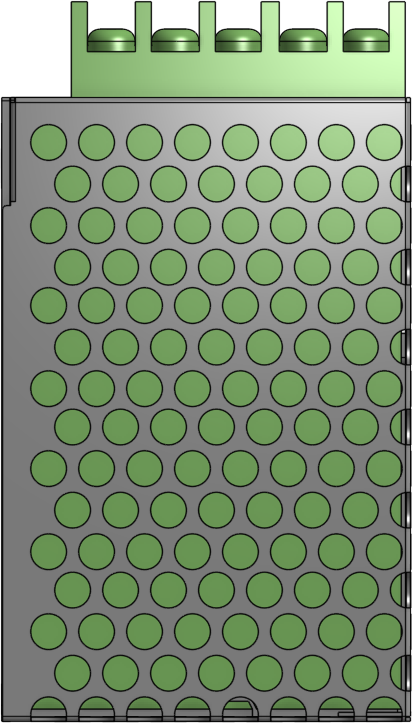
 Design with SD15 in Cirkit Designer
Introduction
The SD15 is a silicon diode manufactured by MEANWELL, designed for rectification and signal processing in electronic circuits. It is known for its low forward voltage drop and fast switching capabilities, making it an ideal choice for applications requiring efficient power conversion and high-speed operation. The SD15 is widely used in power supplies, signal demodulation, and protection circuits.
Explore Projects Built with SD15
 Open Project in Cirkit Designer
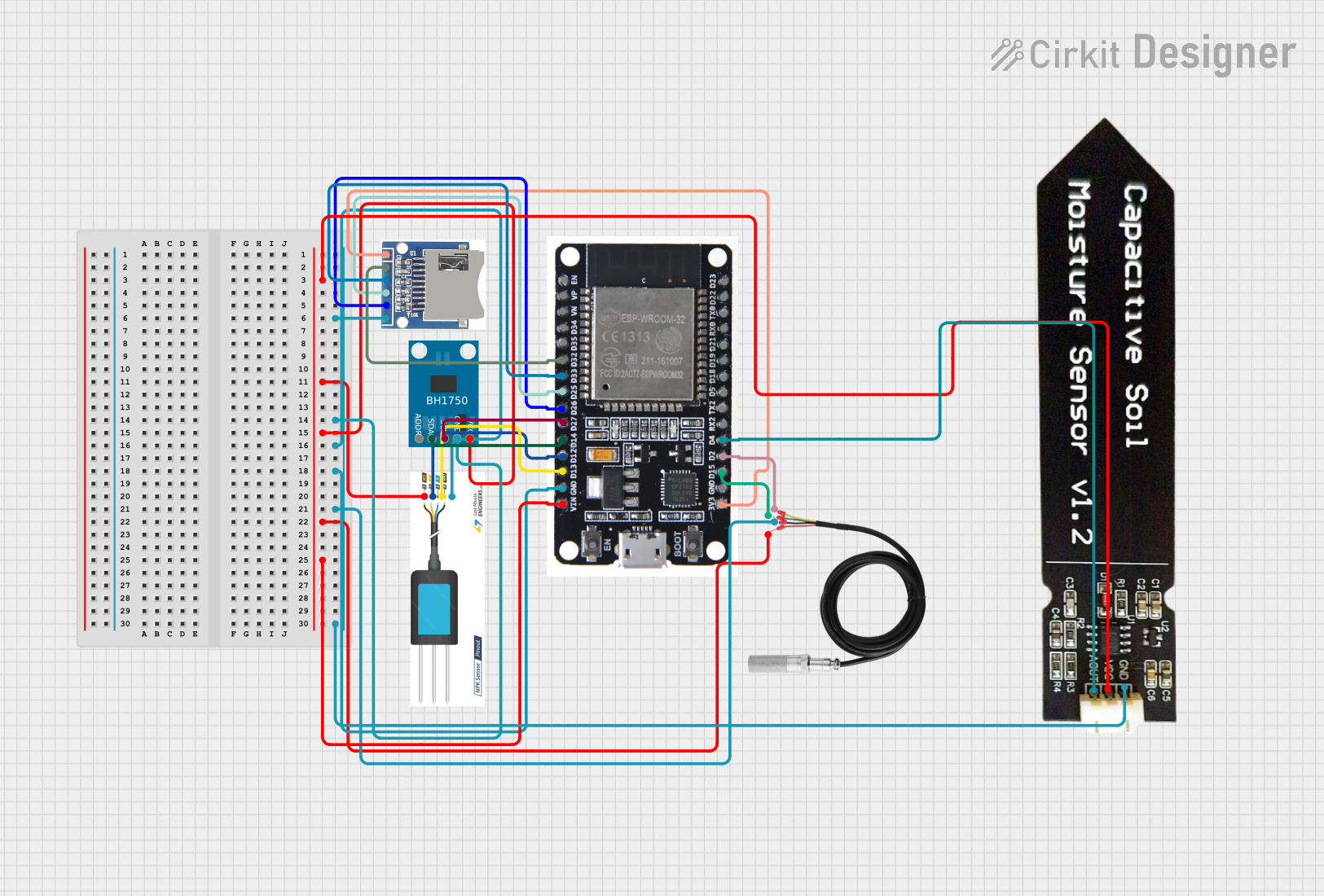 Open Project in Cirkit Designer
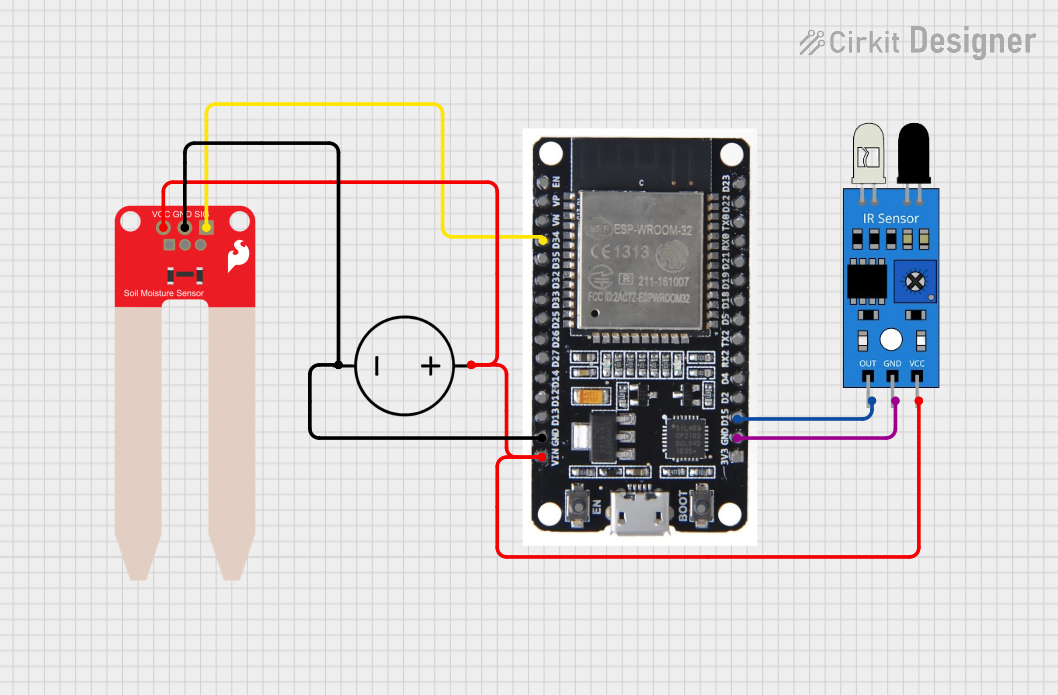 Open Project in Cirkit Designer
 Open Project in Cirkit Designer
Explore Projects Built with SD15
Open Project in Cirkit DesignerOpen Project in Cirkit DesignerOpen Project in Cirkit DesignerOpen Project in Cirkit DesignerCommon Applications
- Power rectification in AC-DC converters
- Signal demodulation in communication systems
- Freewheeling diodes in motor control circuits
- Overvoltage protection in sensitive electronic devices
Technical Specifications
The SD15 diode is engineered to deliver reliable performance in a variety of electronic applications. Below are its key technical specifications:
| Parameter | Value |
|---|---|
| Forward Voltage (Vf) | 0.7 V (typical) |
| Reverse Voltage (Vr) | 50 V (maximum) |
| Forward Current (If) | 1.5 A (maximum continuous) |
| Peak Surge Current (Ifsm) | 50 A (8.3 ms half-sine wave) |
| Reverse Recovery Time | 50 ns (typical) |
| Power Dissipation (Pd) | 1 W |
| Operating Temperature | -55°C to +150°C |
| Package Type | DO-41 |
Pin Configuration
The SD15 diode has a simple two-pin configuration:
| Pin | Name | Description |
|---|---|---|
| 1 | Anode | Positive terminal; current flows into this pin. |
| 2 | Cathode | Negative terminal; current flows out of this pin. |
The cathode is typically marked with a band on the diode's body for easy identification.
Usage Instructions
The SD15 diode is straightforward to use in electronic circuits. Below are the steps and considerations for incorporating it into your design:
How to Use
- Identify the Anode and Cathode: Locate the cathode marking (a band) on the diode body. Connect the anode to the positive side of the circuit and the cathode to the negative side.
- Insert into Circuit: Place the diode in the desired location, ensuring correct polarity. Incorrect polarity can result in circuit malfunction or damage to the diode.
- Soldering: If soldering the diode, use a soldering iron with a temperature below 300°C to avoid damaging the component. Limit soldering time to less than 10 seconds.
Important Considerations
- Voltage Ratings: Ensure the reverse voltage (Vr) of the diode is not exceeded to prevent breakdown.
- Current Ratings: Do not exceed the maximum forward current (If) to avoid overheating and potential failure.
- Heat Dissipation: If the diode operates near its maximum ratings, consider adding a heatsink or improving ventilation to manage heat dissipation.
- Reverse Recovery Time: For high-speed switching applications, ensure the reverse recovery time (50 ns) meets your circuit requirements.
Example: Using SD15 with Arduino UNO
The SD15 can be used in conjunction with an Arduino UNO for rectification or signal processing. Below is an example of using the SD15 in a simple rectifier circuit:
// Example: Reading rectified voltage using Arduino UNO
// This code assumes the SD15 is part of a rectifier circuit connected to an analog pin.

const int analogPin = A0; // Analog pin connected to the rectified voltage
float voltage = 0.0;

void setup() {
  Serial.begin(9600); // Initialize serial communication
}

void loop() {
  int sensorValue = analogRead(analogPin); // Read the analog input
  voltage = sensorValue * (5.0 / 1023.0); // Convert to voltage (5V reference)

  // Print the voltage to the Serial Monitor
  Serial.print("Rectified Voltage: ");
  Serial.print(voltage);
  Serial.println(" V");

  delay(1000); // Wait for 1 second before the next reading
}
Note: Ensure the rectified voltage does not exceed the Arduino's input voltage range (0-5V).
Troubleshooting and FAQs
Common Issues
Diode Overheating
- Cause: Exceeding the maximum forward current or insufficient heat dissipation.
- Solution: Reduce the current load or improve cooling (e.g., add a heatsink).
Incorrect Polarity
- Cause: Anode and cathode connections are reversed.
- Solution: Verify the diode's orientation and reconnect correctly.
No Output Voltage
- Cause: Open circuit or damaged diode.
- Solution: Check for continuity using a multimeter and replace the diode if necessary.
High Voltage Drop
- Cause: Excessive current or degraded diode performance.
- Solution: Ensure the current is within the diode's rated limits or replace the diode.
FAQs
Q1: Can the SD15 handle AC signals?
A1: Yes, the SD15 can rectify AC signals when used in a rectifier circuit.
Q2: What happens if the reverse voltage exceeds 50V?
A2: The diode may break down and fail permanently. Always ensure the reverse voltage stays within the specified limit.
Q3: Can I use the SD15 for high-frequency applications?
A3: Yes, the SD15's fast reverse recovery time (50 ns) makes it suitable for high-frequency circuits.
Q4: How do I test if the SD15 is functioning?
A4: Use a multimeter in diode mode. A forward-biased diode should show a voltage drop of approximately 0.7V, while a reverse-biased diode should show no continuity.
By following this documentation, you can effectively integrate the SD15 diode into your electronic projects and troubleshoot common issues with ease.