
How to Use AC source: Examples, Pinouts, and Specs
 Design with AC source in Cirkit Designer
Introduction
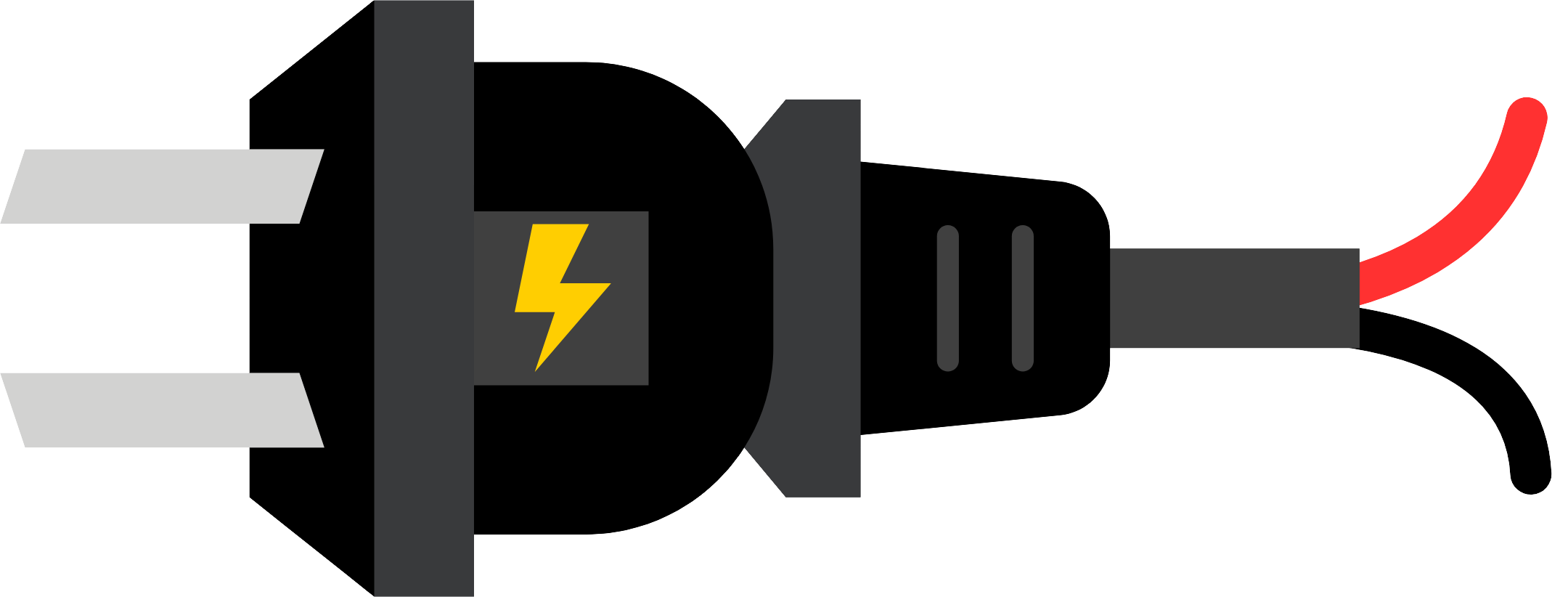
An AC source is an electronic component or device that provides alternating current (AC), a type of electrical current that periodically reverses direction. AC sources are widely used in power distribution systems, household electrical outlets, and various electronic devices. They are essential for powering appliances, industrial equipment, and circuits that require alternating current for operation.
Explore Projects Built with AC source
 Open Project in Cirkit Designer
 Open Project in Cirkit Designer
 Open Project in Cirkit Designer
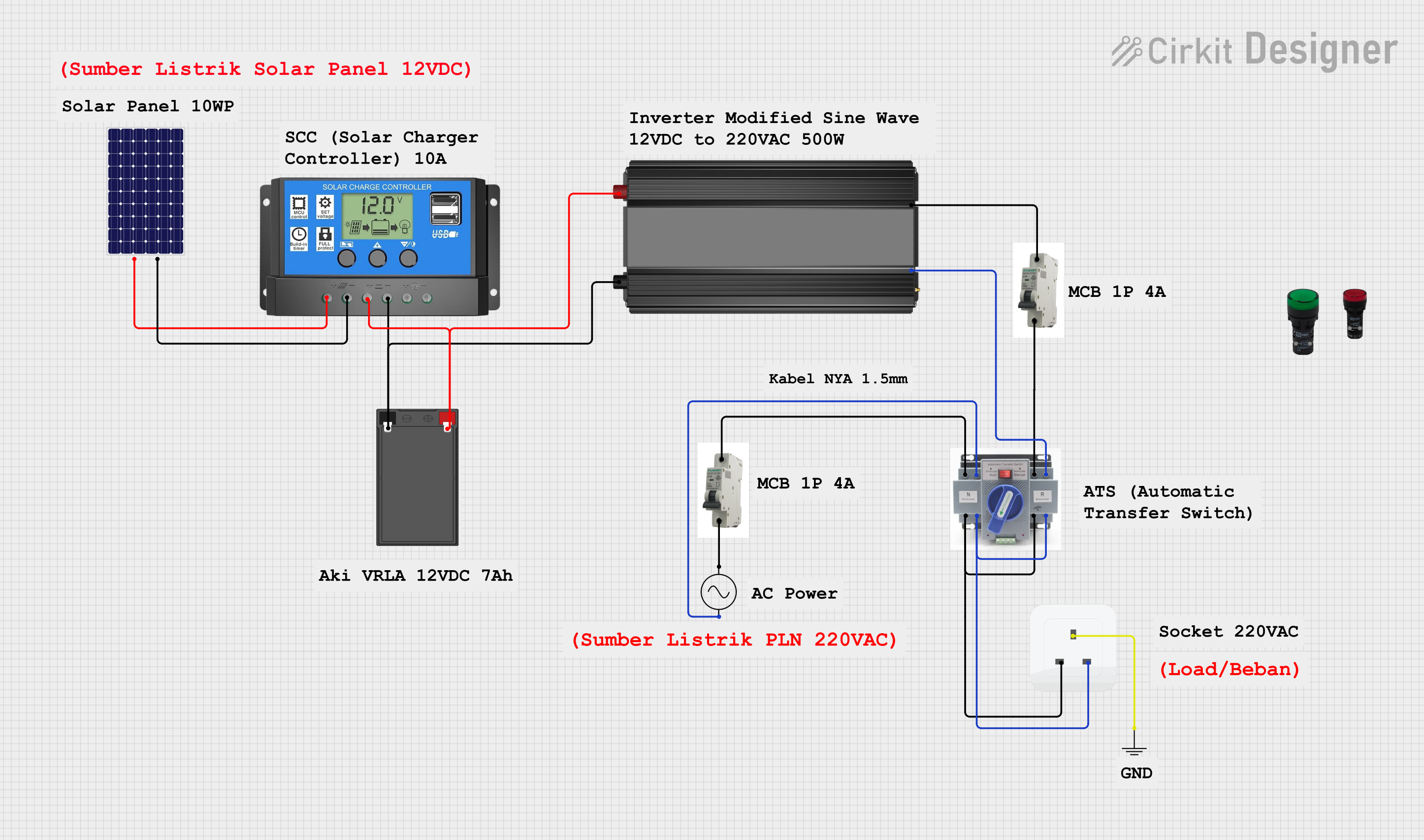 Open Project in Cirkit Designer
Explore Projects Built with AC source
Open Project in Cirkit DesignerOpen Project in Cirkit DesignerOpen Project in Cirkit DesignerOpen Project in Cirkit DesignerCommon Applications and Use Cases
- Powering household appliances (e.g., refrigerators, televisions, and air conditioners)
- Supplying power to industrial machinery and equipment
- Testing and prototyping AC-powered circuits in laboratories
- Driving transformers for voltage step-up or step-down applications
- Providing power to AC motors and lighting systems
Technical Specifications
The specifications of an AC source can vary depending on its design and intended application. Below are the general technical details for a standard AC source:
| Parameter | Specification |
|---|---|
| Voltage Range | 110V to 240V AC (common household range) |
| Frequency Range | 50 Hz or 60 Hz (region-dependent) |
| Output Waveform | Sine wave (standard), square wave, or modified sine wave |
| Power Rating | Varies (e.g., 100W to several kW) |
| Phase Configuration | Single-phase or three-phase |
| Output Terminals | Live (L), Neutral (N), and Ground (G) |
Pin Configuration and Descriptions
For an AC source, the output terminals are typically configured as follows:
| Pin | Name | Description |
|---|---|---|
| 1 | Live (L) | Provides the active AC voltage. This terminal carries the current to the load. |
| 2 | Neutral (N) | Completes the circuit by returning current from the load to the source. |
| 3 | Ground (G) | Safety connection to prevent electric shock and ensure proper grounding. |
Usage Instructions
How to Use the Component in a Circuit
- Safety First: Ensure the AC source is turned off before making any connections. Use insulated tools and wear protective gear when working with AC power.
- Connect the Load:
- Connect the live (L) terminal of the AC source to the live input of the load.
- Connect the neutral (N) terminal of the AC source to the neutral input of the load.
- If required, connect the ground (G) terminal to the load's grounding point for safety.
- Verify Connections: Double-check all connections to ensure they are secure and correct.
- Power On: Turn on the AC source and monitor the load to ensure it operates as expected.
Important Considerations and Best Practices
- Voltage and Frequency Compatibility: Ensure the load is rated for the voltage and frequency provided by the AC source.
- Overcurrent Protection: Use fuses or circuit breakers to protect the circuit from overcurrent conditions.
- Isolation: For sensitive applications, consider using an isolation transformer to separate the AC source from the load.
- Avoid Overloading: Do not exceed the power rating of the AC source, as this can cause overheating or damage.
- Grounding: Always connect the ground terminal to a proper earth ground to prevent electric shock and ensure safety.
Example: Using an AC Source with an Arduino UNO
While the Arduino UNO operates on DC power, an AC source can be used indirectly to power the Arduino through an AC-to-DC adapter. Below is an example of how to use an AC source to power an Arduino UNO:
- Connect the AC source to an AC-to-DC adapter (e.g., a 12V DC adapter).
- Plug the DC output of the adapter into the Arduino UNO's power jack.
- Ensure the adapter's output voltage matches the Arduino's input voltage requirements (7-12V DC).
// Example Arduino code to blink an LED
// This assumes the Arduino is powered via an AC-to-DC adapter connected to an AC source.

void setup() {
  pinMode(13, OUTPUT); // Set pin 13 as an output for the onboard LED
}

void loop() {
  digitalWrite(13, HIGH); // Turn the LED on
  delay(1000);            // Wait for 1 second
  digitalWrite(13, LOW);  // Turn the LED off
  delay(1000);            // Wait for 1 second
}
Troubleshooting and FAQs
Common Issues Users Might Face
No Output from the AC Source:
- Cause: The AC source may not be powered on or connected properly.
- Solution: Verify the power switch is on and check all connections.
Overheating of the AC Source:
- Cause: The load may be drawing more power than the source's rated capacity.
- Solution: Reduce the load or use an AC source with a higher power rating.
Load Not Operating Properly:
- Cause: Voltage or frequency mismatch between the AC source and the load.
- Solution: Ensure the load is compatible with the AC source's voltage and frequency.
Electric Shock Risk:
- Cause: Improper grounding or exposed live wires.
- Solution: Ensure all connections are insulated and the ground terminal is properly connected.
Solutions and Tips for Troubleshooting
- Use a multimeter to measure the output voltage and frequency of the AC source.
- Inspect all connections for loose wires or damaged insulation.
- If the AC source has a built-in fuse, check if the fuse has blown and replace it if necessary.
- For complex issues, consult the manufacturer's documentation or seek professional assistance.
By following these guidelines, you can safely and effectively use an AC source in your projects and applications.