
How to Use Raspberry Pi 4B: Examples, Pinouts, and Specs
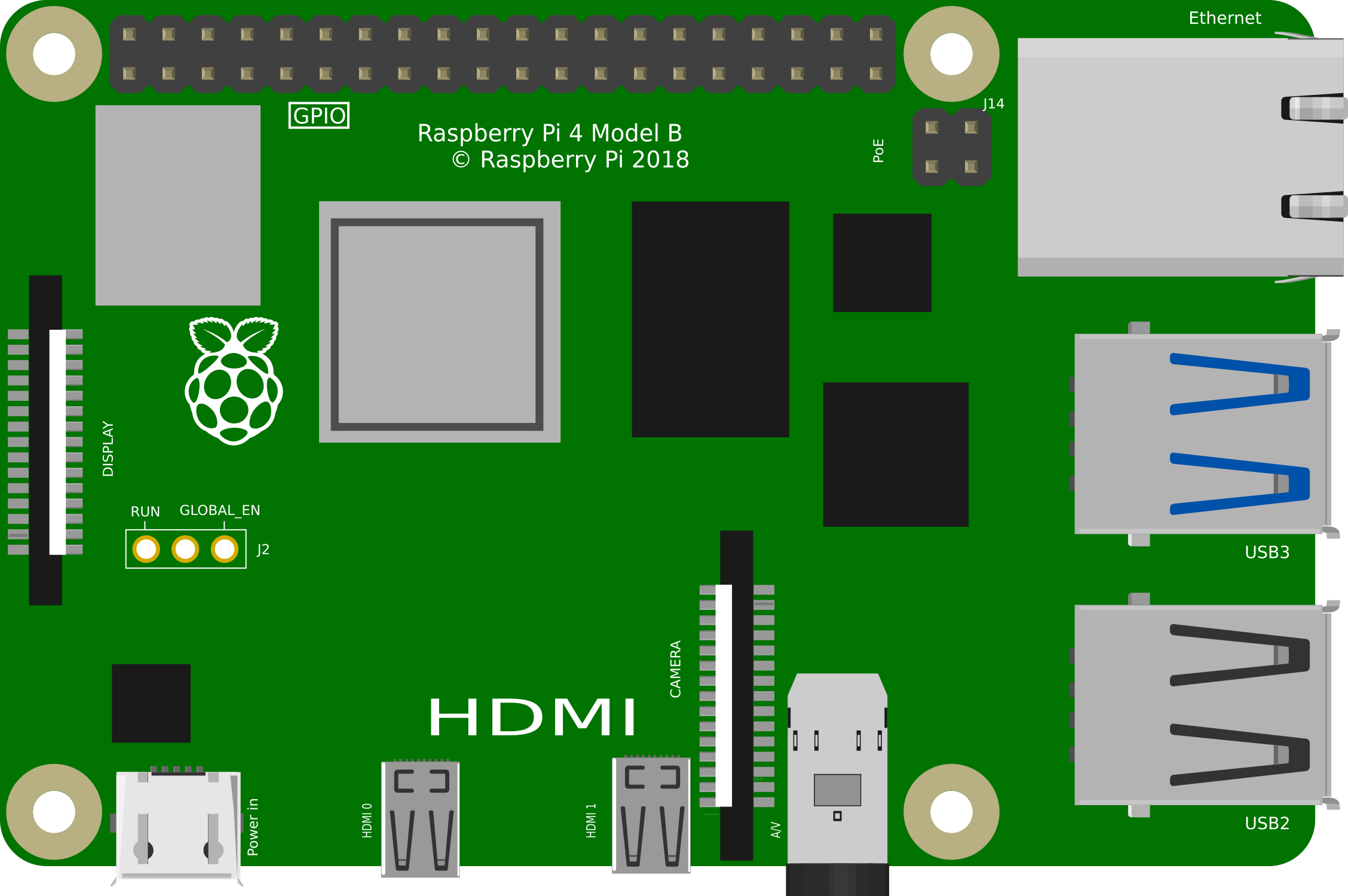
 Design with Raspberry Pi 4B in Cirkit Designer
Introduction
The Raspberry Pi 4B is a compact, affordable single-board computer designed for a wide range of applications. It features a powerful quad-core processor, up to 8GB of RAM, multiple USB ports, dual micro-HDMI outputs, and built-in Wi-Fi and Bluetooth connectivity. Its versatility makes it ideal for projects such as home automation, media centers, IoT devices, robotics, and educational purposes.
Common applications include:
- DIY home automation systems
- Media streaming and gaming platforms
- IoT and sensor-based projects
- Robotics and AI development
- Educational tools for programming and electronics
Explore Projects Built with Raspberry Pi 4B
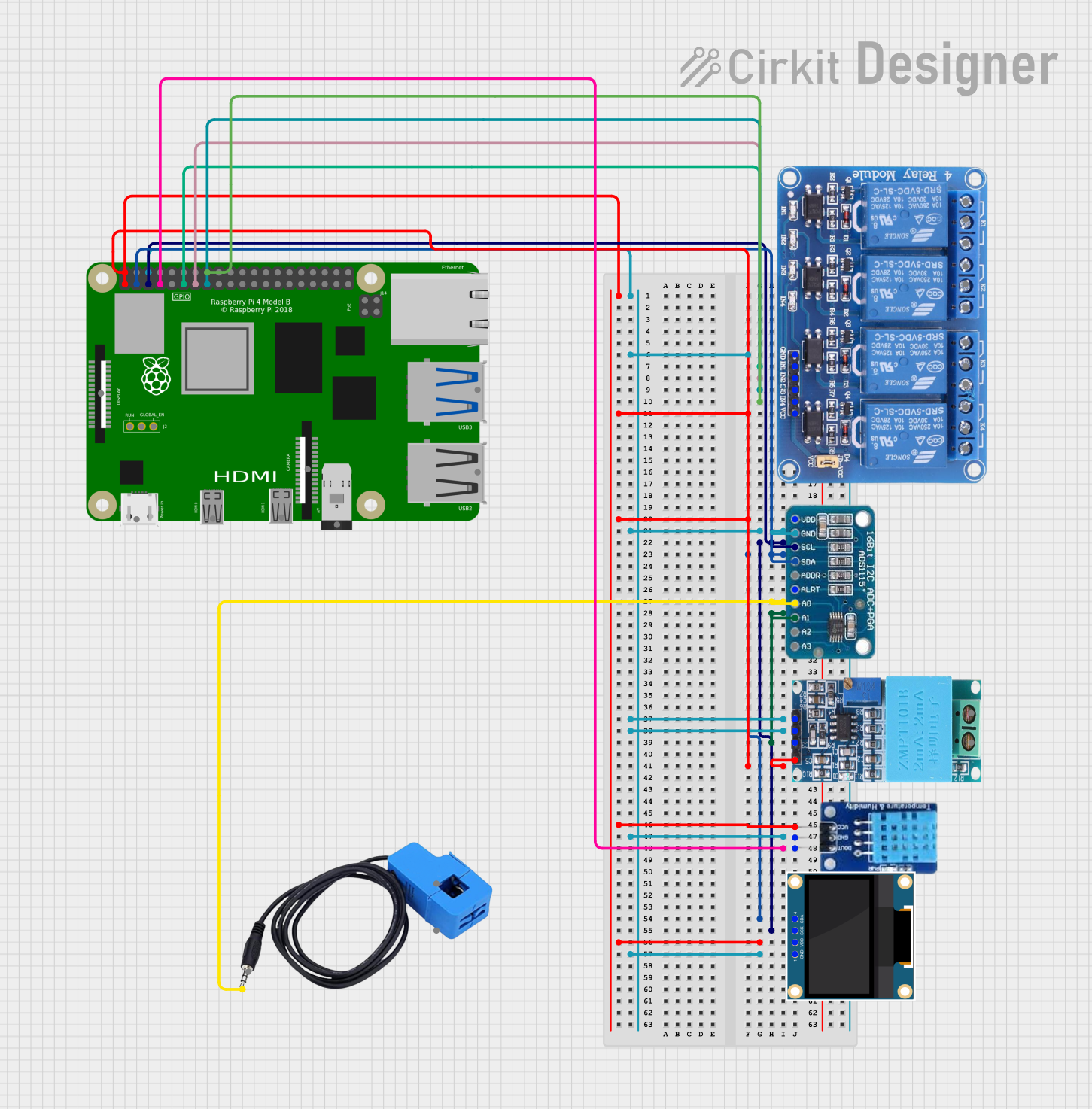 Open Project in Cirkit Designer
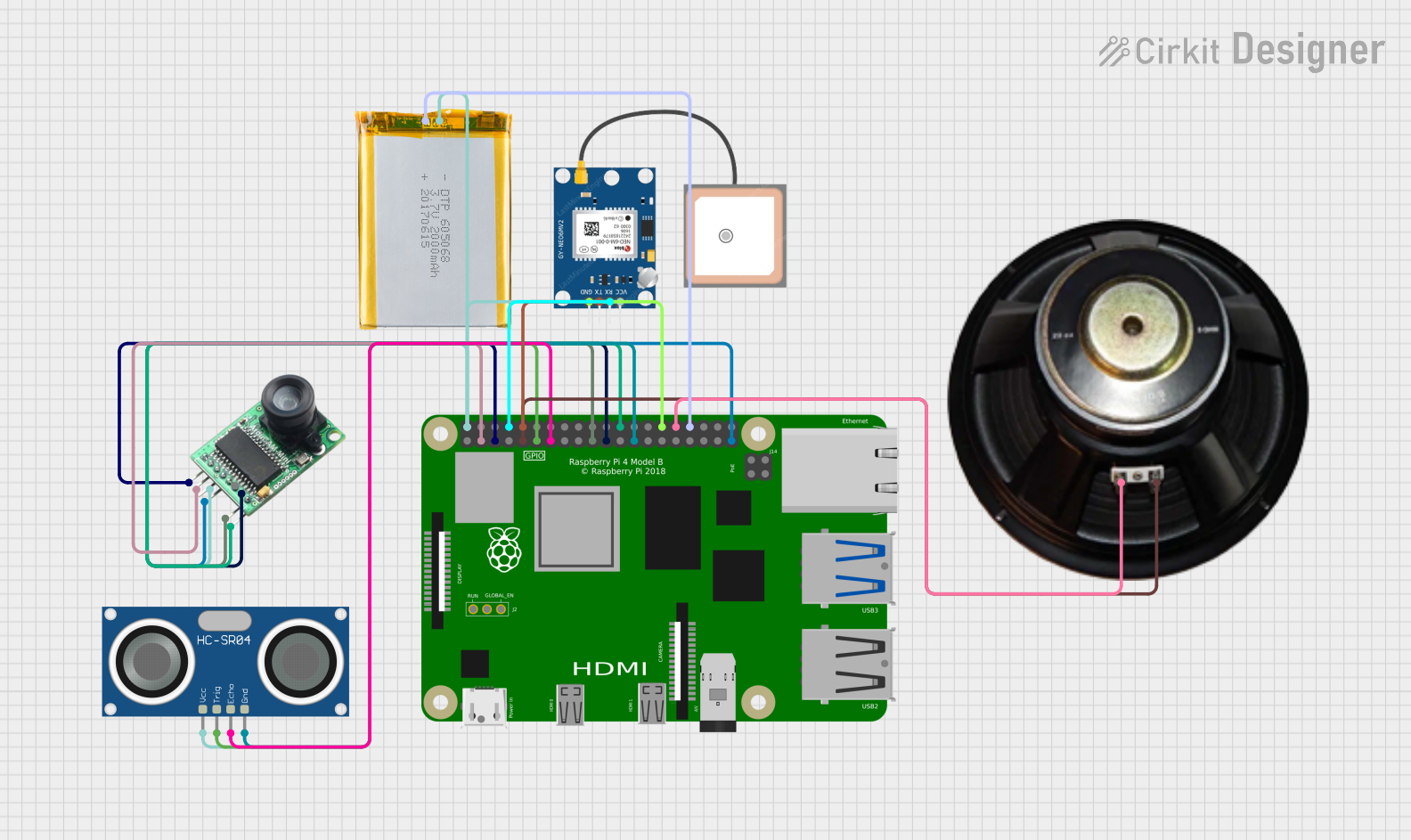 Open Project in Cirkit Designer
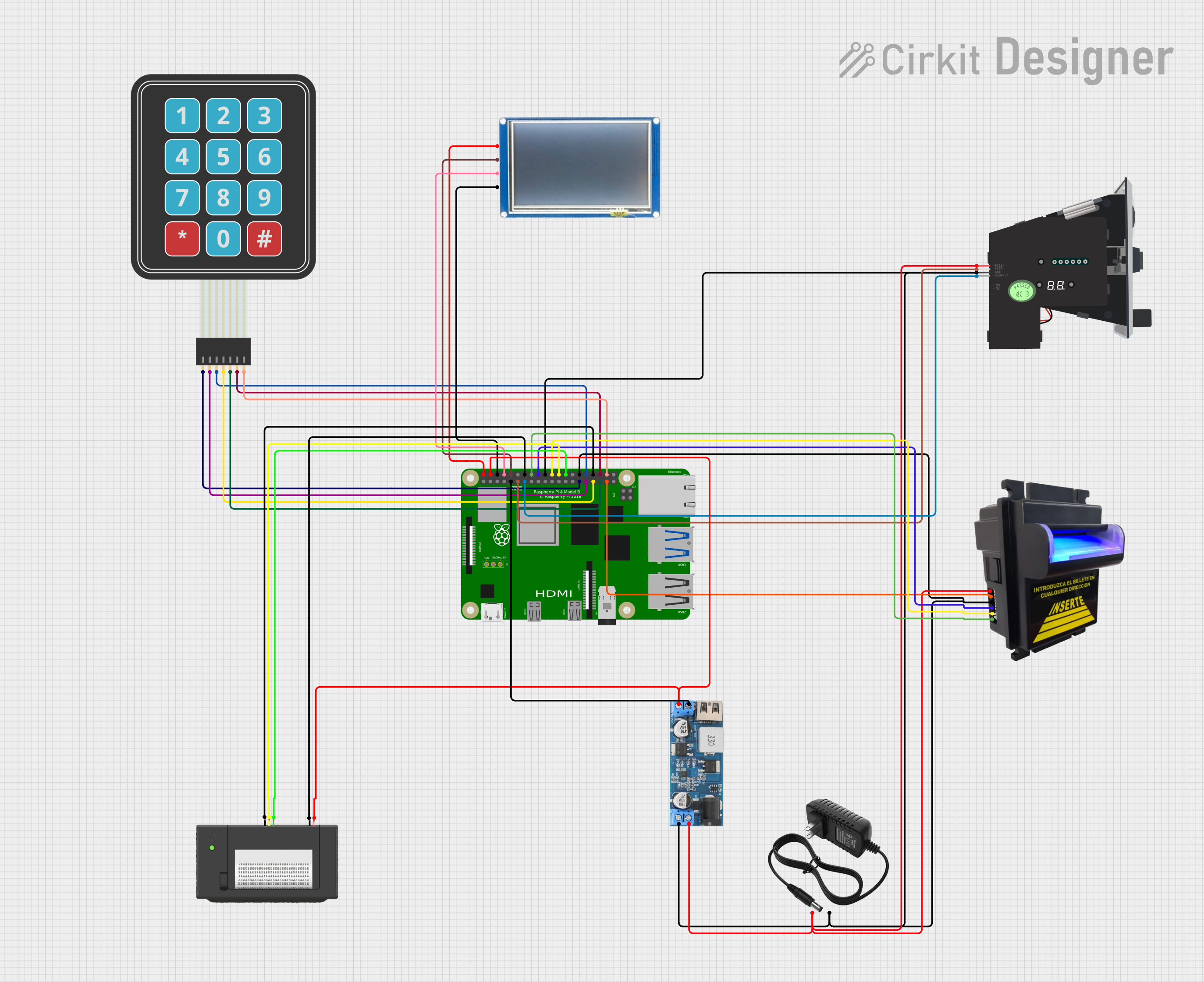 Open Project in Cirkit Designer
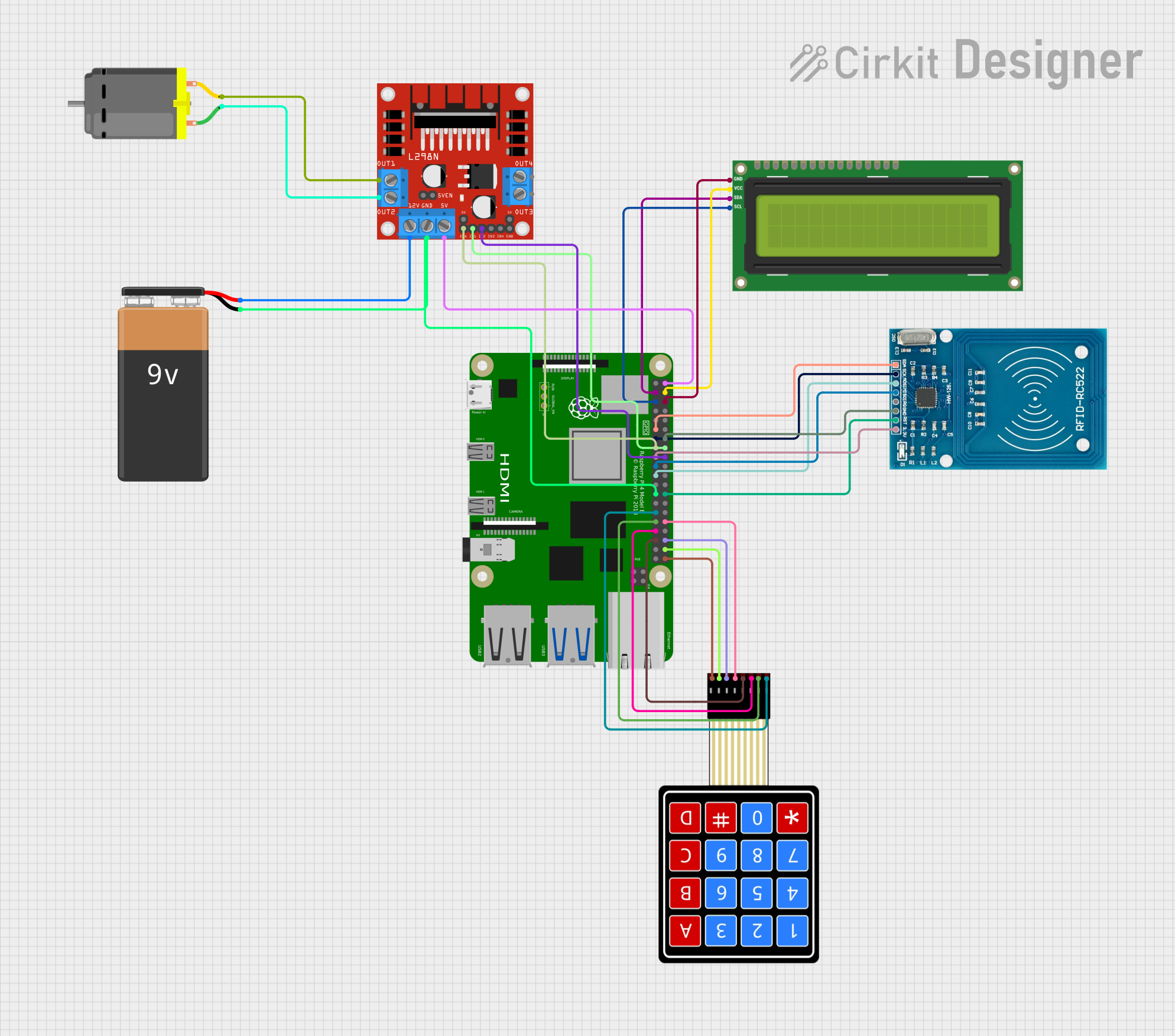 Open Project in Cirkit Designer
Explore Projects Built with Raspberry Pi 4B
Open Project in Cirkit DesignerOpen Project in Cirkit DesignerOpen Project in Cirkit DesignerOpen Project in Cirkit DesignerTechnical Specifications
The Raspberry Pi 4B offers impressive hardware capabilities for its size and price. Below are the key technical details:
General Specifications
| Feature | Specification |
|---|---|
| Processor | Broadcom BCM2711, Quad-core Cortex-A72 (ARM v8) 64-bit SoC @ 1.5GHz |
| RAM Options | 2GB, 4GB, or 8GB LPDDR4-3200 SDRAM |
| GPU | VideoCore VI, supporting OpenGL ES 3.0 |
| Storage | MicroSD card slot for OS and data storage |
| Connectivity | 2.4GHz and 5.0GHz IEEE 802.11b/g/n/ac Wi-Fi, Bluetooth 5.0, BLE |
| Ethernet | Gigabit Ethernet |
| USB Ports | 2 × USB 3.0, 2 × USB 2.0 |
| Video Output | 2 × micro-HDMI ports (up to 4Kp60 supported) |
| Audio Output | 3.5mm stereo audio and composite video jack, HDMI audio |
| GPIO | 40-pin GPIO header, backward-compatible with previous Raspberry Pi models |
| Power Supply | 5V/3A via USB-C connector |
| Dimensions | 85.6mm × 56.5mm × 17mm |
GPIO Pin Configuration
The Raspberry Pi 4B features a 40-pin GPIO header for interfacing with external components. Below is a summary of the pin configuration:
| Pin Number | Pin Name | Functionality |
|---|---|---|
| 1 | 3.3V Power | Power supply (3.3V) |
| 2 | 5V Power | Power supply (5V) |
| 3 | GPIO2 (SDA1) | I2C Data |
| 4 | 5V Power | Power supply (5V) |
| 5 | GPIO3 (SCL1) | I2C Clock |
| 6 | Ground | Ground |
| 7 | GPIO4 | General-purpose I/O |
| 8 | GPIO14 (TXD0) | UART Transmit |
| 9 | Ground | Ground |
| 10 | GPIO15 (RXD0) | UART Receive |
| ... | ... | ... (Refer to official GPIO pinout for full details) |
Usage Instructions
Setting Up the Raspberry Pi 4B
- Prepare the MicroSD Card:
- Download the Raspberry Pi OS from the official website.
- Use a tool like Raspberry Pi Imager or Balena Etcher to flash the OS onto the microSD card.
- Connect Peripherals:
- Insert the microSD card into the slot on the Raspberry Pi.
- Connect a monitor via one of the micro-HDMI ports.
- Attach a keyboard and mouse to the USB ports.
- Power Up:
- Connect a 5V/3A USB-C power supply to the Raspberry Pi.
- The device will boot into the Raspberry Pi OS setup screen.
- Configure the System:
- Follow the on-screen instructions to set up Wi-Fi, language, and other preferences.
Using GPIO Pins with an Arduino UNO
The Raspberry Pi 4B can communicate with an Arduino UNO via GPIO pins. Below is an example of how to send data from the Raspberry Pi to the Arduino using UART:
Raspberry Pi Python Code
Import the necessary libraries
import serial # For serial communication import time # For adding delays
Configure the serial port (adjust the port name as needed)
ser = serial.Serial('/dev/ttyS0', 9600, timeout=1)
Wait for the serial connection to initialize
time.sleep(2)
Send data to the Arduino
while True: ser.write(b'Hello Arduino!\n') # Send a message print("Message sent to Arduino") time.sleep(1) # Wait for 1 second
Arduino Code
void setup() {
  Serial.begin(9600);  // Initialize serial communication at 9600 baud
}

void loop() {
  if (Serial.available() > 0) {  // Check if data is available
    String message = Serial.readString();  // Read the incoming message
    Serial.println("Received: " + message);  // Print the message to the serial monitor
  }
}
Best Practices
- Use a high-quality microSD card (Class 10 or UHS-1) for better performance.
- Ensure proper cooling (e.g., heatsinks or a fan) to prevent overheating during intensive tasks.
- Use a reliable 5V/3A power supply to avoid power-related issues.
- Always shut down the Raspberry Pi properly to prevent data corruption.
Troubleshooting and FAQs
Common Issues
No Display on Monitor:
- Ensure the micro-HDMI cable is securely connected to the correct port.
- Verify that the monitor is set to the correct input source.
- Check if the Raspberry Pi OS is properly installed on the microSD card.
Wi-Fi Not Connecting:
- Double-check the Wi-Fi credentials entered during setup.
- Ensure the Raspberry Pi is within range of the Wi-Fi router.
- Update the Raspberry Pi OS to the latest version.
Overheating:
- Use a heatsink or fan to improve cooling.
- Avoid running resource-intensive tasks for extended periods without proper ventilation.
GPIO Pins Not Working:
- Verify the pin configuration and connections.
- Ensure the GPIO pins are not damaged or shorted.
- Use a multimeter to check for continuity.
FAQs
Q: Can I power the Raspberry Pi 4B via GPIO pins?
A: Yes, you can power the Raspberry Pi through the 5V and GND GPIO pins, but this bypasses the onboard power management and is not recommended for beginners.
Q: What operating systems are compatible with the Raspberry Pi 4B?
A: The Raspberry Pi 4B supports Raspberry Pi OS, Ubuntu, and other Linux-based distributions. It can also run lightweight versions of Windows 10 IoT Core.
Q: Can I connect multiple monitors to the Raspberry Pi 4B?
A: Yes, the Raspberry Pi 4B supports dual monitors via its two micro-HDMI ports, with resolutions up to 4K.
Q: How do I update the Raspberry Pi OS?
A: Run the following commands in the terminal:
sudo apt update
sudo apt full-upgrade
By following this documentation, users can effectively set up and utilize the Raspberry Pi 4B for a variety of projects.