
How to Use battery: Examples, Pinouts, and Specs
 Design with battery in Cirkit Designer
Introduction
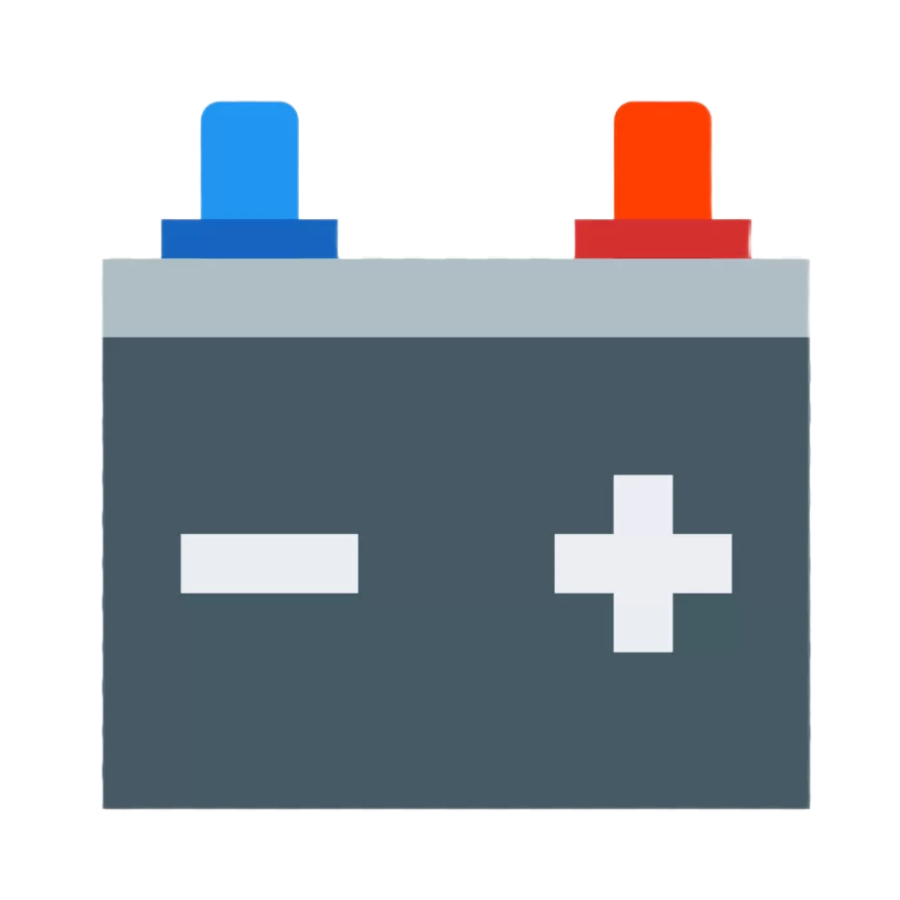
A battery is a device that stores electrical energy in chemical form and converts it into electrical energy when needed. It serves as a portable power source for a wide range of electronic devices, from small gadgets like remote controls and smartphones to larger systems such as electric vehicles and backup power supplies. Batteries are essential in applications where mobility, reliability, and independence from a fixed power source are required.
Common applications of batteries include:
- Powering portable electronic devices (e.g., smartphones, laptops, cameras)
- Providing backup power for critical systems (e.g., UPS systems, medical devices)
- Enabling mobility in electric vehicles and robotics
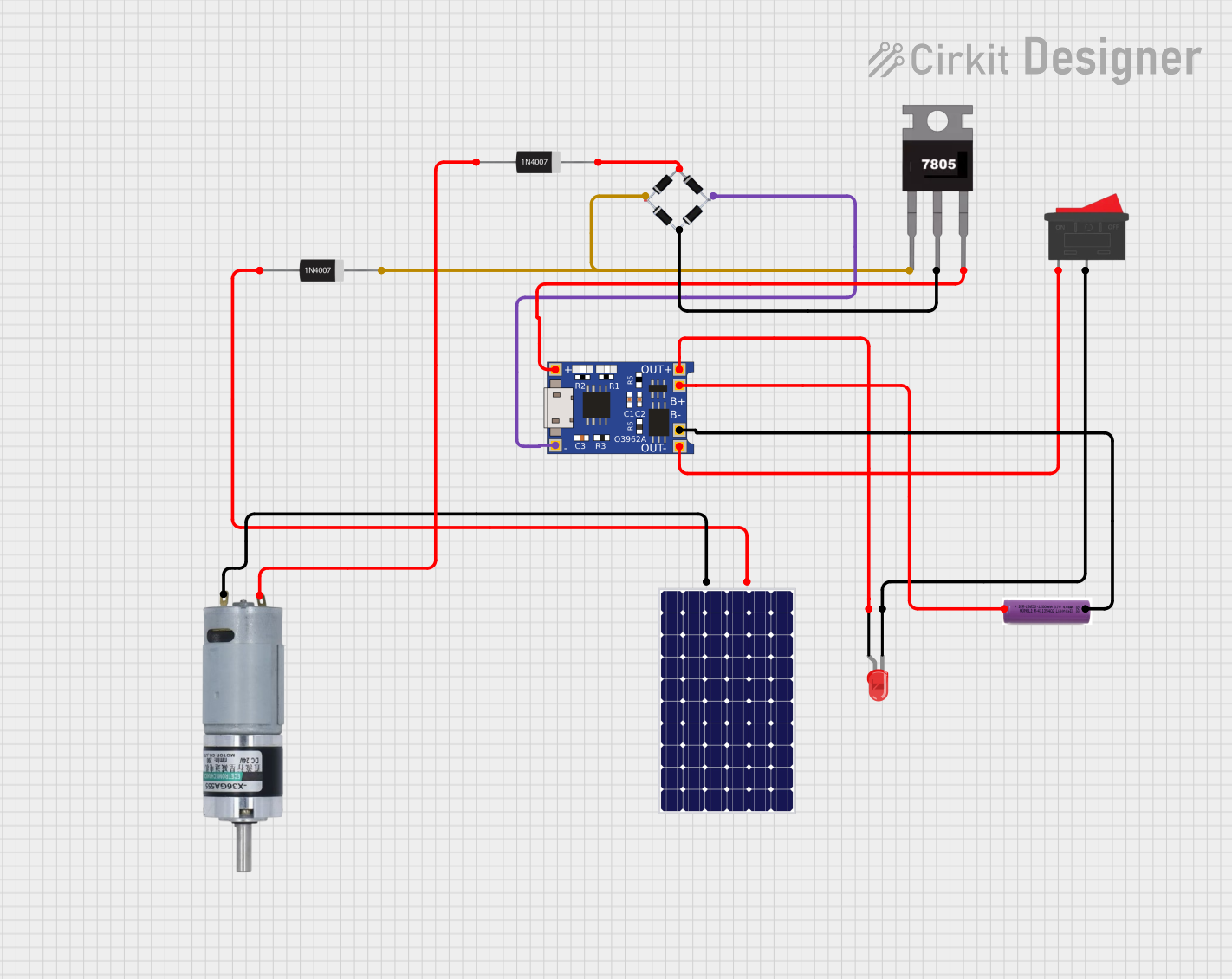
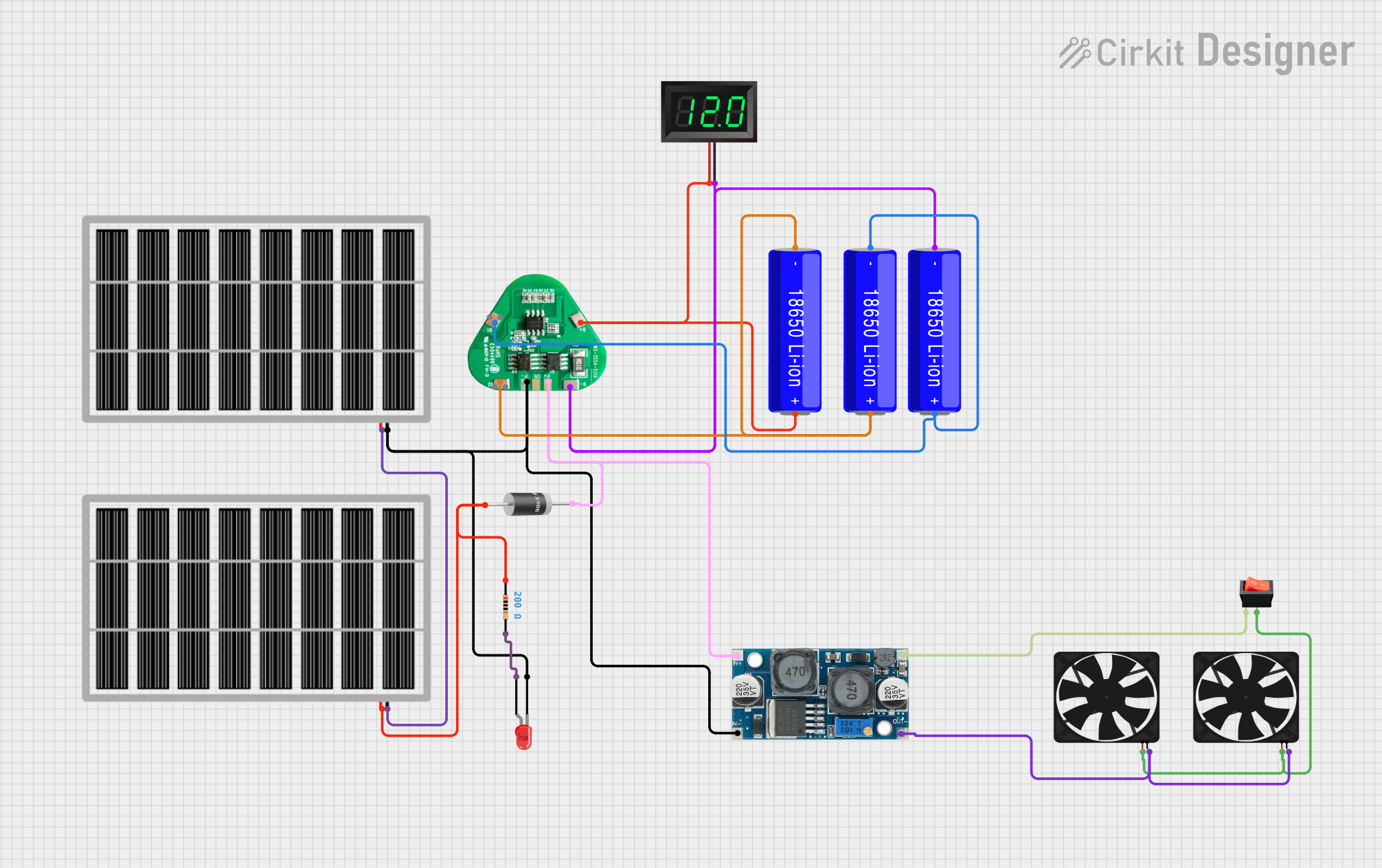
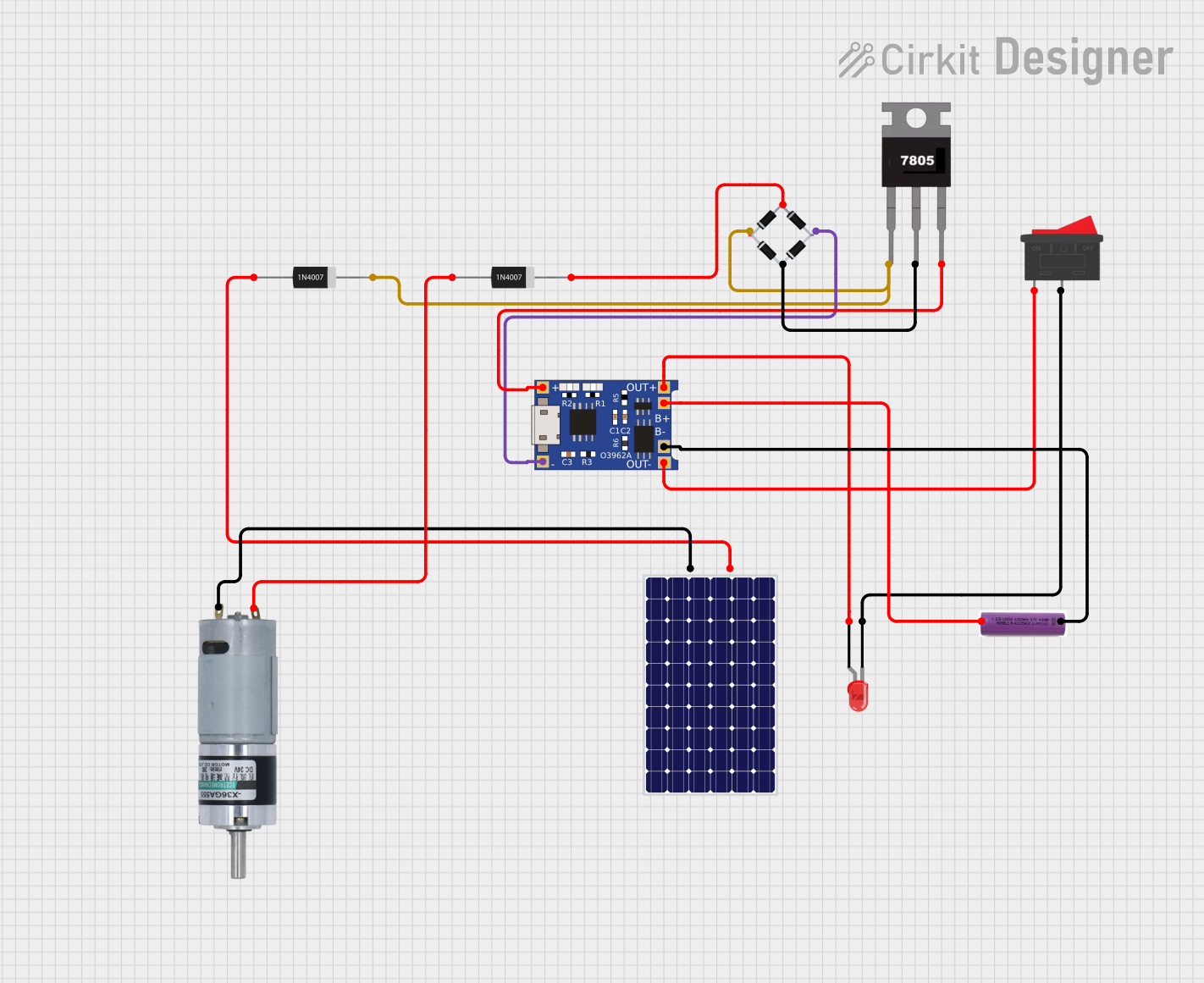
- Supplying energy for renewable energy storage systems (e.g., solar panels)
Explore Projects Built with battery
 Open Project in Cirkit Designer
 Open Project in Cirkit Designer
 Open Project in Cirkit Designer
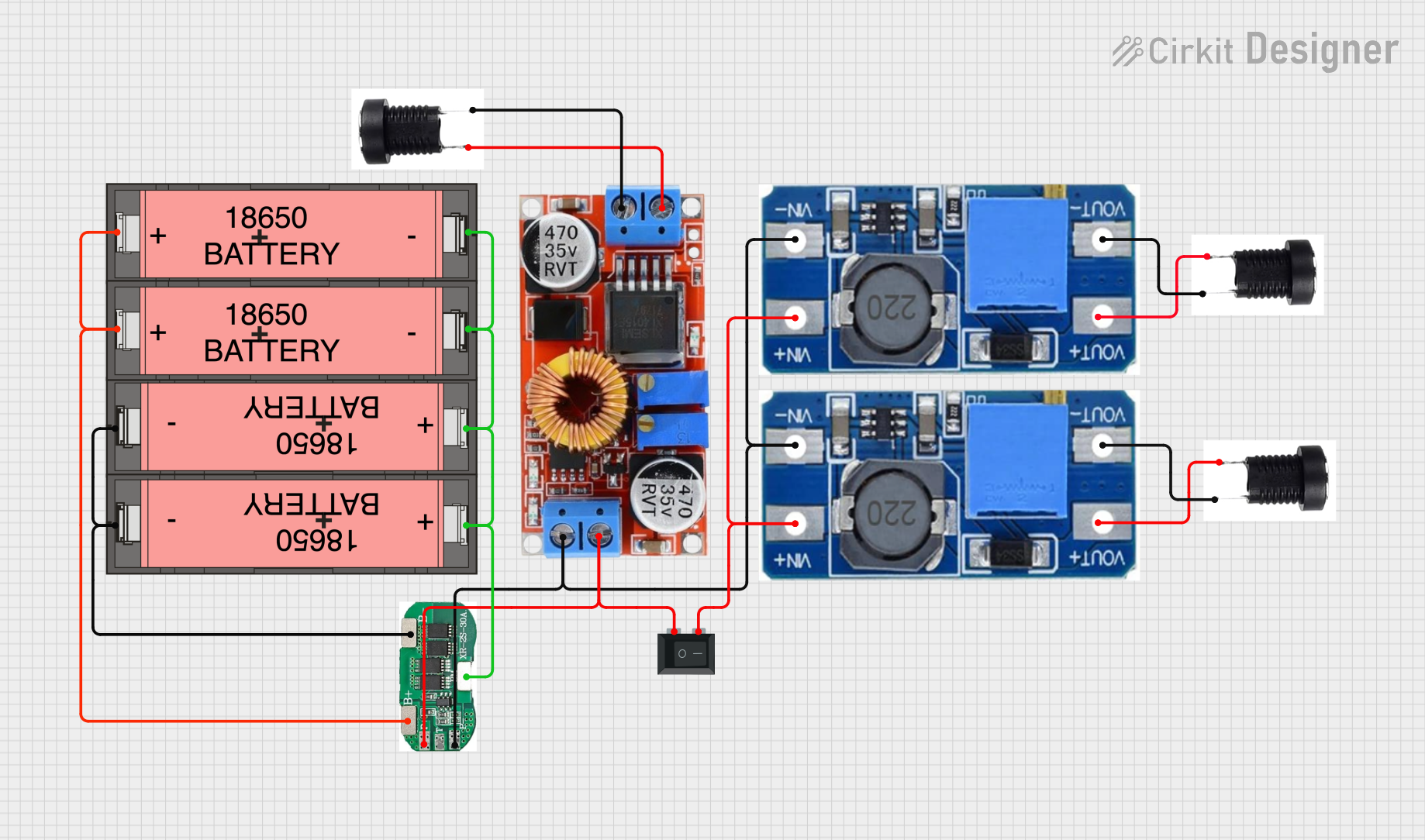 Open Project in Cirkit Designer
Explore Projects Built with battery
Open Project in Cirkit DesignerOpen Project in Cirkit DesignerOpen Project in Cirkit DesignerOpen Project in Cirkit DesignerTechnical Specifications
Batteries come in various types, each with unique characteristics. Below are general technical specifications for common battery types:
| Parameter | Description |
|---|---|
| Voltage (V) | Varies by type: 1.2V (NiMH), 1.5V (Alkaline), 3.7V (Li-ion), etc. |
| Capacity (mAh) | Energy storage capacity, typically ranging from 100 mAh to several thousand mAh |
| Chemistry | Common types: Alkaline, Lithium-ion (Li-ion), Nickel-Metal Hydride (NiMH), etc. |
| Rechargeability | Rechargeable (e.g., Li-ion, NiMH) or non-rechargeable (e.g., Alkaline) |
| Operating Temperature | Typical range: -20°C to 60°C, depending on the battery type |
| Cycle Life | Number of charge/discharge cycles for rechargeable batteries (e.g., 300-1000) |
Pin Configuration and Descriptions
For cylindrical batteries (e.g., AA, AAA, 18650), the pin configuration is as follows:
| Pin | Description |
|---|---|
| + | Positive terminal (anode) |
| - | Negative terminal (cathode) |
For battery packs with connectors, refer to the manufacturer's datasheet for pinout details.
Usage Instructions
How to Use a Battery in a Circuit
- Determine Voltage and Capacity Requirements: Ensure the battery's voltage matches the circuit's requirements. Check the capacity (mAh) to estimate runtime.
- Connect Terminals Correctly: Always connect the positive terminal of the battery to the positive rail of the circuit and the negative terminal to the ground.
- Use a Battery Holder or Connector: For safety and convenience, use a battery holder or connector to secure the battery in the circuit.
- Include Protection Components: For rechargeable batteries, include a protection circuit (e.g., a battery management system) to prevent overcharging, over-discharging, and short circuits.
Important Considerations and Best Practices
- Avoid Overloading: Do not draw more current than the battery's maximum rated output.
- Monitor Temperature: Avoid exposing the battery to extreme temperatures, as this can reduce performance and lifespan.
- Recharge Safely: Use a compatible charger for rechargeable batteries to prevent damage or safety hazards.
- Dispose Properly: Follow local regulations for disposing of batteries, especially rechargeable ones, to minimize environmental impact.
Example: Connecting a Battery to an Arduino UNO
Below is an example of powering an Arduino UNO using a 9V battery:
- Connect the positive terminal of the 9V battery to the Arduino's VIN pin.
- Connect the negative terminal of the battery to the Arduino's GND pin.
// Example code for Arduino UNO powered by a 9V battery
void setup() {
  // Initialize the built-in LED pin as an output
  pinMode(LED_BUILTIN, OUTPUT);
}

void loop() {
  // Blink the LED to indicate the Arduino is powered
  digitalWrite(LED_BUILTIN, HIGH); // Turn the LED on
  delay(1000);                     // Wait for 1 second
  digitalWrite(LED_BUILTIN, LOW);  // Turn the LED off
  delay(1000);                     // Wait for 1 second
}
Troubleshooting and FAQs
Common Issues
Battery Drains Quickly
- Cause: High current draw or a low-capacity battery.
- Solution: Use a higher-capacity battery or reduce the circuit's power consumption.
Battery Overheats
- Cause: Overloading or short circuit.
- Solution: Check the circuit for shorts and ensure the load does not exceed the battery's rated current.
Device Does Not Power On
- Cause: Incorrect polarity or depleted battery.
- Solution: Verify the battery's charge level and ensure correct terminal connections.
Rechargeable Battery Does Not Charge
- Cause: Faulty charger or damaged battery.
- Solution: Test with a different charger and inspect the battery for physical damage.
FAQs
Q: Can I use a higher voltage battery than specified for my device?
A: No, using a higher voltage battery can damage your device. Always use a battery with the recommended voltage.
Q: How do I store batteries safely?
A: Store batteries in a cool, dry place away from direct sunlight and flammable materials. For long-term storage, maintain a partial charge for rechargeable batteries.
Q: Can I mix different types of batteries in a device?
A: No, mixing battery types (e.g., Alkaline and NiMH) can cause uneven discharge and potential leakage.
Q: How do I know when to replace a battery?
A: Replace the battery when the device shows signs of low power (e.g., dim lights, slow operation) or if the battery is physically damaged.