
How to Use Геркон: Examples, Pinouts, and Specs
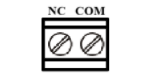
 Design with Геркон in Cirkit Designer
Introduction
The геркон, or reed switch, is an electromagnetic switch that operates in response to a magnetic field. It consists of two ferromagnetic contacts enclosed in a hermetically sealed glass tube. When a magnet is brought near the switch, the contacts close, allowing current to flow through the circuit. This simple yet effective mechanism makes the геркон a versatile component in various applications.
Explore Projects Built with Геркон
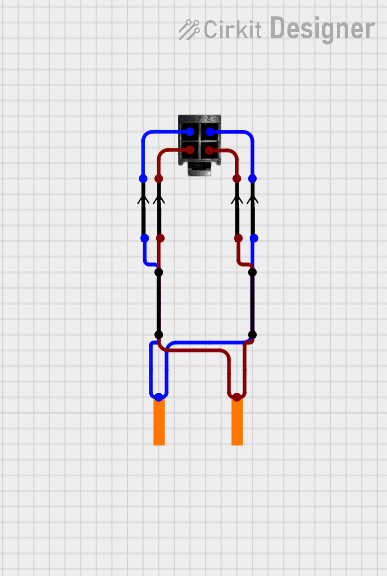 Open Project in Cirkit Designer
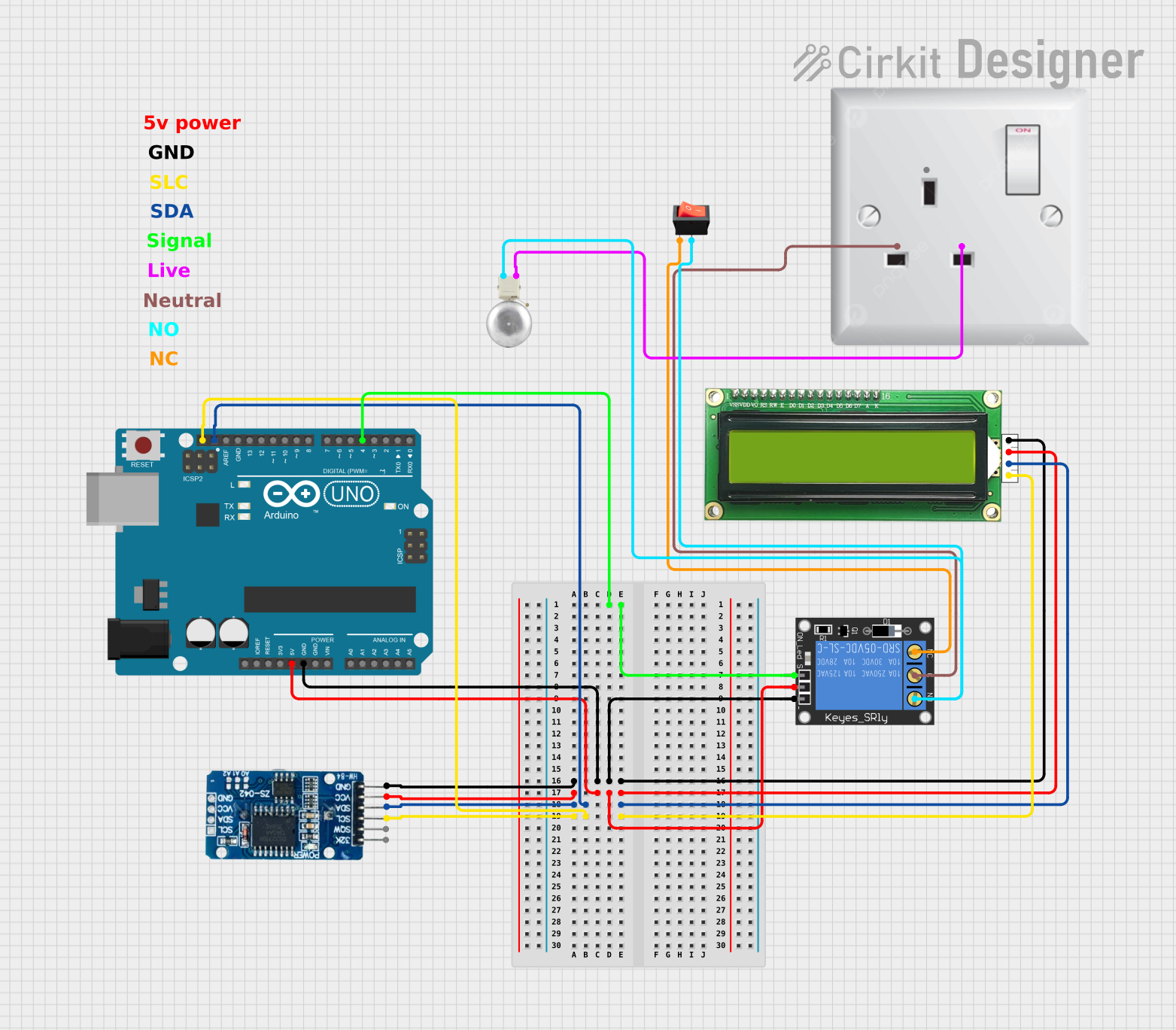 Open Project in Cirkit Designer
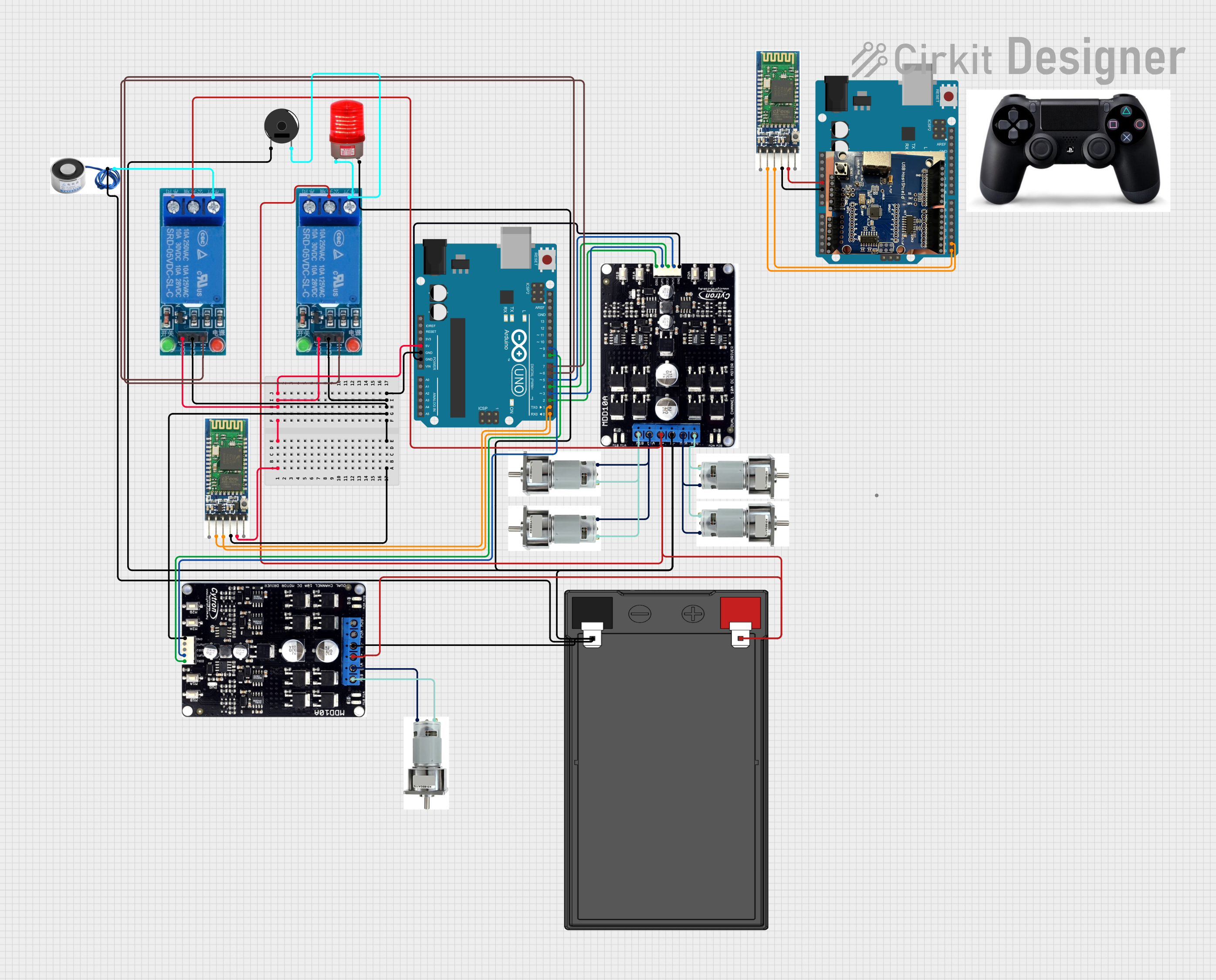 Open Project in Cirkit Designer
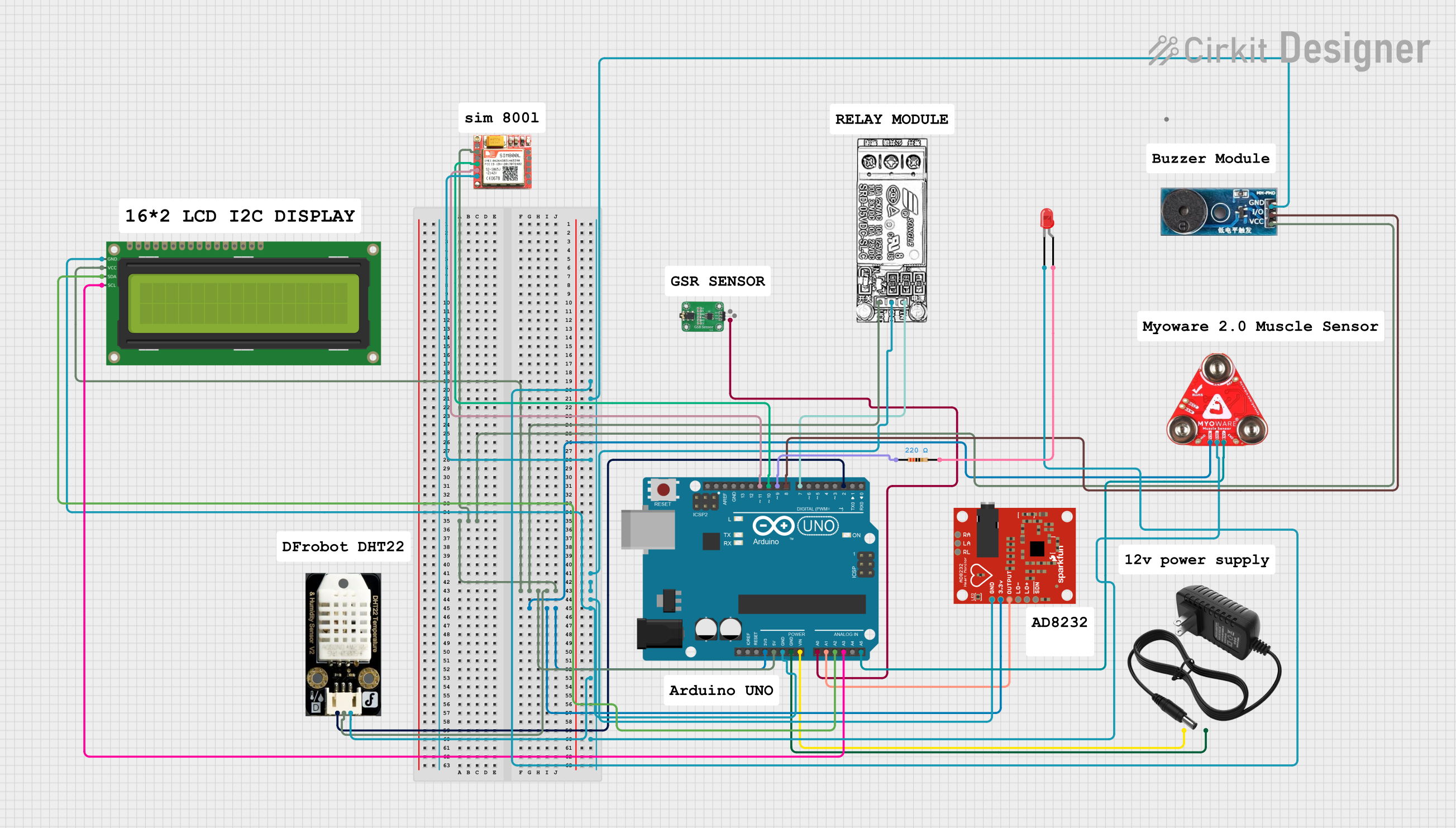 Open Project in Cirkit Designer
Explore Projects Built with Геркон
Open Project in Cirkit DesignerOpen Project in Cirkit DesignerOpen Project in Cirkit DesignerOpen Project in Cirkit DesignerCommon Applications and Use Cases
- Proximity sensing: Detecting the presence of a magnet in security systems, door sensors, and window alarms.
- Position sensing: Used in robotics and industrial automation to determine the position of moving parts.
- Switching circuits: Employed in low-power switching applications.
- Speed sensing: Found in bicycle speedometers and other rotational speed measurement devices.
- Home appliances: Used in washing machines, refrigerators, and other devices for safety and control.
Technical Specifications
Below are the key technical details of a typical геркон (reed switch):
| Parameter | Value |
|---|---|
| Contact Type | Normally Open (NO) or Normally Closed (NC) |
| Operating Voltage | 3V to 250V |
| Switching Current | 10mA to 3A |
| Contact Resistance | 50mΩ to 200mΩ |
| Insulation Resistance | >10⁹Ω |
| Operating Temperature | -40°C to +125°C |
| Response Time | 0.5ms to 2ms |
| Glass Tube Dimensions | Typically 10mm to 50mm in length |
Pin Configuration and Descriptions
The геркон has two leads (pins) extending from the glass tube. These leads are the electrical contacts of the switch.
| Pin | Description |
|---|---|
| Pin 1 | First contact of the reed switch |
| Pin 2 | Second contact of the reed switch |
Note: The polarity of the pins does not matter, as the геркон is a non-polarized component.
Usage Instructions
How to Use the Геркон in a Circuit
- Connect the геркон in series with the load or circuit you want to control. For example, connect one pin to the power source and the other pin to the load.
- Place a magnet near the геркон to close the contacts and allow current to flow.
- When the magnet is removed, the contacts will open, breaking the circuit.
Important Considerations and Best Practices
- Avoid excessive current: Ensure the current through the геркон does not exceed its rated switching current to prevent damage.
- Protect against voltage spikes: Use a flyback diode across inductive loads (e.g., relays or motors) to protect the геркон from voltage spikes.
- Mounting: Handle the glass tube carefully to avoid breakage. Use appropriate mounting hardware or enclosures for protection.
- Magnet selection: Use a magnet with sufficient strength to reliably activate the геркон. The activation distance depends on the magnet's strength and the геркон's sensitivity.
Example: Connecting a Геркон to an Arduino UNO
The following example demonstrates how to use a геркон with an Arduino UNO to detect the presence of a magnet.
Circuit Diagram
- Connect one pin of the геркон to a digital input pin (e.g., D2) on the Arduino.
- Connect the other pin of the геркон to the ground (GND).
- Use a pull-up resistor (10kΩ) between the digital input pin and the 5V supply.
Code Example
// Геркон (Reed Switch) Example with Arduino UNO
// This code reads the state of the геркон and turns on an LED when a magnet is detected.

const int reedSwitchPin = 2; // Pin connected to the геркон
const int ledPin = 13;       // Built-in LED pin on Arduino

void setup() {
  pinMode(reedSwitchPin, INPUT_PULLUP); // Set reed switch pin as input with pull-up
  pinMode(ledPin, OUTPUT);             // Set LED pin as output
  Serial.begin(9600);                  // Initialize serial communication
}

void loop() {
  int reedState = digitalRead(reedSwitchPin); // Read the state of the геркон

  if (reedState == LOW) { // If the геркон is activated (magnet present)
    digitalWrite(ledPin, HIGH); // Turn on the LED
    Serial.println("Magnet detected!");
  } else {
    digitalWrite(ledPin, LOW);  // Turn off the LED
    Serial.println("No magnet detected.");
  }

  delay(100); // Small delay for stability
}
Troubleshooting and FAQs
Common Issues and Solutions
The геркон does not activate when a magnet is near:
- Ensure the magnet is strong enough and positioned correctly.
- Check for loose or broken connections in the circuit.
- Verify that the геркон is not damaged (e.g., cracked glass tube).
The геркон remains closed even when the magnet is removed:
- Check if the геркон is rated for Normally Closed (NC) operation.
- Ensure there is no residual magnetism affecting the геркон.
The circuit behaves erratically:
- Use a pull-up or pull-down resistor to stabilize the input signal.
- Verify that the геркон is not exposed to excessive vibration or shock.
FAQs
Q: Can the геркон handle high currents?
A: No, the геркон is designed for low to moderate currents. For high-current applications, use the геркон to control a relay or transistor.
Q: How do I increase the activation distance of the геркон?
A: Use a stronger magnet or a геркон with higher sensitivity.
Q: Can the геркон be used in AC circuits?
A: Yes, as long as the voltage and current ratings of the геркон are not exceeded.
Q: Is the геркон affected by temperature?
A: The геркон operates reliably within its specified temperature range (-40°C to +125°C).