
How to Use NI USB 6009: Examples, Pinouts, and Specs
 Design with NI USB 6009 in Cirkit Designer
Introduction
The NI USB-6009, manufactured by National Instruments (Part ID: USB609), is a multifunction data acquisition (DAQ) device designed for a wide range of measurement and control applications. It connects to a computer via USB, providing a compact and portable solution for data acquisition tasks. The device features analog input, analog output, digital I/O, and counter/timer capabilities, making it ideal for applications such as sensor measurement, signal generation, and basic control systems.
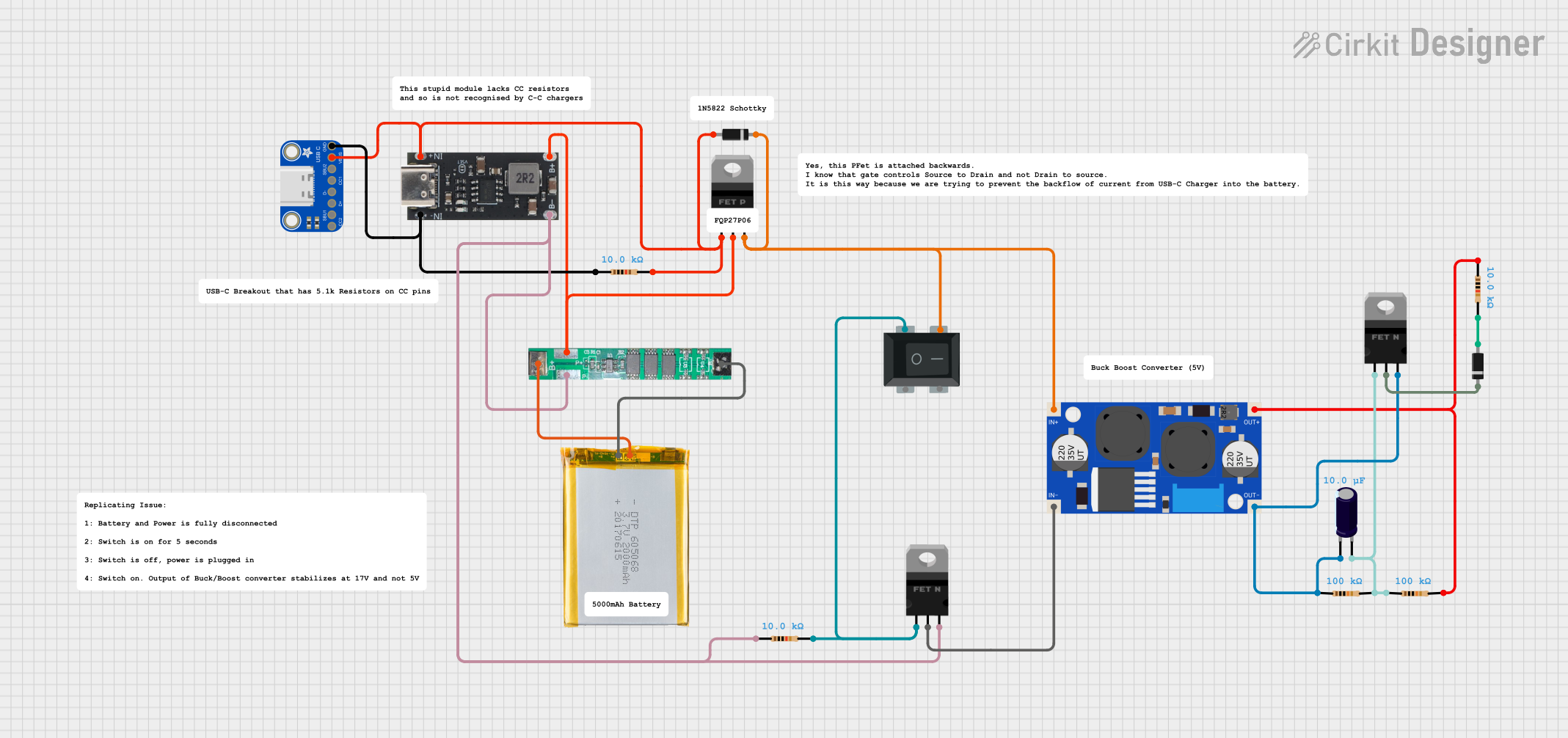
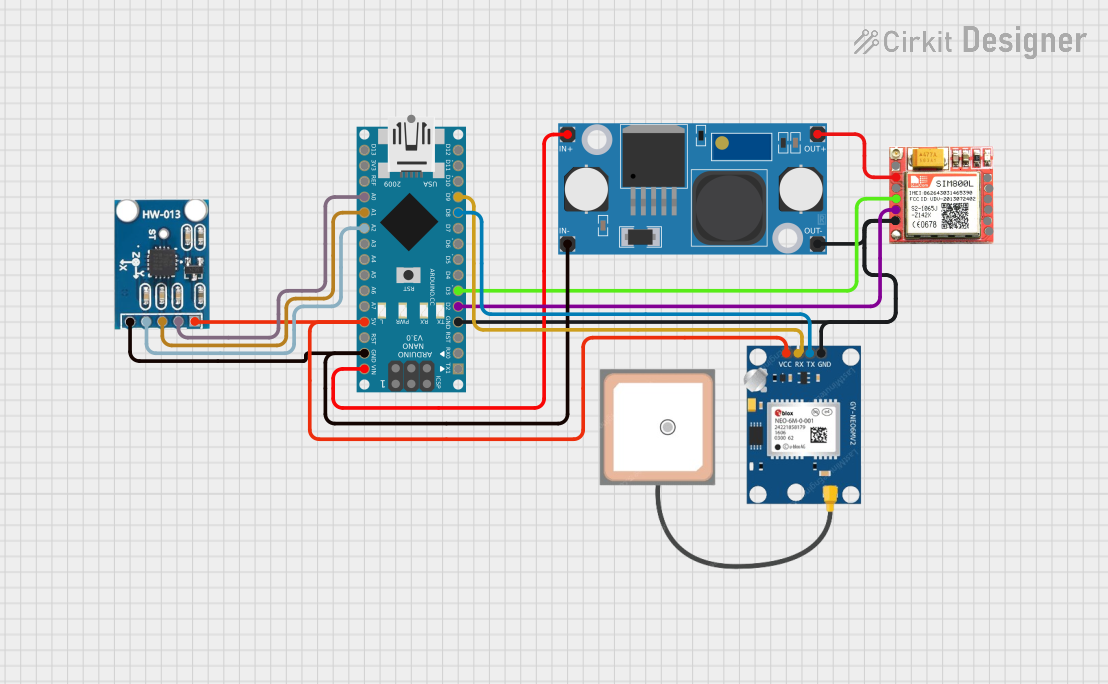
Explore Projects Built with NI USB 6009
 Open Project in Cirkit Designer
 Open Project in Cirkit Designer
 Open Project in Cirkit Designer
 Open Project in Cirkit Designer
Explore Projects Built with NI USB 6009
Open Project in Cirkit DesignerOpen Project in Cirkit DesignerOpen Project in Cirkit DesignerOpen Project in Cirkit DesignerCommon Applications
- Sensor data acquisition (e.g., temperature, pressure, or light sensors)
- Signal generation and waveform output
- Digital control and monitoring
- Prototyping and educational experiments
- Laboratory automation and testing
Technical Specifications
Key Technical Details
| Parameter | Specification |
|---|---|
| Analog Input Channels | 8 single-ended or 4 differential |
| Analog Input Resolution | 14 bits |
| Analog Input Range | ±10 V, ±5 V, ±2 V, ±1 V |
| Analog Input Sampling Rate | Up to 48 kS/s (aggregate) |
| Analog Output Channels | 2 |
| Analog Output Resolution | 12 bits |
| Analog Output Range | 0–5 V |
| Digital I/O Channels | 12 (TTL logic levels) |
| Counter/Timer Channels | 1 |
| USB Interface | USB 2.0 |
| Power Supply | USB-powered |
| Operating Temperature | 0 °C to 55 °C |
Pin Configuration and Descriptions
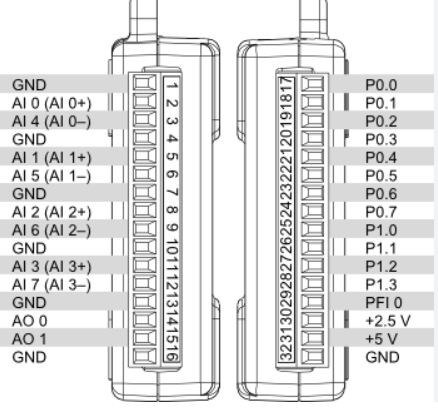
The NI USB-6009 features a 16-pin screw terminal for easy connectivity. Below is the pinout configuration:
Analog Input Pins
| Pin Number | Signal Name | Description |
|---|---|---|
| 1 | AI0 | Analog Input Channel 0 |
| 2 | AI1 | Analog Input Channel 1 |
| 3 | AI2 | Analog Input Channel 2 |
| 4 | AI3 | Analog Input Channel 3 |
| 5 | AI4 | Analog Input Channel 4 |
| 6 | AI5 | Analog Input Channel 5 |
| 7 | AI6 | Analog Input Channel 6 |
| 8 | AI7 | Analog Input Channel 7 |
Analog Output Pins
| Pin Number | Signal Name | Description |
|---|---|---|
| 9 | AO0 | Analog Output Channel 0 |
| 10 | AO1 | Analog Output Channel 1 |
Digital I/O Pins
| Pin Number | Signal Name | Description |
|---|---|---|
| 11 | DIO0 | Digital I/O Channel 0 |
| 12 | DIO1 | Digital I/O Channel 1 |
| 13 | DIO2 | Digital I/O Channel 2 |
| 14 | DIO3 | Digital I/O Channel 3 |
| 15 | DIO4 | Digital I/O Channel 4 |
| 16 | DIO5 | Digital I/O Channel 5 |
Usage Instructions
How to Use the NI USB-6009 in a Circuit
- Connect the Device to a Computer: Use the provided USB cable to connect the NI USB-6009 to a USB port on your computer. Ensure the device is recognized by the operating system.
- Install Required Software: Install the NI-DAQmx driver and software from the National Instruments website. This software provides the necessary tools and libraries to interface with the device.
- Connect Input/Output Signals:
- For analog inputs, connect the signal source to the appropriate AI pins.
- For analog outputs, connect the load or device to the AO pins.
- For digital I/O, connect the digital signals to the DIO pins.
- Configure the Device: Use the NI Measurement & Automation Explorer (MAX) software to configure the device settings, such as input range, sampling rate, and channel modes.
- Write and Run Code: Use a supported programming environment (e.g., LabVIEW, Python, or C++) to write code for data acquisition or signal generation.
Example Code for Analog Input (Python with NI-DAQmx)
Import the nidaqmx library for interfacing with the NI USB-6009
import nidaqmx from nidaqmx.constants import AcquisitionType
Create a task for analog input
with nidaqmx.Task() as task: # Add an analog input channel (AI0) with a voltage range of ±10 V task.ai_channels.add_ai_voltage_chan("Dev1/ai0", min_val=-10.0, max_val=10.0)
# Configure the task for continuous sampling
task.timing.cfg_samp_clk_timing(rate=1000,
                                sample_mode=AcquisitionType.CONTINUOUS)

print("Reading data from AI0...")

# Read and print 10 samples from the channel
data = task.read(number_of_samples_per_channel=10)
print("Analog Input Data:", data)
Important Considerations
- Grounding: Ensure proper grounding of the device and connected circuits to avoid noise or damage.
- Signal Conditioning: Use appropriate signal conditioning (e.g., filters or amplifiers) for accurate measurements.
- Sampling Rate: The maximum sampling rate is shared across all active channels. For example, if two channels are active, the effective rate per channel is halved.
- Power Supply: The device is USB-powered, so ensure the USB port provides sufficient power.
Troubleshooting and FAQs
Common Issues and Solutions
Device Not Recognized by the Computer:
- Ensure the USB cable is securely connected.
- Verify that the NI-DAQmx driver is installed correctly.
- Try connecting to a different USB port or restarting the computer.
Incorrect or No Data from Analog Inputs:
- Check the wiring and ensure the signal source is properly connected.
- Verify the input range and channel configuration in the software.
- Use a multimeter to confirm the signal source is functioning correctly.
Digital I/O Not Responding:
- Ensure the DIO pins are configured correctly as input or output in the software.
- Check the logic levels of the connected devices (TTL-compatible).
Sampling Rate Too Low:
- Reduce the number of active channels to increase the effective sampling rate per channel.
- Verify the sampling rate configuration in the software.
FAQs
Q: Can the NI USB-6009 be used with LabVIEW?
A: Yes, the NI USB-6009 is fully compatible with LabVIEW. Use the NI-DAQmx driver to create and configure tasks in LabVIEW.
Q: What is the maximum cable length for USB connectivity?
A: The maximum recommended USB cable length is 5 meters. For longer distances, use a USB hub or extender.
Q: Can I use the device with third-party programming languages like Python?
A: Yes, the NI USB-6009 can be used with Python via the nidaqmx library, which provides an interface to the NI-DAQmx driver.
Q: Is the device suitable for high-speed data acquisition?
A: The NI USB-6009 is designed for low- to medium-speed applications, with a maximum aggregate sampling rate of 48 kS/s. For higher speeds, consider other NI DAQ devices.
By following this documentation, users can effectively utilize the NI USB-6009 for their data acquisition and control needs.