
How to Use DS18B20 Waterproof Temperature Sensor: Examples, Pinouts, and Specs
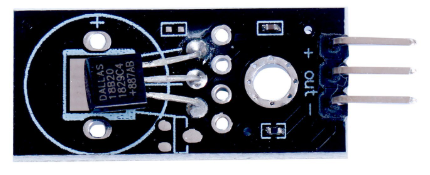
 Design with DS18B20 Waterproof Temperature Sensor in Cirkit Designer
Introduction
The DS18B20 is a digital temperature sensor manufactured by Maxim Integrated (or available as a generic equivalent). It is designed to provide accurate temperature readings in a durable, waterproof package, making it suitable for a wide range of applications. The sensor communicates using the 1-Wire protocol, which allows multiple sensors to share a single data line, simplifying wiring and reducing hardware requirements.
Explore Projects Built with DS18B20 Waterproof Temperature Sensor
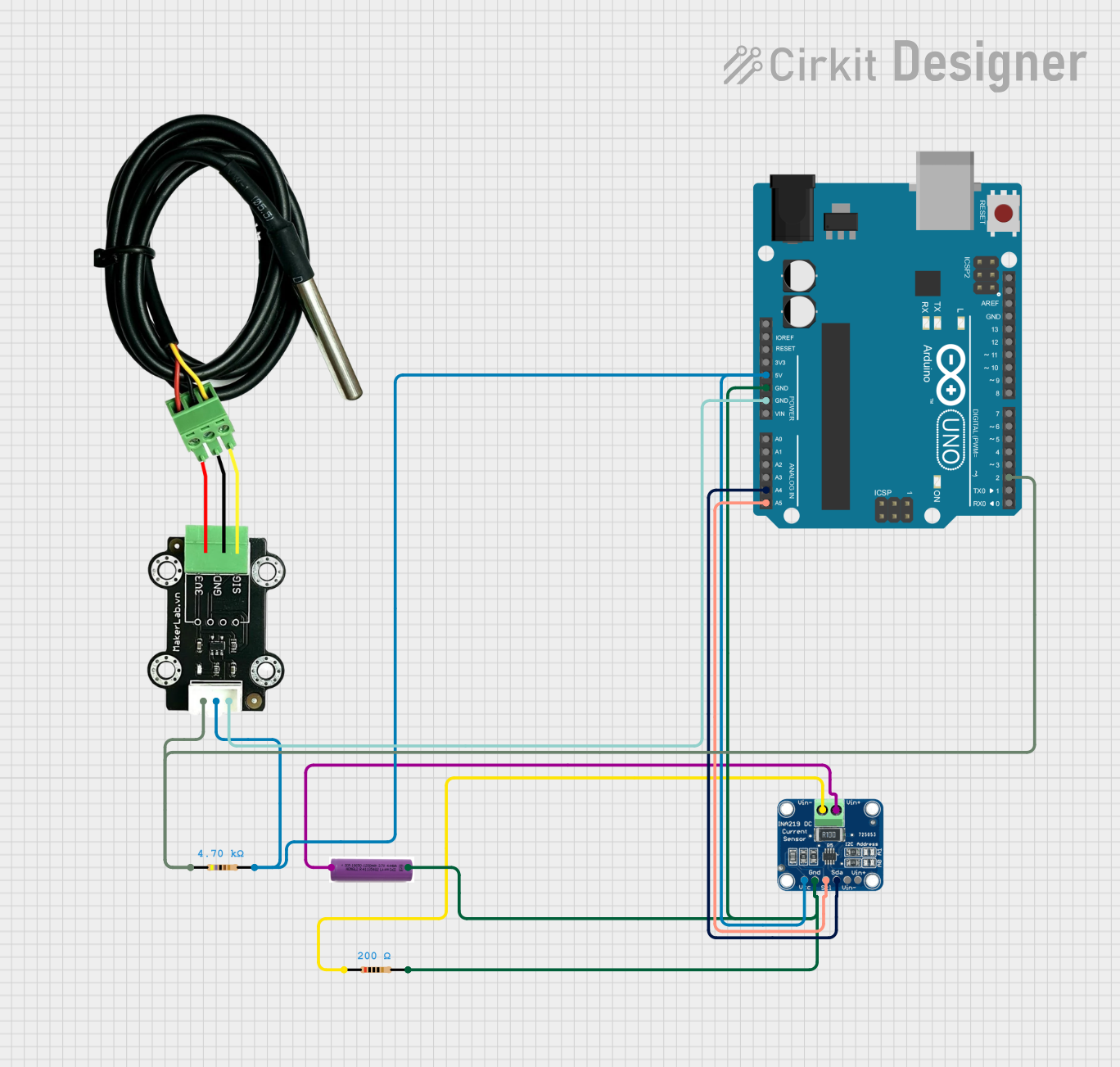 Open Project in Cirkit Designer
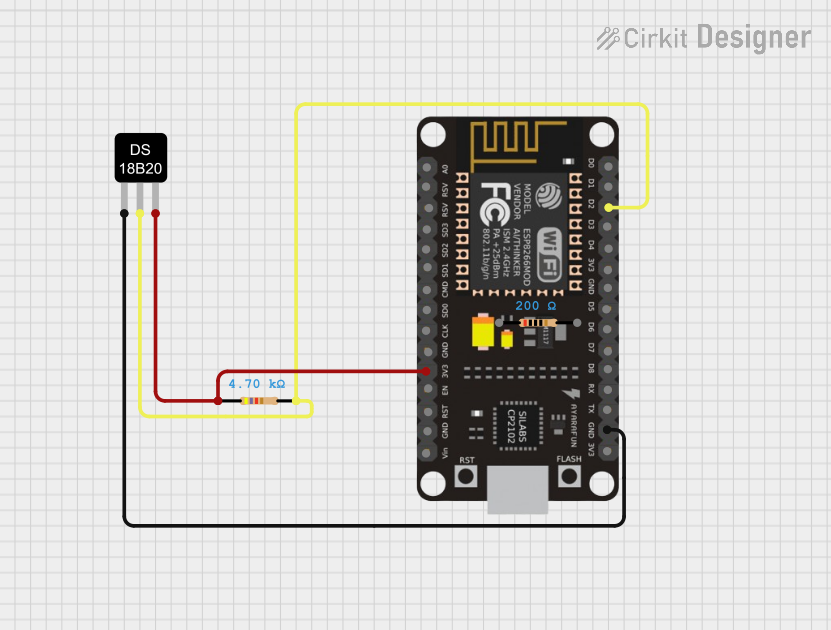 Open Project in Cirkit Designer
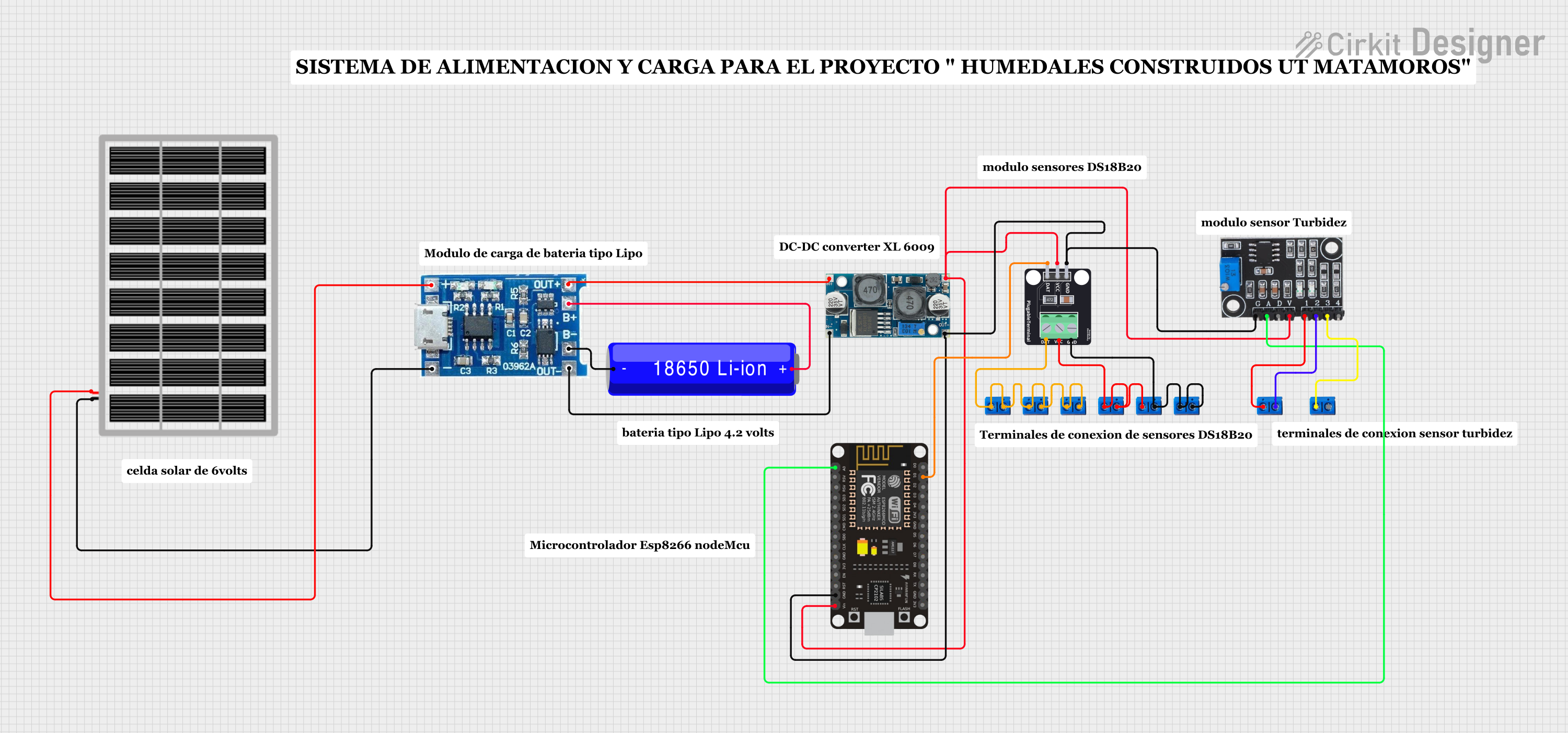 Open Project in Cirkit Designer
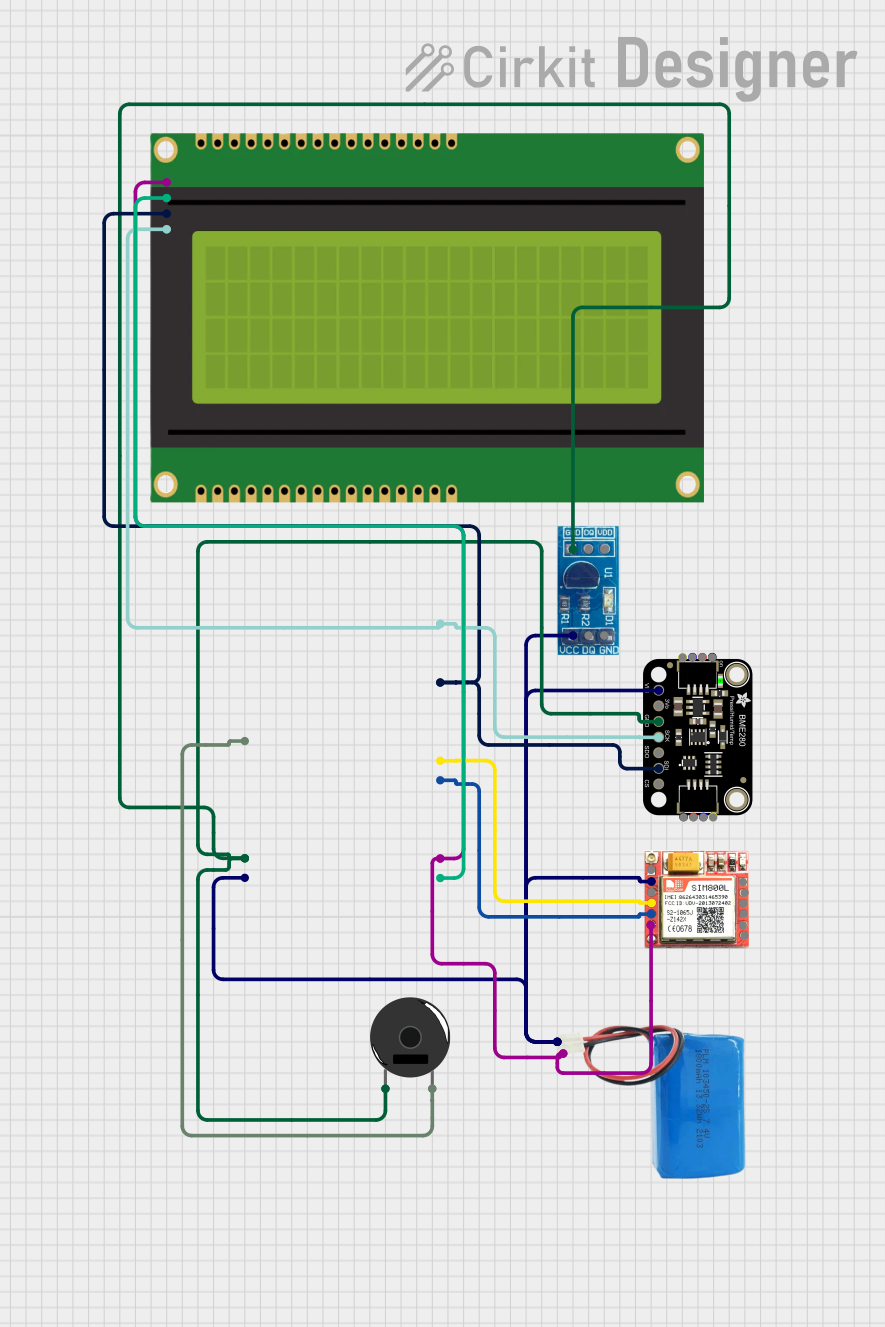 Open Project in Cirkit Designer
Explore Projects Built with DS18B20 Waterproof Temperature Sensor
Open Project in Cirkit DesignerOpen Project in Cirkit DesignerOpen Project in Cirkit DesignerOpen Project in Cirkit DesignerCommon Applications
- Weather monitoring systems
- Aquatic temperature measurement (e.g., aquariums, pools)
- Industrial temperature monitoring
- Home automation systems
- Soil temperature measurement in agriculture
Technical Specifications
The DS18B20 sensor is known for its precision and ease of use. Below are its key technical details:
| Parameter | Value |
|---|---|
| Operating Voltage | 3.0V to 5.5V |
| Temperature Range | -55°C to +125°C |
| Accuracy | ±0.5°C (from -10°C to +85°C) |
| Resolution | Programmable: 9-bit to 12-bit |
| Communication Protocol | 1-Wire |
| Waterproof Casing | Yes |
| Cable Length (typical) | 1m (varies by manufacturer) |
| Power Consumption | Low power (1mA active, 750nA standby) |
Pin Configuration and Descriptions
The DS18B20 sensor typically comes with three wires for connection:
| Wire Color | Pin Name | Description |
|---|---|---|
| Red | VDD | Power supply (3.0V to 5.5V) |
| Black | GND | Ground |
| Yellow | DQ | Data line for 1-Wire communication |
Note: Some manufacturers may use different wire colors. Always refer to the datasheet or product label for confirmation.
Usage Instructions
Connecting the DS18B20 to a Circuit
- Power Supply: Connect the red wire (VDD) to a 3.3V or 5V power source.
- Ground: Connect the black wire (GND) to the ground of your circuit.
- Data Line: Connect the yellow wire (DQ) to a digital input/output pin on your microcontroller. Use a 4.7kΩ pull-up resistor between the DQ line and the VDD line to ensure proper communication.
Example: Connecting to an Arduino UNO
Below is an example of how to connect the DS18B20 to an Arduino UNO:
- Red wire → 5V pin on Arduino
- Black wire → GND pin on Arduino
- Yellow wire → Digital pin 2 on Arduino (with a 4.7kΩ pull-up resistor to 5V)
Arduino Code Example
The following code demonstrates how to read temperature data from the DS18B20 using the DallasTemperature and OneWire libraries:
#include <OneWire.h>
#include <DallasTemperature.h>

// Pin where the DS18B20 data line is connected
#define ONE_WIRE_BUS 2

// Setup a oneWire instance to communicate with any OneWire devices
OneWire oneWire(ONE_WIRE_BUS);

// Pass the oneWire reference to DallasTemperature library
DallasTemperature sensors(&oneWire);

void setup() {
  Serial.begin(9600); // Initialize serial communication
  sensors.begin();    // Start the DS18B20 sensor
  Serial.println("DS18B20 Temperature Sensor Initialized");
}

void loop() {
  sensors.requestTemperatures(); // Request temperature readings
  float temperatureC = sensors.getTempCByIndex(0); // Get temperature in Celsius

  // Check if the reading is valid
  if (temperatureC != DEVICE_DISCONNECTED_C) {
    Serial.print("Temperature: ");
    Serial.print(temperatureC);
    Serial.println(" °C");
  } else {
    Serial.println("Error: Sensor not detected");
  }

  delay(1000); // Wait 1 second before the next reading
}
Important Considerations
- Pull-Up Resistor: Always use a 4.7kΩ pull-up resistor on the data line to ensure reliable communication.
- Cable Length: For longer cables, ensure proper shielding to avoid signal degradation.
- Power Supply: Ensure the sensor operates within its voltage range (3.0V to 5.5V).
- Multiple Sensors: When using multiple DS18B20 sensors on the same data line, each sensor must have a unique 64-bit ROM address.
Troubleshooting and FAQs
Common Issues and Solutions
Sensor Not Detected
- Cause: Missing or incorrect pull-up resistor.
- Solution: Verify the 4.7kΩ pull-up resistor is connected between the data line and VDD.
Incorrect Temperature Readings
- Cause: Power supply voltage is too low or unstable.
- Solution: Ensure the sensor is powered with a stable voltage between 3.0V and 5.5V.
Intermittent Communication Failures
- Cause: Long or unshielded cables causing signal interference.
- Solution: Use shorter cables or shielded wires for longer distances.
Multiple Sensors Not Working
- Cause: Address conflict or incorrect wiring.
- Solution: Ensure each sensor has a unique ROM address and verify wiring connections.
FAQs
Q1: Can the DS18B20 be submerged in water?
Yes, the waterproof version of the DS18B20 is designed for submersion. However, ensure the cable entry point is sealed to prevent water ingress.
Q2: How many DS18B20 sensors can be connected to a single data line?
Theoretically, up to 100 sensors can be connected to a single data line, but practical limits depend on cable length and power supply.
Q3: Can the DS18B20 measure negative temperatures?
Yes, the DS18B20 can measure temperatures as low as -55°C.
Q4: What is the default resolution of the DS18B20?
The default resolution is 12-bit, providing a temperature resolution of 0.0625°C.
Q5: Is the DS18B20 compatible with 3.3V systems?
Yes, the DS18B20 operates with voltages as low as 3.0V, making it compatible with 3.3V systems like ESP32 and Raspberry Pi.
By following this documentation, you can effectively integrate the DS18B20 waterproof temperature sensor into your projects for reliable and accurate temperature measurements.