
How to Use Battery : Examples, Pinouts, and Specs
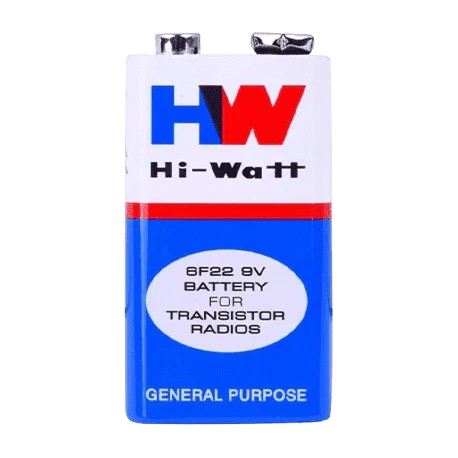
 Design with Battery in Cirkit Designer
Introduction
A battery is a device that stores electrical energy in chemical form and converts it into electrical energy to power electronic circuits. Batteries are essential components in a wide range of applications, from portable electronics and electric vehicles to backup power systems and renewable energy storage. They are available in various types, such as alkaline, lithium-ion, nickel-metal hydride (NiMH), and lead-acid, each suited for specific use cases.
Common applications of batteries include:
- Powering portable devices like smartphones, laptops, and cameras.
- Providing backup power for uninterruptible power supplies (UPS).
- Storing energy in renewable energy systems (e.g., solar panels).
- Powering electric vehicles and robotics.
Explore Projects Built with Battery
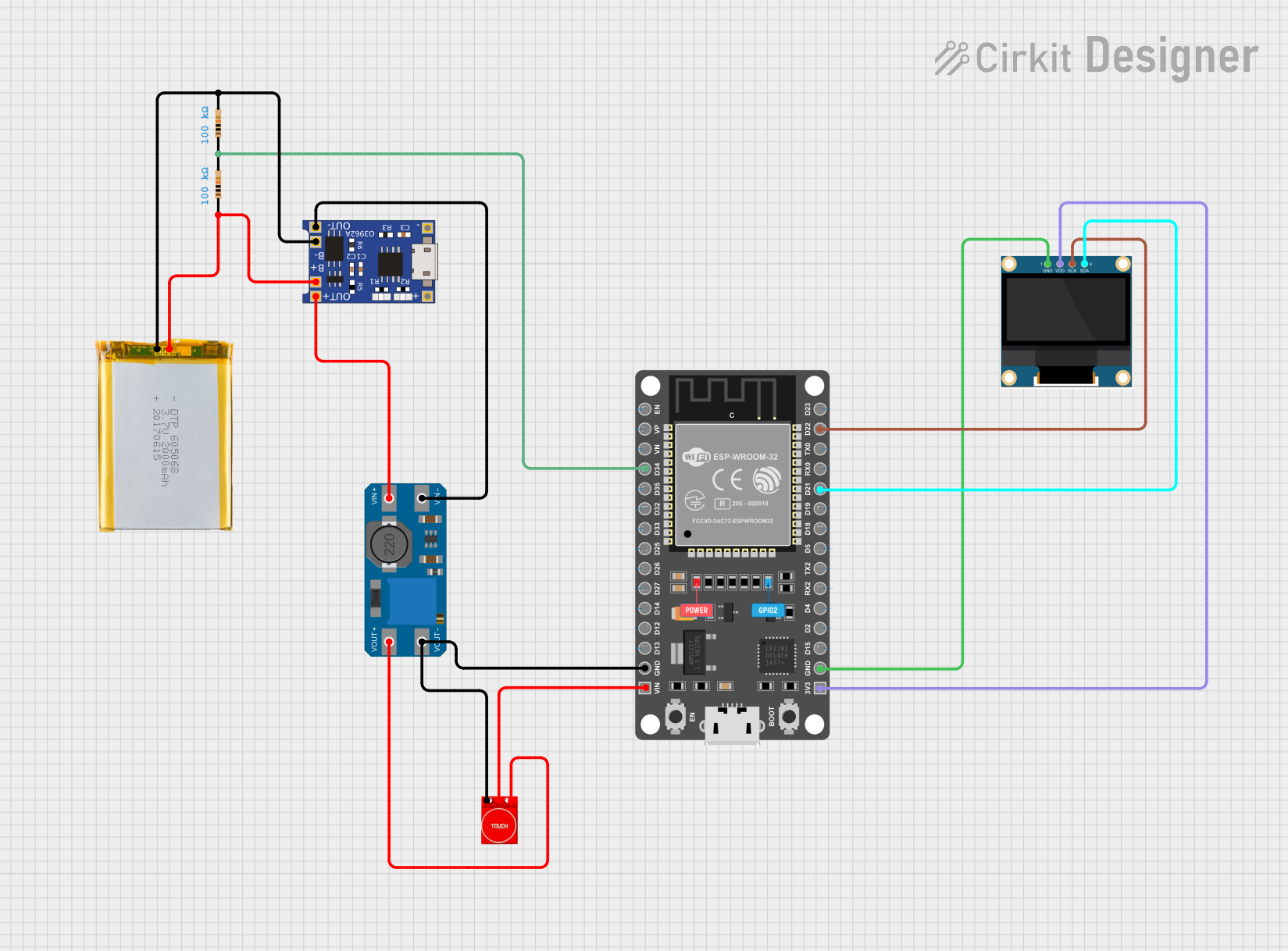 Open Project in Cirkit Designer
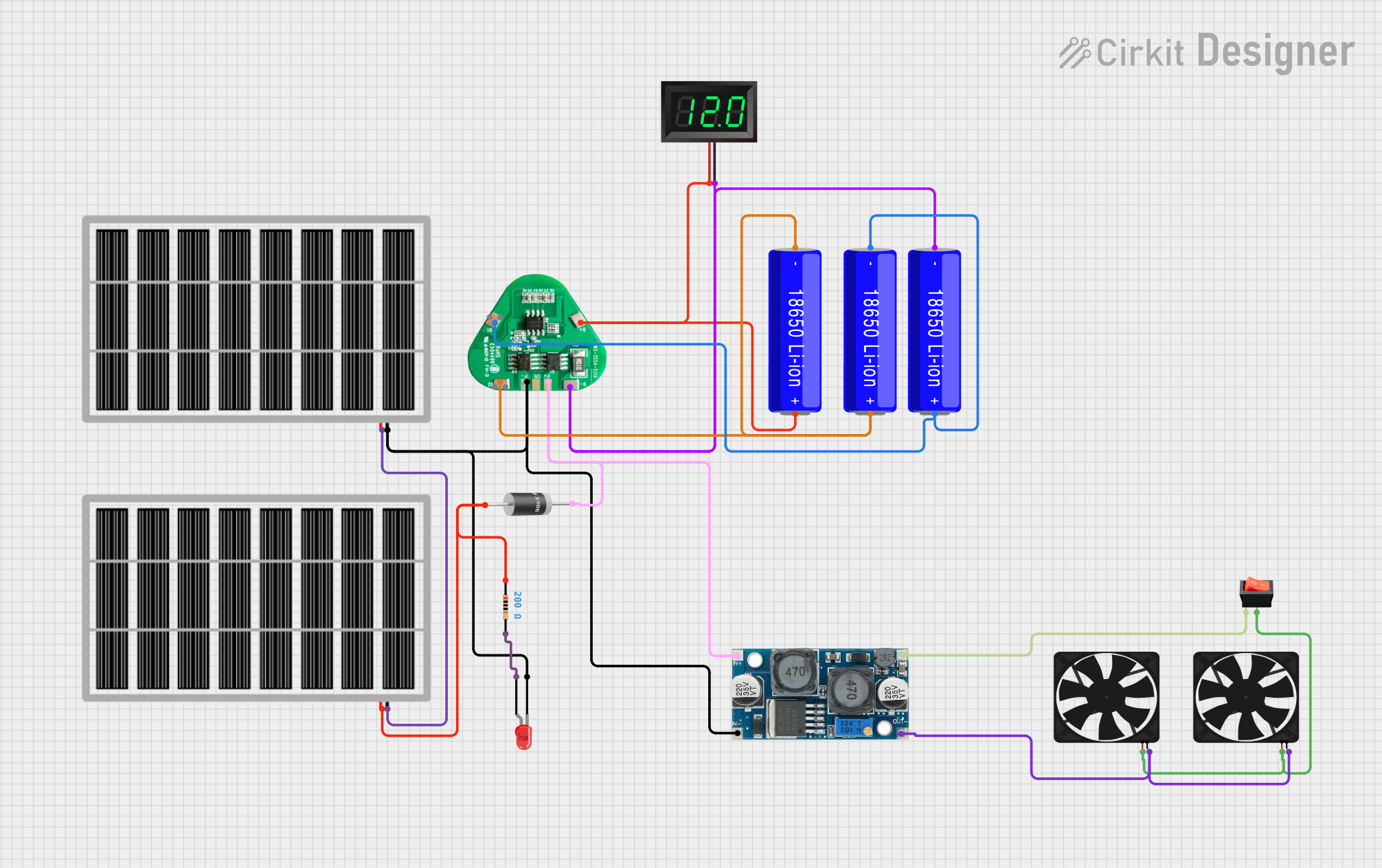 Open Project in Cirkit Designer
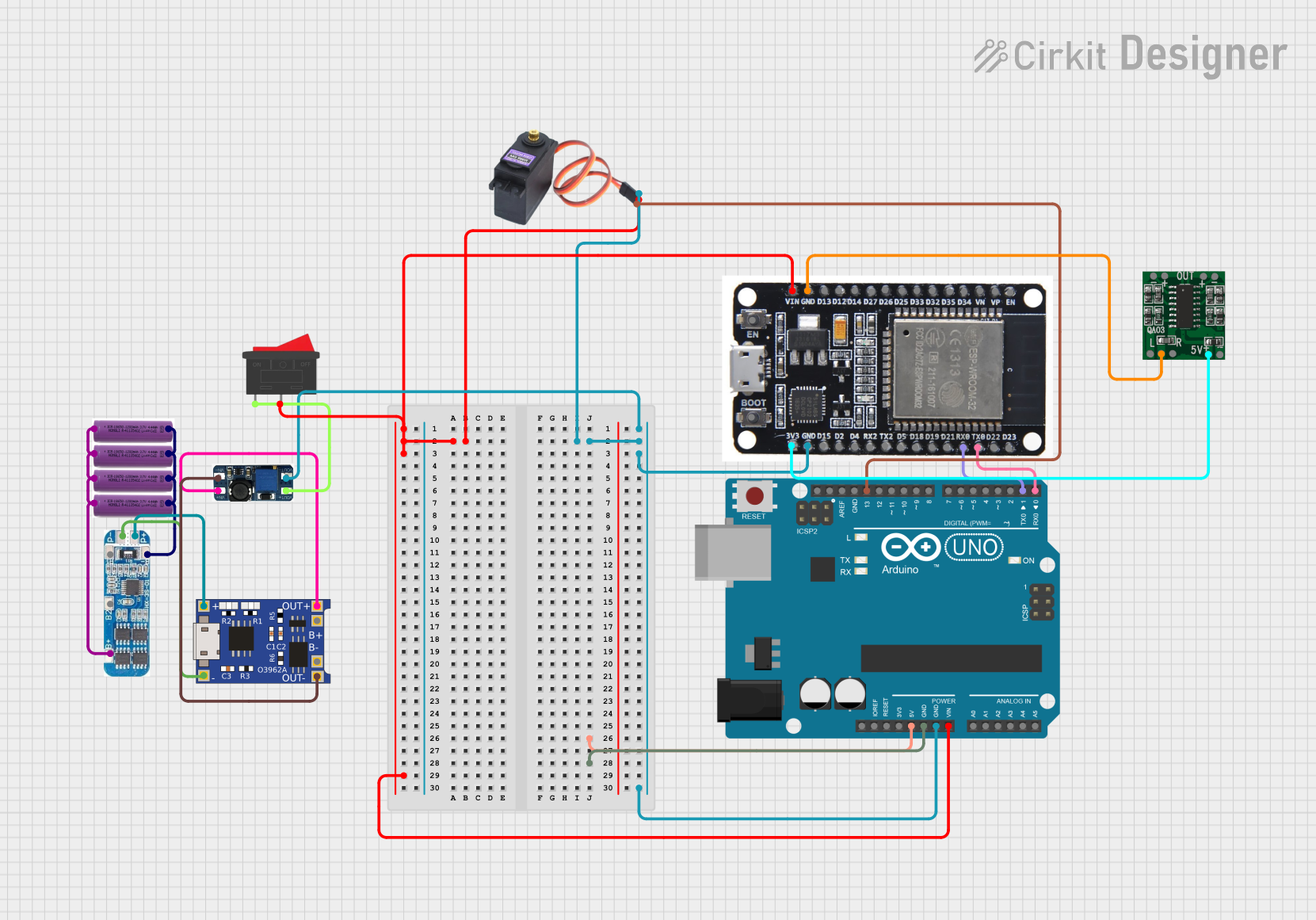 Open Project in Cirkit Designer
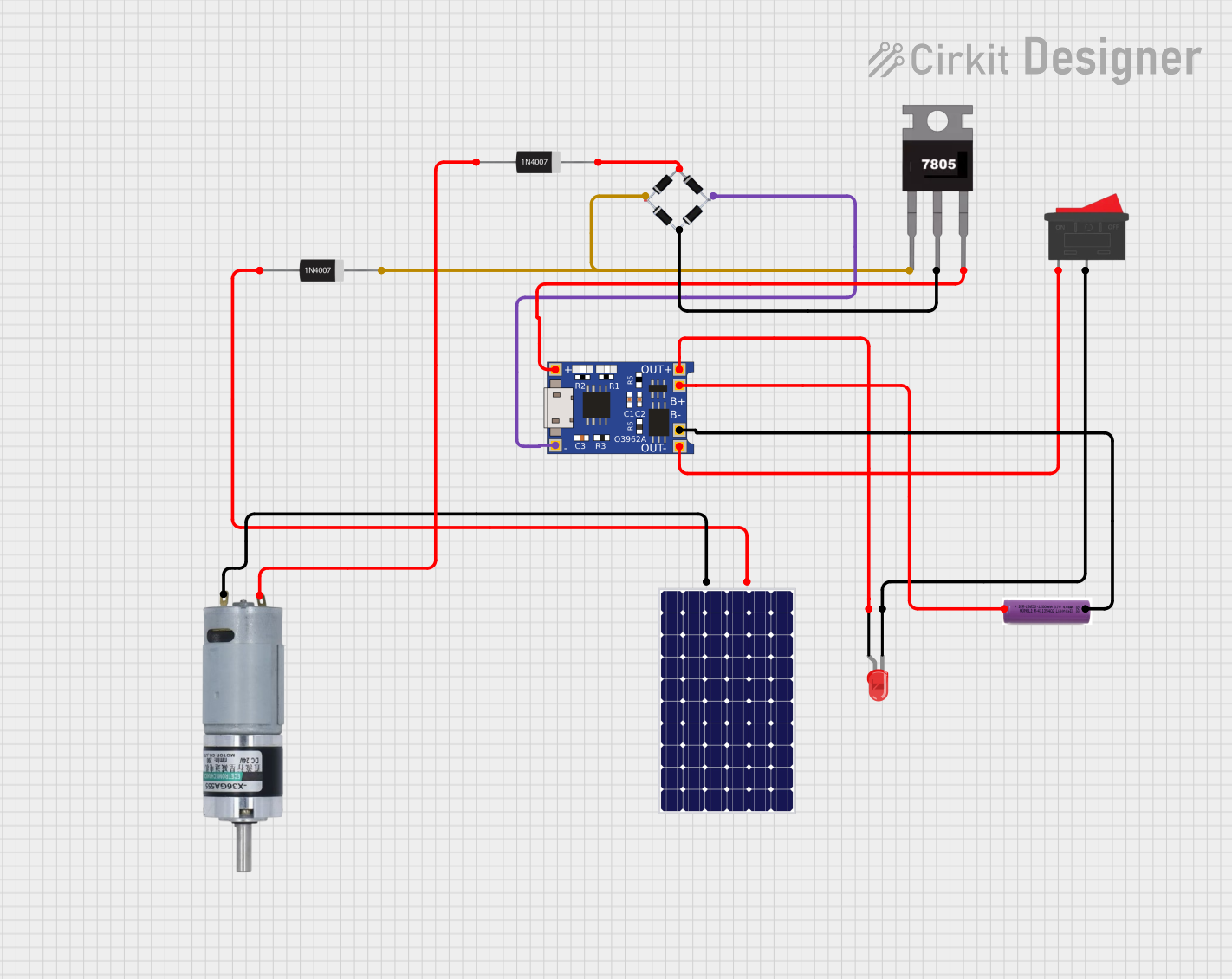 Open Project in Cirkit Designer
Explore Projects Built with Battery
Open Project in Cirkit DesignerOpen Project in Cirkit DesignerOpen Project in Cirkit DesignerOpen Project in Cirkit DesignerTechnical Specifications
The technical specifications of a battery vary depending on its type and intended application. Below are general specifications for a typical lithium-ion battery, one of the most commonly used types:
| Parameter | Specification |
|---|---|
| Nominal Voltage | 3.7V |
| Capacity | 1000mAh to 5000mAh (varies by model) |
| Maximum Discharge Rate | 1C to 3C (varies by model) |
| Charging Voltage | 4.2V (typical for lithium-ion) |
| Operating Temperature | -20°C to 60°C |
| Cycle Life | 300 to 1000 cycles |
Pin Configuration and Descriptions
For rechargeable batteries with integrated protection circuits, the pin configuration is typically as follows:
| Pin | Label | Description |
|---|---|---|
| 1 | + (Positive) | Positive terminal for power output. |
| 2 | - (Negative) | Negative terminal for power output. |
| 3 | T (Thermistor) | Optional pin for temperature monitoring (if available). |
Note: Non-rechargeable batteries (e.g., alkaline) typically have only two terminals: positive (+) and negative (-).
Usage Instructions
How to Use a Battery in a Circuit
- Determine Voltage and Capacity Requirements: Ensure the battery's voltage and capacity match the requirements of your circuit.
- Connect the Terminals Correctly: Connect the positive terminal of the battery to the positive rail of the circuit and the negative terminal to the ground rail.
- Use a Battery Holder or Connector: For safety and convenience, use a battery holder or connector to secure the battery in place.
- Include Protection Components: Add components like diodes, fuses, or battery management systems (BMS) to prevent overcharging, over-discharging, or short circuits.
- Monitor Battery Voltage: Use a voltage divider or dedicated battery monitoring IC to track the battery's charge level.
Important Considerations and Best Practices
- Avoid Overcharging or Over-discharging: Use a charger designed for the specific battery type to prevent damage.
- Temperature Management: Avoid exposing the battery to extreme temperatures, as this can reduce its lifespan or cause safety hazards.
- Storage: Store batteries in a cool, dry place when not in use. For lithium-ion batteries, maintain a charge level of around 40-60% during long-term storage.
- Recycling: Dispose of batteries responsibly by recycling them at designated facilities.
Example: Connecting a Battery to an Arduino UNO
Below is an example of powering an Arduino UNO using a 9V battery:
Circuit Setup
- Connect the positive terminal of the 9V battery to the Arduino's VIN pin.
- Connect the negative terminal of the battery to the Arduino's GND pin.
Sample Code
// This code reads the battery voltage using an analog pin and displays it
// on the serial monitor. Ensure a voltage divider is used to step down
// the battery voltage if it exceeds the Arduino's input range.

const int batteryPin = A0; // Analog pin connected to the voltage divider
const float voltageDividerRatio = 2.0; // Adjust based on your resistor values
const float referenceVoltage = 5.0; // Arduino's reference voltage (5V for UNO)

void setup() {
  Serial.begin(9600); // Initialize serial communication
}

void loop() {
  int rawValue = analogRead(batteryPin); // Read the analog value
  float batteryVoltage = (rawValue / 1023.0) * referenceVoltage * voltageDividerRatio;

  // Print the battery voltage to the serial monitor
  Serial.print("Battery Voltage: ");
  Serial.print(batteryVoltage);
  Serial.println(" V");

  delay(1000); // Wait for 1 second before the next reading
}
Troubleshooting and FAQs
Common Issues
Battery Drains Quickly:
- Cause: High current draw or a faulty battery.
- Solution: Check the circuit's current consumption and replace the battery if necessary.
Battery Overheats:
- Cause: Overcharging, short circuit, or high discharge rate.
- Solution: Use a proper charger and ensure the circuit's current draw is within the battery's limits.
Battery Does Not Charge:
- Cause: Faulty charger or damaged battery.
- Solution: Test the charger with another battery and replace the battery if needed.
Voltage Drops Under Load:
- Cause: Insufficient capacity or high internal resistance.
- Solution: Use a battery with a higher capacity or lower internal resistance.
FAQs
Q: Can I use any charger for my battery?
- A: No, always use a charger designed for the specific type and voltage of your battery.
Q: How do I know when my battery is fully charged?
- A: Most chargers have an indicator light or stop charging automatically when the battery is full.
Q: Can I connect batteries in series or parallel?
- A: Yes, connecting in series increases voltage, while connecting in parallel increases capacity. Ensure all batteries are of the same type and charge level.
Q: How do I safely dispose of a battery?
- A: Take the battery to a recycling facility or follow local regulations for battery disposal.