
How to Use STM32: Examples, Pinouts, and Specs
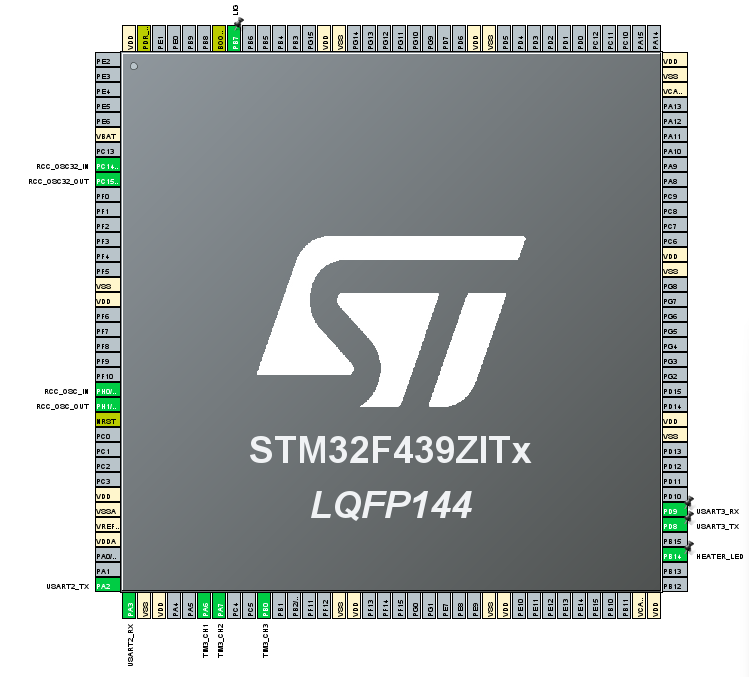
 Design with STM32 in Cirkit Designer
Introduction
The STM32 is a family of 32-bit microcontrollers developed by STMicroelectronics. These microcontrollers are based on the ARM Cortex-M core architecture, offering a balance of high performance, low power consumption, and a rich set of peripherals. The STM32 family is widely used in embedded systems, including industrial automation, IoT devices, consumer electronics, and motor control applications.
Common applications and use cases include:
- Real-time control systems
- Internet of Things (IoT) devices
- Wearable technology
- Robotics and motor control
- Data acquisition and signal processing
Explore Projects Built with STM32
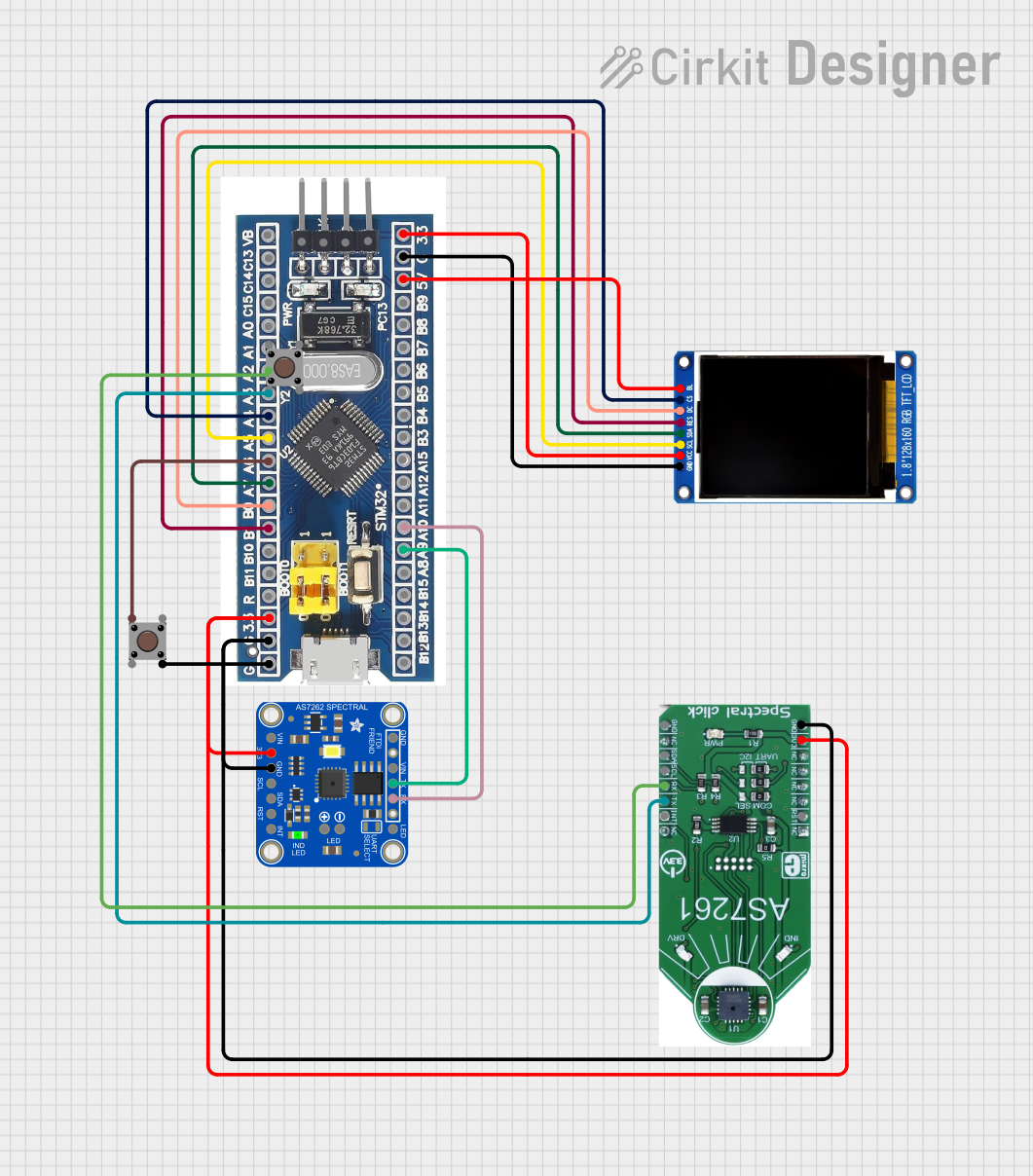 Open Project in Cirkit Designer
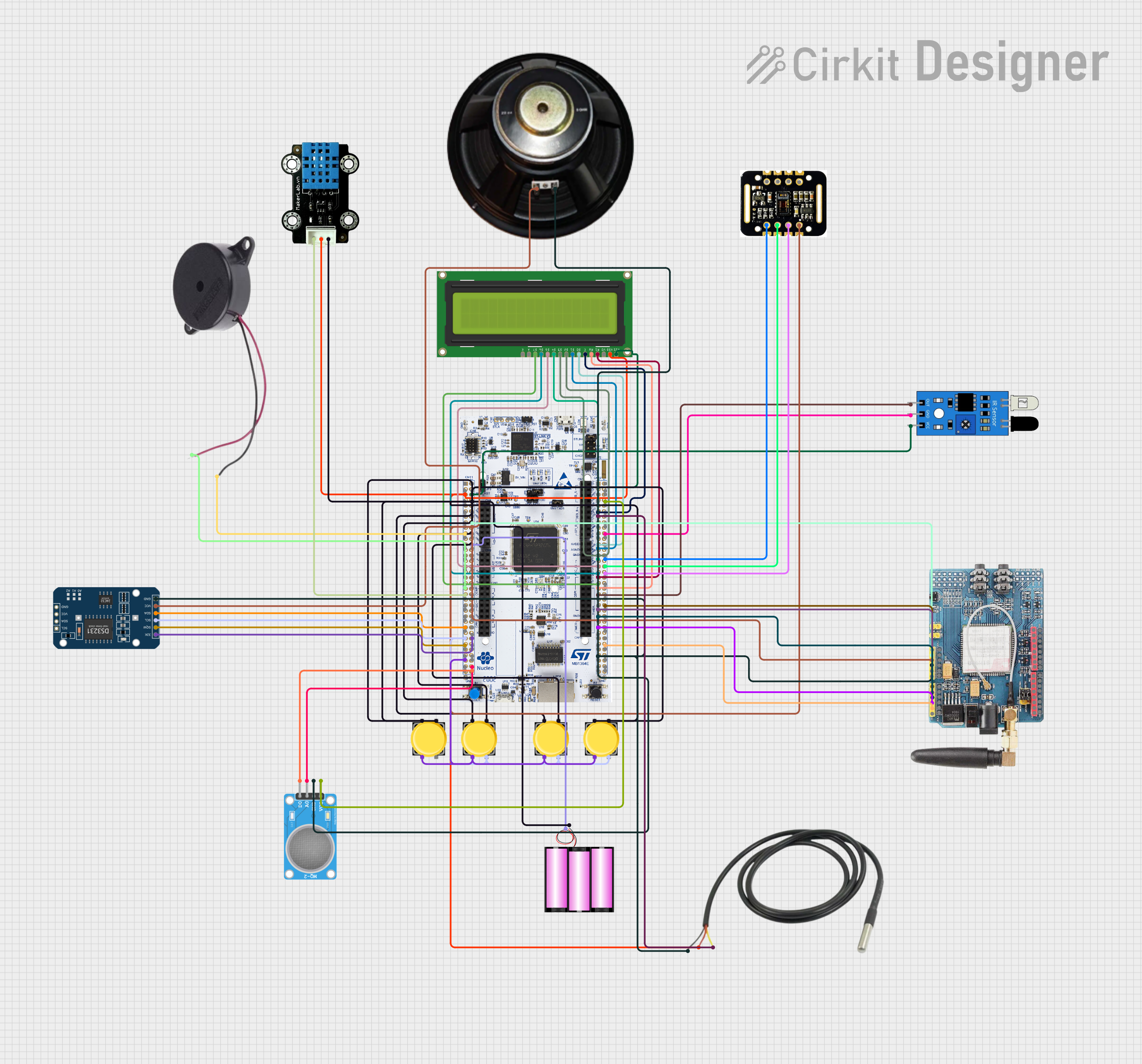 Open Project in Cirkit Designer
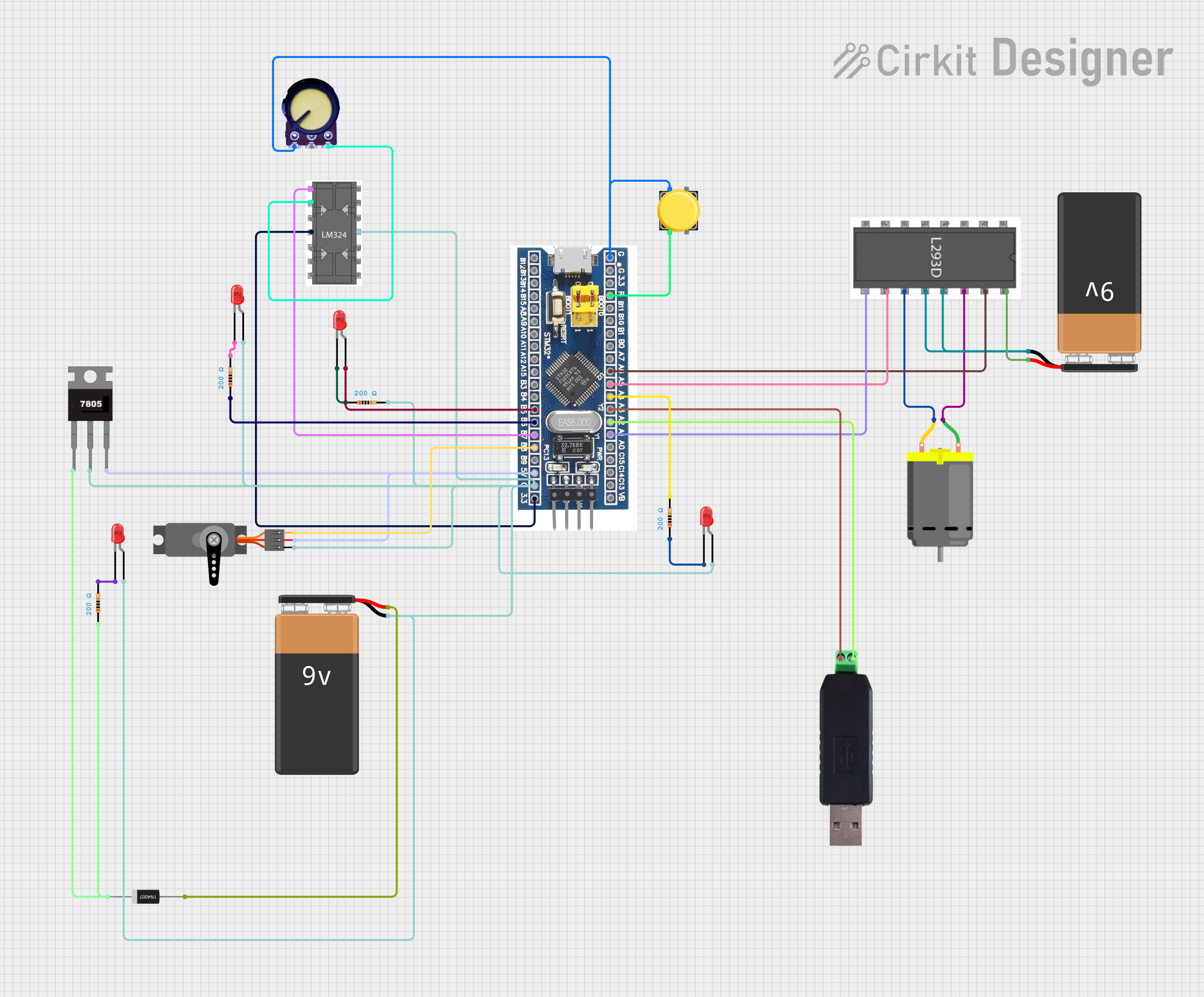 Open Project in Cirkit Designer
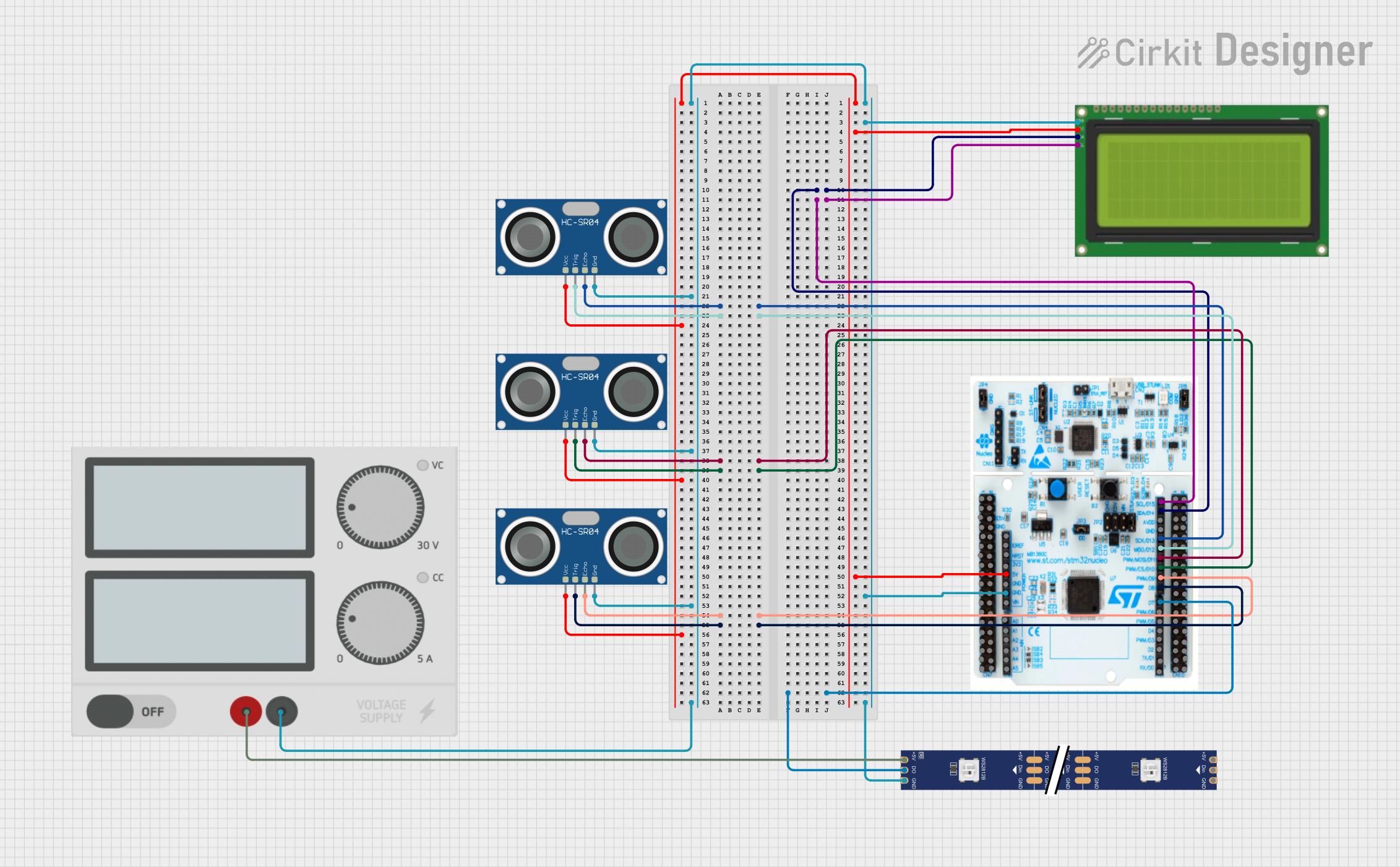 Open Project in Cirkit Designer
Explore Projects Built with STM32
Open Project in Cirkit DesignerOpen Project in Cirkit DesignerOpen Project in Cirkit DesignerOpen Project in Cirkit DesignerTechnical Specifications
The STM32 family includes a wide range of microcontrollers with varying specifications. Below are the general technical details for a typical STM32 microcontroller:
Key Technical Details
- Core: ARM Cortex-M (M0, M0+, M3, M4, or M7 depending on the model)
- Clock Speed: Up to 480 MHz (depending on the series)
- Flash Memory: 16 KB to 2 MB
- RAM: 4 KB to 1 MB
- Operating Voltage: 1.8V to 3.6V
- I/O Pins: Up to 168 GPIOs (depending on the package)
- Communication Interfaces: UART, SPI, I2C, CAN, USB, Ethernet
- Timers: General-purpose, advanced, and low-power timers
- ADC/DAC: Up to 24-bit ADC and 12-bit DAC
- Power Modes: Sleep, Stop, and Standby for low-power operation
Pin Configuration and Descriptions
The pin configuration varies depending on the specific STM32 model and package. Below is an example pinout for the STM32F103C8T6 microcontroller (commonly used in development boards like the "Blue Pill"):
| Pin Name | Function | Description |
|---|---|---|
| PA0-PA15 | GPIO, ADC, PWM, Alternate Func | General-purpose I/O pins with multiple functions |
| PB0-PB15 | GPIO, ADC, PWM, Alternate Func | General-purpose I/O pins with multiple functions |
| PC13-PC15 | GPIO | General-purpose I/O pins |
| VDD | Power Supply | Positive power supply (3.3V) |
| VSS | Ground | Ground connection |
| NRST | Reset | Active-low reset pin |
| BOOT0 | Boot Mode Selection | Selects boot mode (Flash, RAM, or System Memory) |
| USART1_TX | UART Transmit | Transmit data for UART communication |
| USART1_RX | UART Receive | Receive data for UART communication |
| SWDIO | Debug Interface | Serial Wire Debug I/O |
| SWCLK | Debug Clock | Serial Wire Debug Clock |
Refer to the datasheet of your specific STM32 model for the complete pinout and detailed descriptions.
Usage Instructions
How to Use the STM32 in a Circuit
- Power Supply: Connect the VDD pin to a 3.3V power source and the VSS pin to ground. Ensure the power supply is stable and within the operating voltage range.
- Clock Configuration: Use an external crystal oscillator (e.g., 8 MHz) or the internal RC oscillator for the system clock. Configure the clock settings in the firmware.
- Programming: Use an ST-Link programmer/debugger or a USB-to-serial adapter to upload firmware. The STM32 can be programmed using tools like STM32CubeIDE or the Arduino IDE (with STM32 support installed).
- Boot Mode Selection: Set the BOOT0 pin to select the desired boot mode:
- Flash memory: BOOT0 = 0
- System memory (for firmware upload): BOOT0 = 1
- Peripherals: Connect external devices (e.g., sensors, actuators) to the GPIO pins. Configure the pins in the firmware for the desired function (e.g., input, output, alternate function).
Important Considerations and Best Practices
- Decoupling Capacitors: Place decoupling capacitors (e.g., 0.1 µF) close to the VDD and VSS pins to reduce noise and improve stability.
- Debugging: Use the SWDIO and SWCLK pins for debugging and firmware upload. Ensure these pins are accessible in your circuit.
- Pull-Up/Down Resistors: Use pull-up or pull-down resistors on unused pins to prevent floating states.
- Low-Power Modes: Utilize the low-power modes (Sleep, Stop, Standby) to reduce power consumption in battery-powered applications.
Example Code for Arduino IDE
Below is an example of using the STM32 with the Arduino IDE to blink an LED connected to pin PA5:
// Blink an LED on STM32 (e.g., Blue Pill) using Arduino IDE

// Define the LED pin
#define LED_PIN PA5

void setup() {
  pinMode(LED_PIN, OUTPUT); // Set PA5 as an output pin
}

void loop() {
  digitalWrite(LED_PIN, HIGH); // Turn the LED on
  delay(500);                 // Wait for 500 milliseconds
  digitalWrite(LED_PIN, LOW);  // Turn the LED off
  delay(500);                 // Wait for 500 milliseconds
}
Troubleshooting and FAQs
Common Issues and Solutions
The microcontroller does not power on:
- Ensure the VDD and VSS pins are properly connected to the power supply.
- Check for loose connections or faulty components in the power circuit.
Unable to upload firmware:
- Verify that the BOOT0 pin is set correctly for the desired boot mode.
- Ensure the ST-Link or USB-to-serial adapter is properly connected.
- Check the drivers and software configuration on your computer.
GPIO pins not functioning as expected:
- Confirm that the pins are configured correctly in the firmware (e.g., input, output, alternate function).
- Check for conflicts with other peripherals or functions assigned to the same pins.
High power consumption:
- Use low-power modes (Sleep, Stop, Standby) to reduce power consumption.
- Disable unused peripherals in the firmware.
FAQs
Q: Can I use the STM32 with the Arduino IDE?
A: Yes, the STM32 can be programmed using the Arduino IDE. Install the STM32 core for Arduino from the Boards Manager and select the appropriate board.
Q: How do I select the correct STM32 model for my project?
A: Consider factors such as required performance, memory size, number of GPIOs, and available peripherals. Refer to the STM32 product selector tool on the STMicroelectronics website for guidance.
Q: What is the maximum clock speed of the STM32?
A: The maximum clock speed depends on the specific series. For example, the STM32H7 series can operate at up to 480 MHz.
Q: Can I use the STM32 in low-power applications?
A: Yes, the STM32 family includes several low-power modes (Sleep, Stop, Standby) to minimize power consumption, making it suitable for battery-powered devices.