
How to Use Thermistor NTC 100K: Examples, Pinouts, and Specs
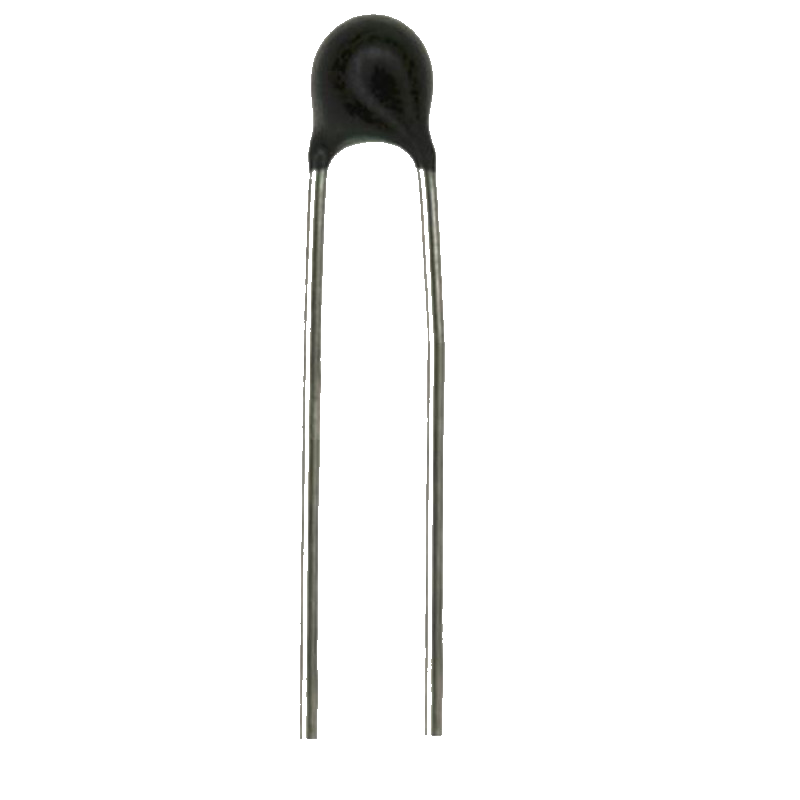
 Design with Thermistor NTC 100K in Cirkit Designer
Introduction
The Thermistor NTC 100K is a negative temperature coefficient (NTC) thermistor, meaning its resistance decreases as the temperature increases. This component is widely used for temperature sensing and compensation in various electronic circuits. Its high sensitivity to temperature changes makes it ideal for applications requiring precise thermal measurements.
Explore Projects Built with Thermistor NTC 100K
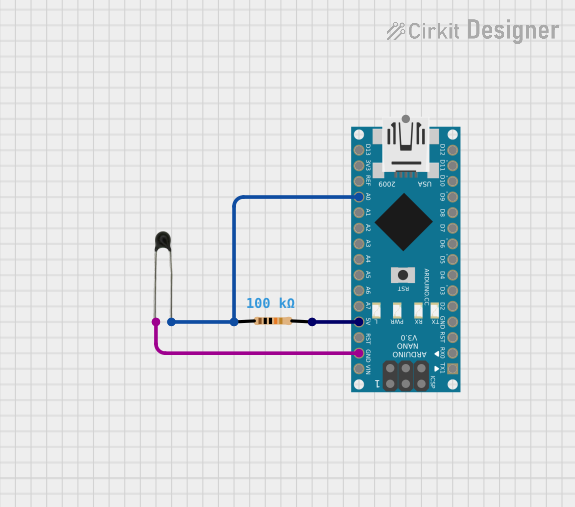 Open Project in Cirkit Designer
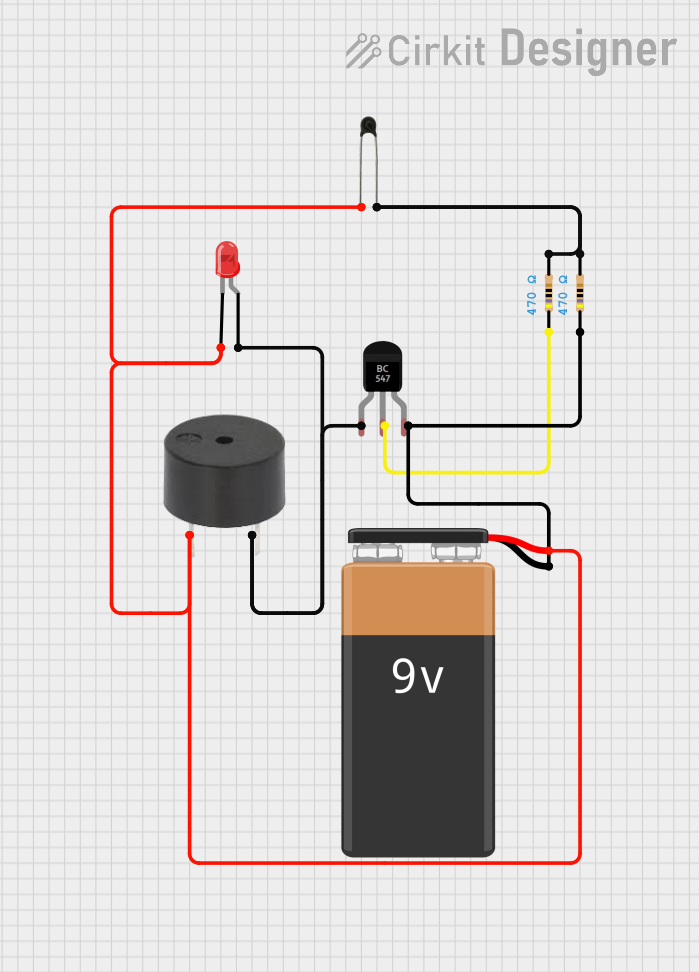 Open Project in Cirkit Designer
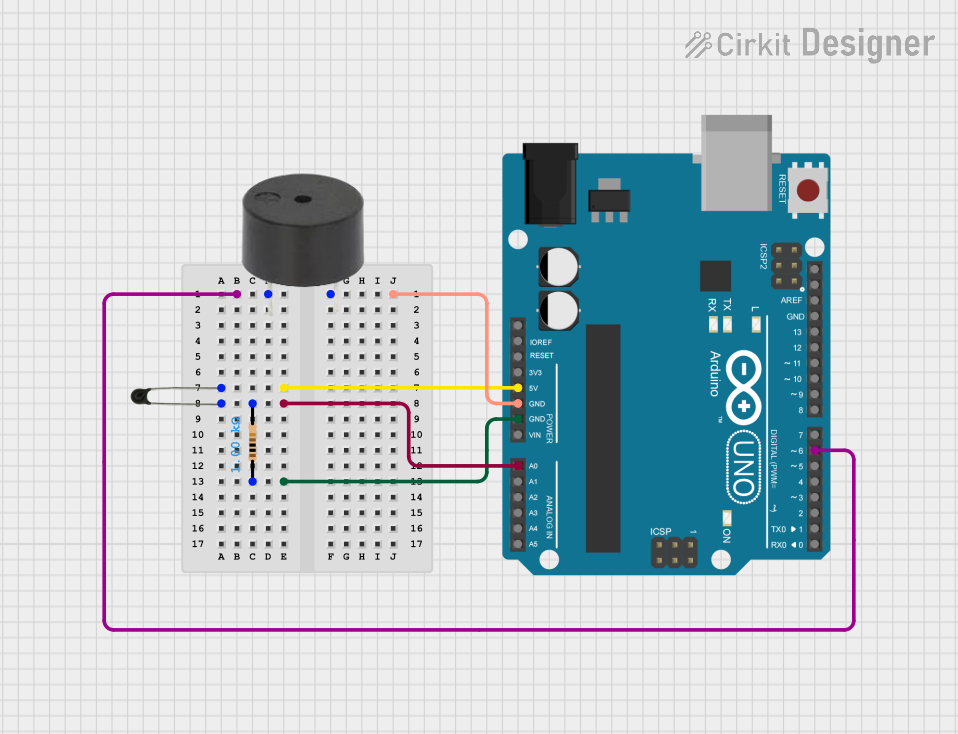 Open Project in Cirkit Designer
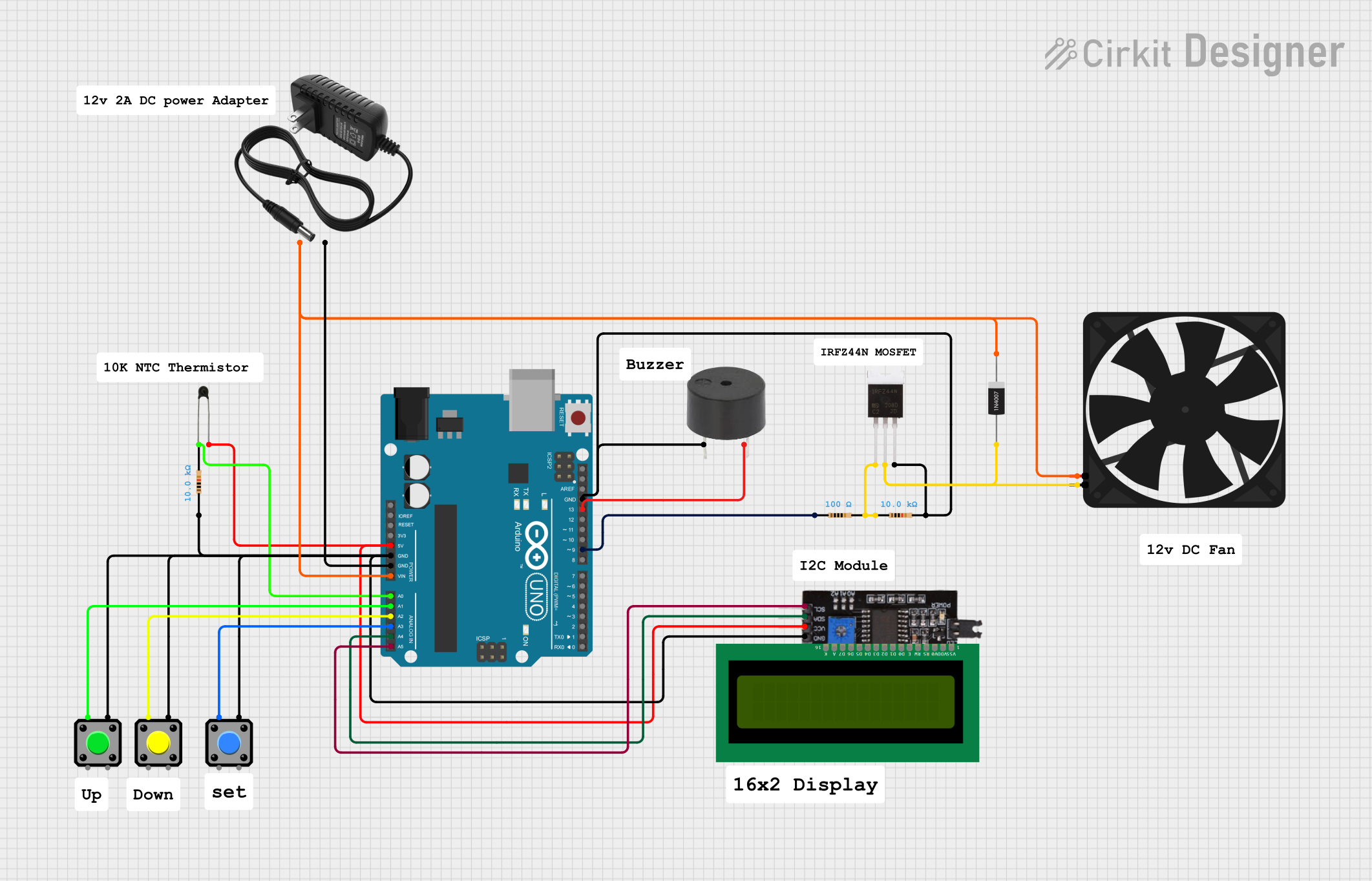 Open Project in Cirkit Designer
Explore Projects Built with Thermistor NTC 100K
Open Project in Cirkit DesignerOpen Project in Cirkit DesignerOpen Project in Cirkit DesignerOpen Project in Cirkit DesignerCommon Applications and Use Cases
- Temperature sensing in 3D printers, HVAC systems, and home appliances
- Overcurrent protection in power supplies
- Temperature compensation in electronic circuits
- Battery management systems for thermal monitoring
- Industrial process control and monitoring
Technical Specifications
Below are the key technical details of the Thermistor NTC 100K:
| Parameter | Value |
|---|---|
| Resistance at 25°C | 100 kΩ |
| Temperature Coefficient | Negative (NTC) |
| Operating Temperature Range | -40°C to +125°C |
| Tolerance | ±1% to ±5% (varies by model) |
| Beta Value (B25/50) | ~3950 K |
| Power Dissipation | ≤ 0.5 W |
| Thermal Time Constant | ~10 seconds (in still air) |
| Maximum Voltage | 5 V (typical for sensing) |
Pin Configuration and Descriptions
The Thermistor NTC 100K is a two-terminal device with no polarity. The pins are as follows:
| Pin | Description |
|---|---|
| Pin 1 | Connects to the positive side of the circuit or ADC input |
| Pin 2 | Connects to the ground or reference voltage |
Usage Instructions
How to Use the Thermistor NTC 100K in a Circuit
Basic Circuit Setup:
- Connect the thermistor in series with a fixed resistor to form a voltage divider.
- The output voltage from the divider can be fed into an analog-to-digital converter (ADC) for temperature measurement.
Choosing the Fixed Resistor:
- Select a resistor with a value close to the thermistor's resistance at the target temperature for optimal sensitivity.
Power Supply:
- Use a stable DC voltage source (e.g., 5V) to power the voltage divider circuit.
Temperature Calculation:
- Use the Steinhart-Hart equation or a simplified Beta formula to calculate the temperature from the measured resistance:
[
T(K) = \frac{1}{\frac{1}{T_0} + \frac{1}{\beta} \ln{\frac{R}{R_0}}}
]
Where:
- ( T(K) ): Temperature in Kelvin
- ( T_0 ): Reference temperature (usually 298.15 K for 25°C)
- ( \beta ): Beta value of the thermistor
- ( R ): Measured resistance
- ( R_0 ): Resistance at ( T_0 )
- Use the Steinhart-Hart equation or a simplified Beta formula to calculate the temperature from the measured resistance:
[
T(K) = \frac{1}{\frac{1}{T_0} + \frac{1}{\beta} \ln{\frac{R}{R_0}}}
]
Where:
Example: Connecting to an Arduino UNO
Below is an example of how to use the Thermistor NTC 100K with an Arduino UNO for temperature measurement:
Circuit Diagram
- Connect one terminal of the thermistor to 5V.
- Connect the other terminal to an analog pin (e.g., A0) and a 10 kΩ resistor in series to ground.
Arduino Code
// Thermistor NTC 100K Example Code for Arduino UNO
// This code reads the thermistor's resistance and calculates the temperature.

const int thermistorPin = A0; // Analog pin connected to the thermistor
const float R_FIXED = 10000.0; // Fixed resistor value in ohms (10 kΩ)
const float BETA = 3950.0; // Beta value of the thermistor
const float T0 = 298.15; // Reference temperature in Kelvin (25°C)
const float R0 = 100000.0; // Resistance at T0 (100 kΩ)

void setup() {
  Serial.begin(9600); // Initialize serial communication
}

void loop() {
  int adcValue = analogRead(thermistorPin); // Read ADC value
  float voltage = adcValue * (5.0 / 1023.0); // Convert ADC value to voltage
  float resistance = (R_FIXED * (5.0 - voltage)) / voltage; // Calculate resistance

  // Calculate temperature in Kelvin using the Beta formula
  float temperatureK = 1 / ((1 / T0) + (1 / BETA) * log(resistance / R0));
  float temperatureC = temperatureK - 273.15; // Convert Kelvin to Celsius

  // Print temperature to the Serial Monitor
  Serial.print("Temperature: ");
  Serial.print(temperatureC);
  Serial.println(" °C");

  delay(1000); // Wait 1 second before the next reading
}
Important Considerations and Best Practices
- Thermal Coupling: Ensure good thermal contact between the thermistor and the object or environment being measured.
- Self-Heating: Minimize self-heating by using a low measurement current.
- Calibration: Calibrate the thermistor circuit for accurate temperature readings.
- Environmental Protection: Use a protective coating or housing for the thermistor in harsh environments.
Troubleshooting and FAQs
Common Issues and Solutions
Inaccurate Temperature Readings:
- Cause: Incorrect Beta value or resistance mismatch.
- Solution: Verify the Beta value and use a resistor with the correct value.
Fluctuating Readings:
- Cause: Electrical noise or unstable power supply.
- Solution: Use decoupling capacitors and a stable voltage source.
No Output or Constant Value:
- Cause: Faulty connections or damaged thermistor.
- Solution: Check all connections and replace the thermistor if necessary.
FAQs
Can the Thermistor NTC 100K be used for high-temperature applications?
- The thermistor is rated for temperatures up to 125°C. For higher temperatures, consider using a thermocouple or RTD.
How do I improve the accuracy of temperature measurements?
- Use a high-resolution ADC, calibrate the circuit, and account for non-linearities in the thermistor's response.
What is the typical lifespan of the Thermistor NTC 100K?
- When used within its specified limits, the thermistor can last for many years without significant degradation.
By following this documentation, you can effectively integrate the Thermistor NTC 100K into your projects for reliable temperature sensing and monitoring.