
How to Use Micro servo 9G: Examples, Pinouts, and Specs
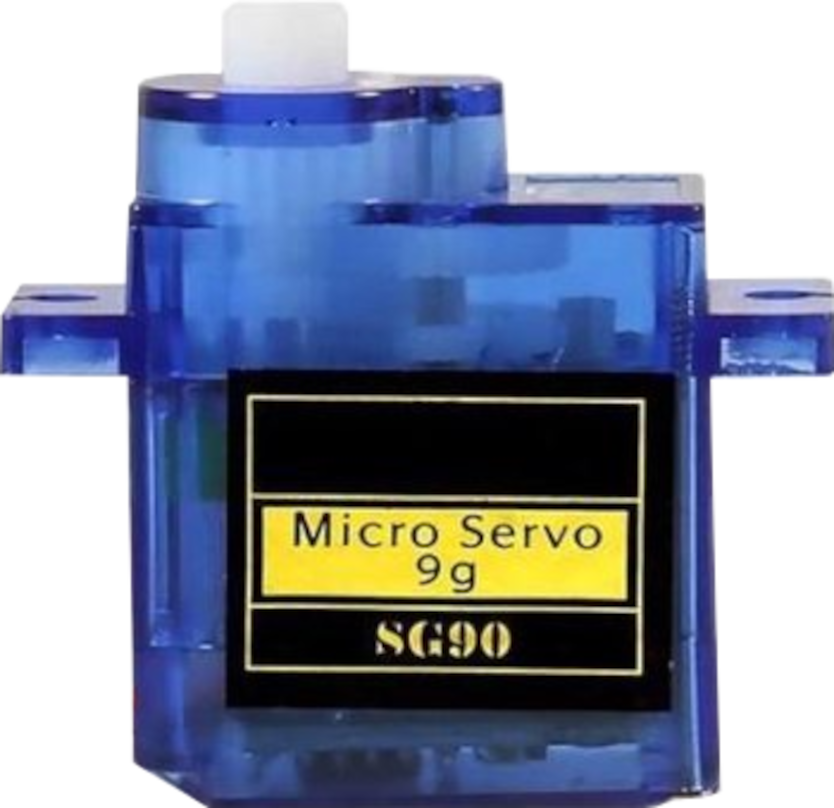
 Design with Micro servo 9G in Cirkit Designer
Introduction
The AZDelivery Micro Servo 9G (SG90) is a compact and lightweight servo motor designed for applications requiring precise angular position control. It is widely used in robotics, RC vehicles, drones, and hobby electronics projects. With its small size and ease of use, the SG90 is an excellent choice for projects where space and weight are critical factors.
Explore Projects Built with Micro servo 9G
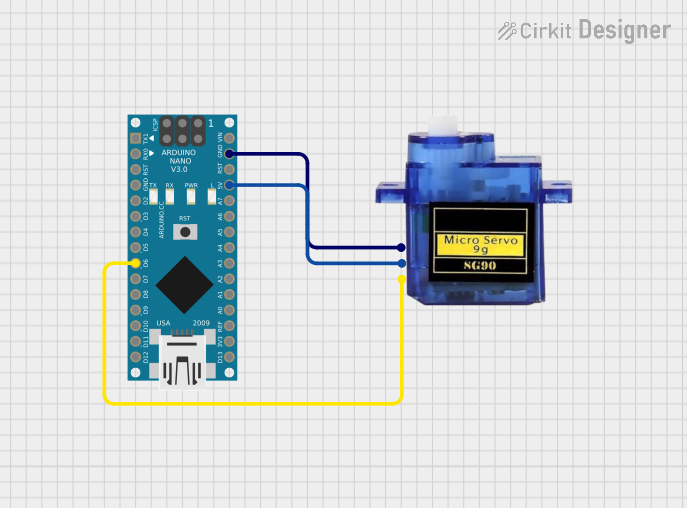 Open Project in Cirkit Designer
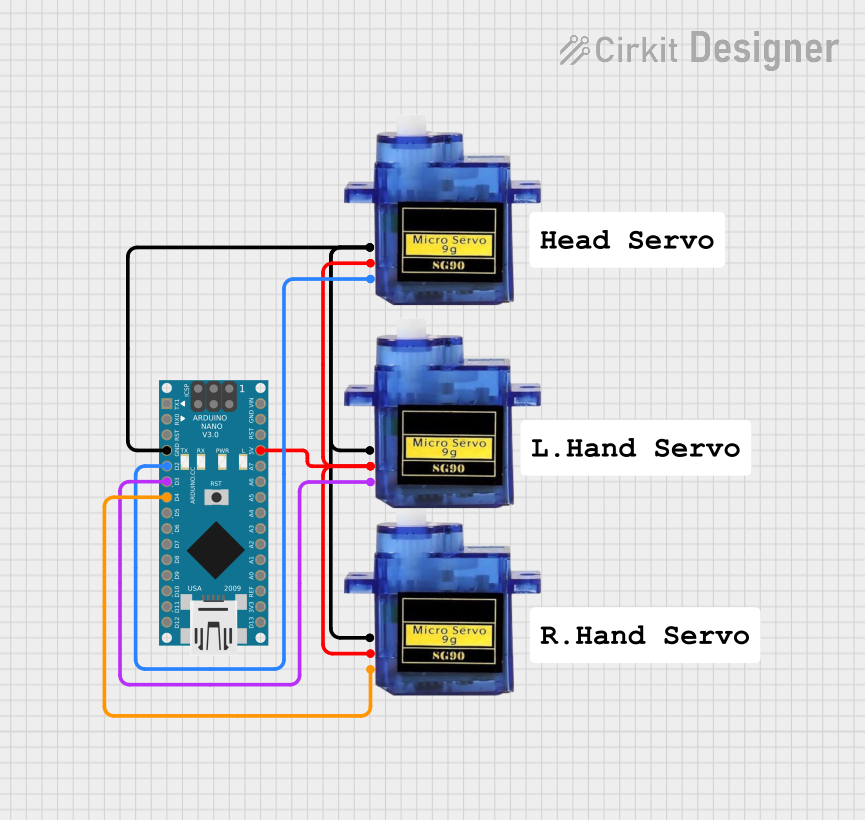 Open Project in Cirkit Designer
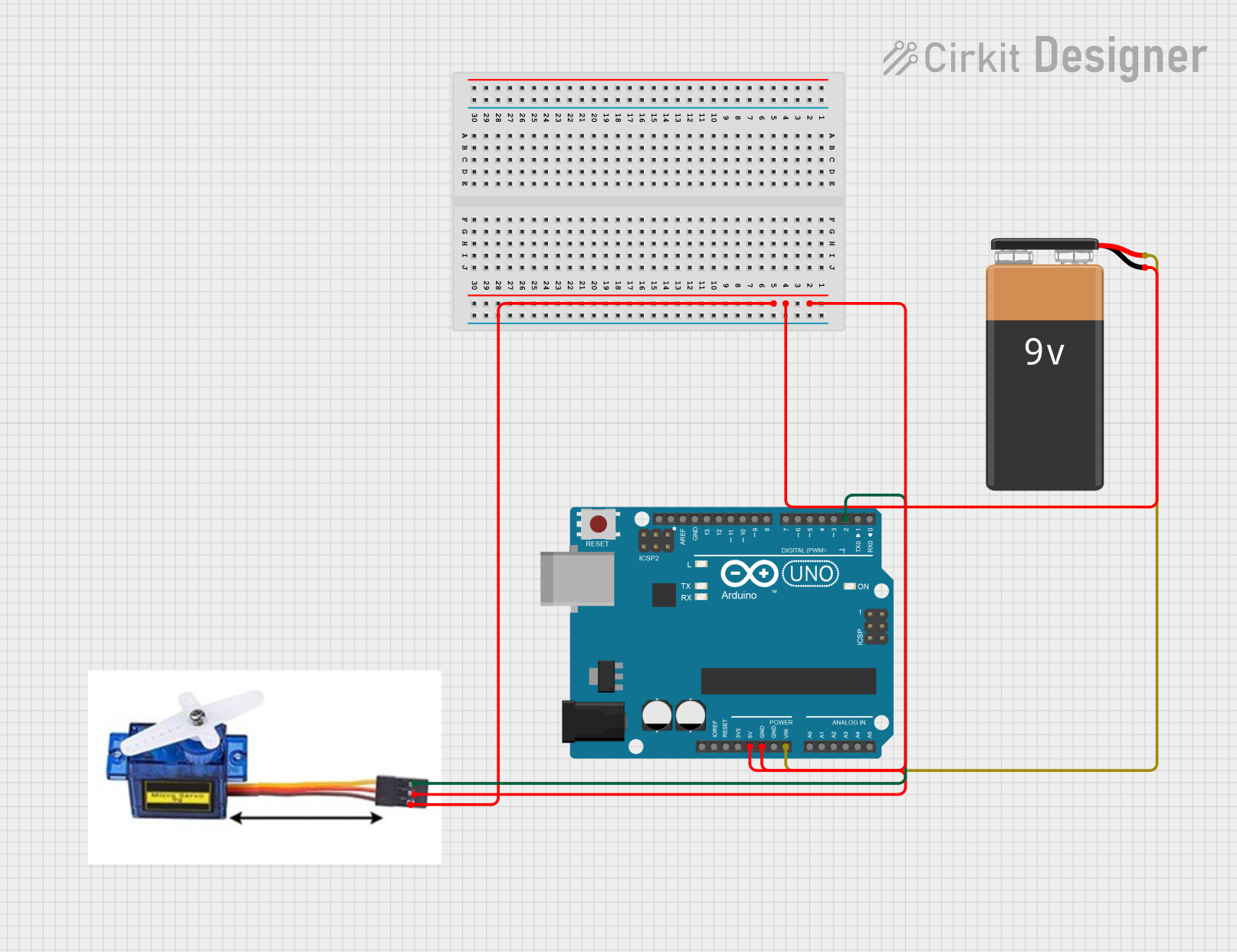 Open Project in Cirkit Designer
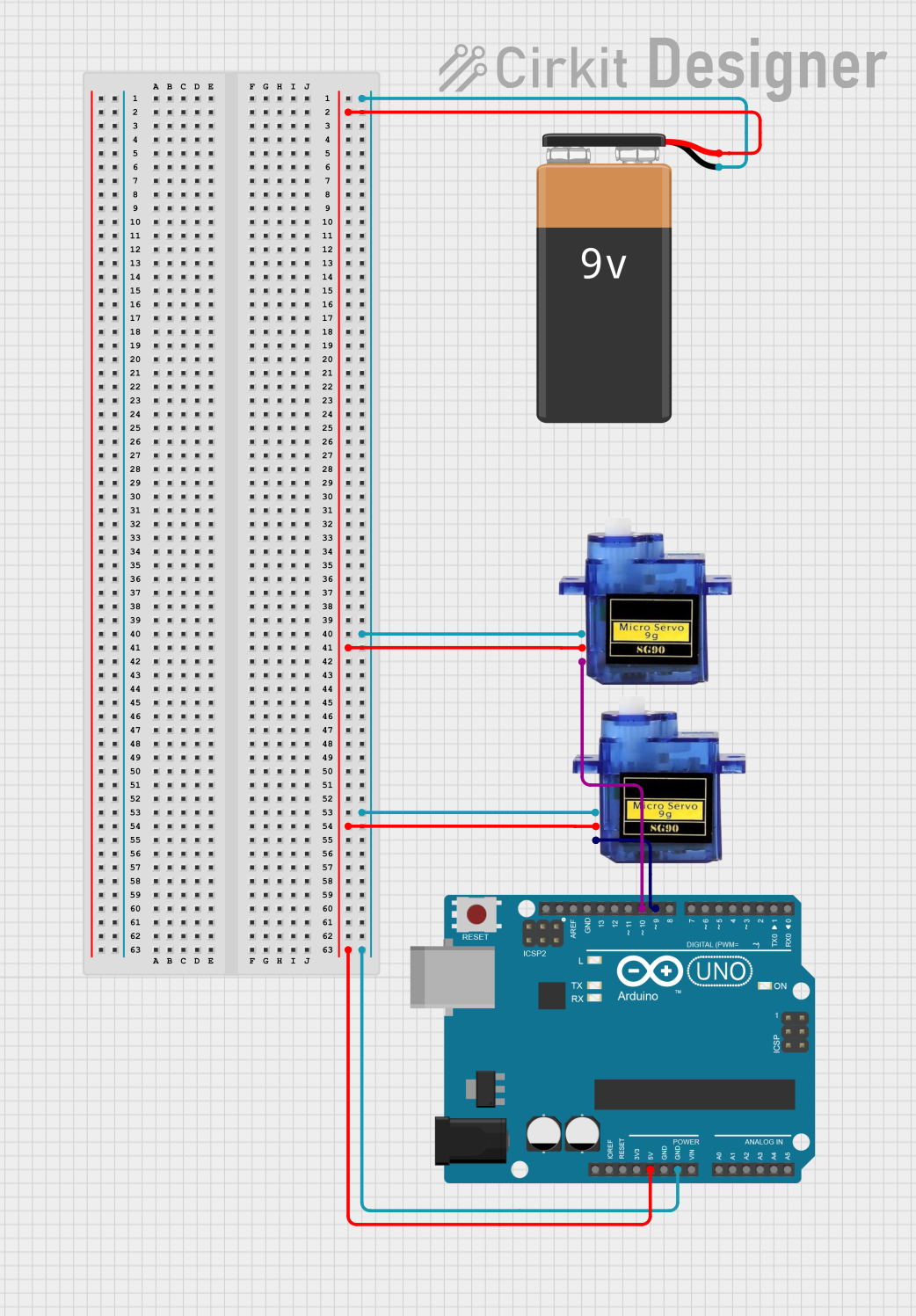 Open Project in Cirkit Designer
Explore Projects Built with Micro servo 9G
Open Project in Cirkit DesignerOpen Project in Cirkit DesignerOpen Project in Cirkit DesignerOpen Project in Cirkit DesignerCommon Applications
- Robotics (e.g., robotic arms, grippers)
- RC vehicles (e.g., steering mechanisms)
- Drones (e.g., camera gimbals)
- Automated systems (e.g., door locks, pan-tilt mechanisms)
- Educational and hobby electronics projects
Technical Specifications
The following table outlines the key technical details of the AZDelivery Micro Servo 9G (SG90):
| Parameter | Value |
|---|---|
| Operating Voltage | 4.8V to 6.0V |
| Stall Torque | 1.8 kg·cm (4.8V), 2.2 kg·cm (6.0V) |
| Operating Speed | 0.12 s/60° (4.8V), 0.10 s/60° (6.0V) |
| Weight | 9 grams |
| Dimensions | 22.2 x 11.8 x 31 mm |
| Gear Type | Plastic |
| Rotation Angle | 0° to 180° |
| Connector Type | 3-pin female header |
Pin Configuration
The SG90 servo motor has a 3-pin connector with the following pinout:
| Pin | Wire Color | Function |
|---|---|---|
| 1 | Brown | Ground (GND) |
| 2 | Red | Power (VCC) |
| 3 | Orange | Signal (PWM input) |
Usage Instructions
Connecting the SG90 to a Circuit
- Power Supply: Connect the red wire to a 5V power source and the brown wire to ground (GND). Ensure the power supply can provide sufficient current (at least 500mA) to avoid voltage drops.
- Signal Input: Connect the orange wire to a PWM-capable pin on your microcontroller (e.g., Arduino UNO).
- Mounting: Use the included mounting hardware and servo horns to attach the SG90 to your project.
Important Considerations
- Voltage Range: Operate the servo within the specified voltage range (4.8V to 6.0V) to prevent damage.
- PWM Signal: The SG90 requires a PWM signal with a frequency of 50Hz. The pulse width determines the angular position:
- 1ms pulse width corresponds to 0°.
- 1.5ms pulse width corresponds to 90° (neutral position).
- 2ms pulse width corresponds to 180°.
- Avoid Overloading: Do not exceed the stall torque rating to prevent overheating or damage to the motor.
Example Code for Arduino UNO
The following Arduino code demonstrates how to control the SG90 servo motor using the Servo library:
#include <Servo.h> // Include the Servo library

Servo myServo; // Create a Servo object to control the SG90

void setup() {
  myServo.attach(9); // Attach the servo to pin 9 on the Arduino
}

void loop() {
  myServo.write(0); // Move the servo to 0 degrees
  delay(1000);      // Wait for 1 second

  myServo.write(90); // Move the servo to 90 degrees
  delay(1000);       // Wait for 1 second

  myServo.write(180); // Move the servo to 180 degrees
  delay(1000);        // Wait for 1 second
}
Best Practices
- Use a dedicated power supply for the servo if multiple servos are used in a project.
- Avoid sudden or frequent changes in position to reduce wear on the gears.
- Calibrate the servo to ensure accurate positioning.
Troubleshooting and FAQs
Common Issues
Servo Not Moving
- Cause: Incorrect wiring or insufficient power supply.
- Solution: Verify the wiring and ensure the power supply provides at least 500mA.
Servo Jittering
- Cause: Electrical noise or unstable power supply.
- Solution: Add a decoupling capacitor (e.g., 100µF) across the power and ground lines.
Servo Overheating
- Cause: Prolonged operation at stall torque or excessive load.
- Solution: Reduce the load or avoid operating the servo at its maximum torque for extended periods.
Limited Range of Motion
- Cause: Incorrect PWM signal or mechanical obstruction.
- Solution: Verify the PWM signal timing and check for physical obstructions.
FAQs
Q: Can the SG90 rotate continuously?
A: No, the SG90 is a positional servo with a rotation range of 0° to 180°. For continuous rotation, use a continuous rotation servo.
Q: Can I power the SG90 directly from an Arduino UNO?
A: While possible, it is not recommended as the Arduino's 5V pin may not provide sufficient current. Use an external power supply for reliable operation.
Q: How do I control multiple SG90 servos with an Arduino?
A: Use multiple PWM-capable pins and create separate Servo objects for each servo. Ensure the power supply can handle the combined current draw of all servos.
Q: What is the lifespan of the SG90 servo?
A: The lifespan depends on usage conditions, but proper handling (e.g., avoiding overloading) can significantly extend its operational life.