
How to Use Buzzer: Examples, Pinouts, and Specs

 Design with Buzzer in Cirkit Designer
Introduction
A buzzer is an audio signaling device that produces sound when an electric current passes through it. It is widely used in various electronic applications to provide audible alerts or notifications. Buzzers are commonly found in alarms, timers, household appliances, and embedded systems. They are available in two main types: active buzzers, which generate sound when powered, and passive buzzers, which require an external signal to produce sound.
Explore Projects Built with Buzzer
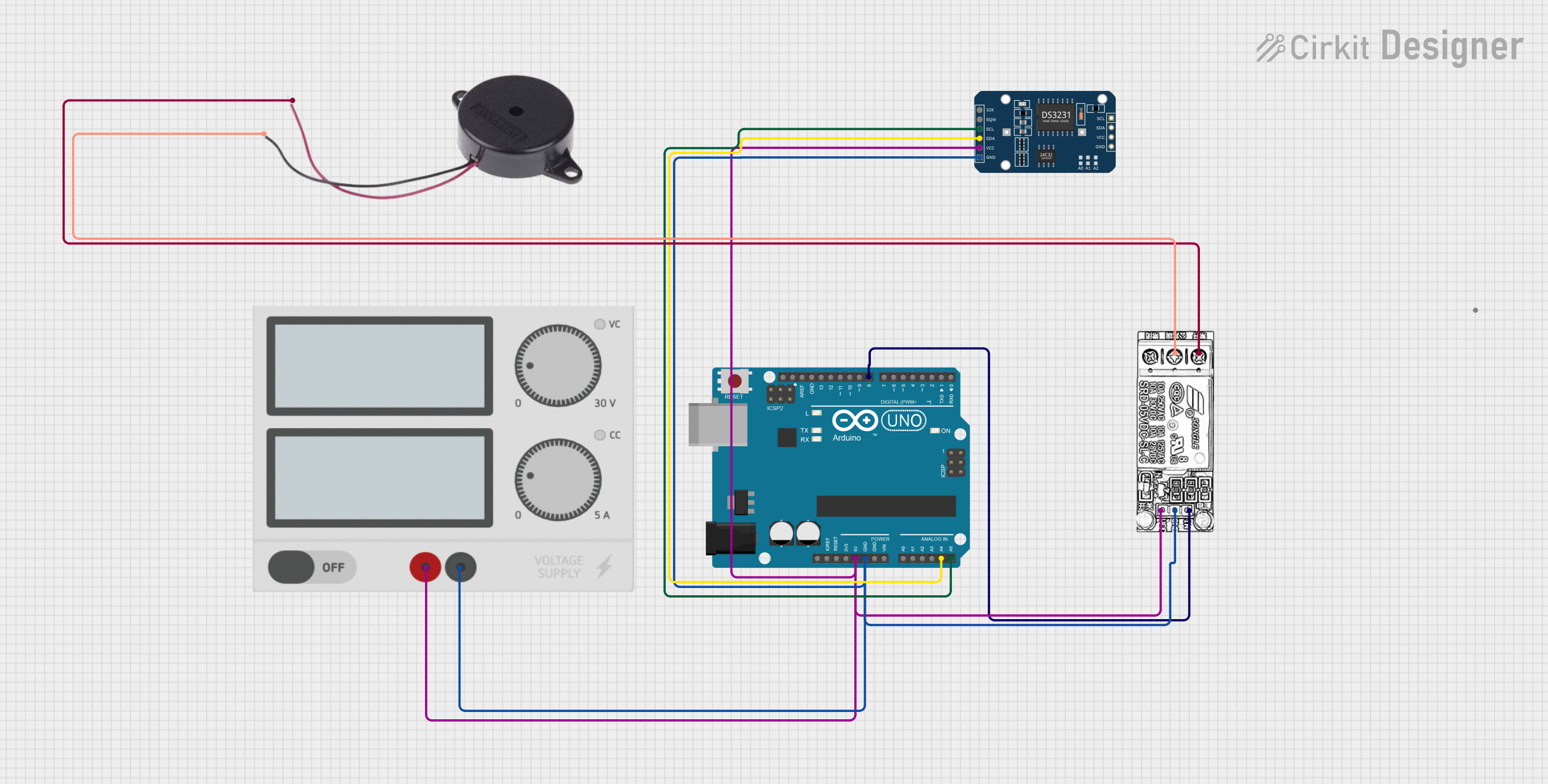 Open Project in Cirkit Designer
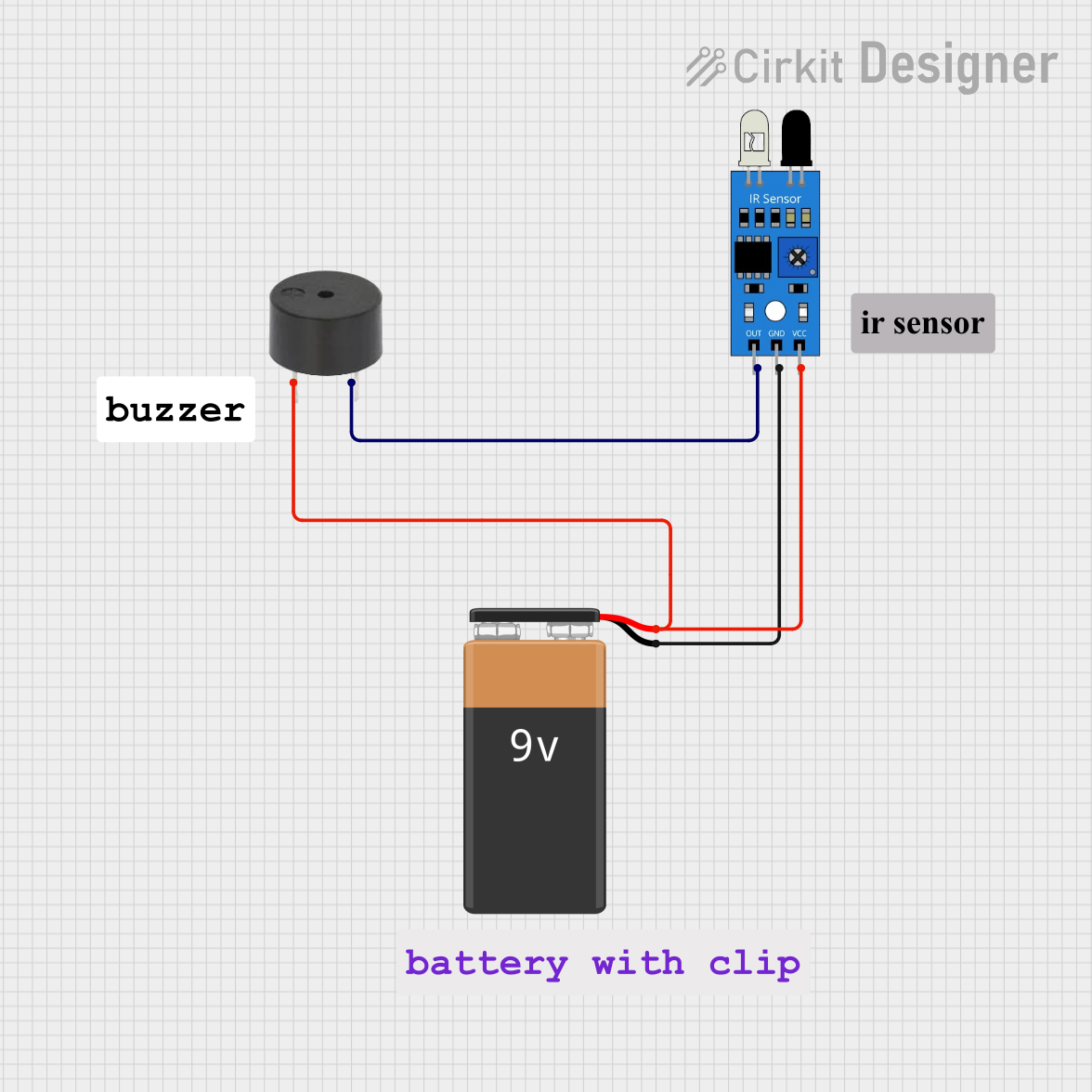 Open Project in Cirkit Designer
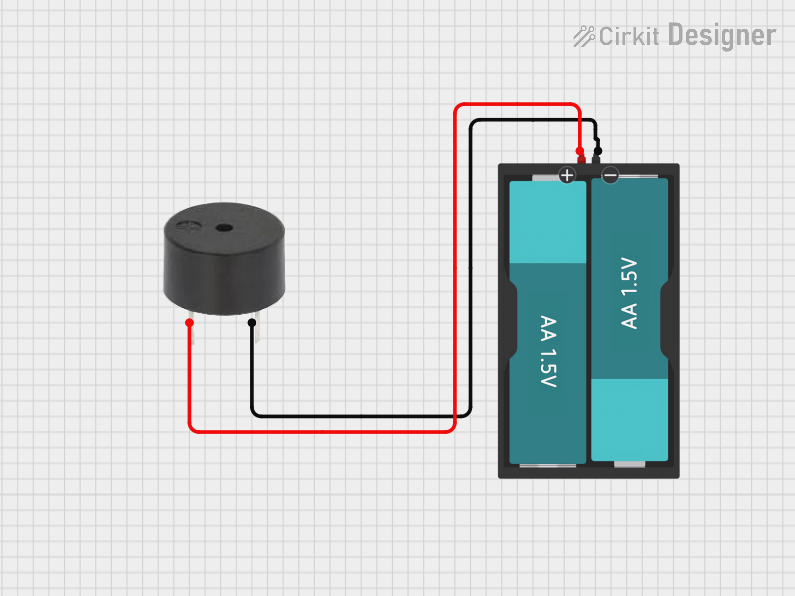 Open Project in Cirkit Designer
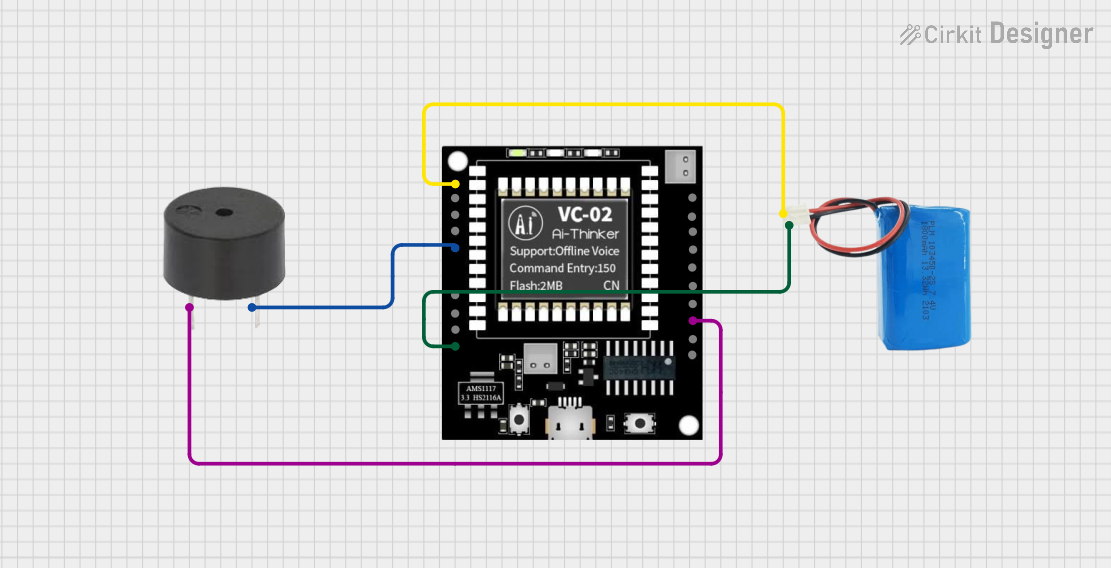 Open Project in Cirkit Designer
Explore Projects Built with Buzzer
Open Project in Cirkit DesignerOpen Project in Cirkit DesignerOpen Project in Cirkit DesignerOpen Project in Cirkit DesignerTechnical Specifications
Below are the general technical specifications for a typical buzzer. Note that specific values may vary depending on the manufacturer and model.
General Specifications
- Operating Voltage: 3V to 12V (commonly 5V)
- Operating Current: 10mA to 50mA
- Sound Output: 85dB to 100dB (at 10cm distance)
- Frequency Range: 2kHz to 4kHz
- Type: Active or Passive
- Size: Varies (commonly 12mm diameter)
Pin Configuration and Descriptions
The buzzer typically has two pins:
| Pin Name | Description |
|---|---|
| Positive (+) | Connects to the positive terminal of the power supply or signal source. |
| Negative (-) | Connects to the ground (GND) of the circuit. |
Note: For active buzzers, simply applying a DC voltage to the positive pin will produce sound. For passive buzzers, an oscillating signal (e.g., PWM) is required.
Usage Instructions
How to Use the Buzzer in a Circuit
- Identify the Type of Buzzer: Determine whether the buzzer is active or passive. Active buzzers are easier to use as they only require a DC voltage, while passive buzzers need a signal source.
- Connect the Pins:
- Connect the positive pin of the buzzer to the power supply or signal source.
- Connect the negative pin to the ground (GND) of the circuit.
- Power the Circuit: For active buzzers, apply the appropriate voltage to produce sound. For passive buzzers, use a microcontroller or signal generator to provide a PWM signal.
Important Considerations and Best Practices
- Voltage Compatibility: Ensure the operating voltage of the buzzer matches the voltage of your circuit to avoid damage.
- Current Limiting: Use a current-limiting resistor if necessary to prevent excessive current draw.
- Placement: Place the buzzer in an open area of the circuit to maximize sound output.
- Signal Frequency: For passive buzzers, use a signal frequency within the buzzer's specified range (e.g., 2kHz to 4kHz) for optimal sound production.
Example: Using a Passive Buzzer with Arduino UNO
Below is an example of how to use a passive buzzer with an Arduino UNO to generate a tone.
// Example: Generate a tone using a passive buzzer with Arduino UNO

// Define the pin connected to the buzzer
const int buzzerPin = 9;

void setup() {
  // Set the buzzer pin as an output
  pinMode(buzzerPin, OUTPUT);
}

void loop() {
  // Generate a tone at 1000Hz for 500ms
  tone(buzzerPin, 1000, 500);
  delay(1000); // Wait for 1 second

  // Generate a tone at 2000Hz for 500ms
  tone(buzzerPin, 2000, 500);
  delay(1000); // Wait for 1 second
}
Note: The
tone()function is used to generate a square wave signal for the passive buzzer. Active buzzers do not require this function and can be directly powered.
Troubleshooting and FAQs
Common Issues
No Sound from the Buzzer:
- Cause: Incorrect wiring or insufficient voltage.
- Solution: Verify the connections and ensure the power supply matches the buzzer's operating voltage.
Low or Distorted Sound:
- Cause: Insufficient current or incorrect signal frequency (for passive buzzers).
- Solution: Check the current supply and ensure the signal frequency is within the buzzer's specified range.
Buzzer Overheats:
- Cause: Excessive voltage or current.
- Solution: Use a current-limiting resistor and ensure the voltage is within the specified range.
FAQs
Q: Can I use a passive buzzer without a microcontroller?
A: Yes, but you will need an external signal generator to produce the required oscillating signal.Q: How do I differentiate between an active and passive buzzer?
A: Active buzzers typically have a built-in oscillator and produce sound when powered with DC voltage. Passive buzzers require an external signal and are usually smaller in size.Q: Can I control the volume of the buzzer?
A: The volume is generally fixed, but you can reduce it by lowering the supply voltage (within the operating range).
By following this documentation, you can effectively integrate a buzzer into your electronic projects for reliable audio signaling.