The HEF4094 is an integrated circuit that functions as an 8-bit serial-in, serial or parallel-out shift register. This component is particularly useful in applications where there is a need to expand the number of output pins available on a microcontroller, such as the Arduino UNO. It allows for the control of multiple devices using a minimal number of I/O pins by shifting data serially into the register and then outputting it in either a serial or parallel format. Common applications include driving LEDs, LCDs, and other digital devices in a variety of electronic projects.
Explore Projects Built with HEF4094
Use Cirkit Designer to design, explore, and prototype these projects online. Some projects support real-time simulation. Click "Open Project" to start designing instantly!
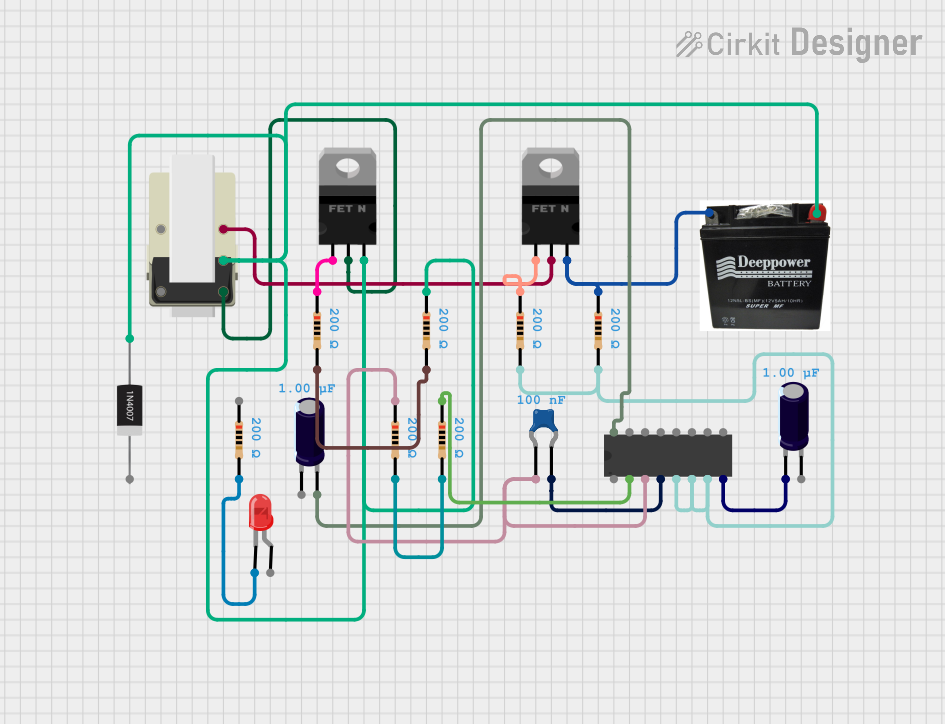
This circuit incorporates a CD4046B phase-locked loop for frequency control, with capacitors and resistors for stabilization. It includes nMOS transistors interfaced with a transformer, possibly for power conversion or signal isolation, and features a rectifier diode and an LED for rectification and indication. The circuit is powered by a DC battery.
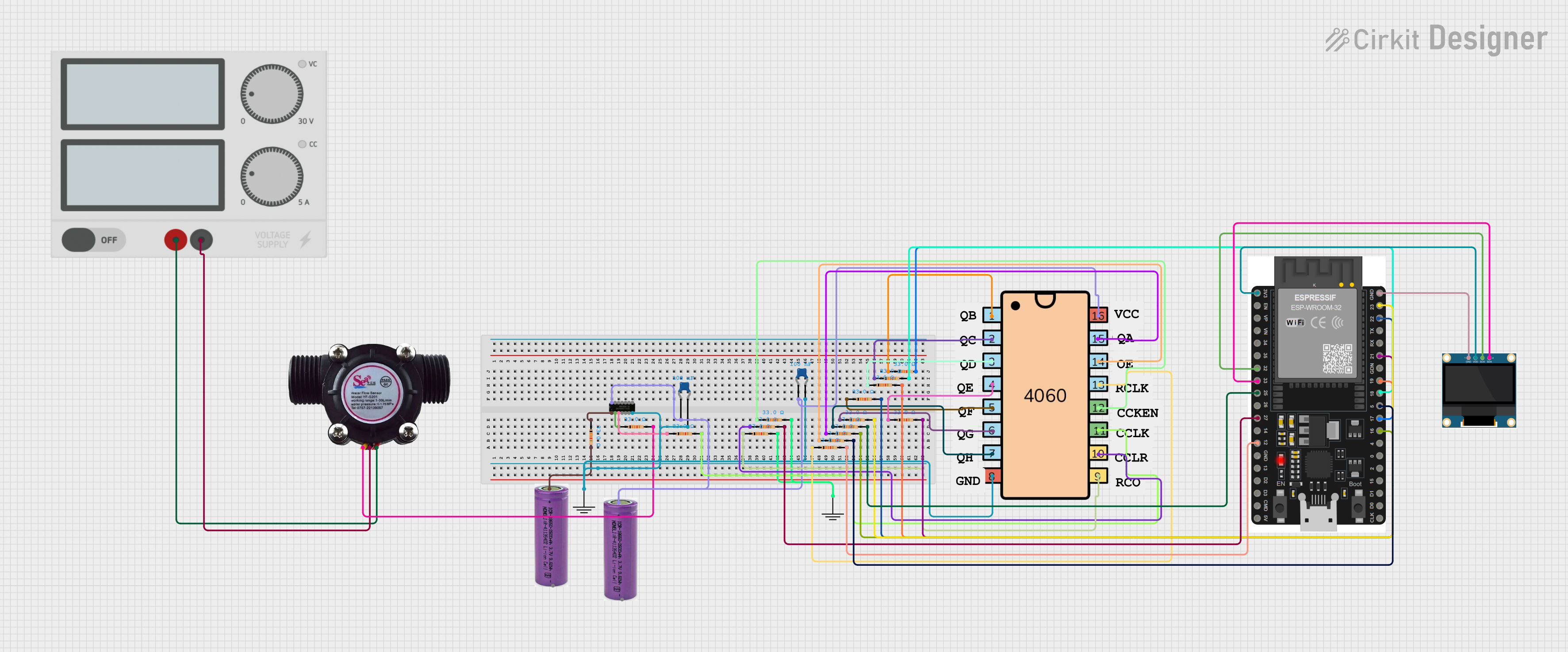
This circuit features an ESP32 microcontroller interfaced with a water flow sensor to measure flow rates and an OLED display for visual output. A 4060 binary counter IC is configured for timing or frequency division, with its outputs connected to the ESP32. A SN74AHCT125N buffer is used for level shifting or driving capabilities.
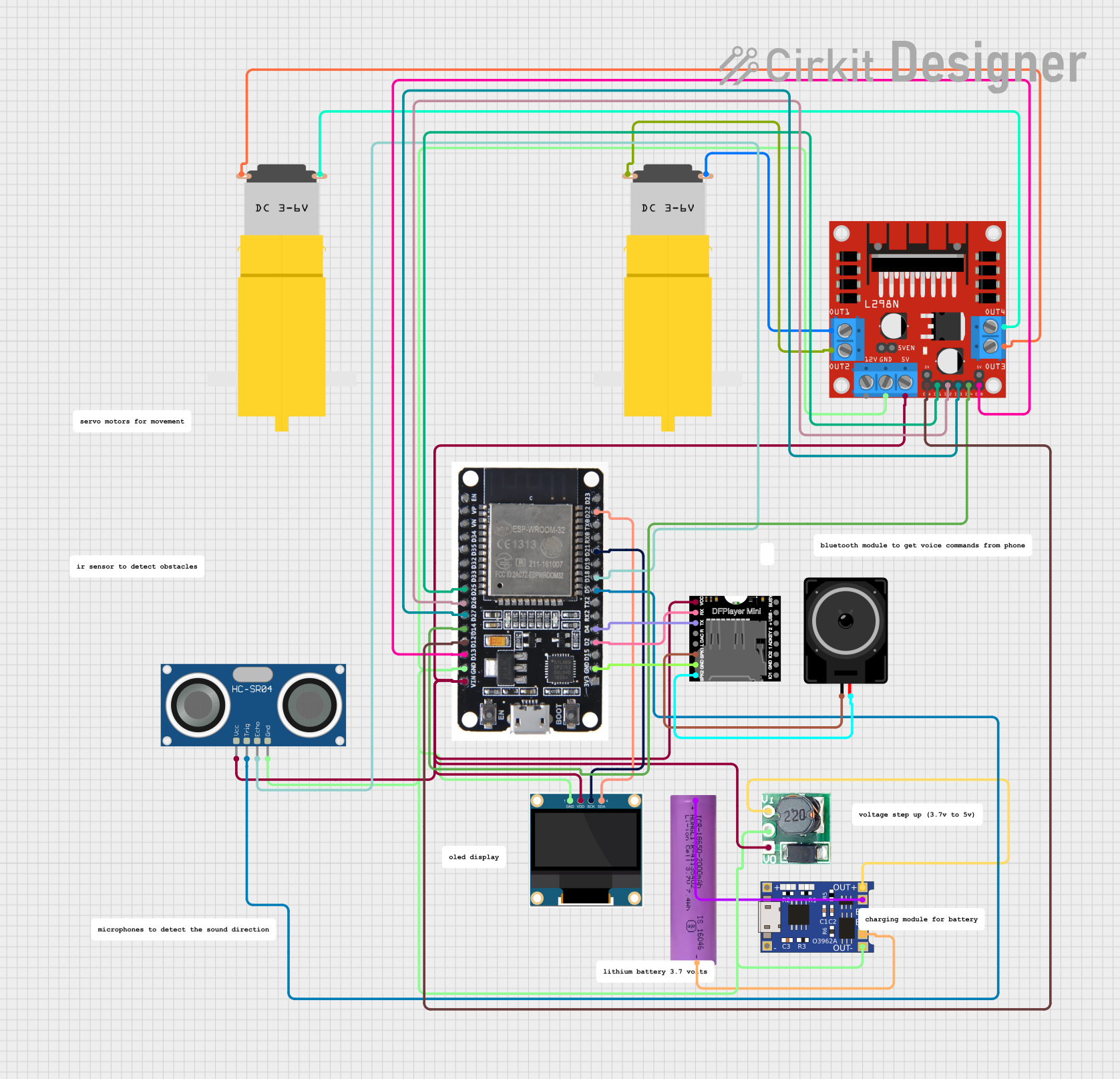
This circuit is a battery-powered system featuring an ESP32 microcontroller that controls an OLED display, a motor driver for two hobby motors, an ultrasonic sensor for distance measurement, and a DFPlayer Mini for audio output through a loudspeaker. The TP4056 module manages battery charging, and a step-up boost converter provides a stable 5V supply to the components.
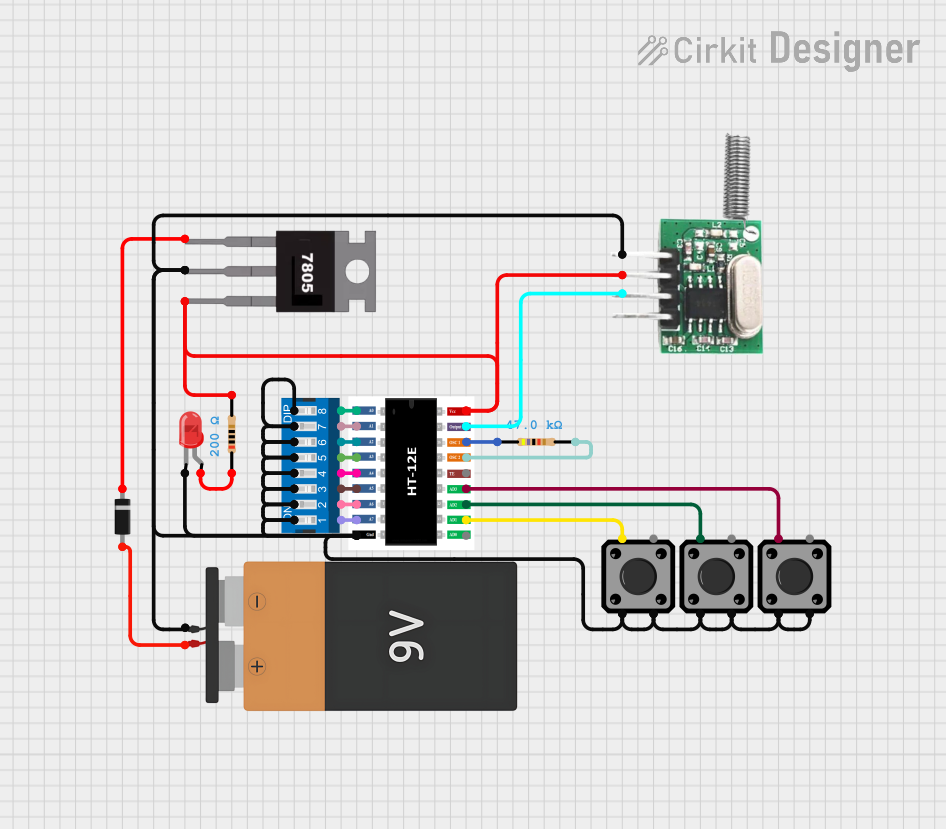
This circuit appears to be a configurable encoder system with an RF transmission capability. The encoder's address pins (A0-A7) are connected to a DIP switch for setting the address, and its data output (DO) is connected to an RF transmitter, allowing the encoded signal to be wirelessly transmitted. The circuit is powered by a 9V battery, regulated to 5V by a 7805 voltage regulator, and includes a diode for polarity protection. Tactile switches are connected to the encoder's data inputs (D1-D3), and an LED with a current-limiting resistor indicates power or activity.
Package Type: Available in SO16 and DIP16 packages
Pin Configuration and Descriptions
Pin Number
Name
Description
1
Q7'
Serial output for cascading
2
Q0
Parallel output 0
3
Q1
Parallel output 1
4
Q2
Parallel output 2
5
Q3
Parallel output 3
6
Q4
Parallel output 4
7
Q5
Parallel output 5
8
GND
Ground (0V)
9
Q6
Parallel output 6
10
Q7
Parallel output 7
11
/OE
Output enable (active LOW)
12
ST_CP
Strobe input
13
DATA
Serial data input
14
CLK
Clock input
15
STR
Storage register clock input
16
Vcc
Positive supply voltage
Usage Instructions
How to Use the HEF4094 in a Circuit
Power Supply: Connect pin 16 (Vcc) to the positive supply voltage (3 V to 15 V) and pin 8 (GND) to the ground.
Data Input: Apply the serial data to pin 13 (DATA) that you want to shift into the register.
Clocking Data: Apply a clock signal to pin 14 (CLK) to shift the data into the register.
Output Enable: To enable the outputs, connect pin 11 (/OE) to ground. If you wish to disable the outputs, apply a high signal to this pin.
Strobe Input: Use pin 12 (ST_CP) to transfer data from the shift register to the storage register. This allows for parallel output on pins Q0 to Q7.
Cascading Units: If more than 8 bits are required, the serial output on pin 1 (Q7') can be connected to the serial data input of the next HEF4094.
Important Considerations and Best Practices
Ensure that the supply voltage does not exceed the maximum rating of 15 V to prevent damage to the IC.
It is recommended to use a decoupling capacitor (e.g., 0.1 µF) between Vcc and GND near the IC to filter out noise.
Avoid floating inputs by connecting unused pins to a defined logic level.
When cascading multiple HEF4094 ICs, ensure that the clock and strobe signals are distributed uniformly to all ICs.
Example Code for Arduino UNO
// Define the pins connected to the HEF4094
const int dataPin = 2;    // HEF4094 Pin 13 - DATA
const int clockPin = 3;   // HEF4094 Pin 14 - CLK
const int strobePin = 4;  // HEF4094 Pin 12 - ST_CP

void setup() {
  // Set pins as outputs
  pinMode(dataPin, OUTPUT);
  pinMode(clockPin, OUTPUT);
  pinMode(strobePin, OUTPUT);
}

void loop() {
  // Example: shift out the number 255 (binary 11111111)
  shiftOut(dataPin, clockPin, MSBFIRST, 255);
  // Strobe the register to output the data
  digitalWrite(strobePin, HIGH);
  delay(1); // Wait for a moment
  digitalWrite(strobePin, LOW);
  delay(1000); // Wait for a second
}

// Note: The above code assumes that /OE is connected to GND
Troubleshooting and FAQs
Common Issues
No Output on Pins Q0-Q7: Ensure that /OE is connected to ground and that the ST_CP pin has been pulsed high after data is clocked in.
Inconsistent Output: Check for loose connections and ensure that the clock signal is clean and free of noise.
Unexpected Behavior When Cascading: Verify that the Q7' of one IC is correctly connected to the DATA input of the next IC and that all ICs receive the same clock and strobe signals.
Solutions and Tips for Troubleshooting
Use an oscilloscope to check the clock and data signals for integrity.
Ensure that the power supply is stable and within the specified voltage range.
If using long wires or cables, consider the effects of capacitance and electromagnetic interference on signal quality.
FAQs
Q: Can the HEF4094 be used with a 5V Arduino?
A: Yes, the HEF4094 can operate at 5V, making it compatible with 5V microcontrollers like the Arduino UNO.
Q: How do I reset the HEF4094?
A: The HEF4094 does not have a dedicated reset pin. To reset, you can clear the register by shifting in zeros and strobing the output.
Q: Can I use the HEF4094 to drive power-hungry devices?
A: The HEF4094 can source or sink up to 25 mA per pin. For devices requiring more current, use a transistor or a driver IC to amplify the current.


 Open Project in Cirkit Designer