
How to Use Photoelectric Liquid Level Sensor: Examples, Pinouts, and Specs
 Design with Photoelectric Liquid Level Sensor in Cirkit Designer
Introduction
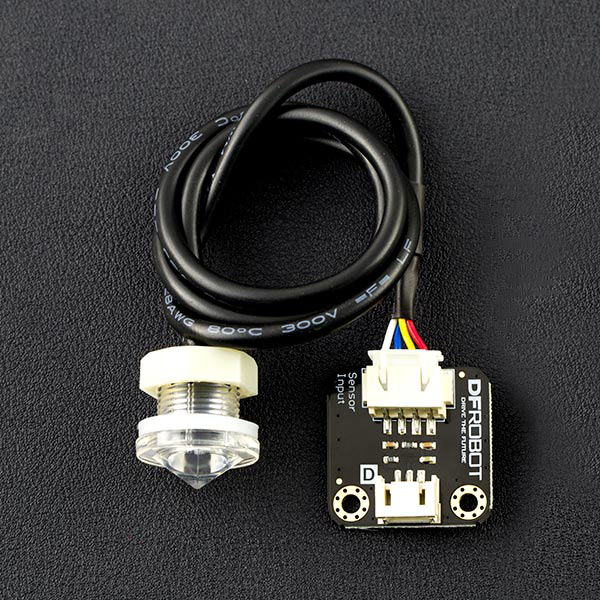
The Photoelectric Liquid Level Sensor (DFRobot SEN0205) is a compact and reliable device designed to detect the presence or absence of liquid at a specific level using light-based sensing technology. This sensor is non-contact, meaning it can detect liquid levels without direct exposure to the liquid, making it ideal for applications where contamination or corrosion must be avoided.
Explore Projects Built with Photoelectric Liquid Level Sensor
 Open Project in Cirkit Designer
 Open Project in Cirkit Designer
 Open Project in Cirkit Designer
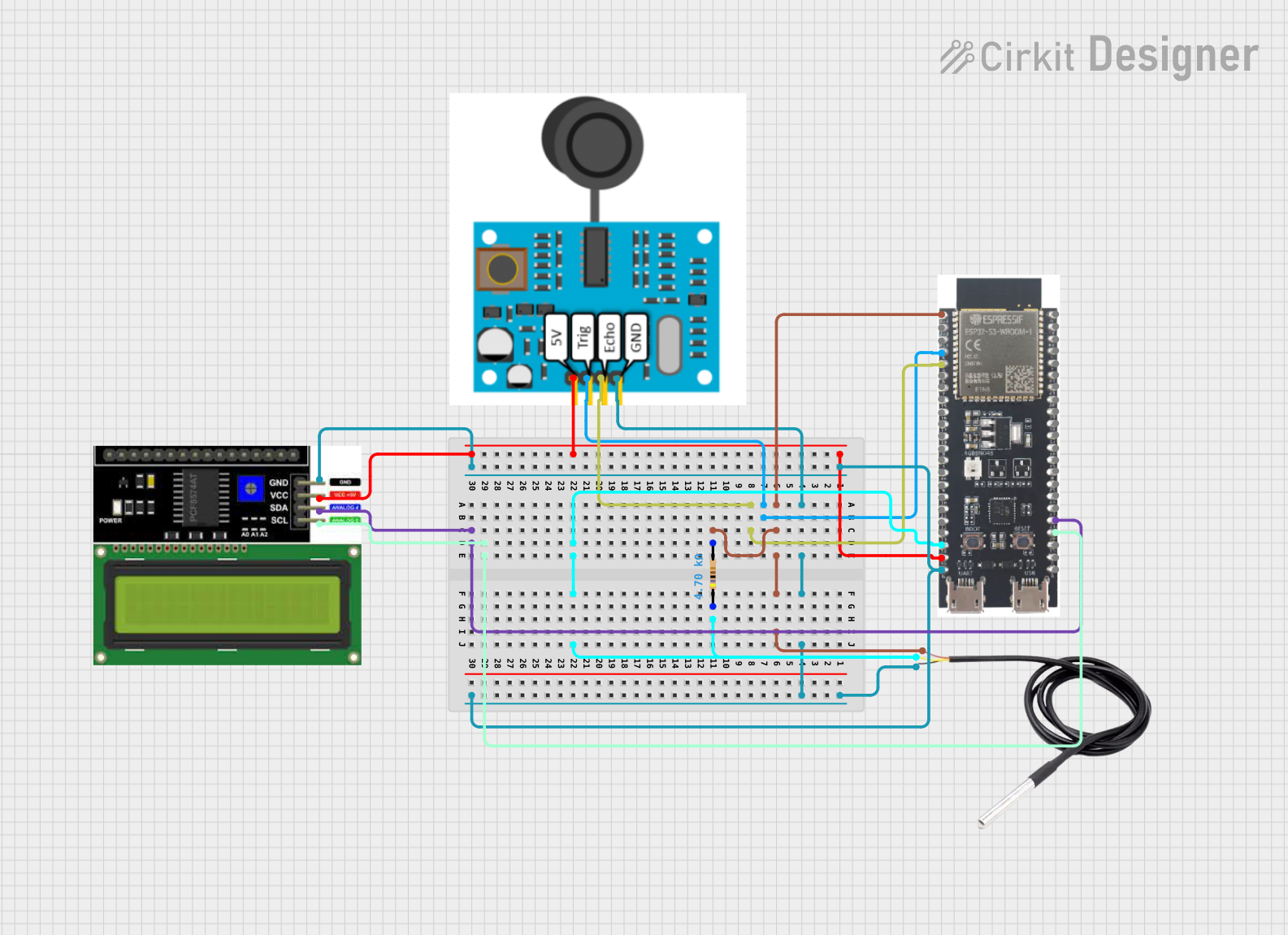 Open Project in Cirkit Designer
Explore Projects Built with Photoelectric Liquid Level Sensor
Open Project in Cirkit DesignerOpen Project in Cirkit DesignerOpen Project in Cirkit DesignerOpen Project in Cirkit DesignerCommon Applications and Use Cases
- Industrial liquid level monitoring in tanks and reservoirs
- Water purification systems
- Medical devices and laboratory equipment
- Food and beverage processing
- Leak detection systems
Technical Specifications
The following table outlines the key technical details of the DFRobot SEN0205 Photoelectric Liquid Level Sensor:
| Parameter | Value |
|---|---|
| Operating Voltage | 5V DC |
| Operating Current | ≤ 5mA |
| Output Type | Digital (High/Low) |
| Detection Range | 0-10mm (through transparent container wall) |
| Response Time | ≤ 500ms |
| Operating Temperature | -25°C to 105°C |
| Material Compatibility | Transparent containers (glass, plastic) |
| Dimensions | 28mm x 28mm x 20mm |
| Weight | 15g |
Pin Configuration and Descriptions
The sensor has a 3-pin interface for easy integration into circuits. The pinout is as follows:
| Pin | Name | Description |
|---|---|---|
| 1 | VCC | Power supply input (5V DC) |
| 2 | GND | Ground connection |
| 3 | OUT | Digital output signal (High: Liquid detected, Low: No liquid) |
Usage Instructions
How to Use the Sensor in a Circuit
- Power the Sensor: Connect the
VCCpin to a 5V DC power source and theGNDpin to the ground of your circuit. - Connect the Output: Attach the
OUTpin to a digital input pin of your microcontroller or other logic-level device. - Mount the Sensor: Place the sensor on the outside of a transparent container at the desired liquid level. Ensure the sensor is securely attached and aligned properly.
- Read the Output: Monitor the
OUTpin. A HIGH signal indicates the presence of liquid, while a LOW signal indicates the absence of liquid.
Important Considerations and Best Practices
- Container Material: The sensor works best with transparent materials such as glass or plastic. Opaque or highly reflective materials may interfere with detection.
- Mounting: Ensure the sensor is mounted flush against the container wall to avoid false readings.
- Power Supply: Use a stable 5V DC power source to ensure accurate operation.
- Environmental Conditions: Avoid exposing the sensor to extreme temperatures or environments with heavy condensation, as this may affect performance.
Example Code for Arduino UNO
Below is an example of how to use the DFRobot SEN0205 with an Arduino UNO to detect liquid levels:
// Define the pin connected to the sensor's OUT pin
const int sensorPin = 2; // Digital pin 2
const int ledPin = 13;   // Built-in LED for visual feedback

void setup() {
  pinMode(sensorPin, INPUT); // Set sensor pin as input
  pinMode(ledPin, OUTPUT);   // Set LED pin as output
  Serial.begin(9600);        // Initialize serial communication
}

void loop() {
  int sensorState = digitalRead(sensorPin); // Read the sensor output

  if (sensorState == HIGH) {
    // Liquid detected
    digitalWrite(ledPin, HIGH); // Turn on LED
    Serial.println("Liquid detected!");
  } else {
    // No liquid detected
    digitalWrite(ledPin, LOW);  // Turn off LED
    Serial.println("No liquid detected.");
  }

  delay(500); // Wait for 500ms before the next reading
}
Notes on the Code
- The built-in LED on the Arduino UNO (pin 13) is used to provide visual feedback.
- The
Serial.printlnstatements allow you to monitor the sensor's status via the Serial Monitor.
Troubleshooting and FAQs
Common Issues and Solutions
Sensor Not Detecting Liquid
- Cause: Improper mounting or misalignment.
- Solution: Ensure the sensor is securely mounted and flush against the container wall.
False Readings
- Cause: Opaque or reflective container material.
- Solution: Use a transparent container made of glass or plastic.
No Output Signal
- Cause: Incorrect wiring or insufficient power supply.
- Solution: Double-check the wiring and ensure the power supply is stable at 5V DC.
Intermittent Detection
- Cause: Environmental interference or unstable power.
- Solution: Avoid placing the sensor in areas with heavy condensation or electrical noise. Use a regulated power source.
FAQs
Q: Can the sensor detect liquids in opaque containers?
A: No, the sensor is designed to work with transparent containers. Opaque materials block the light used for detection.
Q: What types of liquids can this sensor detect?
A: The sensor can detect most liquids, provided they are inside a transparent container. It is not affected by the liquid's color or composition.
Q: Can I use this sensor with a 3.3V microcontroller?
A: The sensor requires a 5V power supply. If your microcontroller operates at 3.3V, you may need a level shifter for the output signal.
Q: Is the sensor waterproof?
A: The sensor is designed for external mounting and is not waterproof. It should not be submerged in liquid.
By following this documentation, you can effectively integrate the DFRobot SEN0205 Photoelectric Liquid Level Sensor into your projects for reliable liquid level detection.