
How to Use SN74AHCT125N : Examples, Pinouts, and Specs
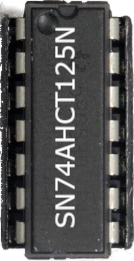
 Design with SN74AHCT125N in Cirkit Designer
Introduction
The SN74AHCT125N, manufactured by Texas Instruments, is a quad buffer/driver with 3-state outputs. This component is designed for high-speed operation and low power consumption, making it ideal for modern digital circuits. Each of the four independent buffers features a 3-state output, which can be enabled or disabled via a control input. This allows for efficient signal buffering, level shifting, and bus driving in a variety of applications.
Explore Projects Built with SN74AHCT125N
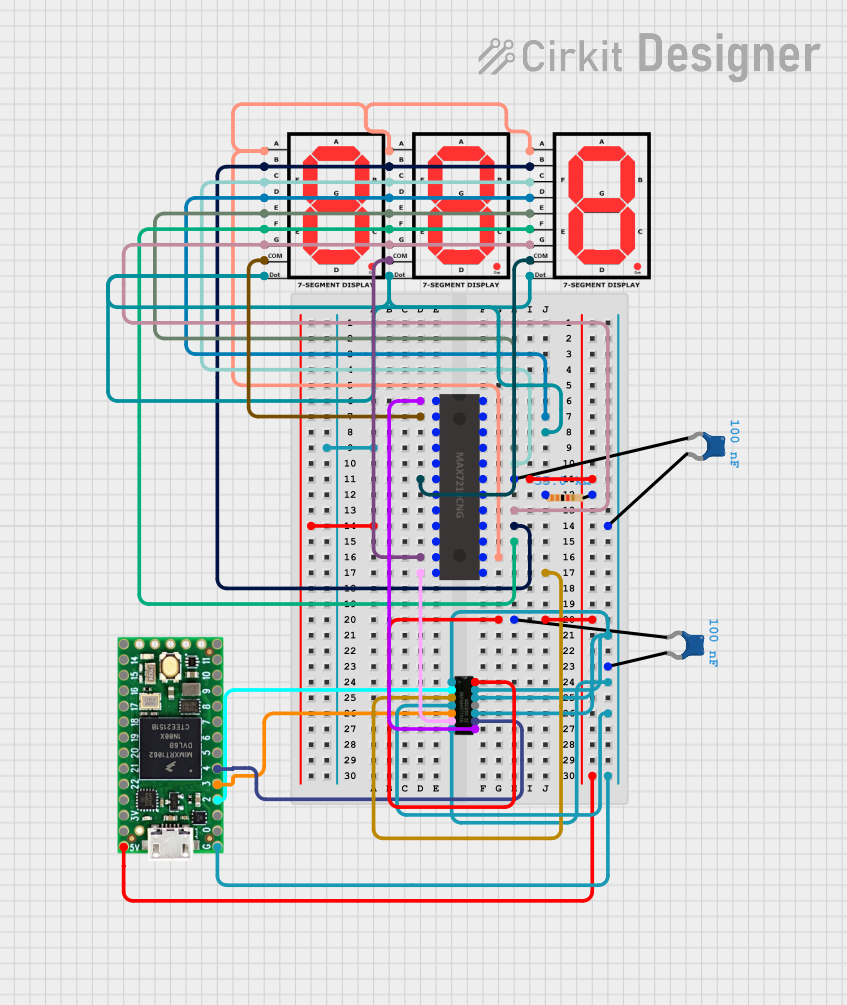 Open Project in Cirkit Designer
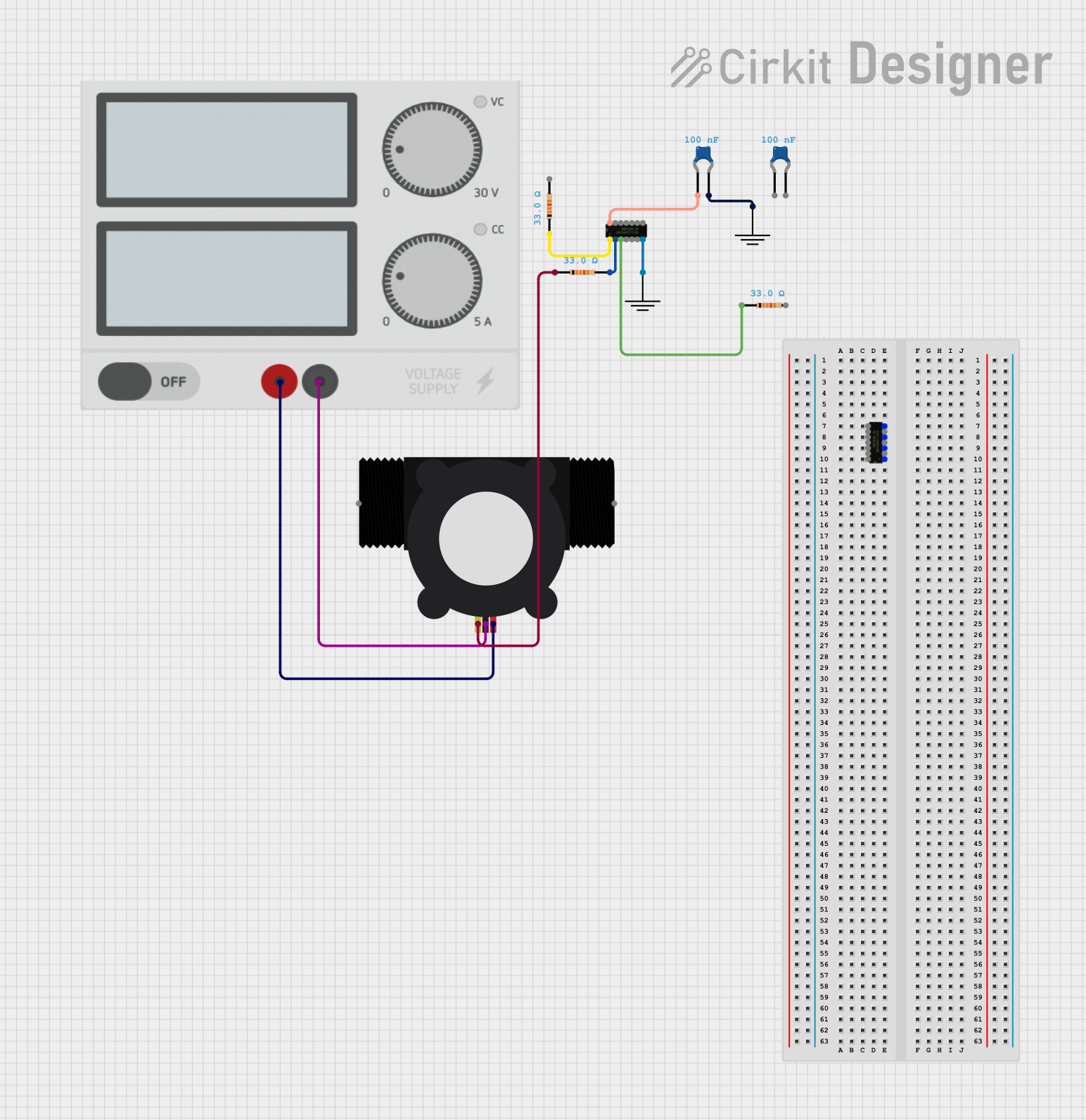 Open Project in Cirkit Designer
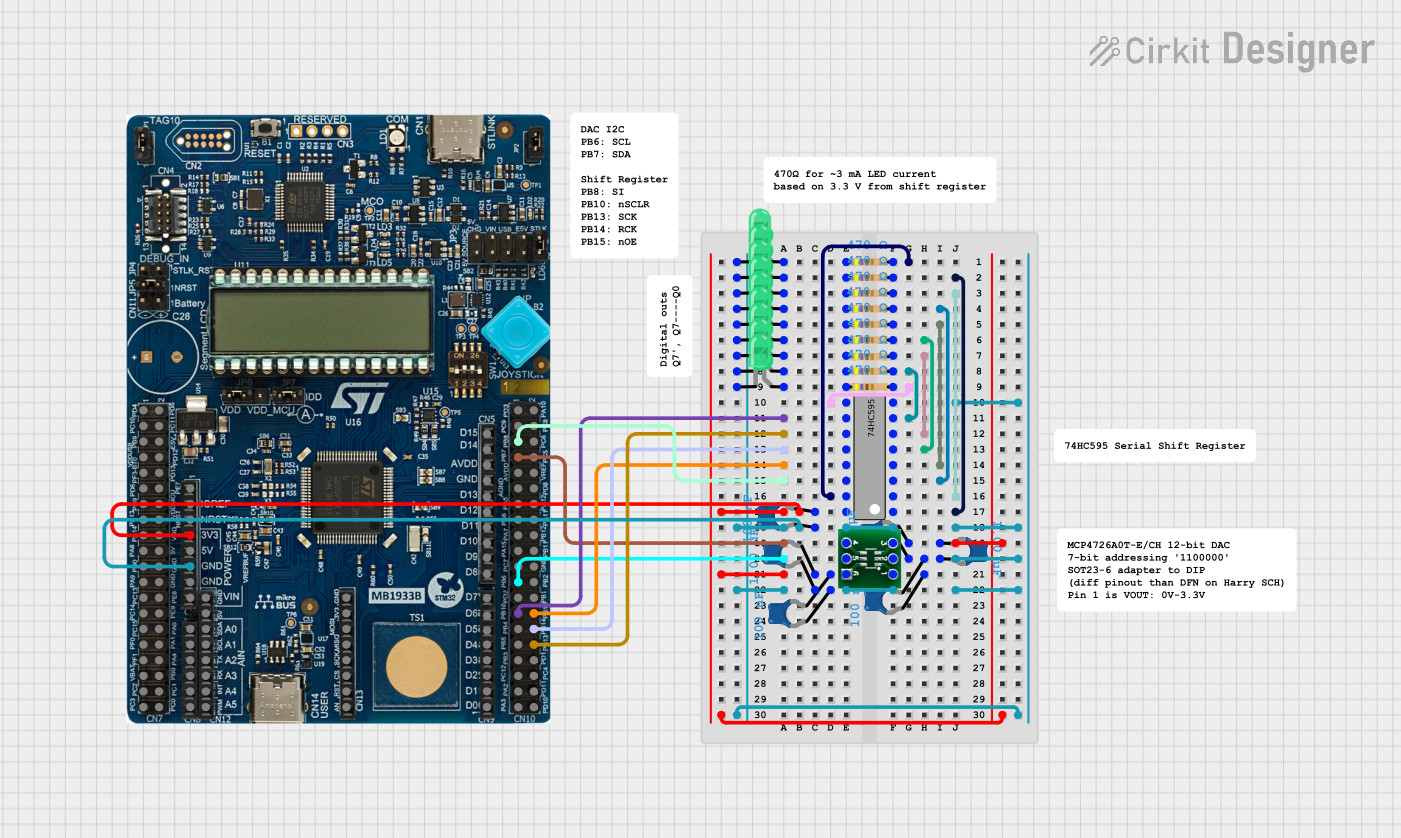 Open Project in Cirkit Designer
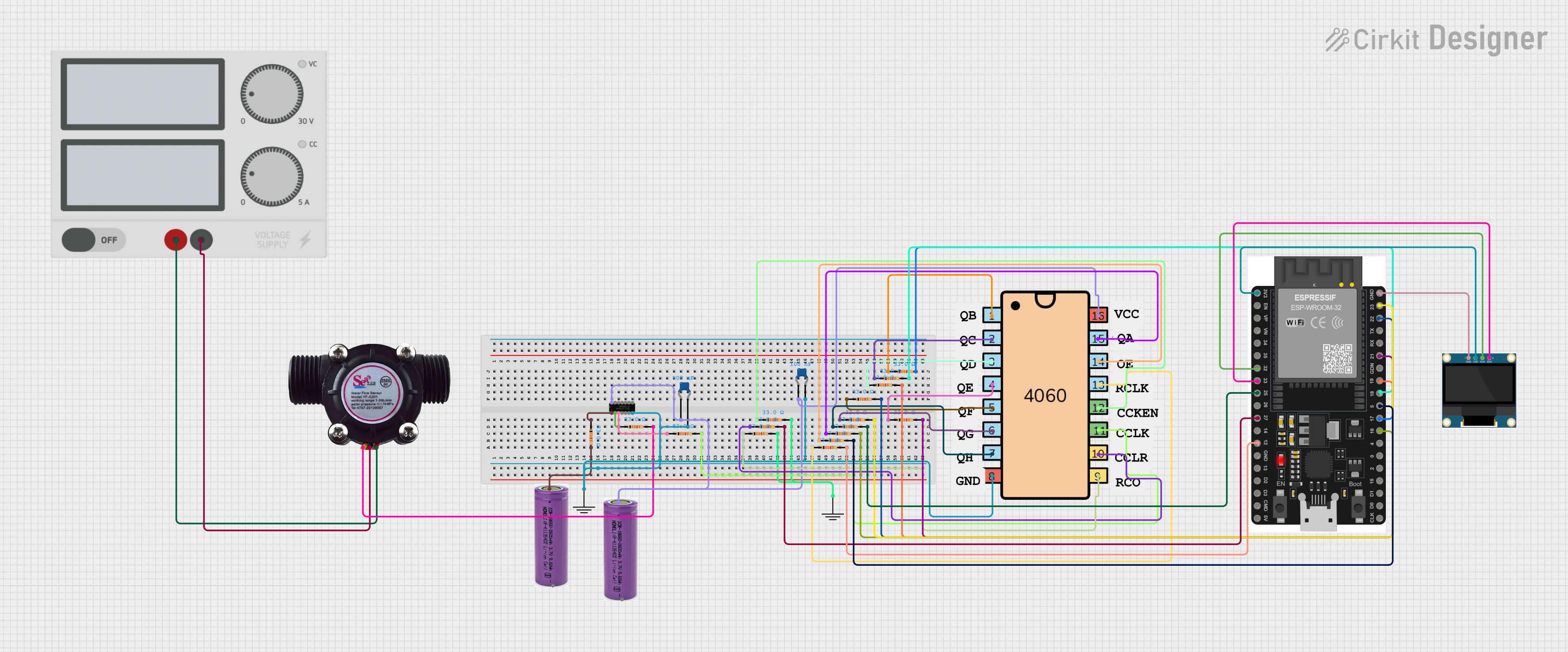 Open Project in Cirkit Designer
Explore Projects Built with SN74AHCT125N
Open Project in Cirkit DesignerOpen Project in Cirkit DesignerOpen Project in Cirkit DesignerOpen Project in Cirkit DesignerCommon Applications
- Signal buffering in digital circuits
- Level shifting between different voltage domains
- Driving data buses in microcontroller or microprocessor systems
- Multiplexing and demultiplexing signals
- Interfacing between logic families (e.g., TTL to CMOS)
Technical Specifications
Key Technical Details
| Parameter | Value |
|---|---|
| Supply Voltage (Vcc) | 4.5V to 5.5V |
| Input Voltage Range | 0V to 5.5V |
| High-Level Output Voltage | 4.4V (min) at Vcc = 5V, Iout = -8mA |
| Low-Level Output Voltage | 0.1V (max) at Vcc = 5V, Iout = 8mA |
| Output Current (Iout) | ±25mA (max per output) |
| Quiescent Current (Icc) | 8µA (max) |
| Propagation Delay (tpd) | 6ns (typical) at Vcc = 5V |
| Operating Temperature Range | -40°C to 85°C |
| Package Type | PDIP-14 |
Pin Configuration and Descriptions
The SN74AHCT125N is housed in a 14-pin PDIP package. The pinout and descriptions are as follows:
| Pin Number | Pin Name | Description |
|---|---|---|
| 1 | 1OE | Output Enable for Buffer 1 (Active Low) |
| 2 | 1A | Input for Buffer 1 |
| 3 | 1Y | Output for Buffer 1 |
| 4 | 2OE | Output Enable for Buffer 2 (Active Low) |
| 5 | 2A | Input for Buffer 2 |
| 6 | 2Y | Output for Buffer 2 |
| 7 | GND | Ground |
| 8 | 3Y | Output for Buffer 3 |
| 9 | 3A | Input for Buffer 3 |
| 10 | 3OE | Output Enable for Buffer 3 (Active Low) |
| 11 | 4Y | Output for Buffer 4 |
| 12 | 4A | Input for Buffer 4 |
| 13 | 4OE | Output Enable for Buffer 4 (Active Low) |
| 14 | Vcc | Positive Supply Voltage |
Usage Instructions
How to Use the SN74AHCT125N in a Circuit
- Power Supply: Connect the Vcc pin (Pin 14) to a 5V power supply and the GND pin (Pin 7) to ground.
- Input Signals: Apply the input signals to the
Apins (Pins 2, 5, 9, and 12) of the respective buffers. - Output Enable Control: Use the
OEpins (Pins 1, 4, 10, and 13) to enable or disable the outputs. When theOEpin is LOW, the corresponding output (Ypin) is active. When theOEpin is HIGH, the output is in a high-impedance (Hi-Z) state. - Output Signals: The buffered output signals are available on the
Ypins (Pins 3, 6, 8, and 11).
Important Considerations
- Ensure that the supply voltage (Vcc) is within the specified range (4.5V to 5.5V).
- Avoid exceeding the maximum output current of ±25mA per output to prevent damage.
- Use pull-up or pull-down resistors on unused inputs to avoid floating states.
- When interfacing with 3.3V logic, ensure that the input signals meet the voltage thresholds for high and low levels.
Example: Connecting to an Arduino UNO
The SN74AHCT125N can be used to buffer signals between an Arduino UNO and other devices. Below is an example of how to use it to buffer a digital output signal.
Circuit Setup
- Connect the Vcc pin (Pin 14) to the Arduino's 5V pin and the GND pin (Pin 7) to the Arduino's GND.
- Connect an Arduino digital output pin (e.g., Pin 8) to the
1Apin (Pin 2) of the SN74AHCT125N. - Connect the
1OEpin (Pin 1) to GND to enable the output. - Connect the
1Ypin (Pin 3) to the input of the target device.
Arduino Code
// Example code to toggle a signal through the SN74AHCT125N buffer

const int bufferInputPin = 8; // Arduino pin connected to 1A (Pin 2 of SN74AHCT125N)

void setup() {
  pinMode(bufferInputPin, OUTPUT); // Set the pin as an output
}

void loop() {
  digitalWrite(bufferInputPin, HIGH); // Send a HIGH signal to the buffer
  delay(1000); // Wait for 1 second
  digitalWrite(bufferInputPin, LOW); // Send a LOW signal to the buffer
  delay(1000); // Wait for 1 second
}
Troubleshooting and FAQs
Common Issues
No Output Signal:
- Ensure the
OEpin for the corresponding buffer is connected to GND (active LOW). - Verify that the input signal is within the valid voltage range (0V to 5.5V).
- Ensure the
Output Signal is Distorted:
- Check for excessive load on the output pins. Ensure the load does not exceed the maximum output current of ±25mA.
- Verify that the power supply voltage is stable and within the specified range.
High-Impedance Output (Hi-Z) When Not Expected:
- Confirm that the
OEpin is not accidentally set HIGH. A HIGH state on theOEpin disables the output.
- Confirm that the
FAQs
Q: Can the SN74AHCT125N be used with 3.3V logic?
A: Yes, the SN74AHCT125N is TTL-compatible and can accept 3.3V logic inputs. However, the output will still be at 5V levels, so ensure the receiving device can handle 5V signals.
Q: What happens if an input pin is left floating?
A: Floating input pins can cause unpredictable behavior. Always use pull-up or pull-down resistors to define the input state when not in use.
Q: Can I use multiple buffers simultaneously?
A: Yes, all four buffers can operate independently and simultaneously, provided the total current does not exceed the device's maximum ratings.
Q: What is the purpose of the 3-state output?
A: The 3-state output allows the buffer to disconnect from the circuit (Hi-Z state), enabling multiple devices to share the same output line without interference.