Cirkit Designer Logo
Cirkit Designer
Your all-in-one circuit design IDE
Home / 
Component Documentation

How to Use pixhawk 6c pwm breakout board: Examples, Pinouts, and Specs
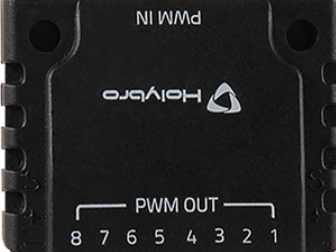

Image of pixhawk 6c pwm breakout board
Cirkit Designer LogoDesign with pixhawk 6c pwm breakout board in Cirkit Designer

Introduction

The Pixhawk 6C PWM Breakout Board is a specialized accessory designed to complement the Pixhawk 6C flight controller. It provides a convenient way to access and utilize the PWM (Pulse Width Modulation) outputs of the flight controller, enabling seamless connection of servos, ESCs (Electronic Speed Controllers), and other peripherals. This breakout board is ideal for UAVs, robotics, and other embedded systems requiring precise motor or actuator control.

Explore Projects Built with pixhawk 6c pwm breakout board

Use Cirkit Designer to design, explore, and prototype these projects online. Some projects support real-time simulation. Click "Open Project" to start designing instantly!
Raspberry Pi-Controlled Drone with Brushless Motors and Camera Module
Image of ROV: A project utilizing pixhawk 6c pwm breakout board in a practical application
This circuit is designed for a multi-motor application, likely a drone or a similar vehicle, featuring eight brushless motors controlled by two 4-in-1 electronic speed controllers (ESCs). The ESCs are powered by a 3s2p 18650 battery pack and interfaced with a Pixhawk flight controller for motor management. Additionally, the system includes a Raspberry Pi 4B for advanced processing and control, which is connected to a NoIR camera module and a cooling fan, and a power module to supply and monitor the power to the Pixhawk.
Cirkit Designer LogoOpen Project in Cirkit Designer
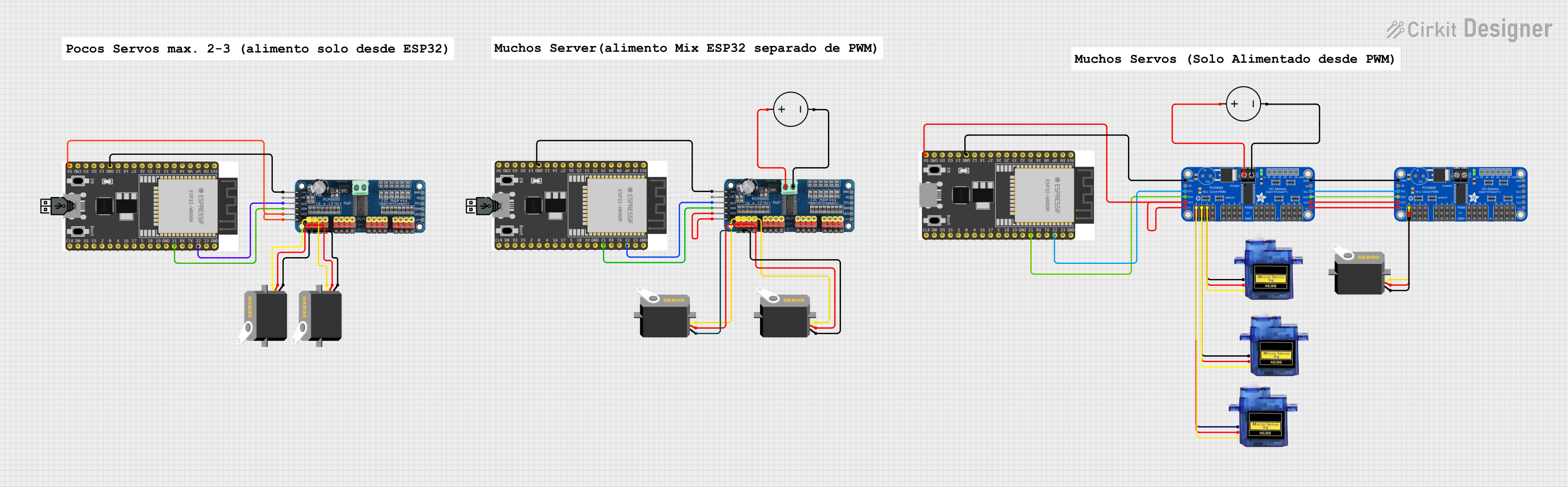
Wi-Fi Controlled Servo Motor System with ESP32 and PCA9685
Image of 8 servos: A project utilizing pixhawk 6c pwm breakout board in a practical application
This circuit controls multiple servos using two Adafruit PCA9685 PWM Servo Breakout boards and a 16-Channel PWM Servo Driver, all managed by ESP32 microcontrollers. The power is supplied by DC power sources, and the ESP32s communicate with the PWM drivers via I2C to control the servo positions.
Cirkit Designer LogoOpen Project in Cirkit Designer
ESP32-Controlled Quadcopter with GPS, MPU-6050, and ESP32-CAM
Image of drone: A project utilizing pixhawk 6c pwm breakout board in a practical application
This circuit is designed for a quadcopter drone with four brushless motors, each controlled by an individual Electronic Speed Controller (ESC). The ESCs receive power from a LiPo battery through a Power Distribution Board (PDB) and are interfaced with an ESP32 microcontroller for signal control. Additional components include an MPU-6050 for motion tracking, a GPS module for positioning, an HC-SR04 ultrasonic sensor for distance measurement, and an ESP32-CAM for image capture, all interfaced with the ESP32 microcontroller which manages sensor data processing and wireless communication.
Cirkit Designer LogoOpen Project in Cirkit Designer
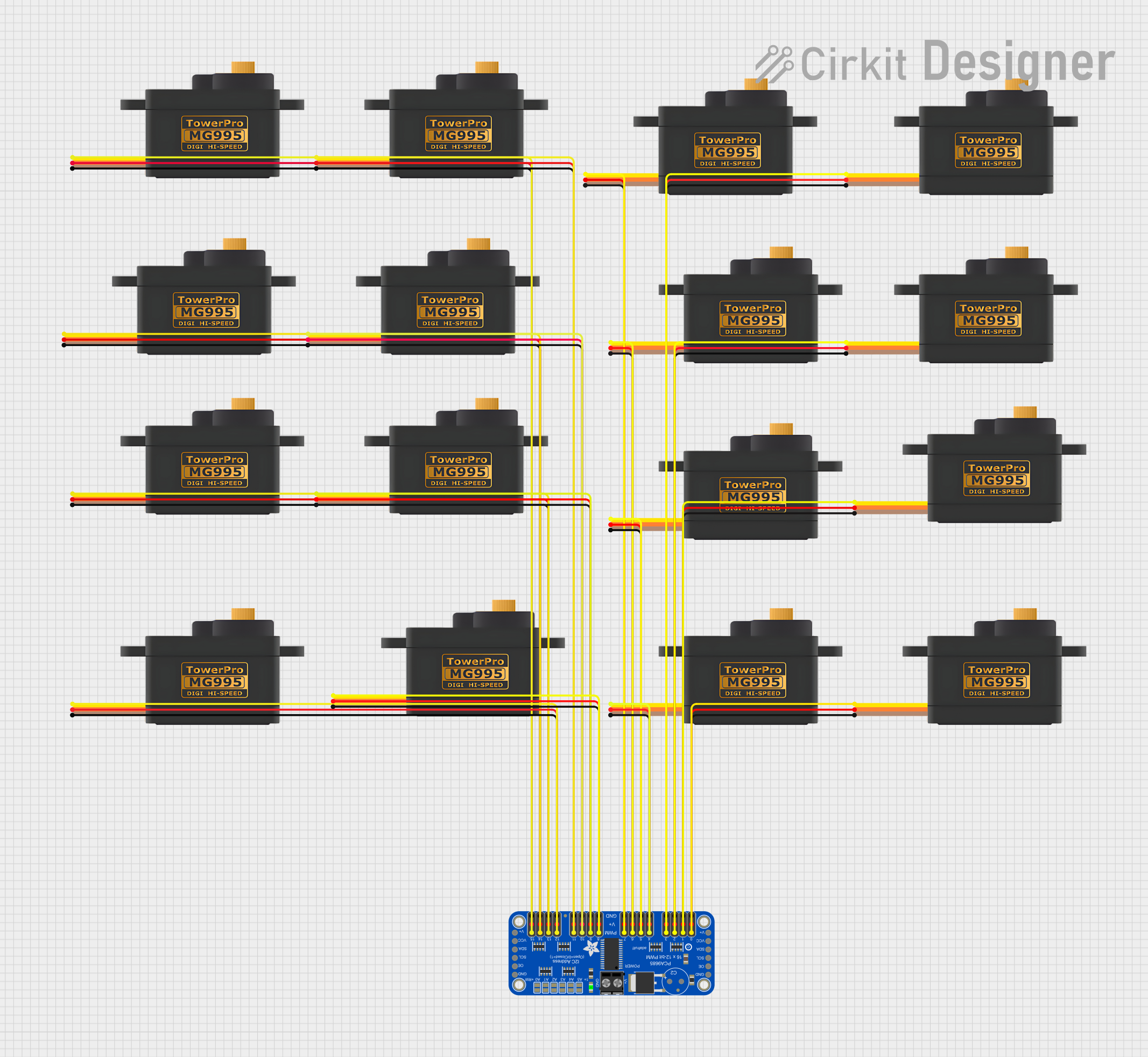
16-Channel Servo Controller with Adafruit PCA9685
Image of my first project: A project utilizing pixhawk 6c pwm breakout board in a practical application
This circuit consists of an Adafruit PCA9685 PWM Servo Breakout board connected to multiple MG995 servomotors. The PCA9685 board is used to provide PWM (Pulse Width Modulation) signals to control the position of each servomotor. Power (5V and GND) is distributed from the PCA9685 to all servomotors, and individual PWM outputs from the PCA9685 are connected to the signal inputs of the servomotors, allowing for independent control of each servomotor's angle or speed.
Cirkit Designer LogoOpen Project in Cirkit Designer

Explore Projects Built with pixhawk 6c pwm breakout board

Use Cirkit Designer to design, explore, and prototype these projects online. Some projects support real-time simulation. Click "Open Project" to start designing instantly!
Image of ROV: A project utilizing pixhawk 6c pwm breakout board in a practical application
Raspberry Pi-Controlled Drone with Brushless Motors and Camera Module
This circuit is designed for a multi-motor application, likely a drone or a similar vehicle, featuring eight brushless motors controlled by two 4-in-1 electronic speed controllers (ESCs). The ESCs are powered by a 3s2p 18650 battery pack and interfaced with a Pixhawk flight controller for motor management. Additionally, the system includes a Raspberry Pi 4B for advanced processing and control, which is connected to a NoIR camera module and a cooling fan, and a power module to supply and monitor the power to the Pixhawk.
Cirkit Designer LogoOpen Project in Cirkit Designer
Image of 8 servos: A project utilizing pixhawk 6c pwm breakout board in a practical application
Wi-Fi Controlled Servo Motor System with ESP32 and PCA9685
This circuit controls multiple servos using two Adafruit PCA9685 PWM Servo Breakout boards and a 16-Channel PWM Servo Driver, all managed by ESP32 microcontrollers. The power is supplied by DC power sources, and the ESP32s communicate with the PWM drivers via I2C to control the servo positions.
Cirkit Designer LogoOpen Project in Cirkit Designer
Image of drone: A project utilizing pixhawk 6c pwm breakout board in a practical application
ESP32-Controlled Quadcopter with GPS, MPU-6050, and ESP32-CAM
This circuit is designed for a quadcopter drone with four brushless motors, each controlled by an individual Electronic Speed Controller (ESC). The ESCs receive power from a LiPo battery through a Power Distribution Board (PDB) and are interfaced with an ESP32 microcontroller for signal control. Additional components include an MPU-6050 for motion tracking, a GPS module for positioning, an HC-SR04 ultrasonic sensor for distance measurement, and an ESP32-CAM for image capture, all interfaced with the ESP32 microcontroller which manages sensor data processing and wireless communication.
Cirkit Designer LogoOpen Project in Cirkit Designer
Image of my first project: A project utilizing pixhawk 6c pwm breakout board in a practical application
16-Channel Servo Controller with Adafruit PCA9685
This circuit consists of an Adafruit PCA9685 PWM Servo Breakout board connected to multiple MG995 servomotors. The PCA9685 board is used to provide PWM (Pulse Width Modulation) signals to control the position of each servomotor. Power (5V and GND) is distributed from the PCA9685 to all servomotors, and individual PWM outputs from the PCA9685 are connected to the signal inputs of the servomotors, allowing for independent control of each servomotor's angle or speed.
Cirkit Designer LogoOpen Project in Cirkit Designer

Common Applications and Use Cases

  • Connecting servos for UAV control surfaces (e.g., ailerons, rudders, elevators)
  • Driving ESCs for brushless motors in drones
  • Controlling actuators in robotics projects
  • Prototyping and testing PWM-based systems

Technical Specifications

The Pixhawk 6C PWM Breakout Board is designed to interface directly with the Pixhawk 6C flight controller. Below are the key technical details:

General Specifications

Parameter Value
Input Voltage Range 4.8V - 5.5V (via servo rail)
PWM Signal Voltage 3.3V (logic level)
Number of PWM Outputs 8
Connector Type Standard 3-pin servo headers
Dimensions 50mm x 20mm x 10mm
Weight 10g

Pin Configuration and Descriptions

The breakout board features 8 PWM output channels, each with a standard 3-pin servo header. The pinout for each channel is as follows:

Pin Name Description
Signal (S) PWM signal output (3.3V logic)
VCC Power for servos (4.8V - 5.5V)
GND Ground connection

The board also includes a power rail for servos, which can be powered externally to ensure sufficient current for high-power servos or ESCs.

Usage Instructions

Connecting the Breakout Board

  1. Connect to Pixhawk 6C: Use the provided cable to connect the breakout board to the PWM output port on the Pixhawk 6C flight controller.
  2. Power the Servo Rail: If your servos or ESCs require significant current, connect an external 5V power source to the servo rail. Ensure the power source shares a common ground with the Pixhawk 6C.
  3. Connect Peripherals: Attach servos, ESCs, or other PWM-controlled devices to the 3-pin headers on the breakout board. Match the signal, VCC, and GND pins correctly.

Important Considerations

  • Power Supply: Ensure the servo rail is powered adequately to prevent voltage drops when multiple servos are active.
  • Signal Compatibility: The PWM signal operates at 3.3V logic. Verify that your peripherals are compatible with this signal level.
  • Cable Management: Secure all connections to prevent accidental disconnections during operation.

Example: Using with an Arduino UNO

The Pixhawk 6C PWM Breakout Board can also be used with an Arduino UNO for testing or prototyping. Below is an example code snippet to generate a PWM signal for a servo:

#include <Servo.h> // Include the Servo library

Servo myServo; // Create a Servo object

void setup() {
  myServo.attach(9); // Attach the servo to pin 9 on the Arduino
}

void loop() {
  myServo.write(90); // Set the servo to the 90-degree position
  delay(1000);       // Wait for 1 second

  myServo.write(0);  // Set the servo to the 0-degree position
  delay(1000);       // Wait for 1 second
}

Note: Ensure the breakout board is powered appropriately when using it with an Arduino. The Arduino's 5V pin can power the servo rail for low-power servos.

Troubleshooting and FAQs

Common Issues

  1. Servos Not Responding

    • Cause: Incorrect wiring or insufficient power supply.
    • Solution: Double-check the connections and ensure the servo rail is powered with a stable 5V source.
  2. PWM Signal Not Detected

    • Cause: Signal level mismatch or improper configuration in the flight controller.
    • Solution: Verify that the Pixhawk 6C is configured to output PWM signals on the connected channels.
  3. Voltage Drops on Servo Rail

    • Cause: High current draw from multiple servos.
    • Solution: Use an external BEC (Battery Eliminator Circuit) or power supply to provide sufficient current.

FAQs

Q: Can I use this breakout board with other flight controllers?
A: While designed for the Pixhawk 6C, the breakout board can work with other controllers that output 3.3V PWM signals. Verify compatibility before use.

Q: What is the maximum current the servo rail can handle?
A: The current capacity depends on the external power source connected to the servo rail. Ensure your power source can handle the combined current draw of all connected peripherals.

Q: Can I use this board to control LEDs or other non-servo devices?
A: Yes, as long as the device can be controlled via PWM signals and is compatible with the 3.3V logic level.

This concludes the documentation for the Pixhawk 6C PWM Breakout Board. For further assistance, refer to the Pixhawk 6C user manual or contact the manufacturer.