
How to Use БКЗ: Examples, Pinouts, and Specs

 Design with БКЗ in Cirkit Designer
Introduction
The БКЗ (Блок Контроля Защиты), manufactured by Stanislav from C.C.C., is a protection control unit designed to monitor and manage the safety and operational integrity of electrical systems. It ensures that circuits operate within safe parameters by detecting faults, overloads, or other hazardous conditions and taking corrective actions, such as disconnecting the circuit or triggering alarms.
Explore Projects Built with БКЗ
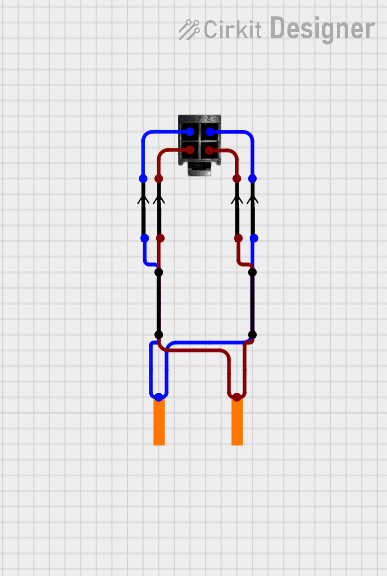 Open Project in Cirkit Designer
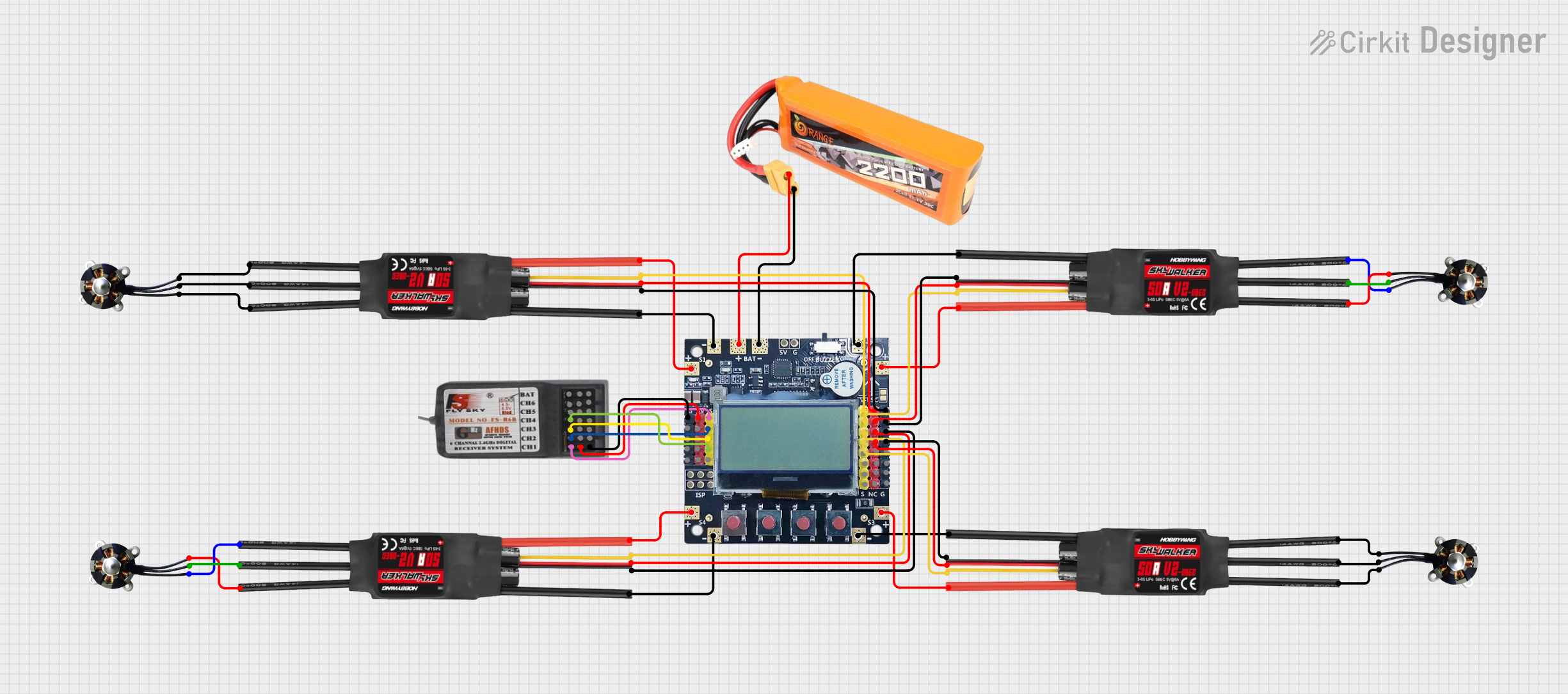 Open Project in Cirkit Designer
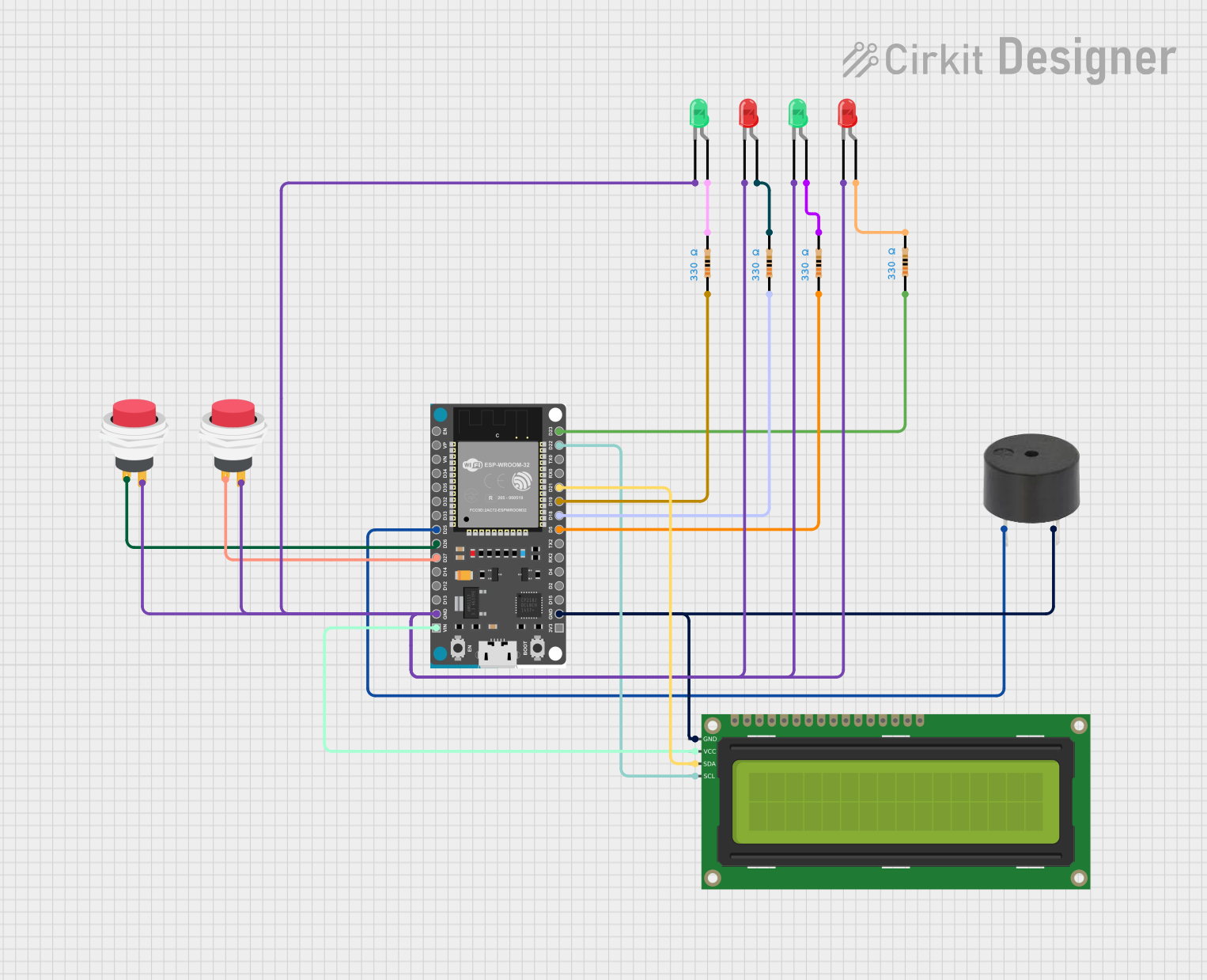 Open Project in Cirkit Designer
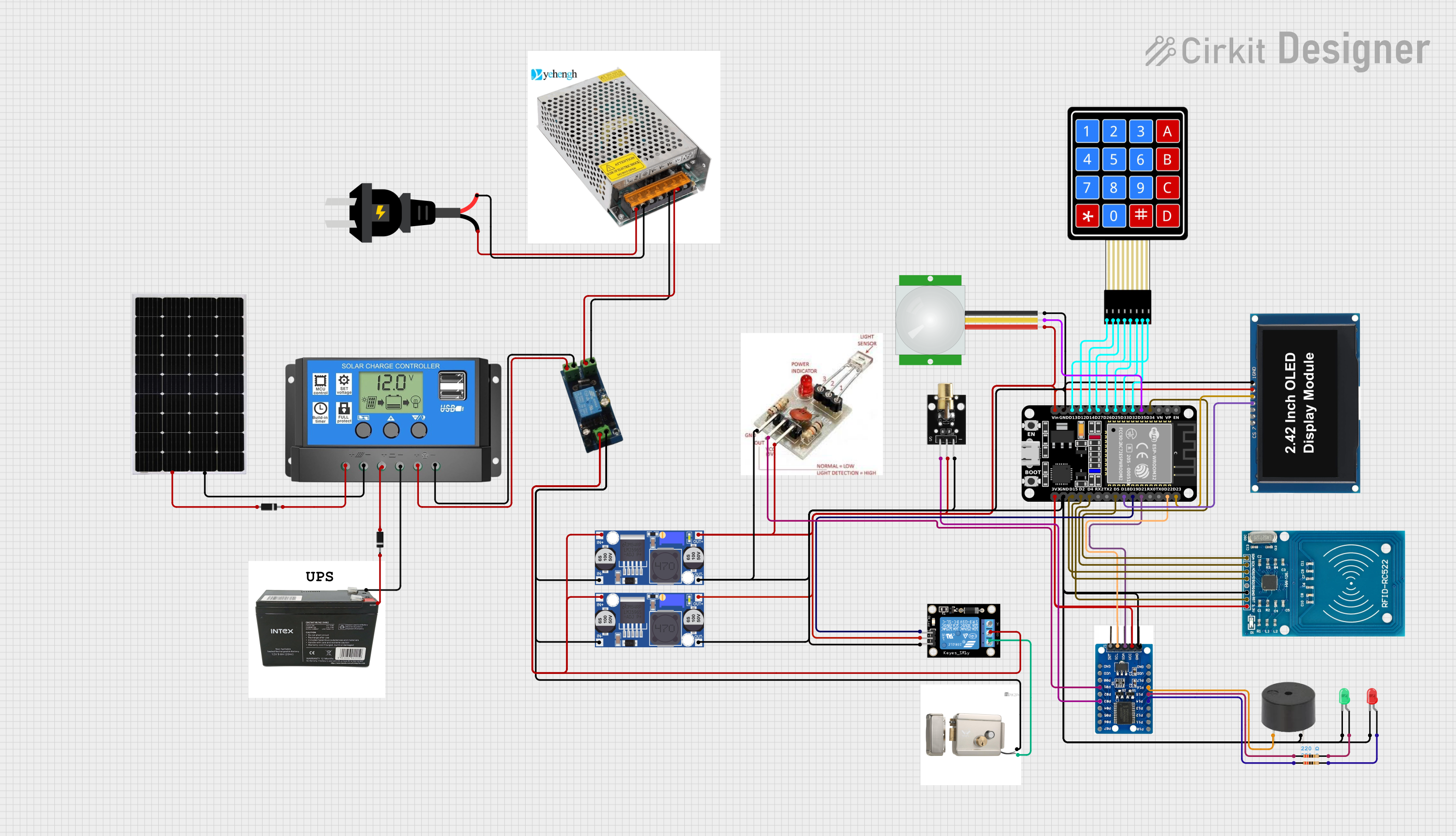 Open Project in Cirkit Designer
Explore Projects Built with БКЗ
Open Project in Cirkit DesignerOpen Project in Cirkit DesignerOpen Project in Cirkit DesignerOpen Project in Cirkit DesignerCommon Applications and Use Cases
- Industrial electrical systems for overload and fault protection
- Power distribution networks to ensure operational safety
- Monitoring and controlling high-power equipment
- Integration into automated safety systems for critical infrastructure
Technical Specifications
The following table outlines the key technical details of the БКЗ:
| Parameter | Value |
|---|---|
| Manufacturer | Stanislav from C.C.C. |
| Part ID | 1 |
| Operating Voltage Range | 12V to 48V DC |
| Maximum Current Rating | 10A |
| Power Consumption | < 2W |
| Response Time | < 10ms |
| Operating Temperature | -20°C to +70°C |
| Dimensions | 50mm x 40mm x 20mm |
| Weight | 50g |
Pin Configuration and Descriptions
The БКЗ features a 6-pin interface for integration into electrical systems. The pin configuration is as follows:
| Pin Number | Name | Description |
|---|---|---|
| 1 | VCC | Power supply input (12V to 48V DC) |
| 2 | GND | Ground connection |
| 3 | IN | Input signal for monitoring (e.g., current or voltage sensor input) |
| 4 | OUT | Output signal to control external devices (e.g., relay or alarm) |
| 5 | RESET | Reset pin to clear fault conditions and resume normal operation |
| 6 | STATUS | Status output pin to indicate fault or normal operation (e.g., HIGH = fault) |
Usage Instructions
How to Use the БКЗ in a Circuit
- Power Supply: Connect the VCC pin to a DC power source within the operating voltage range (12V to 48V). Connect the GND pin to the circuit ground.
- Input Signal: Connect the IN pin to the signal source you want to monitor (e.g., a current sensor or voltage divider).
- Output Control: Use the OUT pin to control external devices, such as a relay, alarm, or circuit breaker.
- Reset Function: If a fault condition is detected, use the RESET pin to clear the fault and resume normal operation.
- Status Monitoring: Monitor the STATUS pin to determine the operational state of the БКЗ. A HIGH signal indicates a fault condition, while a LOW signal indicates normal operation.
Important Considerations and Best Practices
- Ensure that the input signal connected to the IN pin is within the specified range to avoid damage to the БКЗ.
- Use appropriate fuses or circuit breakers in the power supply line to protect the БКЗ from overcurrent conditions.
- Place the БКЗ in a well-ventilated area to prevent overheating, especially in high-power applications.
- For Arduino UNO integration, use the STATUS pin to monitor the fault condition and take appropriate actions in your code.
Example Arduino Code
Below is an example of how to use the БКЗ with an Arduino UNO to monitor the STATUS pin and trigger an alarm in case of a fault:
// Define pin connections
const int statusPin = 2;  // STATUS pin of БКЗ connected to Arduino pin 2
const int alarmPin = 13;  // Built-in LED on Arduino for alarm indication

void setup() {
  pinMode(statusPin, INPUT);  // Set STATUS pin as input
  pinMode(alarmPin, OUTPUT);  // Set alarm pin as output
  digitalWrite(alarmPin, LOW); // Ensure alarm is off initially
  Serial.begin(9600);         // Initialize serial communication
}

void loop() {
  int status = digitalRead(statusPin);  // Read the STATUS pin

  if (status == HIGH) {
    // Fault condition detected
    digitalWrite(alarmPin, HIGH);  // Turn on alarm
    Serial.println("Fault detected! Taking corrective action.");
  } else {
    // Normal operation
    digitalWrite(alarmPin, LOW);   // Turn off alarm
    Serial.println("System operating normally.");
  }

  delay(500);  // Delay for stability
}
Troubleshooting and FAQs
Common Issues and Solutions
The БКЗ does not power on:
- Verify that the VCC and GND pins are correctly connected to a power source within the specified voltage range.
- Check for loose connections or damaged wires.
The STATUS pin always reads HIGH:
- Ensure that the input signal connected to the IN pin is within the expected range.
- Check for short circuits or faults in the monitored circuit.
The OUT pin does not activate external devices:
- Verify that the external device is properly connected and functional.
- Ensure that the OUT pin is not overloaded beyond its current rating.
The БКЗ overheats during operation:
- Check for proper ventilation and ensure that the ambient temperature is within the operating range.
- Reduce the load on the monitored circuit if it exceeds the БКЗ's maximum current rating.
FAQs
Q: Can the БКЗ be used with AC circuits?
A: The БКЗ is designed for DC circuits. For AC applications, use appropriate rectifiers or converters to ensure compatibility.
Q: What happens if the RESET pin is not used?
A: If the RESET pin is not used, the БКЗ will remain in a fault state until power is cycled or the fault condition is resolved.
Q: Can I use the БКЗ with a microcontroller other than Arduino?
A: Yes, the БКЗ can be used with any microcontroller that supports digital input/output pins for monitoring and control.
Q: Is the БКЗ waterproof?
A: No, the БКЗ is not waterproof. It should be used in dry environments or enclosed in a protective casing for outdoor applications.