
How to Use 100-240VAC to 5V2A converter: Examples, Pinouts, and Specs

 Design with 100-240VAC to 5V2A converter in Cirkit Designer
Introduction
The 100-240VAC to 5V2A Converter by CNMYDQ is a compact and efficient power supply unit designed to convert a wide input voltage range of 100-240VAC into a stable 5V DC output at 2A. This component is ideal for powering low-voltage electronic devices, such as microcontrollers, sensors, and small appliances. Its robust design ensures reliable performance in a variety of applications, including home automation, IoT devices, and embedded systems.
Explore Projects Built with 100-240VAC to 5V2A converter
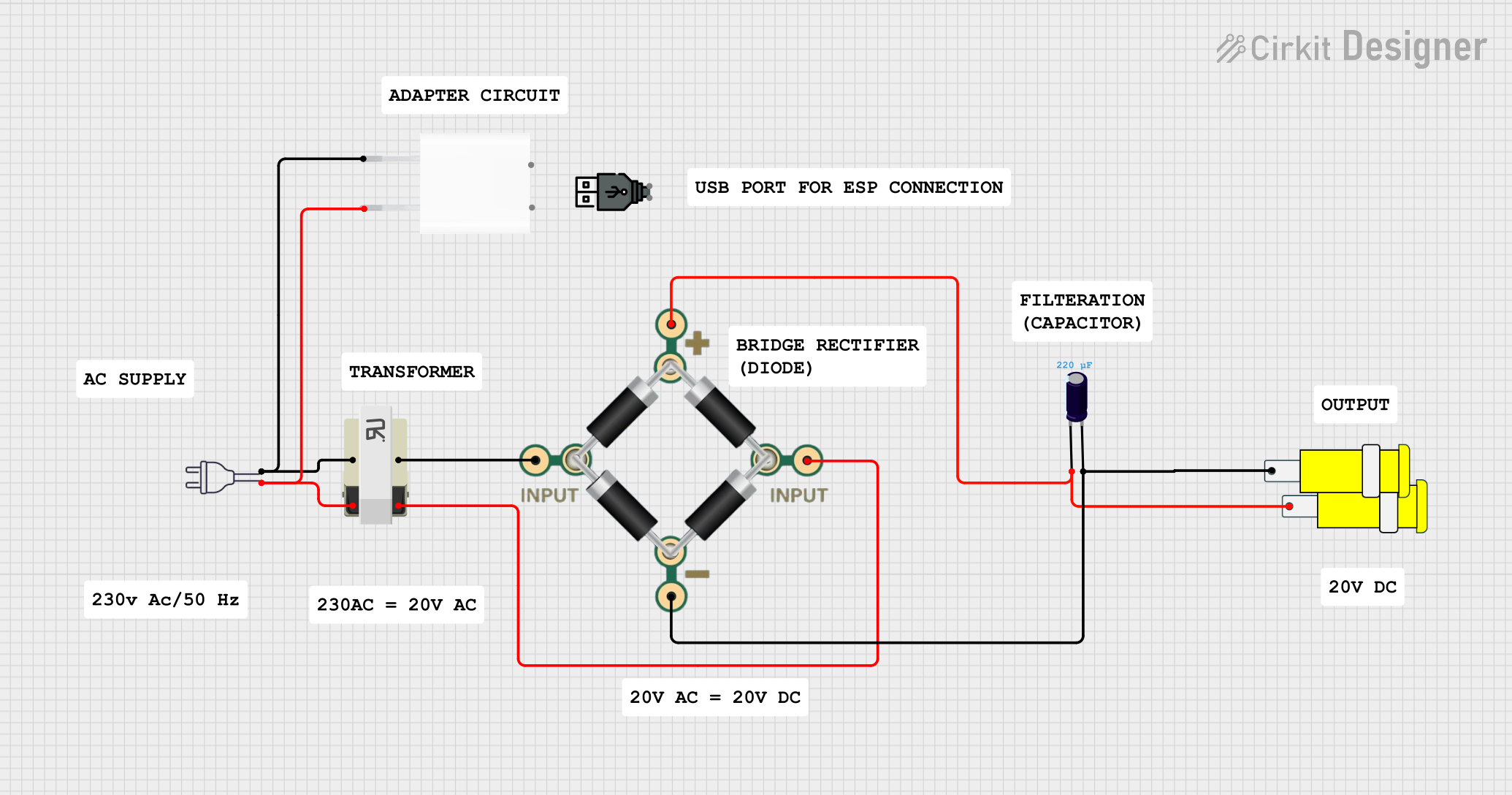 Open Project in Cirkit Designer
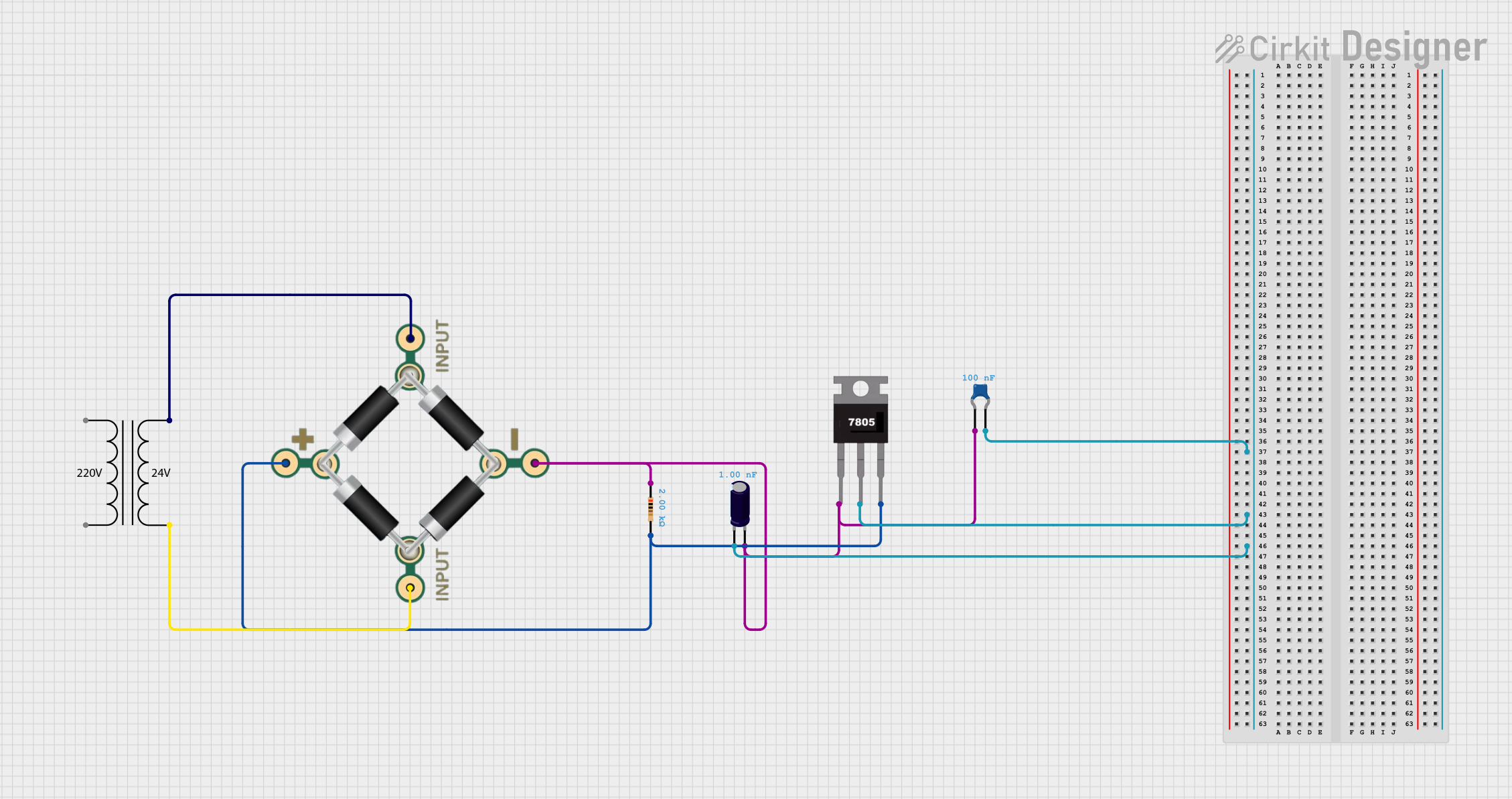 Open Project in Cirkit Designer
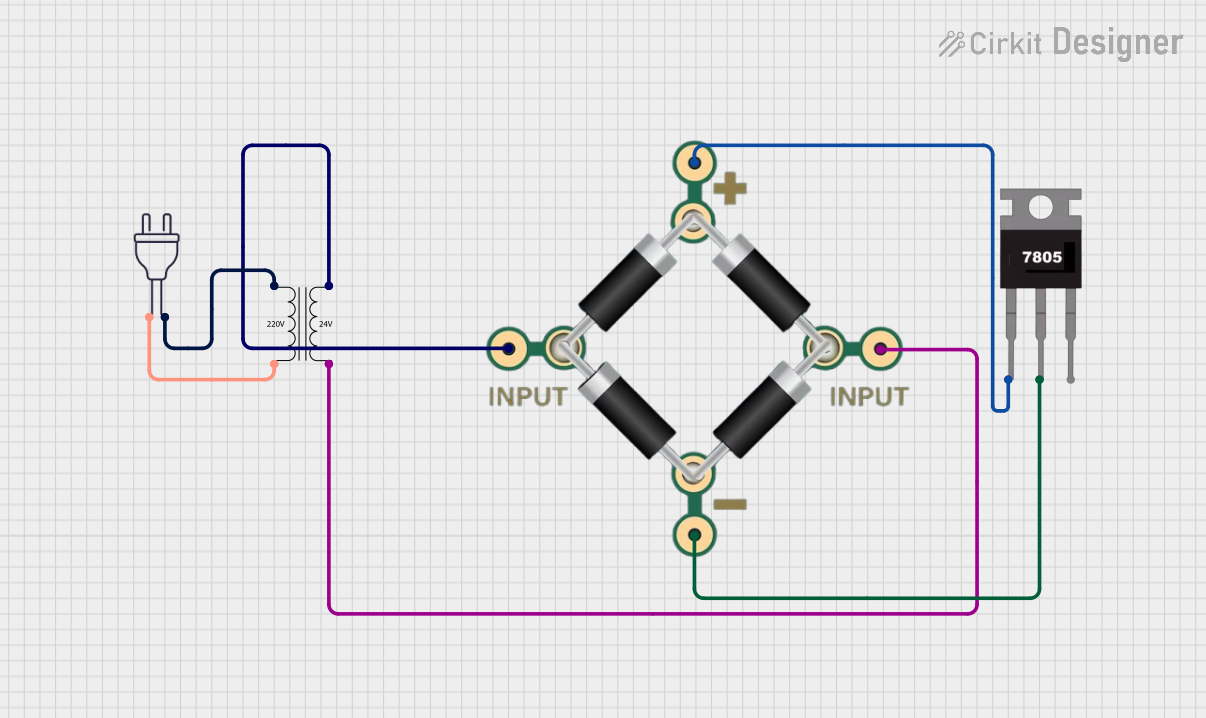 Open Project in Cirkit Designer
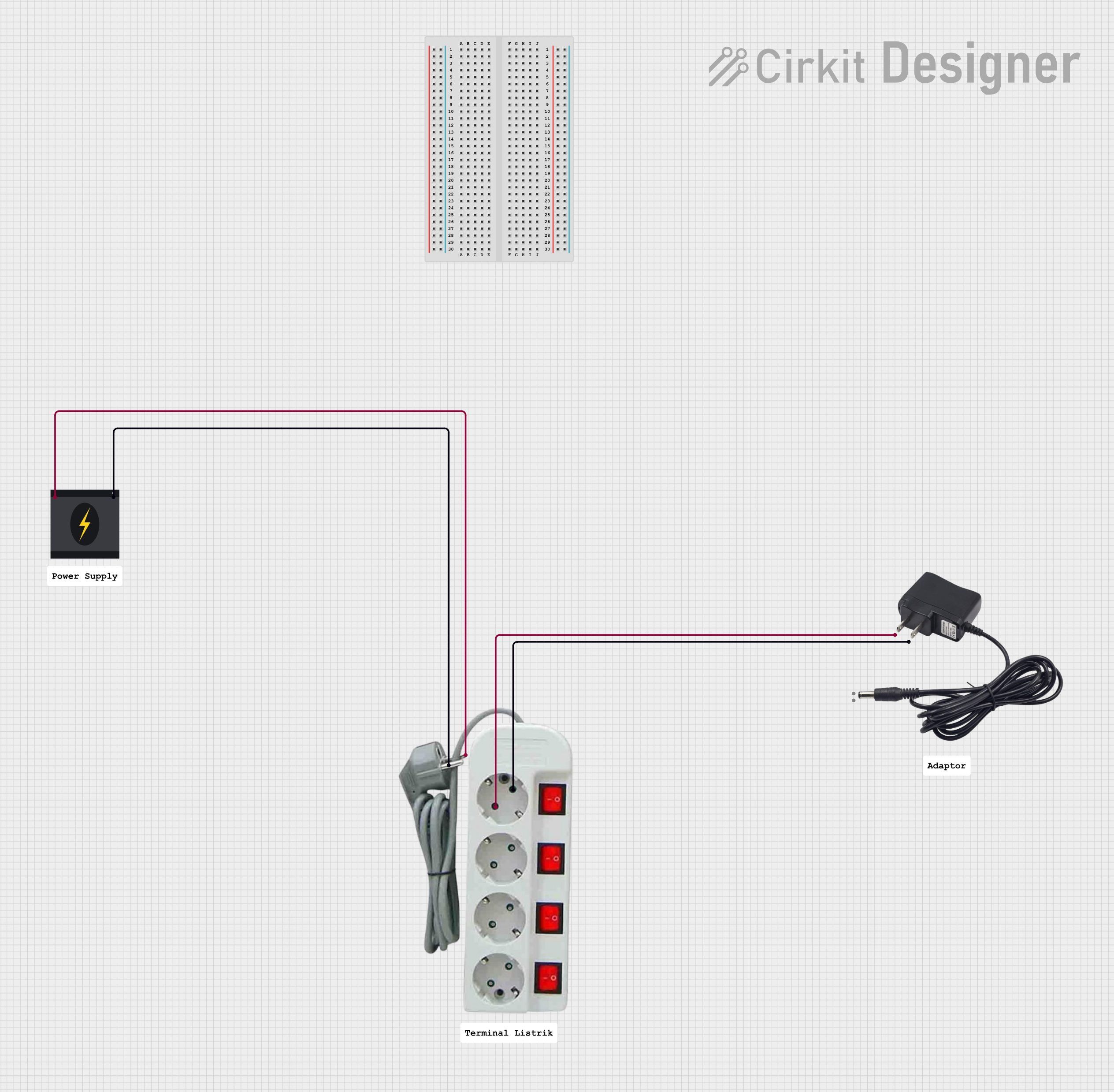 Open Project in Cirkit Designer
Explore Projects Built with 100-240VAC to 5V2A converter
Open Project in Cirkit DesignerOpen Project in Cirkit DesignerOpen Project in Cirkit DesignerOpen Project in Cirkit DesignerCommon Applications
- Powering microcontrollers (e.g., Arduino, Raspberry Pi)
- IoT devices and smart home systems
- USB-powered devices
- Low-power electronic circuits
- Prototyping and development boards
Technical Specifications
Key Specifications
| Parameter | Value |
|---|---|
| Input Voltage Range | 100-240VAC, 50/60Hz |
| Output Voltage | 5V DC |
| Output Current | 2A |
| Power Output | 10W |
| Efficiency | ≥80% |
| Operating Temperature | -20°C to +60°C |
| Storage Temperature | -40°C to +85°C |
| Dimensions | Varies by model (e.g., 50x25x20mm) |
| Safety Standards | CE, FCC, RoHS compliant |
Pin Configuration and Descriptions
The converter typically has four connection points: two for AC input and two for DC output. Below is the pin configuration:
| Pin Name | Description |
|---|---|
| AC IN (L) | Live wire for AC input (100-240VAC) |
| AC IN (N) | Neutral wire for AC input |
| DC OUT (+) | Positive terminal for 5V DC output |
| DC OUT (-) | Negative terminal (ground) for 5V DC |
Note: Ensure proper polarity when connecting the DC output to avoid damage to your circuit.
Usage Instructions
How to Use the Component in a Circuit
- Safety First: Ensure the power supply is disconnected from the mains before wiring.
- Connect AC Input:
- Connect the AC IN (L) pin to the live wire of the AC mains.
- Connect the AC IN (N) pin to the neutral wire of the AC mains.
- Use insulated wires and ensure secure connections to prevent short circuits.
- Connect DC Output:
- Connect the DC OUT (+) pin to the positive terminal of your load (e.g., microcontroller).
- Connect the DC OUT (-) pin to the ground terminal of your load.
- Power On:
- Plug the converter into the AC mains and verify the output voltage using a multimeter before connecting sensitive devices.
- Load Connection:
- Ensure the connected load does not exceed the maximum output current of 2A.
Important Considerations and Best Practices
- Heat Dissipation: Ensure adequate ventilation around the converter to prevent overheating.
- Overload Protection: Avoid exceeding the rated output current (2A) to prevent damage.
- Polarity Check: Double-check the polarity of the DC output before connecting to your circuit.
- Isolation: If used in sensitive applications, consider additional isolation between the AC input and your circuit.
Example: Using with Arduino UNO
The 100-240VAC to 5V2A converter can be used to power an Arduino UNO. Below is an example of how to connect it:
- Connect the DC OUT (+) pin to the Arduino's 5V pin.
- Connect the DC OUT (-) pin to the Arduino's GND pin.
Here is a simple Arduino sketch to blink an LED, powered by the converter:
// This sketch blinks an LED connected to pin 13 of the Arduino UNO.
// Ensure the converter is properly connected to the Arduino's 5V and GND pins.

void setup() {
  pinMode(13, OUTPUT); // Set pin 13 as an output pin
}

void loop() {
  digitalWrite(13, HIGH); // Turn the LED on
  delay(1000);            // Wait for 1 second
  digitalWrite(13, LOW);  // Turn the LED off
  delay(1000);            // Wait for 1 second
}
Note: Always verify the output voltage of the converter before connecting it to the Arduino to avoid damage.
Troubleshooting and FAQs
Common Issues and Solutions
| Issue | Possible Cause | Solution |
|---|---|---|
| No output voltage | Loose or incorrect AC input connection | Check and secure AC input connections |
| Output voltage too low or unstable | Overloaded output or poor connections | Reduce load or check output wiring |
| Overheating | Poor ventilation or excessive load | Improve airflow or reduce load |
| Device not powering on | Incorrect polarity on DC output | Verify and correct polarity |
FAQs
Q1: Can this converter power a Raspberry Pi?
A1: Yes, it can power a Raspberry Pi, but ensure the total current draw (including peripherals) does not exceed 2A.
Q2: Is the converter safe to use with sensitive electronics?
A2: Yes, the converter provides a stable 5V output. However, for added safety, you can use a voltage regulator or filter capacitors.
Q3: What happens if I exceed the 2A output current?
A3: Exceeding the rated current may cause the converter to overheat or shut down. Always ensure the load stays within the specified limits.
Q4: Can I use this converter outdoors?
A4: This converter is not waterproof. If outdoor use is required, ensure it is housed in a weatherproof enclosure.
By following these guidelines and best practices, you can safely and effectively use the 100-240VAC to 5V2A Converter in your projects.