
How to Use 4.0inch Capacitive SPI Module ST7796: Examples, Pinouts, and Specs
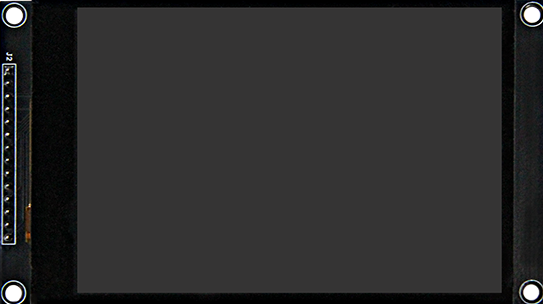
 Design with 4.0inch Capacitive SPI Module ST7796 in Cirkit Designer
Introduction
The 4.0inch Capacitive SPI Module ST7796 (Manufacturer Part ID: MSP4031) is a high-quality display module designed for embedded systems. It features a 4.0-inch capacitive touch screen and is powered by the ST7796 controller, which supports SPI communication. This module is ideal for applications requiring a graphical user interface, such as IoT devices, industrial control panels, and portable electronics.
Explore Projects Built with 4.0inch Capacitive SPI Module ST7796
 Open Project in Cirkit Designer
 Open Project in Cirkit Designer
 Open Project in Cirkit Designer
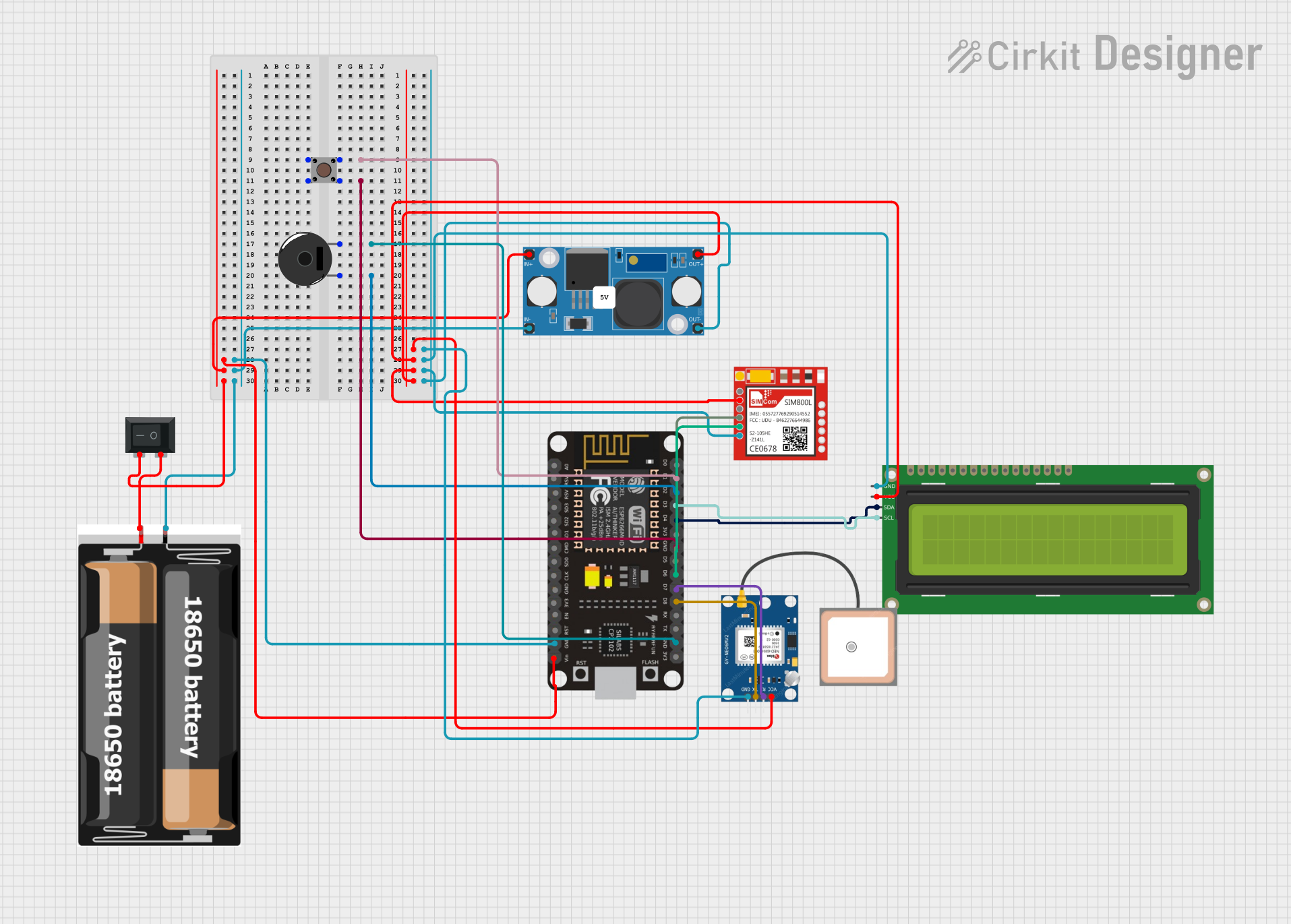 Open Project in Cirkit Designer
Explore Projects Built with 4.0inch Capacitive SPI Module ST7796
Open Project in Cirkit DesignerOpen Project in Cirkit DesignerOpen Project in Cirkit DesignerOpen Project in Cirkit DesignerCommon Applications and Use Cases
- IoT dashboards and smart home devices
- Industrial control systems
- Portable medical devices
- Embedded systems with graphical user interfaces
- Educational and prototyping projects with ESP32 or Arduino
Technical Specifications
Key Technical Details
| Parameter | Value |
|---|---|
| Display Size | 4.0 inches |
| Resolution | 480 x 320 pixels (RGB) |
| Controller | ST7796 |
| Touch Type | Capacitive |
| Interface | SPI (Serial Peripheral Interface) |
| Operating Voltage | 3.3V |
| Backlight Voltage | 3.3V |
| Touch Panel Controller | Integrated |
| Viewing Angle | 160° |
| Operating Temperature | -20°C to 70°C |
| Dimensions | 85.5mm x 54.0mm x 3.2mm |
Pin Configuration and Descriptions
The module has a 10-pin interface for SPI communication and power. Below is the pinout:
| Pin No. | Name | Description |
|---|---|---|
| 1 | VCC | Power supply (3.3V) |
| 2 | GND | Ground |
| 3 | CS | Chip Select (Active Low) |
| 4 | RESET | Reset signal (Active Low) |
| 5 | DC | Data/Command control pin |
| 6 | SDI | Serial Data Input (MOSI) |
| 7 | SCK | Serial Clock |
| 8 | LED | Backlight control (3.3V) |
| 9 | T_IRQ | Touch interrupt signal |
| 10 | T_CS | Touch Chip Select (Active Low) |
Usage Instructions
How to Use the Component in a Circuit
- Power Supply: Connect the
VCCpin to a 3.3V power source and theGNDpin to ground. - SPI Communication: Connect the
CS,RESET,DC,SDI, andSCKpins to the corresponding SPI pins on your microcontroller (e.g., ESP32 or Arduino). - Backlight Control: Connect the
LEDpin to 3.3V to enable the backlight. - Touch Interface: Use the
T_IRQandT_CSpins to interface with the touch controller.
Important Considerations and Best Practices
- Ensure the power supply is stable and within the specified range (3.3V).
- Use appropriate pull-up or pull-down resistors if required by your microcontroller.
- Avoid exposing the module to extreme temperatures or humidity.
- Handle the capacitive touch screen carefully to prevent scratches or damage.
- Use a level shifter if interfacing with a 5V microcontroller to avoid damaging the module.
Example Code for Arduino UNO
Below is an example code snippet to initialize and display graphics on the module using the Arduino IDE. This example uses the Adafruit_GFX and Adafruit_ST7796 libraries.
#include <Adafruit_GFX.h>       // Core graphics library
#include <Adafruit_ST7796.h>    // ST7796 driver library
#include <SPI.h>                // SPI library

// Define pin connections
#define TFT_CS   10  // Chip Select pin
#define TFT_DC   9   // Data/Command pin
#define TFT_RST  8   // Reset pin

// Initialize the display
Adafruit_ST7796 tft = Adafruit_ST7796(TFT_CS, TFT_DC, TFT_RST);

void setup() {
  // Initialize serial communication for debugging
  Serial.begin(9600);
  Serial.println("Initializing display...");

  // Initialize the display
  tft.begin();

  // Set rotation (0-3)
  tft.setRotation(1);

  // Fill the screen with a color
  tft.fillScreen(ST77XX_BLUE);

  // Draw a rectangle
  tft.fillRect(50, 50, 100, 50, ST77XX_RED);

  // Display text
  tft.setTextColor(ST77XX_WHITE);
  tft.setTextSize(2);
  tft.setCursor(10, 10);
  tft.print("Hello, ST7796!");
}

void loop() {
  // Nothing to do here
}
Notes:
- Install the Adafruit_GFX and Adafruit_ST7796 libraries via the Arduino Library Manager before running the code.
- Modify the pin definitions (
TFT_CS,TFT_DC,TFT_RST) to match your wiring.
Troubleshooting and FAQs
Common Issues and Solutions
Display Not Turning On:
- Ensure the
VCCandGNDpins are properly connected. - Verify that the backlight pin (
LED) is connected to 3.3V.
- Ensure the
No Graphics Displayed:
- Check the SPI connections (
CS,DC,SDI,SCK) for loose or incorrect wiring. - Ensure the correct pins are defined in the code.
- Check the SPI connections (
Touch Not Responding:
- Verify the
T_IRQandT_CSconnections. - Ensure the touch controller is properly initialized in the code.
- Verify the
Flickering or Unstable Display:
- Use shorter wires for SPI connections to reduce noise.
- Add decoupling capacitors near the power pins if necessary.
FAQs
Q: Can this module be used with a 5V microcontroller?
A: The module operates at 3.3V. If using a 5V microcontroller, use level shifters to avoid damage.
Q: What is the maximum SPI clock speed supported?
A: The ST7796 controller supports SPI clock speeds up to 15 MHz.
Q: Can I use this module without the touch functionality?
A: Yes, the touch interface is optional and can be left unconnected if not needed.
Q: How do I clean the touch screen?
A: Use a soft, lint-free cloth slightly dampened with water or a screen-safe cleaning solution. Avoid abrasive materials.