
How to Use h flow: Examples, Pinouts, and Specs
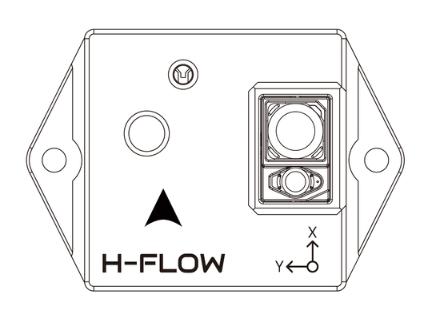
 Design with h flow in Cirkit Designer
Introduction
The H Flow is a versatile electronic component designed to control the flow of fluid or gas in a circuit. It is commonly used in hydraulic and pneumatic systems to regulate pressure, direction, and flow rate. This component is essential in applications requiring precise control of fluid dynamics, such as industrial automation, robotics, and HVAC systems.
Explore Projects Built with h flow
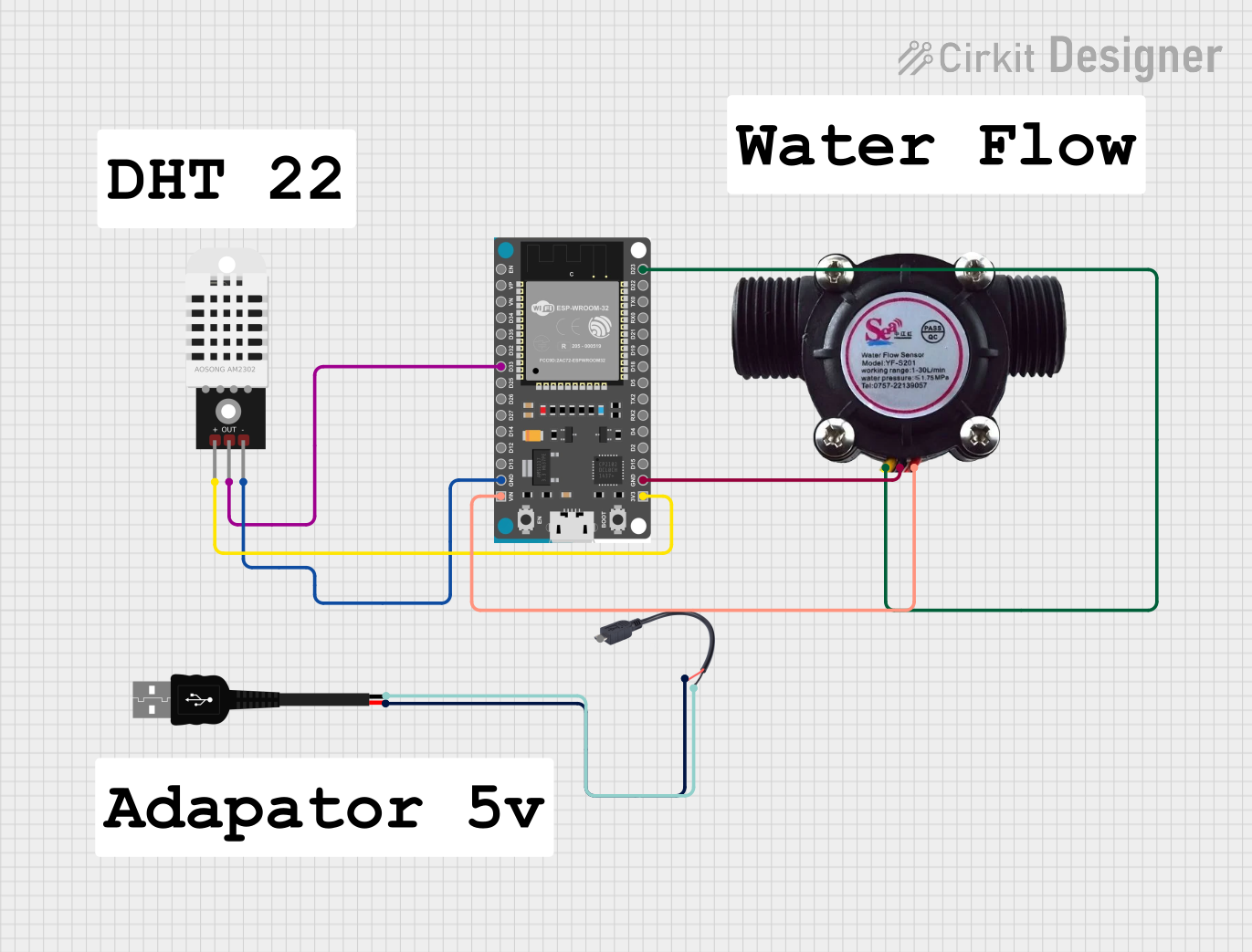 Open Project in Cirkit Designer
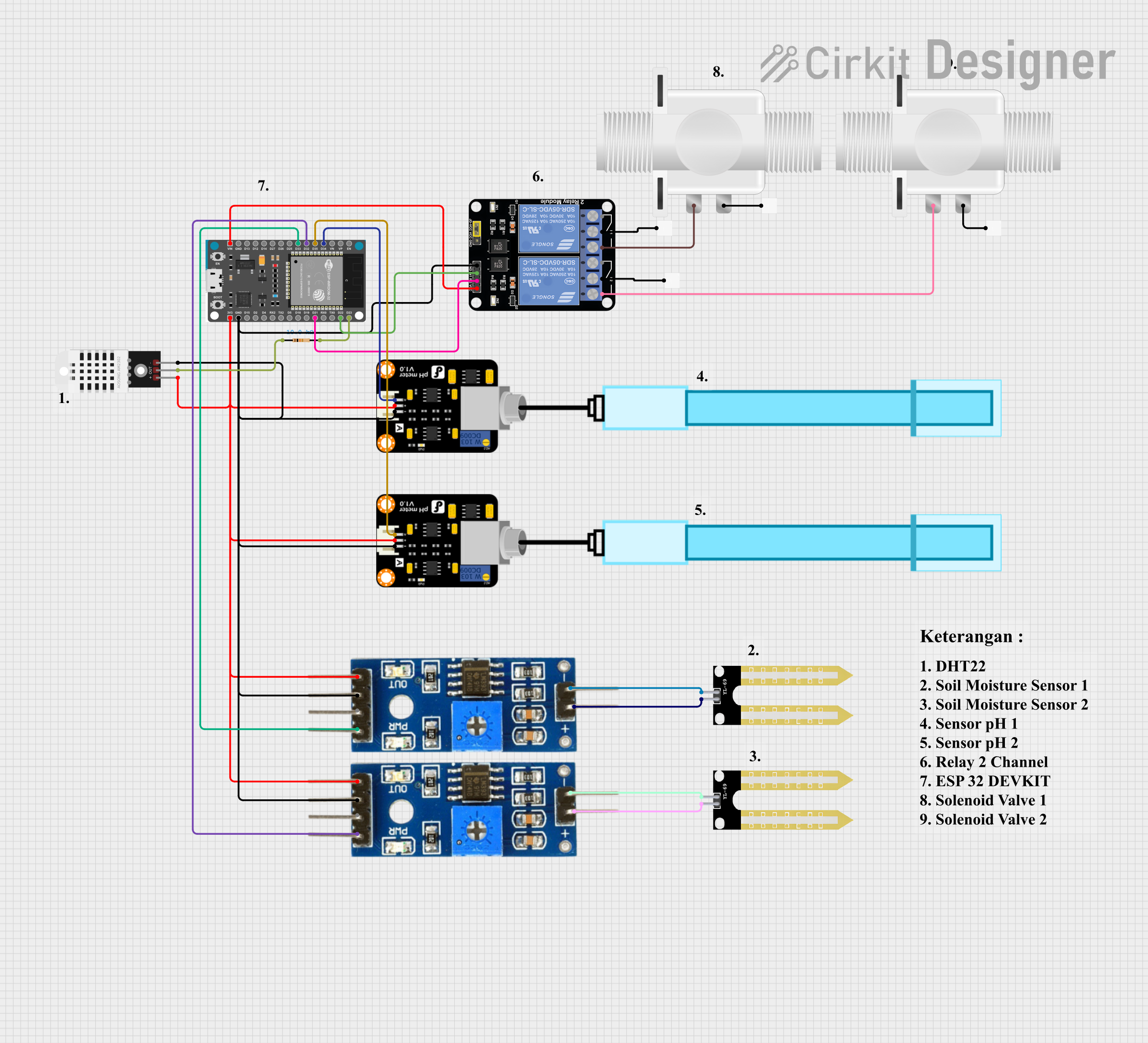 Open Project in Cirkit Designer
 Open Project in Cirkit Designer
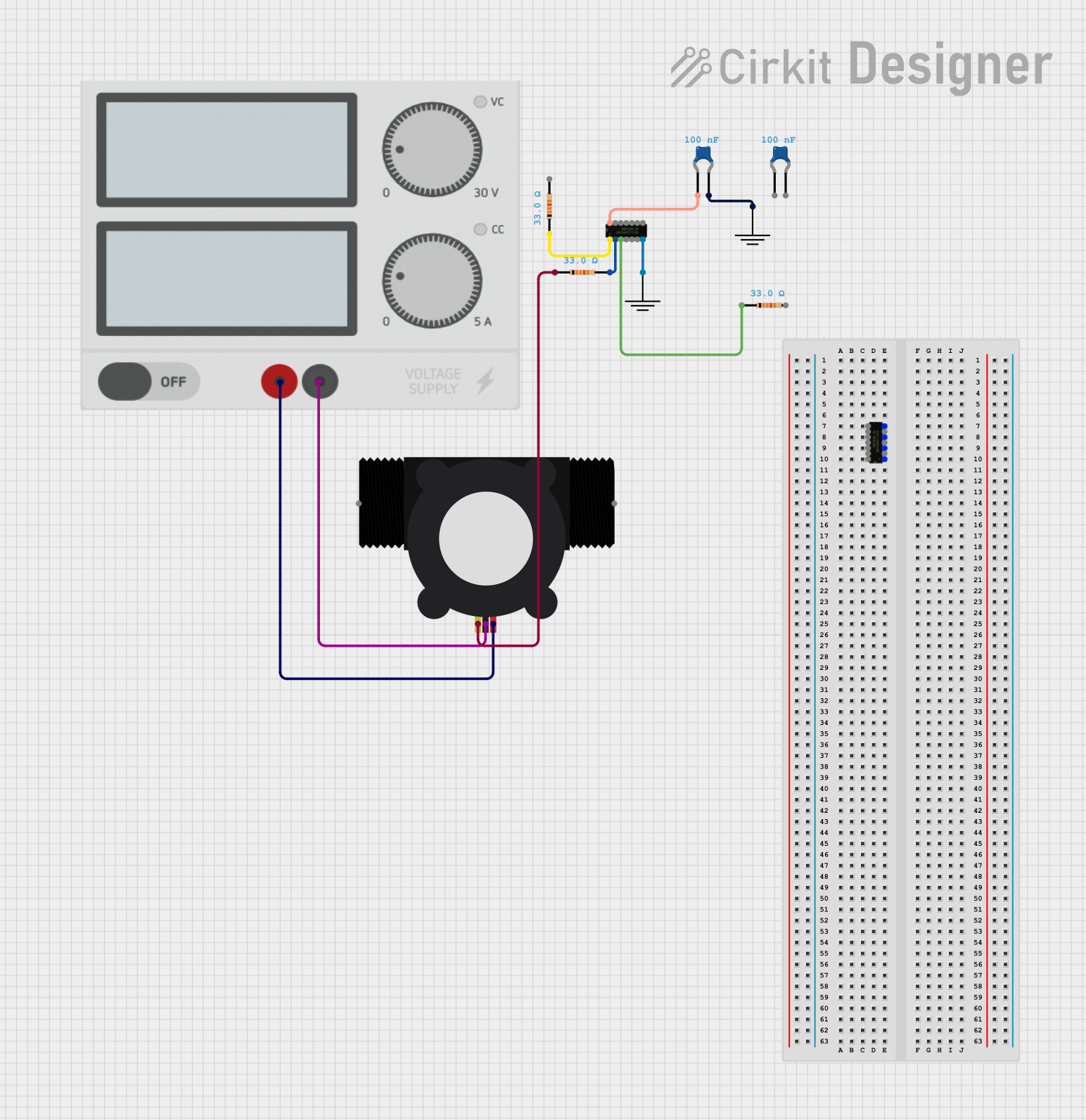 Open Project in Cirkit Designer
Explore Projects Built with h flow
Open Project in Cirkit DesignerOpen Project in Cirkit DesignerOpen Project in Cirkit DesignerOpen Project in Cirkit DesignerCommon Applications and Use Cases
- Hydraulic systems for controlling actuator movement
- Pneumatic systems for regulating air pressure and flow
- Industrial automation for fluid control in manufacturing processes
- Robotics for managing pneumatic or hydraulic actuators
- HVAC systems for controlling airflow and pressure
Technical Specifications
The H Flow component is available in various configurations to suit different system requirements. Below are the general technical specifications:
Key Technical Details
| Parameter | Value |
|---|---|
| Operating Voltage | 12V to 24V DC |
| Operating Current | 50mA to 200mA |
| Maximum Pressure Rating | 10 MPa (megapascals) |
| Flow Rate Range | 0.1 L/min to 10 L/min |
| Control Signal Type | PWM (Pulse Width Modulation) |
| Operating Temperature | -20°C to 80°C |
| Material | Stainless Steel / Brass |
Pin Configuration and Descriptions
The H Flow typically comes with a 4-pin connector for electrical interfacing. Below is the pin configuration:
| Pin Number | Name | Description |
|---|---|---|
| 1 | VCC | Power supply input (12V to 24V DC) |
| 2 | GND | Ground connection |
| 3 | Control | PWM input for flow control |
| 4 | Feedback | Analog output for flow rate or pressure feedback |
Usage Instructions
How to Use the H Flow in a Circuit
- Power Supply: Connect the VCC pin to a regulated DC power supply (12V to 24V) and the GND pin to the ground of the circuit.
- Control Signal: Use a microcontroller (e.g., Arduino UNO) to generate a PWM signal for the Control pin. The duty cycle of the PWM signal determines the flow rate.
- Feedback Monitoring: Connect the Feedback pin to an analog input on the microcontroller to monitor the flow rate or pressure in real-time.
Important Considerations and Best Practices
- Ensure the operating voltage and current are within the specified range to avoid damage.
- Use appropriate filters or regulators to maintain a stable power supply.
- Avoid exposing the component to temperatures beyond its operating range.
- Use proper sealing and fittings to prevent fluid or gas leakage.
- If using with an Arduino UNO, ensure the PWM frequency matches the component's requirements (typically 1 kHz to 10 kHz).
Example Code for Arduino UNO
Below is an example of how to control the H Flow component using an Arduino UNO:
// Define the PWM pin connected to the Control pin of the H Flow
const int controlPin = 9;

// Define the analog pin connected to the Feedback pin of the H Flow
const int feedbackPin = A0;

void setup() {
  // Set the control pin as an output
  pinMode(controlPin, OUTPUT);

  // Initialize serial communication for monitoring feedback
  Serial.begin(9600);
}

void loop() {
  // Set the flow rate by adjusting the PWM duty cycle (0 to 255)
  int flowRate = 128; // 50% duty cycle for medium flow
  analogWrite(controlPin, flowRate);

  // Read the feedback signal (analog value)
  int feedbackValue = analogRead(feedbackPin);

  // Convert the feedback value to a meaningful unit (e.g., flow rate or pressure)
  float flowRateFeedback = feedbackValue * (10.0 / 1023.0); // Example conversion

  // Print the feedback value to the serial monitor
  Serial.print("Flow Rate Feedback: ");
  Serial.print(flowRateFeedback);
  Serial.println(" L/min");

  // Add a delay for stability
  delay(500);
}
Troubleshooting and FAQs
Common Issues and Solutions
No Flow or Incorrect Flow Rate
- Cause: Incorrect PWM signal or power supply issues.
- Solution: Verify the PWM signal frequency and duty cycle. Ensure the power supply voltage is within the specified range.
Erratic Feedback Signal
- Cause: Electrical noise or poor grounding.
- Solution: Use decoupling capacitors near the power supply pins and ensure a solid ground connection.
Overheating
- Cause: Operating beyond the specified pressure or temperature range.
- Solution: Reduce the operating pressure or ensure proper cooling.
Fluid or Gas Leakage
- Cause: Improper sealing or damaged fittings.
- Solution: Inspect and replace seals or fittings as needed.
FAQs
Q: Can the H Flow handle corrosive fluids?
A: The material of the H Flow (stainless steel or brass) determines its compatibility with corrosive fluids. Check the material specifications before use.
Q: What is the maximum PWM frequency supported?
A: The H Flow typically supports PWM frequencies between 1 kHz and 10 kHz. Refer to the datasheet for exact details.
Q: Can I use the H Flow with a 5V microcontroller?
A: Yes, but you will need a level shifter or a transistor circuit to step up the control signal to the required voltage level.
Q: How do I clean the H Flow?
A: Disconnect the component from the circuit and flush it with a compatible cleaning fluid. Ensure it is completely dry before reinstallation.