
How to Use PWR/GND Bus: Examples, Pinouts, and Specs
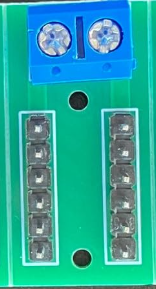
 Design with PWR/GND Bus in Cirkit Designer
Introduction
A PWR/GND Bus is a common electrical connection point in a circuit that distributes power (PWR) and ground (GND) connections to various components. It ensures a stable voltage supply and provides a common reference point for the circuit. This component is essential in simplifying circuit design, reducing wiring complexity, and maintaining consistent electrical performance.
Explore Projects Built with PWR/GND Bus
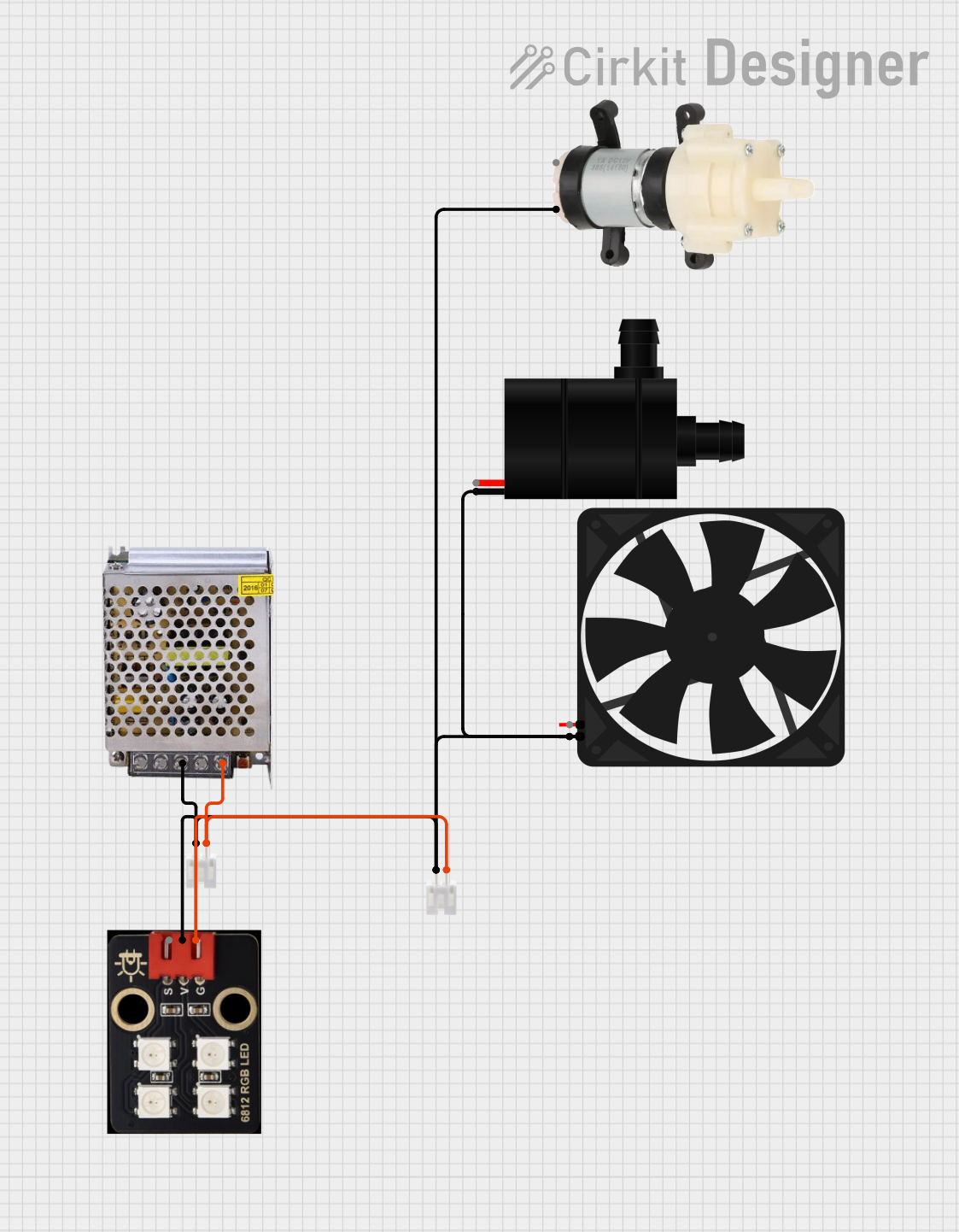 Open Project in Cirkit Designer
 Open Project in Cirkit Designer
 Open Project in Cirkit Designer
 Open Project in Cirkit Designer
Explore Projects Built with PWR/GND Bus
Open Project in Cirkit DesignerOpen Project in Cirkit DesignerOpen Project in Cirkit DesignerOpen Project in Cirkit DesignerCommon Applications and Use Cases
- Breadboard prototyping for distributing power and ground connections.
- PCB designs to route power and ground to multiple components.
- Power distribution in robotics, IoT devices, and embedded systems.
- Ensuring stable voltage levels in high-current or high-frequency circuits.
Technical Specifications
The PWR/GND Bus itself does not have active electrical properties but is designed to handle specific voltage and current ratings based on its material and size. Below are typical specifications:
| Parameter | Specification |
|---|---|
| Voltage Rating | Up to 50V (varies by design) |
| Current Rating | 1A to 10A (depends on trace width/material) |
| Material | Copper (with optional tin plating) |
| Insulation Resistance | >100 MΩ |
| Operating Temperature | -40°C to +85°C |
Pin Configuration and Descriptions
The PWR/GND Bus typically consists of two main rails or strips:
| Pin/Connection | Description |
|---|---|
| PWR Rail (+) | Positive voltage rail for power distribution. |
| GND Rail (-) | Ground rail for providing a common reference. |
Usage Instructions
How to Use the PWR/GND Bus in a Circuit
- Identify the Rails: Locate the PWR (+) and GND (-) rails on the bus. These are often color-coded (e.g., red for PWR and blue/black for GND).
- Connect Power Source: Attach the positive terminal of your power source to the PWR rail and the negative terminal to the GND rail.
- Distribute Connections: Connect the PWR and GND rails to the respective pins of your components or modules.
- Verify Connections: Double-check all connections to ensure proper polarity and avoid short circuits.
Important Considerations and Best Practices
- Current Handling: Ensure the bus can handle the total current drawn by all connected components.
- Voltage Drop: Minimize voltage drop by using a bus with low resistance and appropriate trace width.
- Isolation: Avoid mixing different voltage levels on the same bus to prevent damage to components.
- Decoupling Capacitors: Place decoupling capacitors near sensitive components to reduce noise and stabilize voltage.
Example: Using a PWR/GND Bus with an Arduino UNO
Below is an example of connecting an Arduino UNO to a PWR/GND Bus for powering external components like sensors or LEDs.
// Example: Powering an LED using a PWR/GND Bus with Arduino UNO

// Define the pin for the LED
const int ledPin = 9;

void setup() {
  pinMode(ledPin, OUTPUT); // Set the LED pin as an output
}

void loop() {
  digitalWrite(ledPin, HIGH); // Turn the LED on
  delay(1000);                // Wait for 1 second
  digitalWrite(ledPin, LOW);  // Turn the LED off
  delay(1000);                // Wait for 1 second
}

/*
 * Circuit Setup:
 * 1. Connect the Arduino UNO's 5V pin to the PWR rail of the bus.
 * 2. Connect the Arduino UNO's GND pin to the GND rail of the bus.
 * 3. Connect one terminal of the LED to the PWR rail via a 220-ohm resistor.
 * 4. Connect the other terminal of the LED to the Arduino's pin 9.
 */
Troubleshooting and FAQs
Common Issues Users Might Face
No Power on the Bus:
- Cause: Power source not connected or improperly connected.
- Solution: Verify the power source connections to the PWR and GND rails.
Voltage Drop Across the Bus:
- Cause: Excessive current draw or insufficient trace width.
- Solution: Use a bus with higher current capacity or reduce the load.
Short Circuit:
- Cause: Accidental connection between PWR and GND rails.
- Solution: Inspect the bus for shorts and ensure proper insulation.
Noise or Voltage Instability:
- Cause: High-frequency noise or insufficient decoupling.
- Solution: Add decoupling capacitors near sensitive components.
FAQs
Q: Can I use a PWR/GND Bus for multiple voltage levels?
A: It is not recommended to mix voltage levels on the same bus. Use separate buses for each voltage level to avoid damage to components.
Q: How do I calculate the required trace width for my bus?
A: Use an online PCB trace width calculator, considering the current and acceptable temperature rise.
Q: Can I use a PWR/GND Bus for AC circuits?
A: Yes, but ensure the bus is rated for the voltage and current of the AC circuit, and take proper safety precautions.
Q: What materials are commonly used for PWR/GND Buses?
A: Copper is the most common material, often with tin plating for improved conductivity and corrosion resistance.